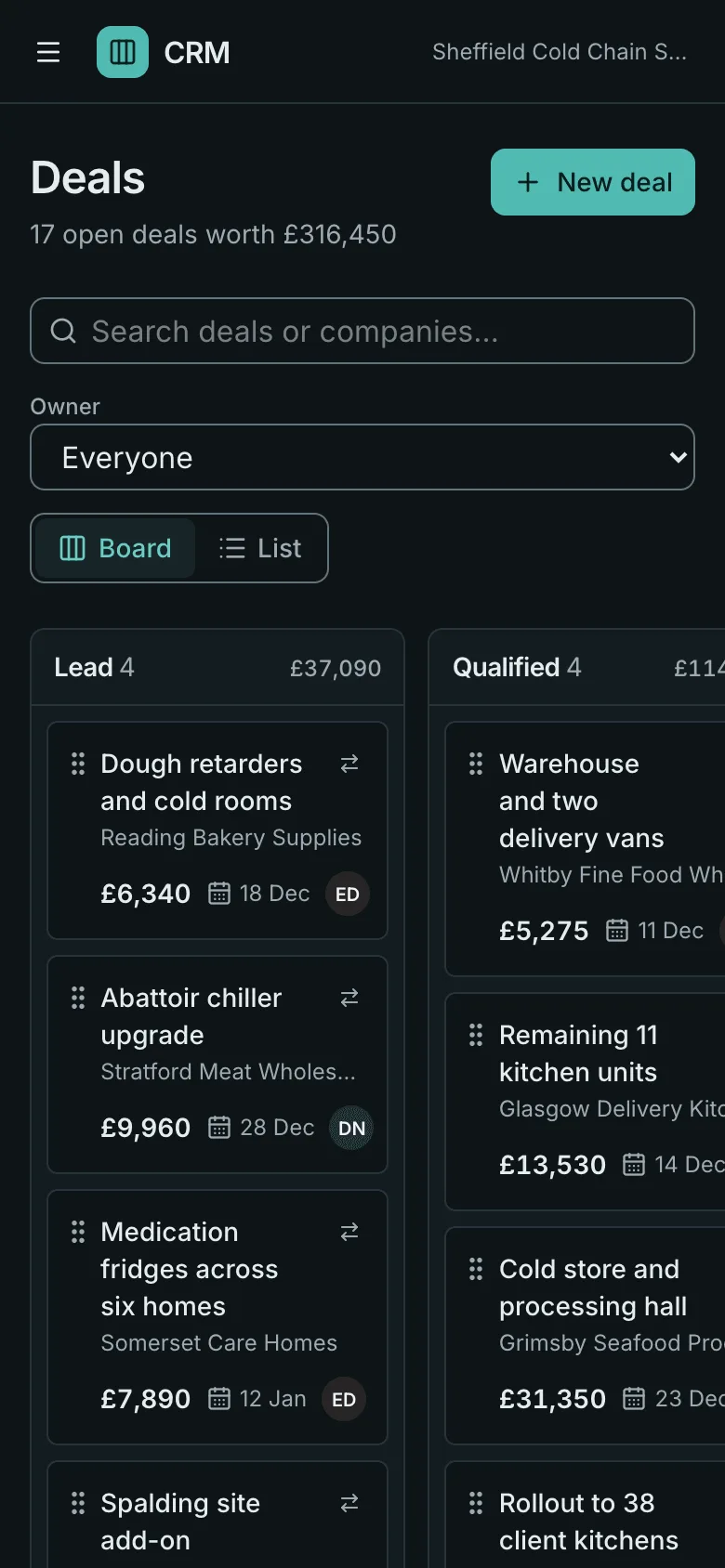
Plumber Website Template
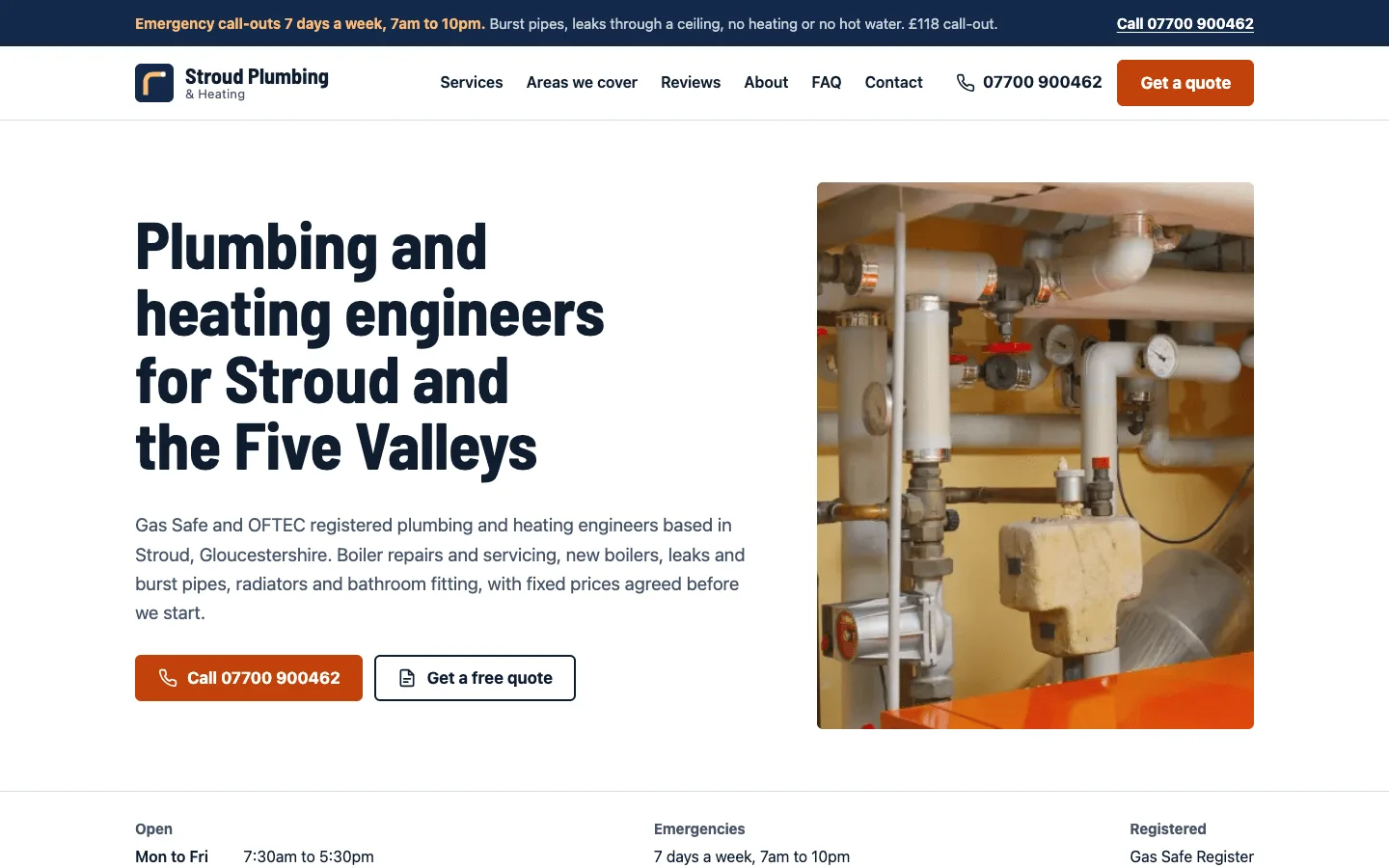
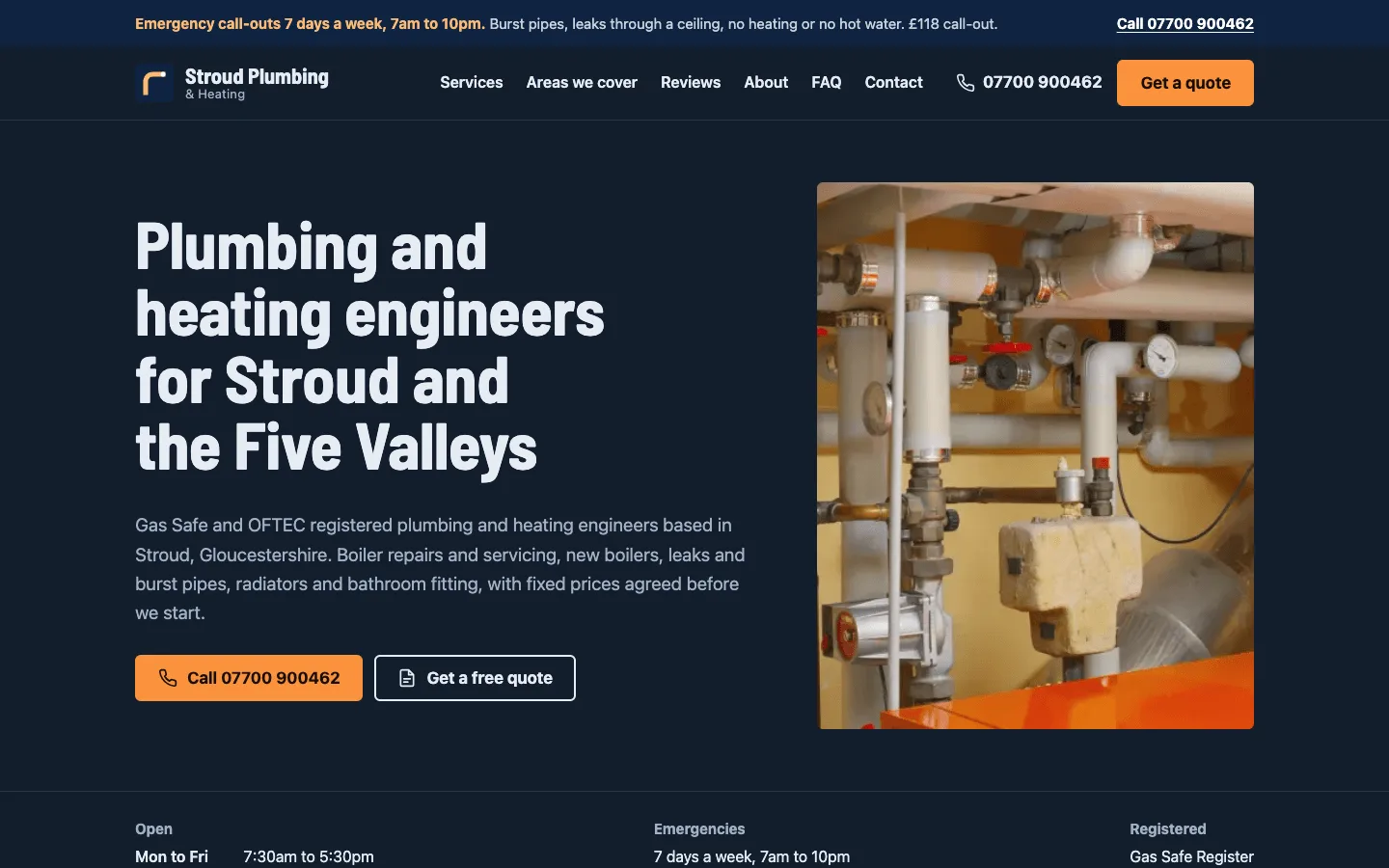
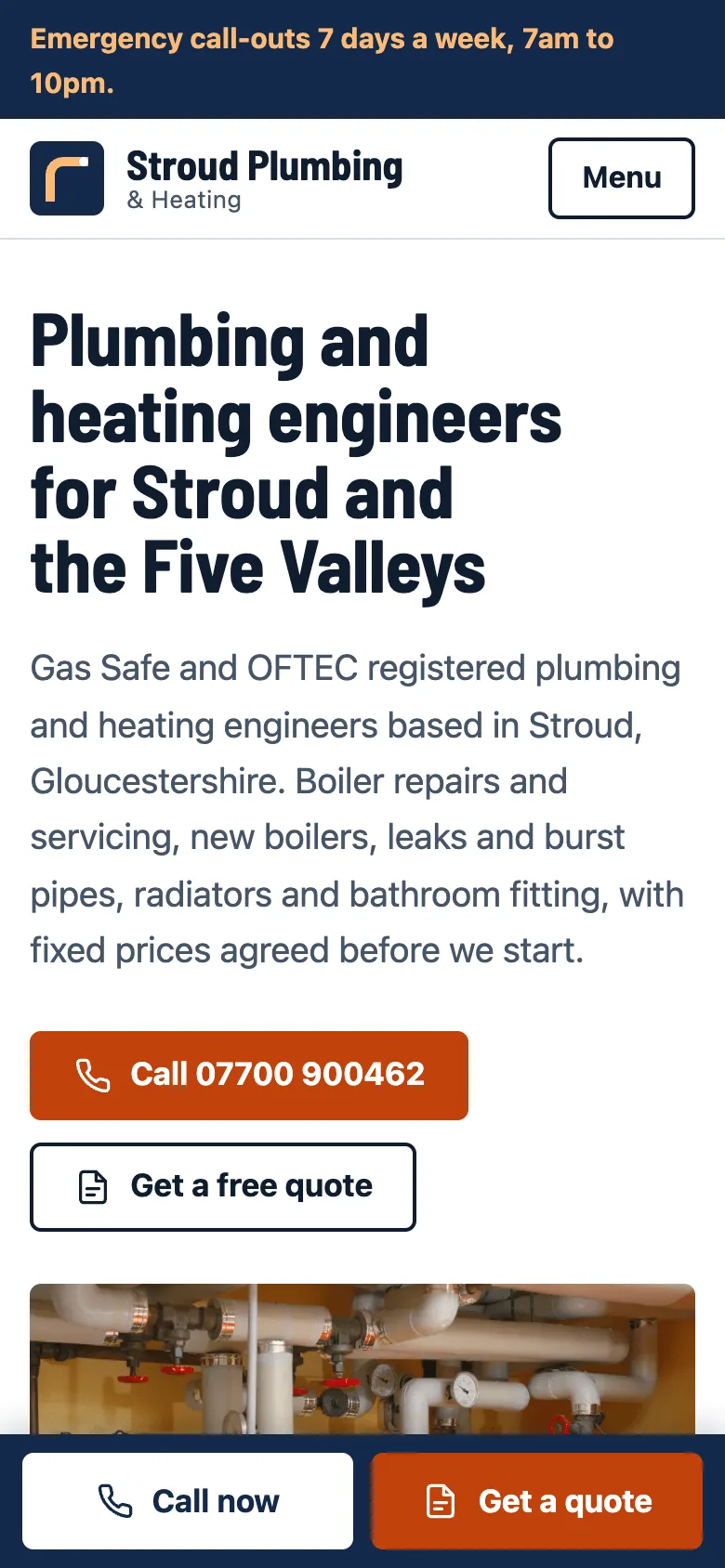
A free website template for plumbers, heating engineers and other local trades, built with Astro and TypeScript as a static site. It has a call-now bar on phones, an emergency banner, service pages with starting prices, one page per town you cover, reviews, an FAQ and a quote form, all edited in Markdown and YAML.
by Light CloudTrades and home
Build a plumber website with Astro and Markdown
Features
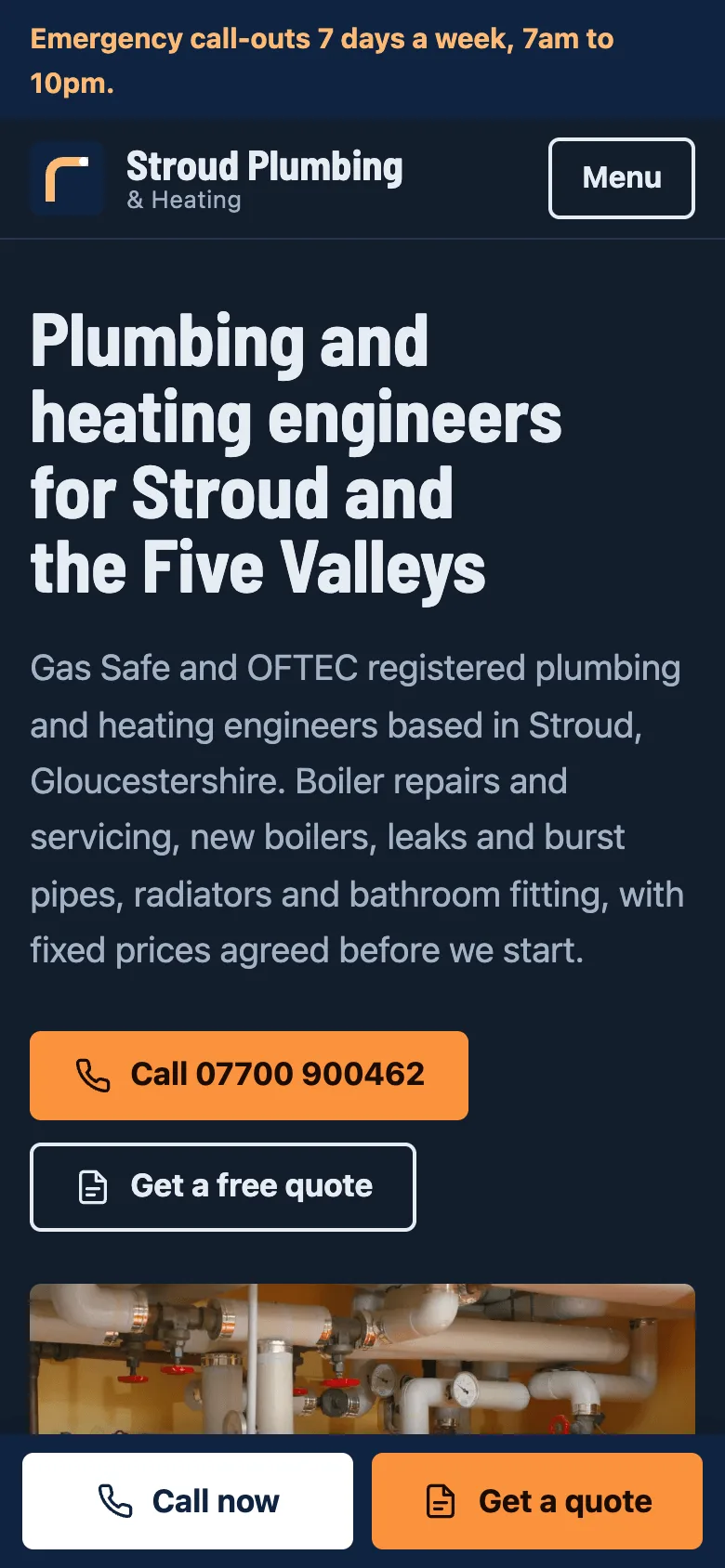
- Fixed Call now and Get a quote bar on every page below 768px, and the phone number in the header on larger screens
- Emergency call-out banner with hours, job types and the call-out fee, switched on or off in one line
- One Markdown file per service, published at /services/<name>/ with a from price, duration and what is included
- One Markdown file per town, published at /areas/<town>/ with postcodes, response times and its own page title
- Quote form that posts to Formspree, Basin or your own endpoint, with optional photo upload, or opens the email app
- Plumber JSON-LD with areaServed and opening hours on every page, plus Service, FAQPage and BreadcrumbList data
- Accreditations such as Gas Safe Register and OFTEC shown as text with links customers can use to check them
- WCAG 2.2 AA in light and dark, and Lighthouse 100 on the tested pages, with one small script on the quote page only
Tech stack

 Astro
 TypeScript
 Node.js

 Markdown
 YAML
What you need
- Free plan: it builds to a static site, which the Free plan hosts with no limit on sites
- To run it locally: Node.js 22.12 or later and npm
- Optional: PUBLIC_QUOTE_ENDPOINT, and PUBLIC_QUOTE_ACCEPTS_FILES=true if it takes uploads; without them the quote form opens the email app
- Optional: SITE_URL, your public address for canonical links, the sitemap and sharing images
About
Everything a customer reads comes from content/: business.md for name, phone, hours, emergency details and accreditations, plus one Markdown file per service and per area. At build time Astro creates a page for each service and town with getStaticPaths and writes the same Plumber JSON-LD node into every page, so your name, address and phone never disagree. Start by replacing the demo business, deleting the demo reviews in content/reviews.yaml and putting your real registration numbers in accreditations. It builds with npm ci and npm run build into dist/, and each push to your copy redeploys, so changing a price is a commit.
FAQ
How do I make a website for my plumbing business?
Deploy this template, then edit the files in content/: your name, phone number, hours, services and prices, and the towns you cover. Each file is plain text with comments on every field, and the site rebuilds from them.
How do I get a plumbing business to show up in local Google searches?
Add one file per town in content/areas/ with real local detail, keep a Google Business Profile with the same name, address and phone, and ask customers for reviews. The template adds Plumber structured data with areaServed and opening hours, a sitemap and a title per area page.
How does the quote form send me the request?
With nothing set, it opens the customer's email app with the request written out and addressed to the email in content/business.md. Put a Formspree, Basin or similar URL in PUBLIC_QUOTE_ENDPOINT to receive requests directly.
Can I use this template for an electrician or roofer?
Yes. Change the services, accreditations, wording and photos, and change the JSON-LD type in src/lib/schema.ts from Plumber to Electrician, RoofingContractor or HomeAndConstructionBusiness.
Can I host this plumber website without Light Cloud?
Yes. Run npm run build and upload dist/ to any static host; every page is a real HTML file, such as dist/areas/stroud/index.html, so no SPA fallback is needed. Set the environment variables in the host's build settings.