Accountant Website Template
A free accountant and CPA website template built with SvelteKit and adapter-static that publishes as a static site with no client-side JavaScript, for accounting firms and bookkeeping practices. It covers service pages with fees, fixed monthly packages, the Canadian tax deadlines for the year, the team with their credentials, a client portal link, a book-a-call page and an FAQ, all edited in YAML.
by Light CloudProfessional services
Build an accountant website with SvelteKit and YAML
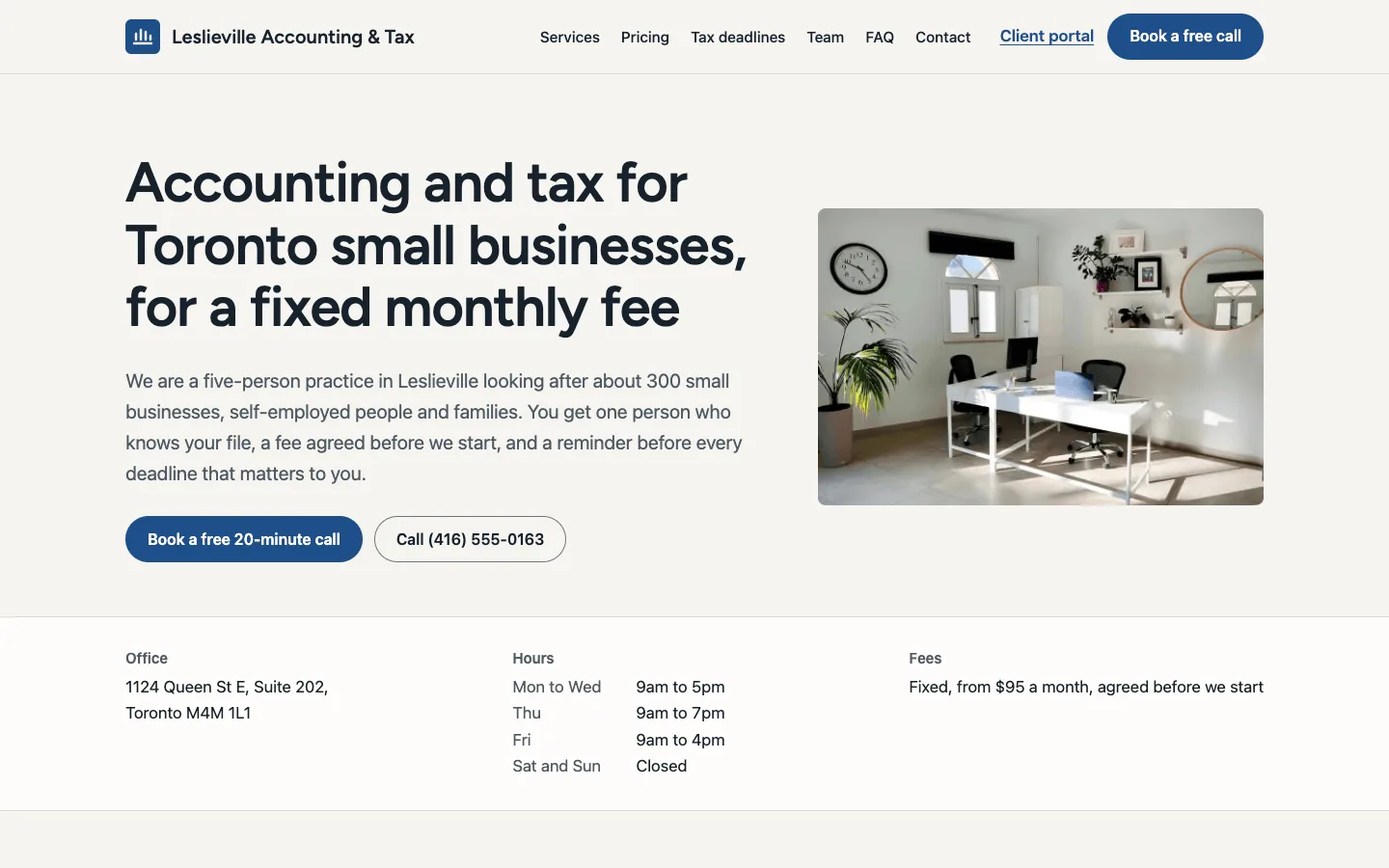
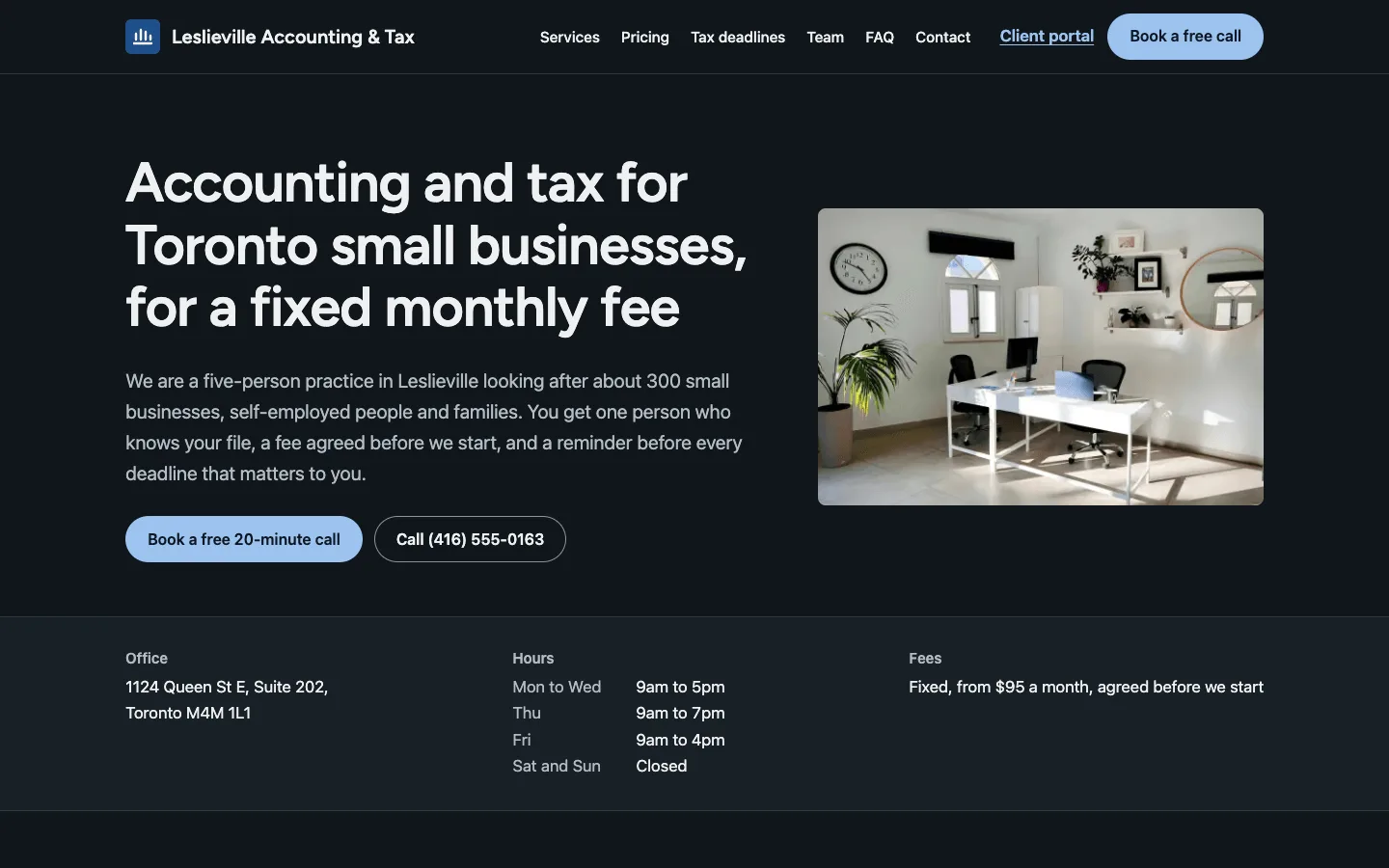
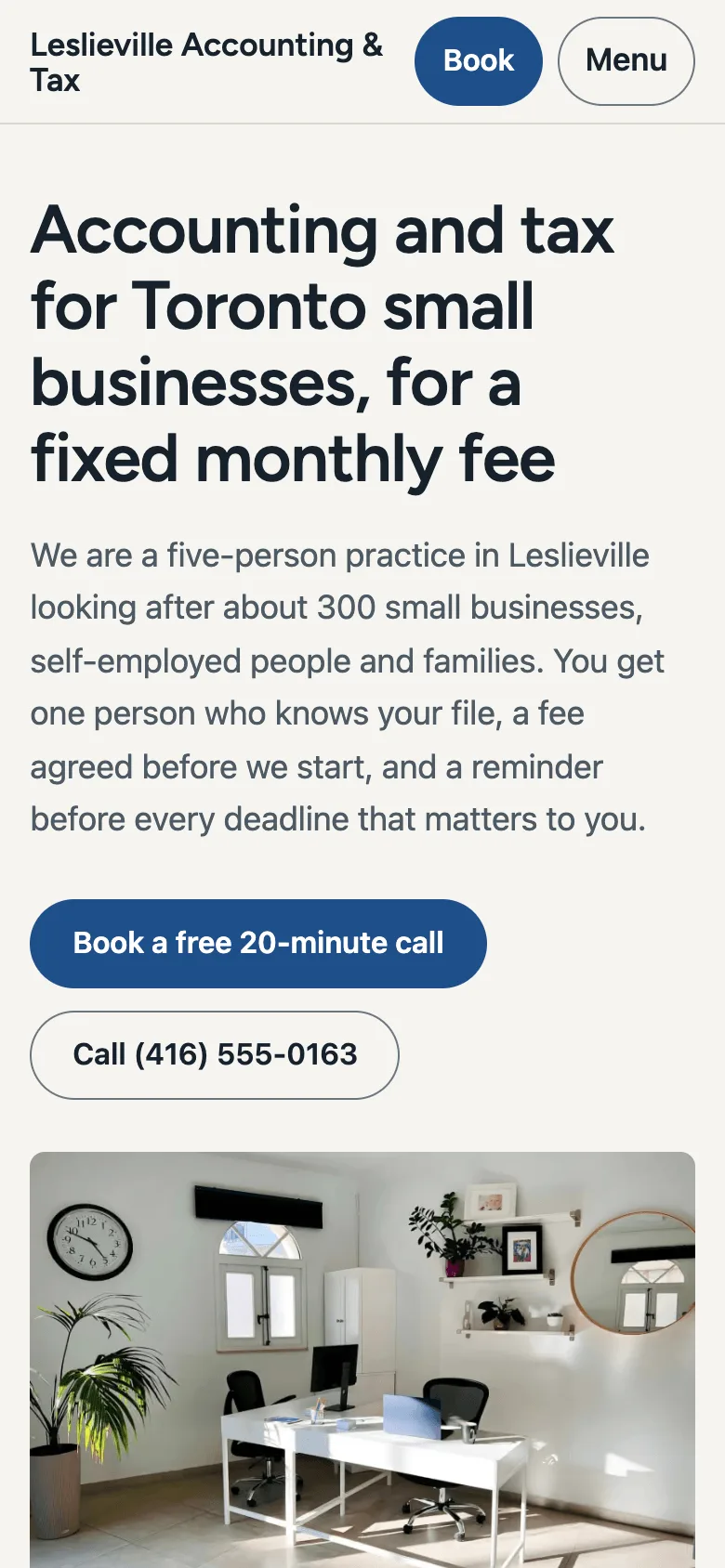

Features
- Pages for bookkeeping, personal tax, corporate tax and payroll with who each is for, what is included, every fee and what you need from the client
- Fixed-fee monthly packages on the pricing page, each linked to the services it covers, with one-off fees below and every fee before HST
- Canadian tax deadlines for the 2026 tax year grouped by month, plus the deadlines that depend on a client's own dates, with the next three on the home page
- A team page with CPA, CPB and PCP credentials, years with the practice and what each person looks after, shown with initials instead of stock photos
- A client portal link for TaxDome, Canopy, SmartVault or any other in the header, footer and contact page, set from one line
- A book-a-call page that links to your booking page, or opens an email to you with the call request filled in
- AccountingService JSON-LD with every service and package as an offer and the team as Person nodes with hasCredential, plus Service, FAQPage, BreadcrumbList, sharing cards, sitemap.xml and /llms.txt
- WCAG 2.2 AA in light and dark mode, checked with axe-core, with every page prerendered as HTML and CSS and no client-side JavaScript
Tech stack
 SvelteKit
 Svelte
 TypeScript
 Vite
 Node.js
 YAML
What you need
- Free plan: it builds to a static site, which the Free plan hosts with no limit on sites
- To run it locally: Node.js 22.12 or later and npm
- Optional: PUBLIC_BOOKING_URL, your https booking page for the free call; without it the button opens the visitor's email app with a call request
- Optional: SITE_URL, your public address for canonical links, the sitemap and sharing cards
About
Every practice detail lives in content/: practice.yaml for the name, address, hours, booking page, client portal and fee note, services.yaml for each service and its fees, and YAML for the monthly packages, tax deadlines, team and credentials, FAQ and privacy notice, checked field by field at build time. Every route is prerendered with no client-side JavaScript, so the next three deadlines on the home page are worked out when the site is built: redeploy after a deadline passes, or once a week, to move them on. The deadlines are for the 2026 tax year, checked against CRA sources, and need checking against the CRA's list every January, and the HST rate and Employer Health Tax entries are for Ontario. The fees, packages and tax points are demo content, not tax advice: replace them, list only credentials your people hold and memberships the practice has, and have a CPA read every page before you publish. Leslieville Accounting & Tax, its team, phone number and portal are made up, and there is no contact form, so clients reach you through your booking page, email or phone, and documents go through your client portal.
FAQ
How do I make a website for my accounting practice?
Deploy this template, then edit the files in content/: your practice's details and hours, your services and fees, your packages, this year's tax deadlines, your team and their credentials, and your client portal link. Each file is plain text with comments, and the site rebuilds from them.
Should accountants publish their fees online?
Fixed fees help small business owners choose you before they call. This template shows a from-fee on every service, the full fee list, and fixed monthly packages, all before tax, and the free call confirms the fee in writing.
Do the tax deadlines on my accountant website update by themselves?
The upcoming deadlines on the home page are worked out when the site is built, so redeploy after a deadline passes or once a week to move them on. The dates themselves live in content/deadlines.yaml and need checking against the CRA's list each January.
How do I link my client portal to my website?
Put your portal's sign-in address in portal.url in content/practice.yaml. The link appears in the header, the footer and the contact page; leave it empty to hide it.
Can I host this accountant website without Light Cloud?
Yes. Run npm run build and upload build/ to any static host; every page is a real HTML file, such as build/services/payroll/index.html.
Related templates
All professional services website templates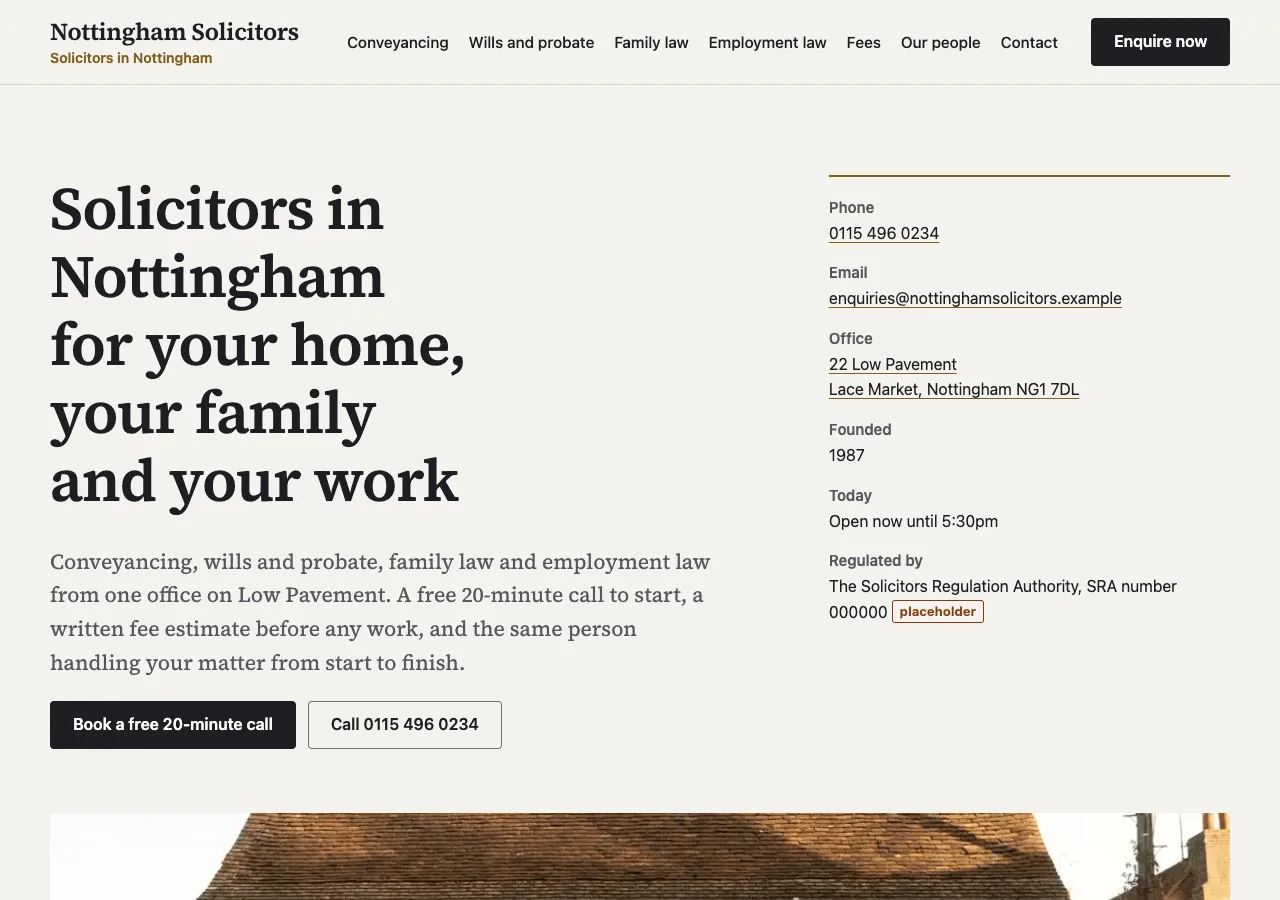
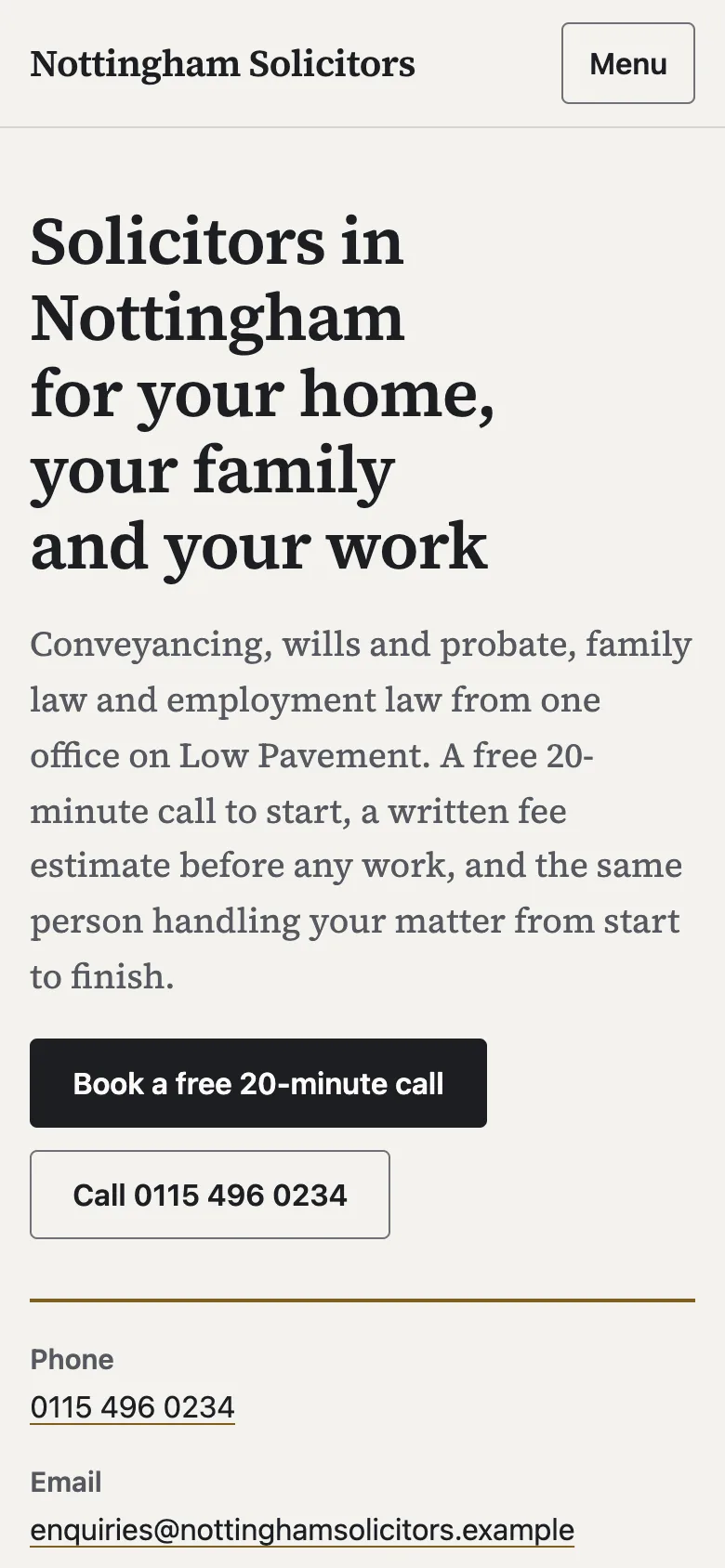
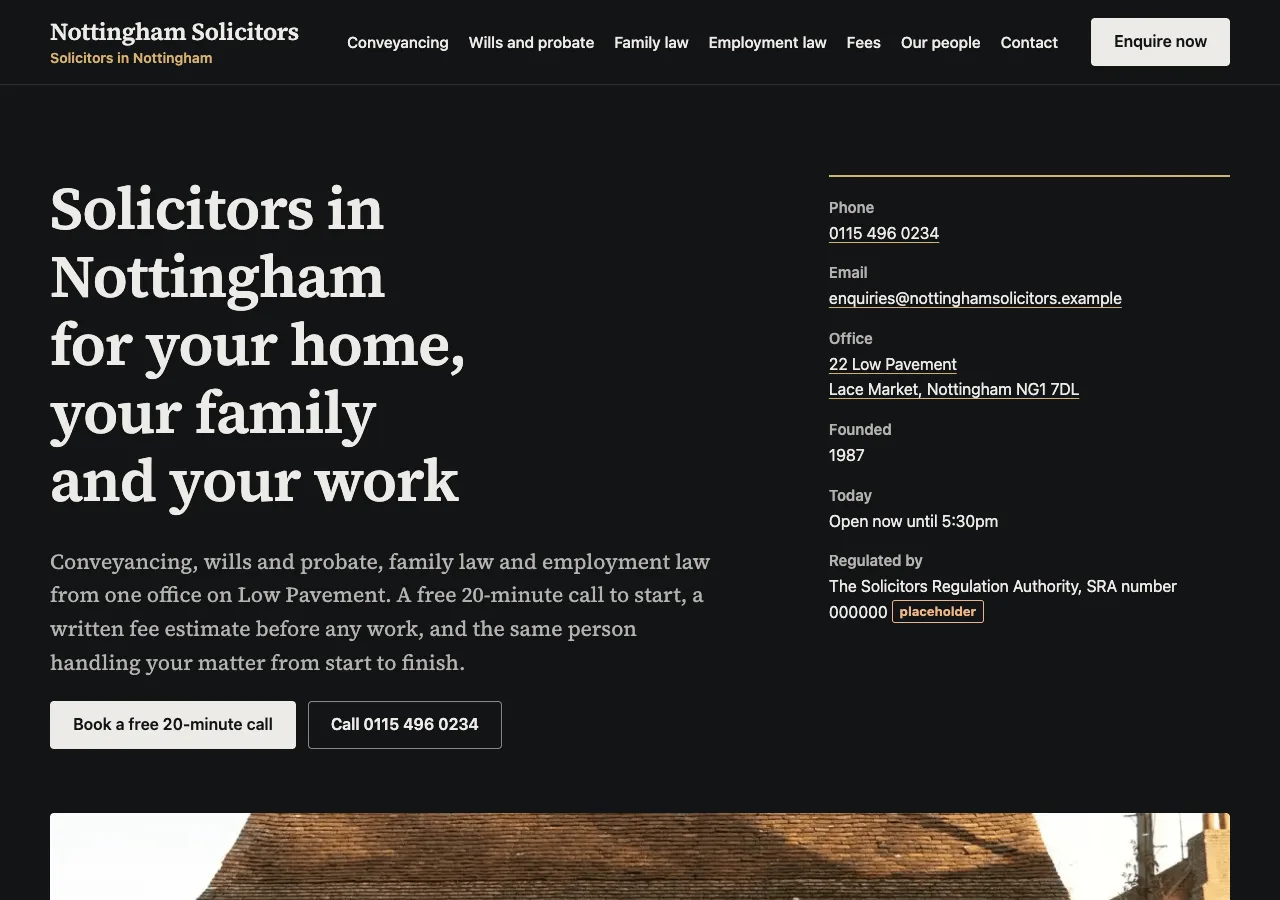
Law firm website
Publish SRA-style fees, practice areas and your complaints procedure, and take enquiries
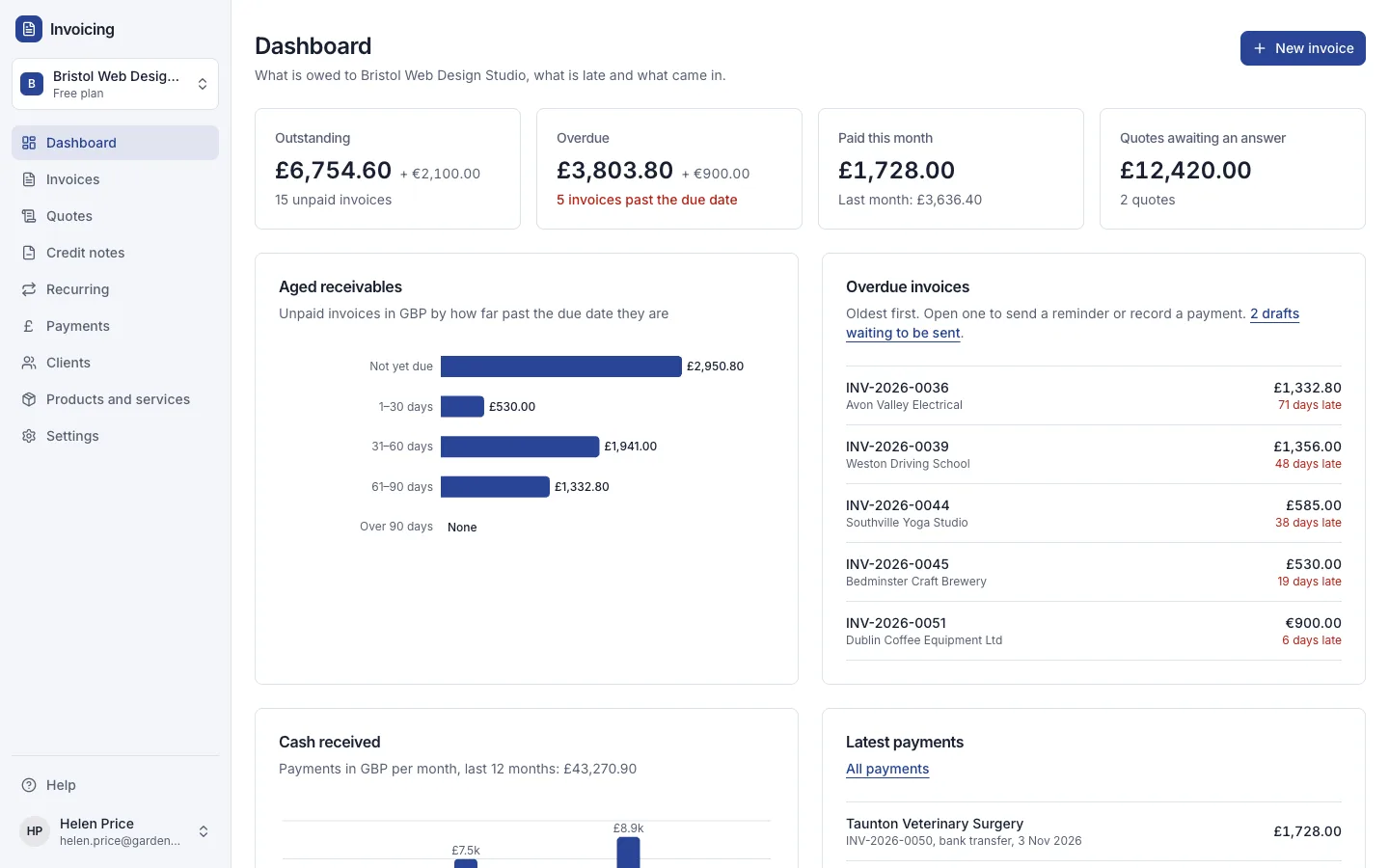
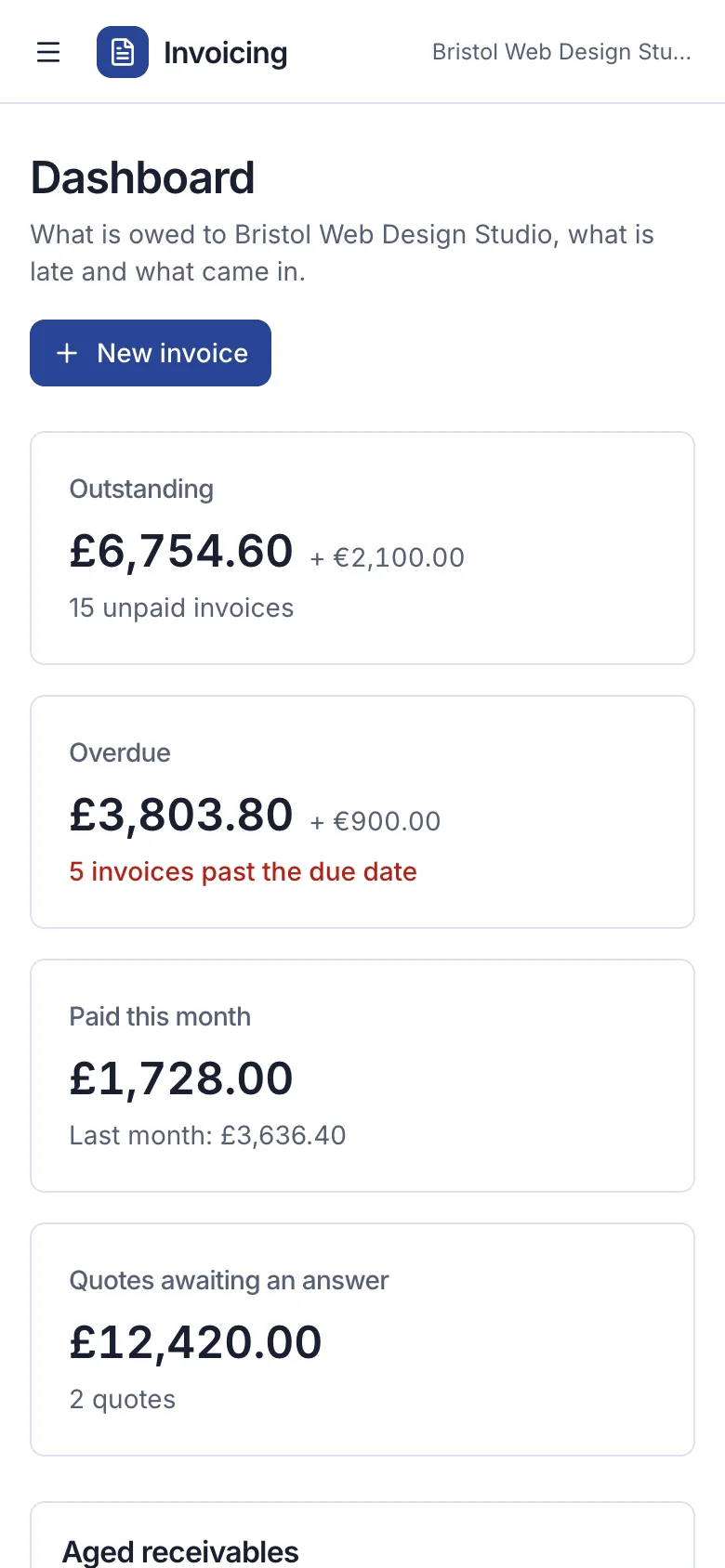
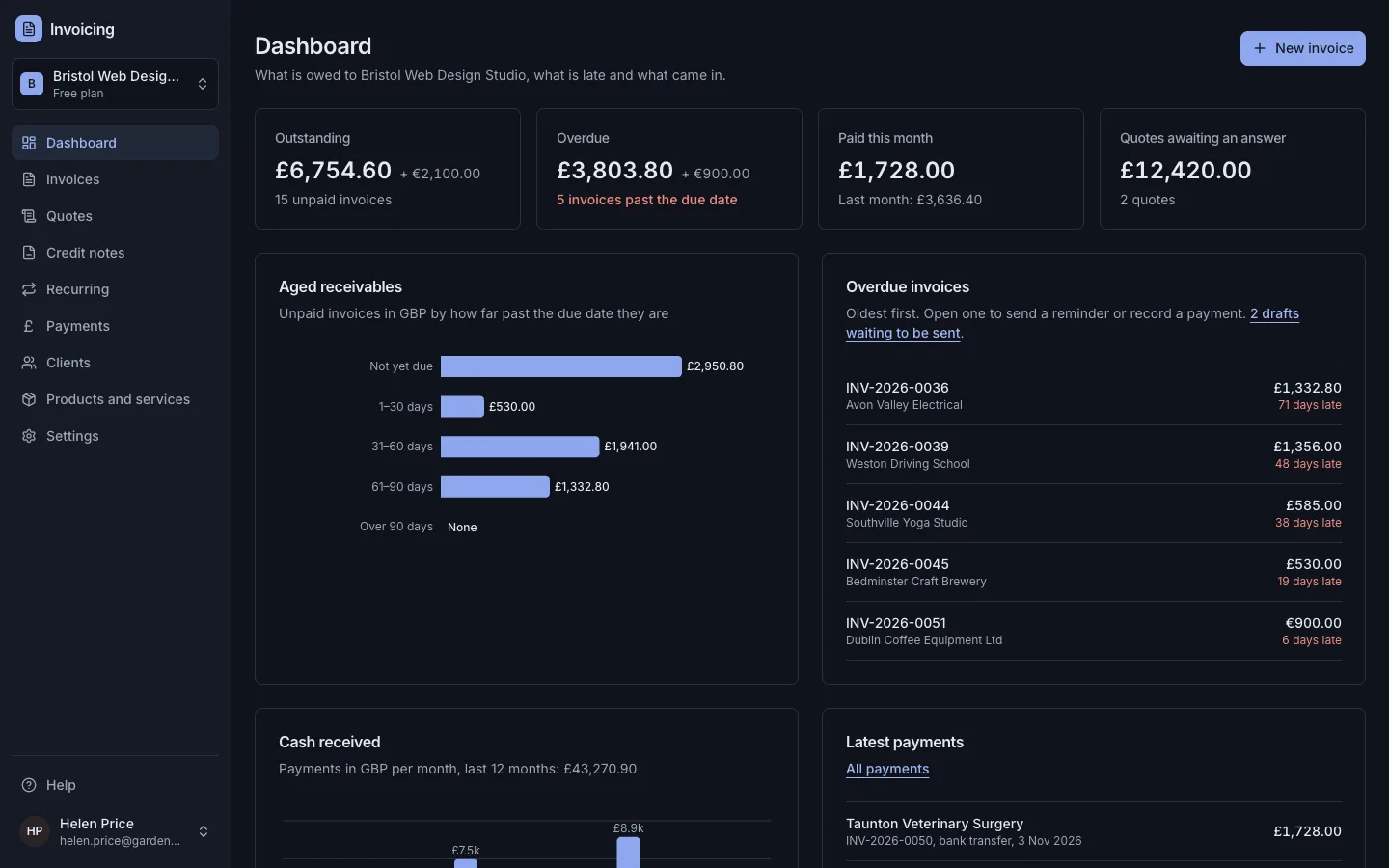
Invoicing
Send VAT invoices clients can pay online and see who owes you, without a monthly fee
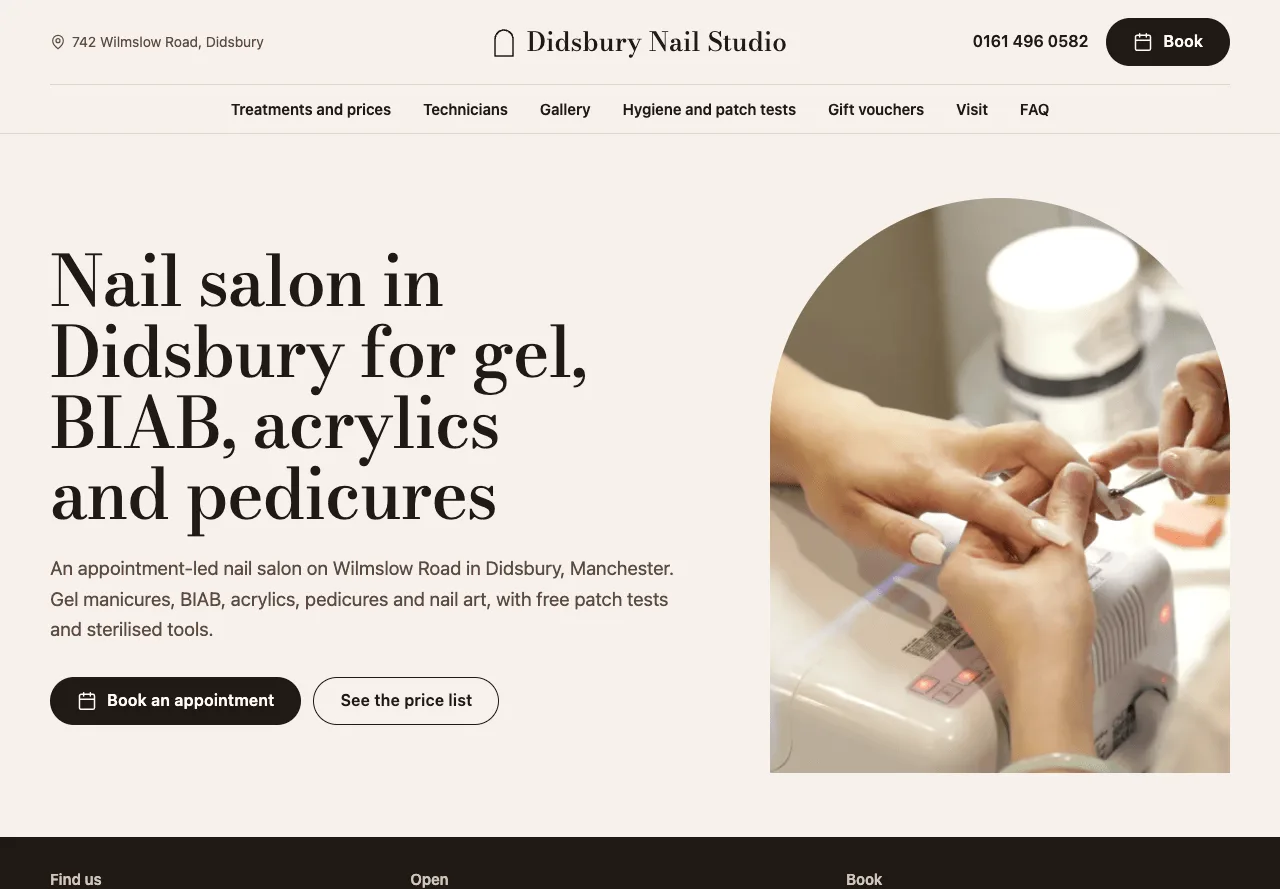
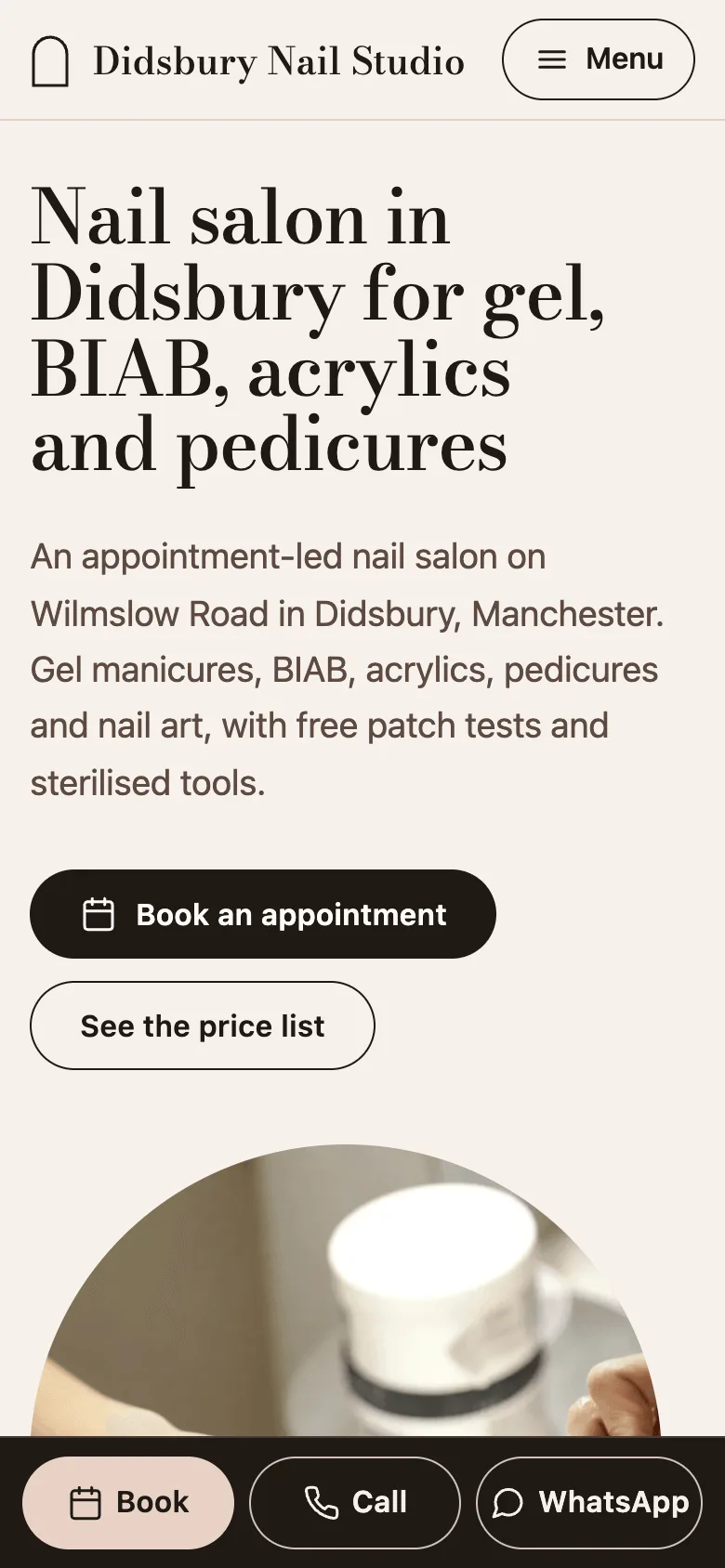
Nail salon website
Show your nail prices, technicians and hygiene standards, and send clients to booking