Next.js Field Service Management Template with PostgreSQL
A free, open-source field service management app for small trades businesses such as heating, plumbing and electrical firms, built with Next.js, TypeScript and PostgreSQL. The office schedules jobs on a dispatch board, engineers run their day from a phone with check in and out, checklists, parts, photos and the customer's signature, and every job prints as a job sheet, with annual service reminders and first-time fix reports.
by Light CloudInventory and operations
Build a field service management app with Next.js and PostgreSQL
Features
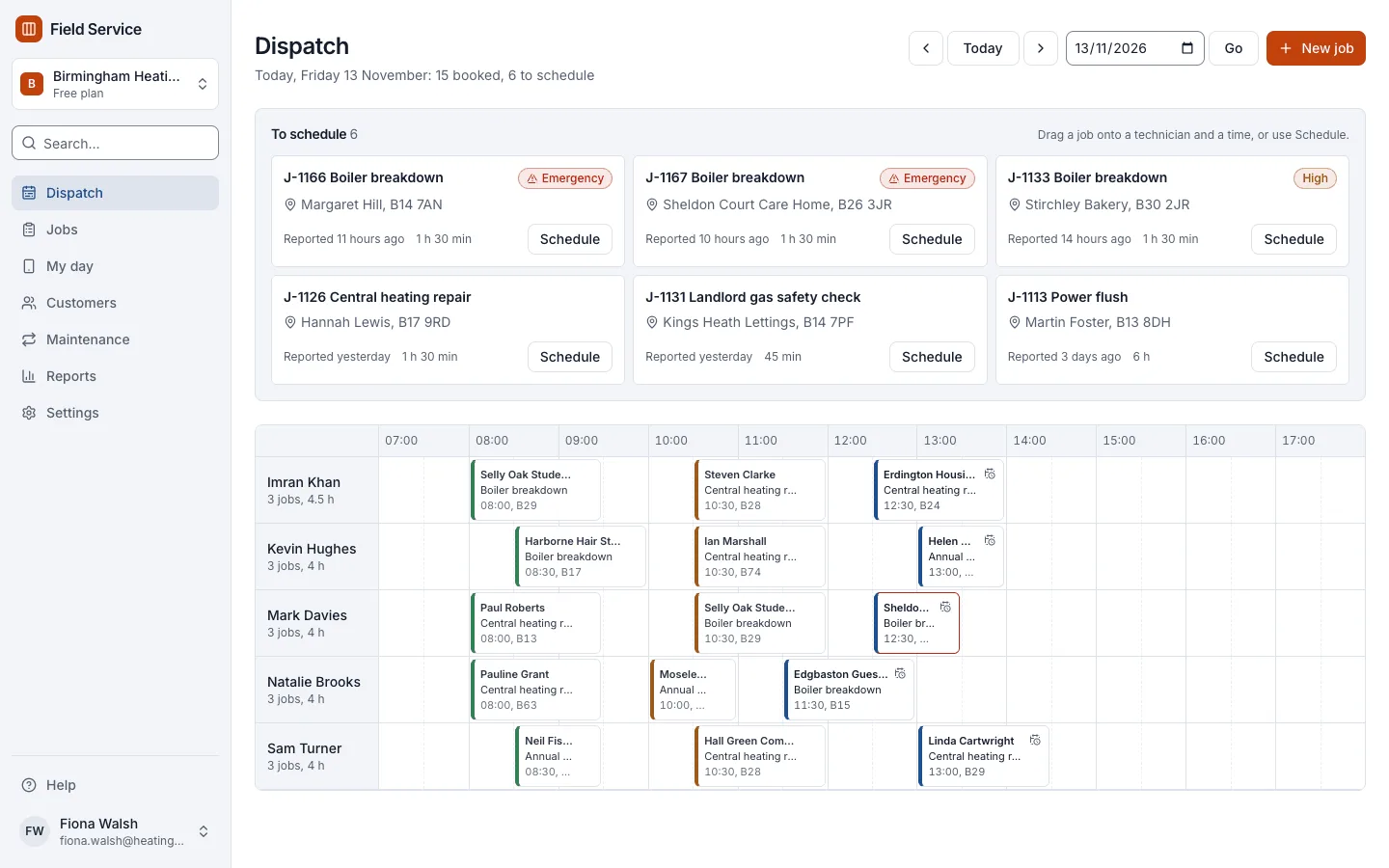
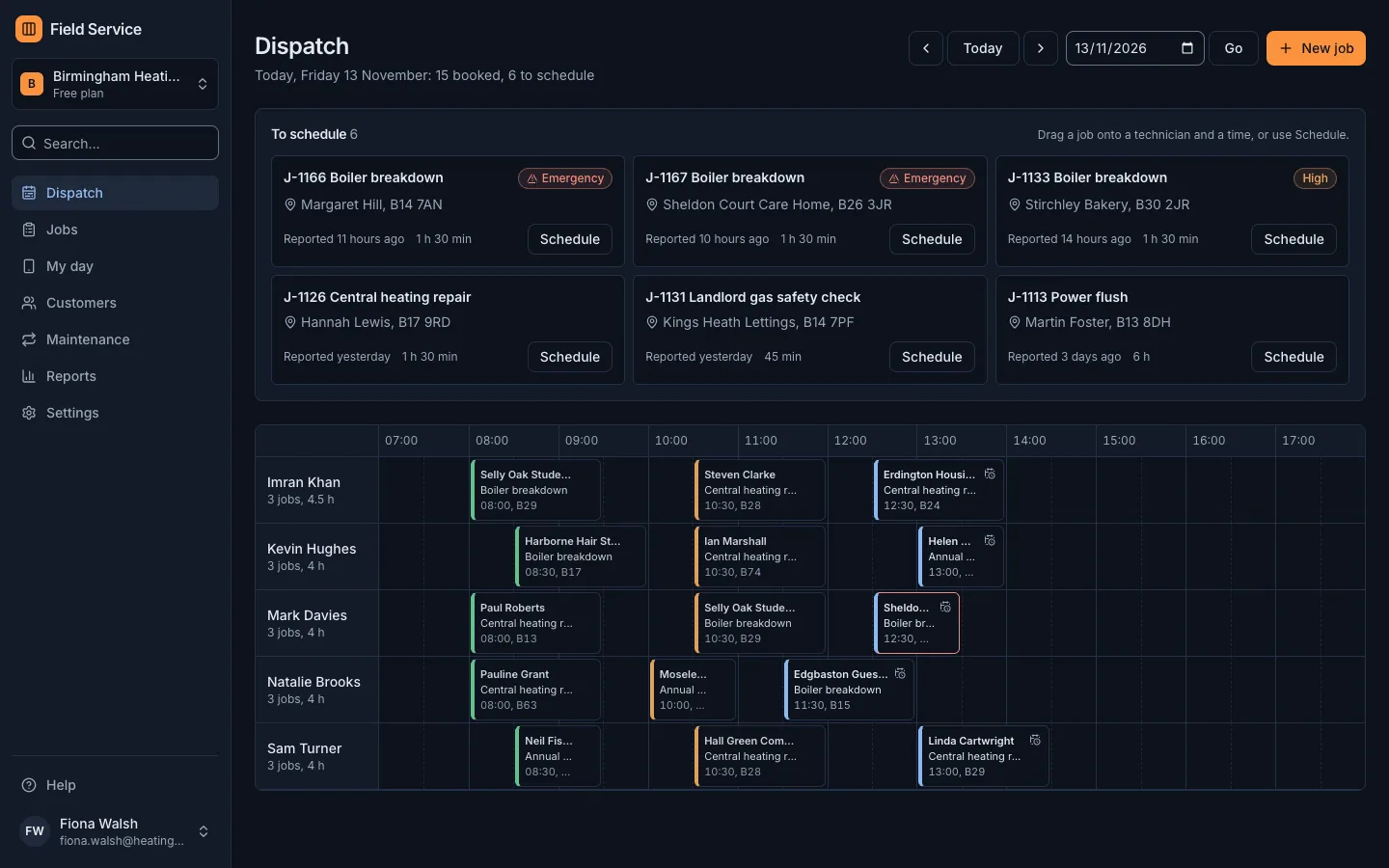
- Dispatch board with a row per engineer in half-hour slots: drag a job onto a time, or use the Schedule button on every job
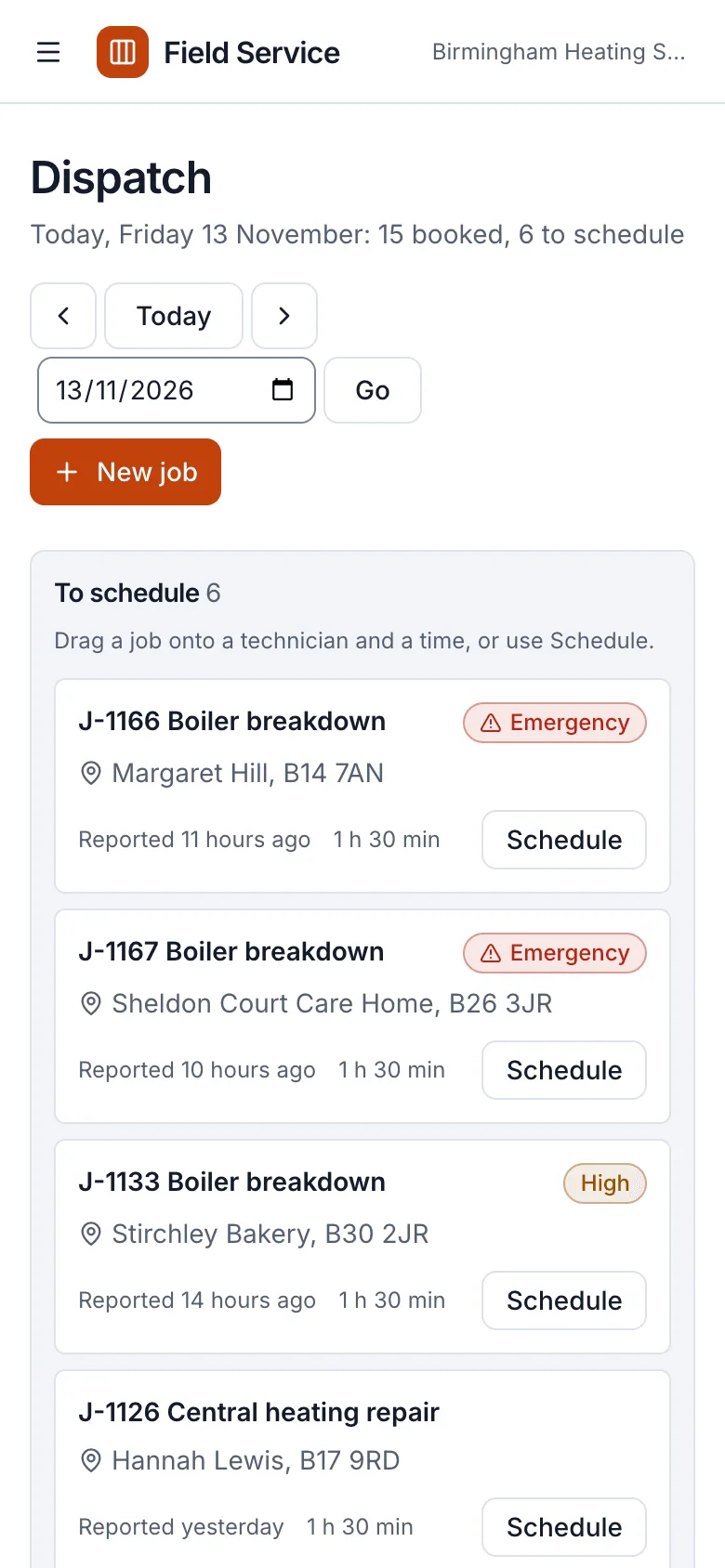
- The engineer's day on a phone in visiting order, with access notes, Directions and Call buttons and one button per step
- On site: the job type's checklist, notes, parts with quantity and price, up to 12 photos and the customer's signature
- Printable job sheets with your business details, visit times, checks, parts and labour with VAT at 20%, photos and the signature
- Customers with one or more sites, access notes and equipment, searchable by name, phone, postcode, boiler model or job number
- Repeating job types such as annual boiler services and landlord gas safety checks, with overdue and due-soon maintenance lists
- Reports on jobs per technician, first-time fix rate by technician and job type, late jobs and work not yet invoiced
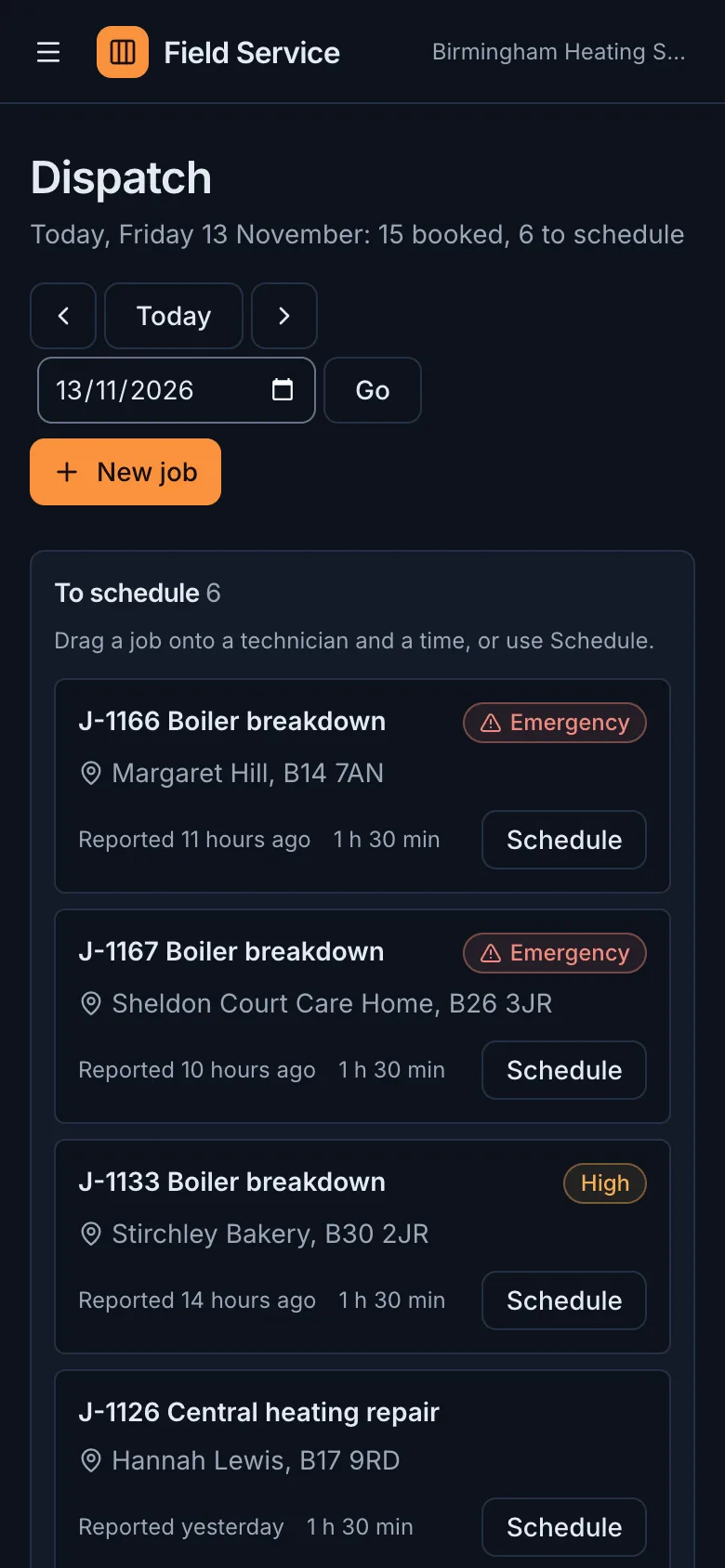
- A Birmingham heating firm demo with about 180 jobs, removed in one click, and WCAG 2.2 AA in light and dark
Tech stack

 Next.js
 React
 TypeScript
 PostgreSQL
 Tailwind CSS

 shadcn/ui
 Drizzle ORM

 Better Auth
 Stripe
 Vitest
What you need
- A paid plan: deploying creates a PostgreSQL database, which the Free plan does not include
- To run it locally: Node.js 22.12 or newer, npm, and Docker for a local PostgreSQL
- No API keys: it starts with nothing to configure, and job photos are kept in the database
- Optional: RESEND_API_KEY and EMAIL_FROM to email maintenance reminders, invitations and password resets
- Optional: S3_ENDPOINT, S3_BUCKET, S3_ACCESS_KEY_ID and S3_SECRET_ACCESS_KEY to keep job photos in S3-compatible storage
About
The app is built on the Next.js SaaS starter: workspaces, owner, admin and member roles, Better Auth sign-in and an admin panel, with the field service rules in src/lib/fsm. Job types carry their usual length, labour price, service interval and checklist, and completing a repeating job sets the next visit a year on. Engineers use the phone's browser, so there is nothing to install; link each login to a technician and the app opens on their day. Touch dragging on the dispatch board has not been tested on real phones and tablets yet, and the Schedule button does the same from a form. Photos stay in PostgreSQL until you add S3 settings, and deleting a workspace does not remove its photos from an S3 bucket. npm start applies the migrations and seeds the demo once, and the first person to sign up owns it.
FAQ
Is there a free, open-source field service management app I can host myself?
Yes. This Next.js and PostgreSQL template is MIT licensed and runs on any Node.js host with PostgreSQL, or on Light Cloud in one click. Without Stripe keys every feature is on and there is no seat limit.
Do engineers need to install an app on their phones?
No. The technician view runs in the phone's browser. Link each engineer's login to their technician record under Settings, Technicians and the app opens on their day; they can add it to the home screen like any website.
How do I schedule and dispatch jobs without dragging?
Every job on the dispatch board and in To schedule has a Schedule or Reschedule button. It opens a form with the technician, date, start time and length, and works with a keyboard, a screen reader or a single tap.
How do I send annual boiler service and gas safety reminders?
Make the job type repeat, such as an annual boiler service, and completing a job sets the next visit a year on. The Maintenance list shows what is overdue or due in the next 30, 60 or 90 days with a Book visit button, and an Email reminder button once RESEND_API_KEY is set.
Where are job photos stored?
In the PostgreSQL database by default, up to 5 MB each after the browser shrinks them and 12 per job, so they survive redeploys with no set-up. Set the S3 variables to keep them in AWS S3, Cloudflare R2, Backblaze B2 or MinIO instead; deleting a workspace does not remove its photos from the bucket.