Nuxt SSR Starter
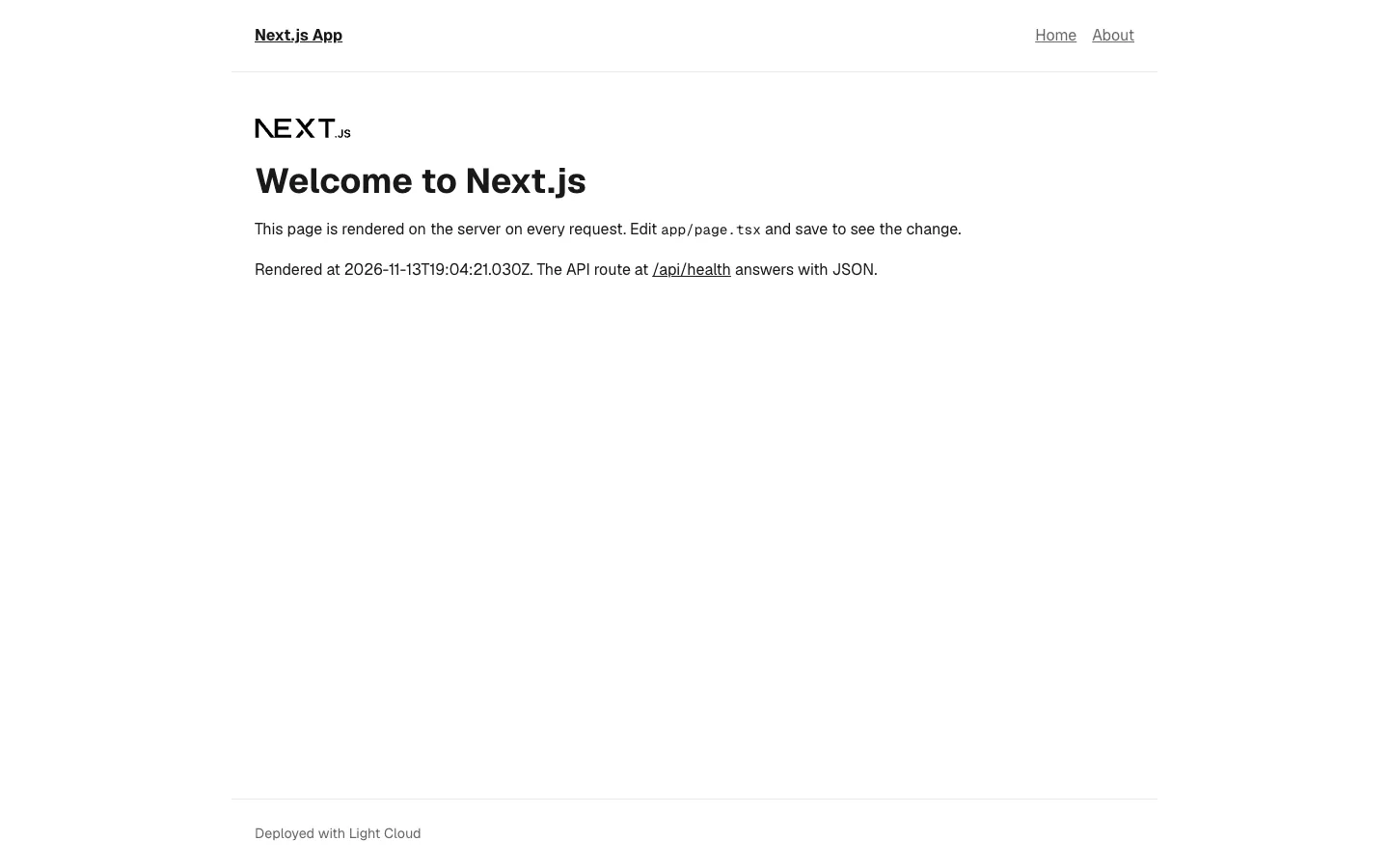
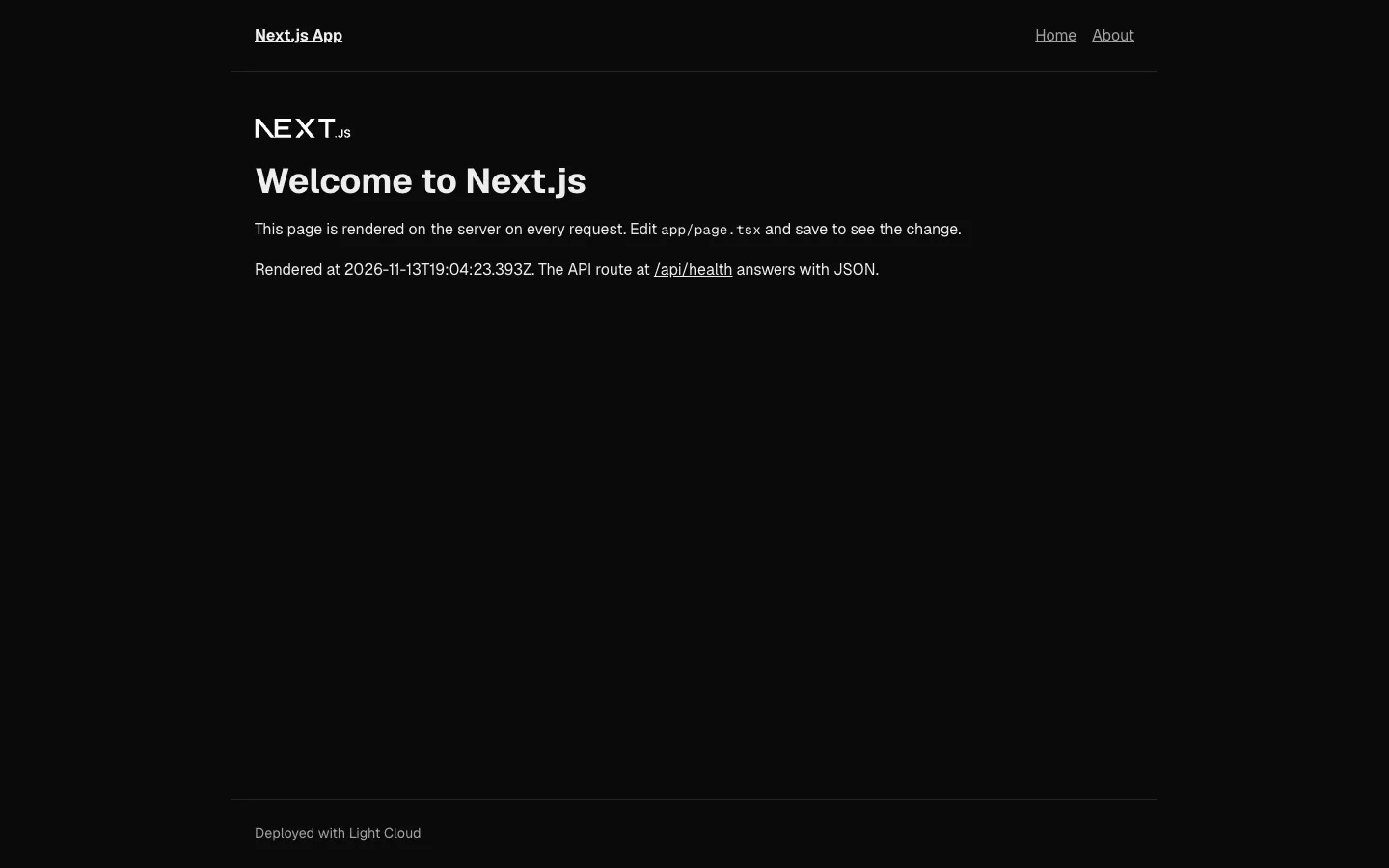
A Nuxt 4 server-side rendering starter in TypeScript with Vue 3, for developers who want a Vue site rendered on the server with room for API routes. It includes file-based Home and About pages, a default layout, a Nitro route at GET /api/health, ESLint and Vitest.
by Light CloudFull-stack
Build a server-rendered web app with Nuxt 4 and Vue
Features
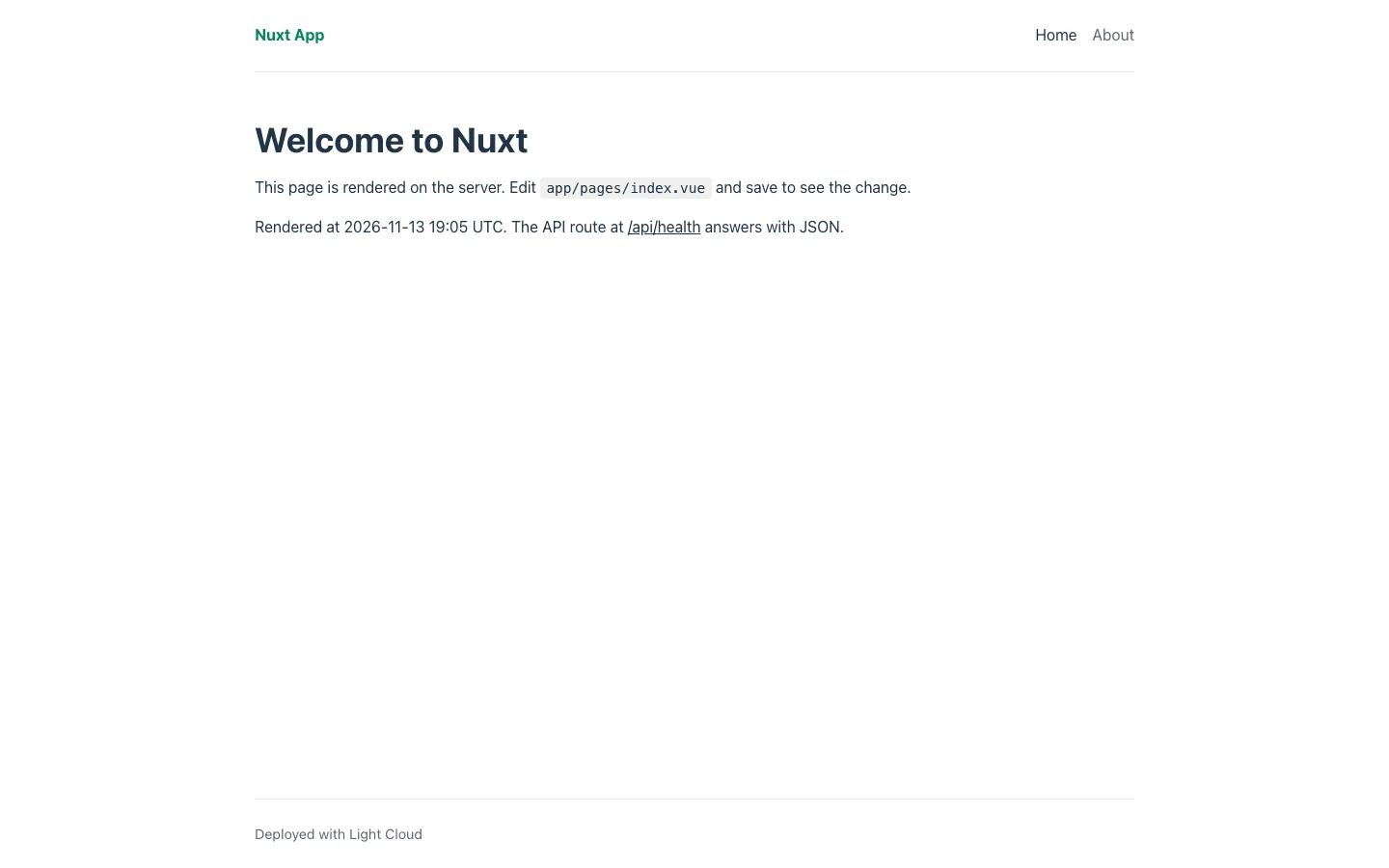
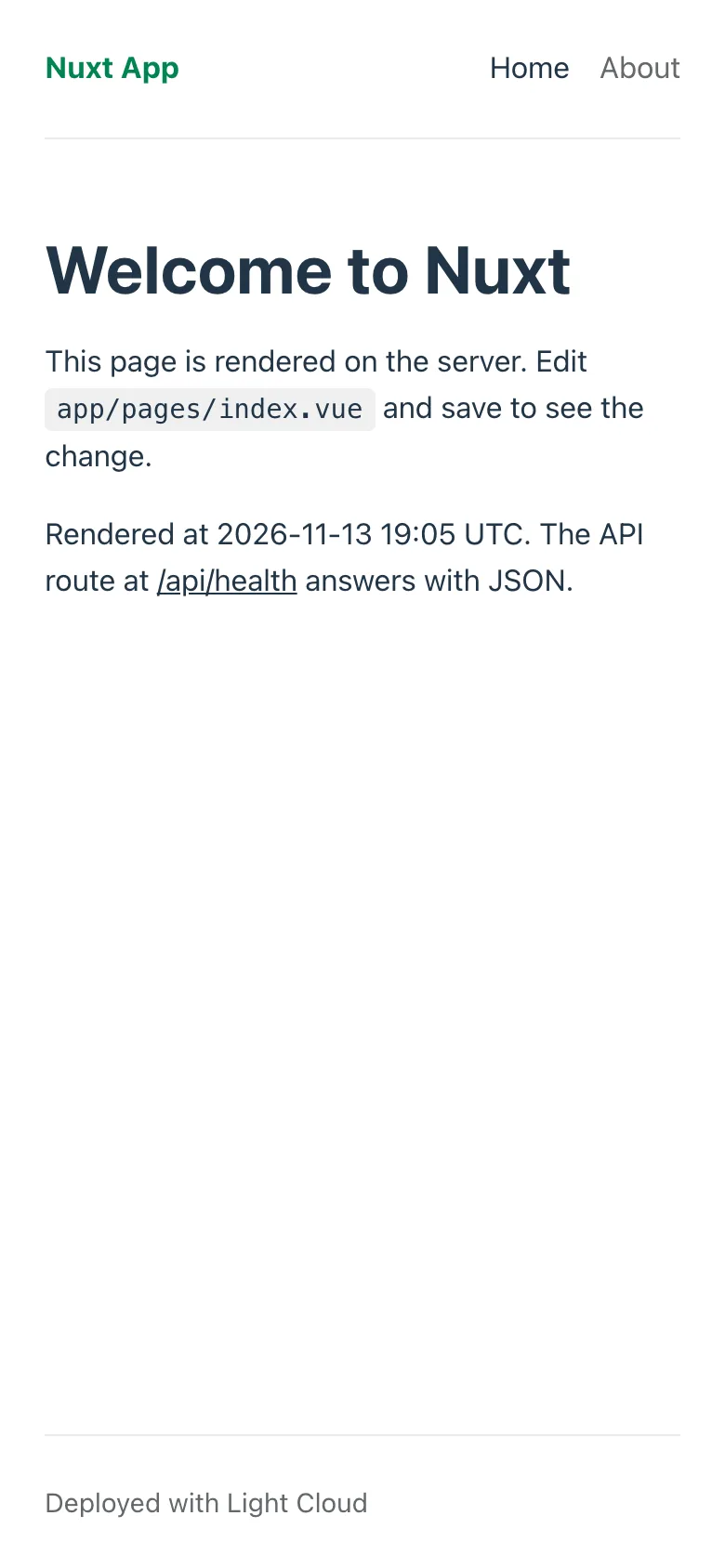
- File-based routing in app/pages/: / with its server render time, /about, and Nuxt's built-in 404 page
- A Nitro server route at GET /api/health in server/api/health.get.ts, answering { status: ok }
- A default layout with a shared AppHeader component, both auto-imported
- An auto-imported formatDateTime helper in app/utils/ that formats dates the same on server and client, with a test
- NUXT_PUBLIC_SITE_NAME sets the site name when the server starts, with no rebuild
- ESLint through the @nuxt/eslint module
- npm run build produces a self-contained server in .output/ that listens on PORT (default 3000)
Tech stack
 Nuxt
 Vue
 TypeScript
 Node.js
 Vitest
 ESLint
What you need
- Free plan: it runs as a server app, and the Free plan includes 3 server apps
- To run it locally: Node.js 22.22 or later (or 24.15 or later) and npm
- No API keys: it starts with nothing to configure
About
The first request for a page is rendered to HTML by Nitro, then Vue takes over in the browser and later navigation happens client-side. Nuxt's conventions do most of the wiring: pages, layouts, components and utils are picked up by file location, and runtime config reads NUXT_ variables when the server starts. Most people first add pages in app/pages/ and server routes in server/api/, and put secrets in non-public runtimeConfig keys. Deploying runs npm run build, then npm start (node .output/server/index.mjs) in a container that listens on PORT.
FAQ
How do I add a new page in Nuxt 4?
Create a .vue file in app/pages/: app/pages/contact.vue becomes /contact. Add a NuxtLink to it in app/components/AppHeader.vue.
How do I add a server API route in Nuxt?
Create a file in server/api/ named after the path and method: server/api/hello.get.ts that exports defineEventHandler answers GET /api/hello.
How do I read environment variables in Nuxt?
Declare the key in runtimeConfig in nuxt.config.ts and read it with useRuntimeConfig(). Nuxt fills it from a matching NUXT_ variable when the server starts, for example NUXT_PUBLIC_SITE_NAME for runtimeConfig.public.siteName.
Can I build a static site with this Nuxt template instead?
Yes. npm run generate prerenders the pages into .output/public for any static host, but server routes such as /api/health do not run there.
Can I host this Nuxt template without Light Cloud?
Yes. Any host with Node.js 22.22 or later runs it with npm run build and node .output/server/index.mjs, and .output/ can be copied to a server or Docker image without node_modules.