React Vite Starter
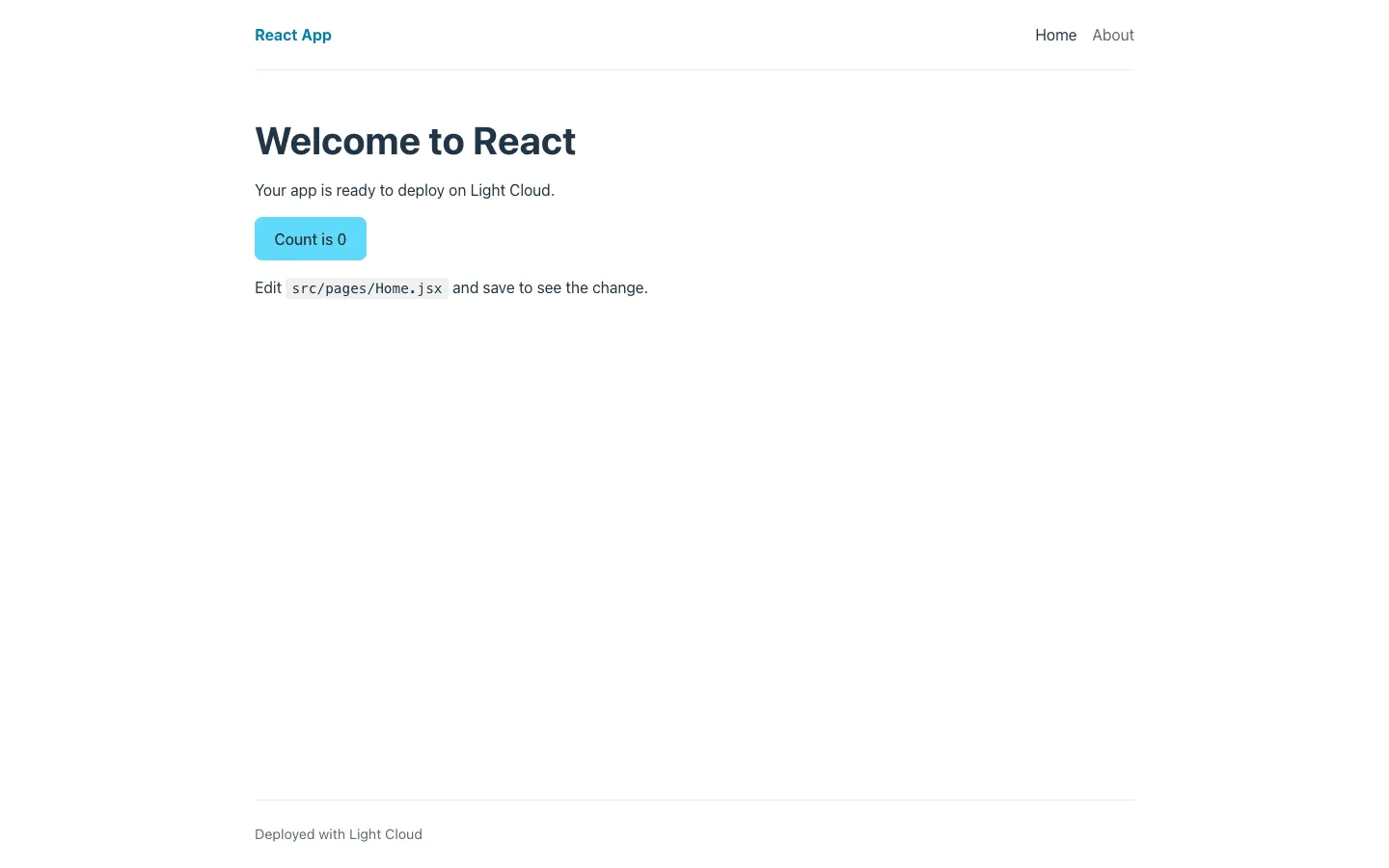
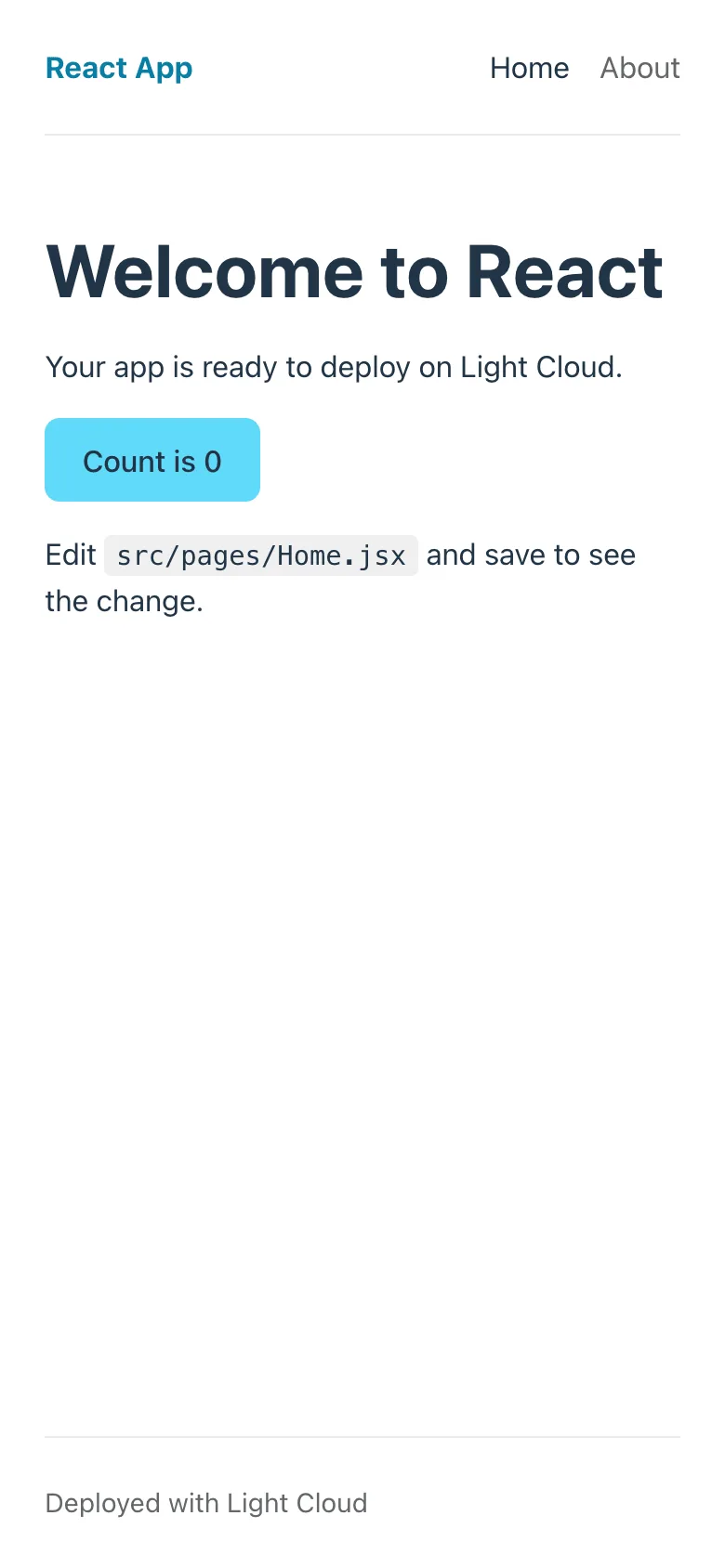
A React 18 single-page app starter in JavaScript, built with Vite 8 and React Router 6, for developers who want a clean project to add their own pages to. It includes a shared layout, Home, About and 404 pages, CSS Modules, ESLint and Vitest with Testing Library.
by Light CloudSingle-page apps
Build a single-page app with React, Vite and React Router
Features
- Three routes in src/App.jsx: / with a click counter, /about, and a catch-all 404 page with a link home
- One Layout component (header, navigation, footer) wraps every page through React Router's <Outlet />
- CSS Modules per component, with design tokens and base styles in src/styles/global.css
- Vitest and Testing Library in jsdom, with a sample test for the Counter component
- ESLint flat config with the React Hooks and React Refresh plugins
- VITE_APP_TITLE sets the name in the header at build time, documented in .env.example
- npm run build writes static files to dist/, and npm run preview serves them on port 4173
Tech stack
 React
 JavaScript
 Vite
 React Router
 Vitest
 Testing Library
 ESLint
What you need
- Free plan: it builds to a static site, which the Free plan hosts with no limit on sites
- To run it locally: Node.js 22.12 or later and npm
- No API keys: it starts with nothing to configure
About
The starter keeps to plain React and Vite with JavaScript, so there is no framework layer between you and the build. Routes live in one file and the layout sits around them, which makes adding a page a two-line change. Most people first swap the home page copy, set VITE_APP_TITLE, and add their own pages and components. Deploying runs npm run build and serves dist/ from a CDN, with unknown paths falling back to index.html so React Router can handle them.
FAQ
How do I add a new page to a React Vite app?
Create a component in src/pages/, add a Route for it inside the layout route in src/App.jsx, and add a NavLink in src/components/Layout.jsx.
Why does my React Router page show a 404 after refreshing?
The host is looking for a file at that path and finds none. Configure it to serve index.html for unknown paths; Light Cloud does this for you.
How do I use environment variables in a Vite React app?
Add a line such as VITE_API_URL=https://api.example.com to .env.local and read it with import.meta.env.VITE_API_URL. Only VITE_ names reach the browser and their values are fixed at build time, so never put secrets in them.
Can I use TypeScript with this React starter?
Yes. Rename files to .tsx and add typescript and a tsconfig.json; Vite compiles TypeScript without extra plugins, and the @types/react packages are already installed.
Can I host this React template without Light Cloud?
Yes. Run npm run build and upload dist/ to any static host, such as Netlify, Cloudflare Pages, GitHub Pages or nginx, with a fallback to index.html for client-side routes.