Laravel 13 Starter with PostgreSQL and Authentication
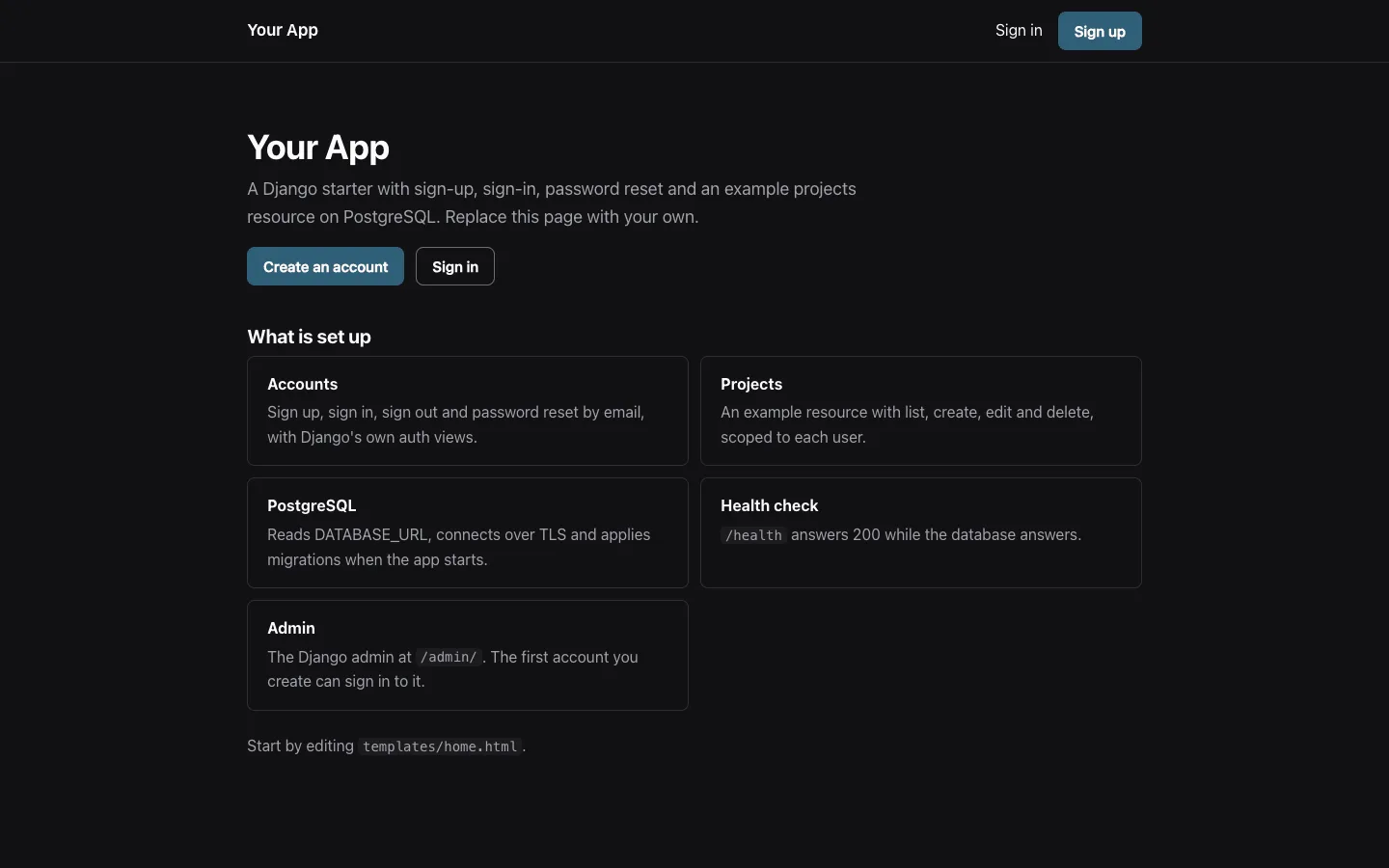
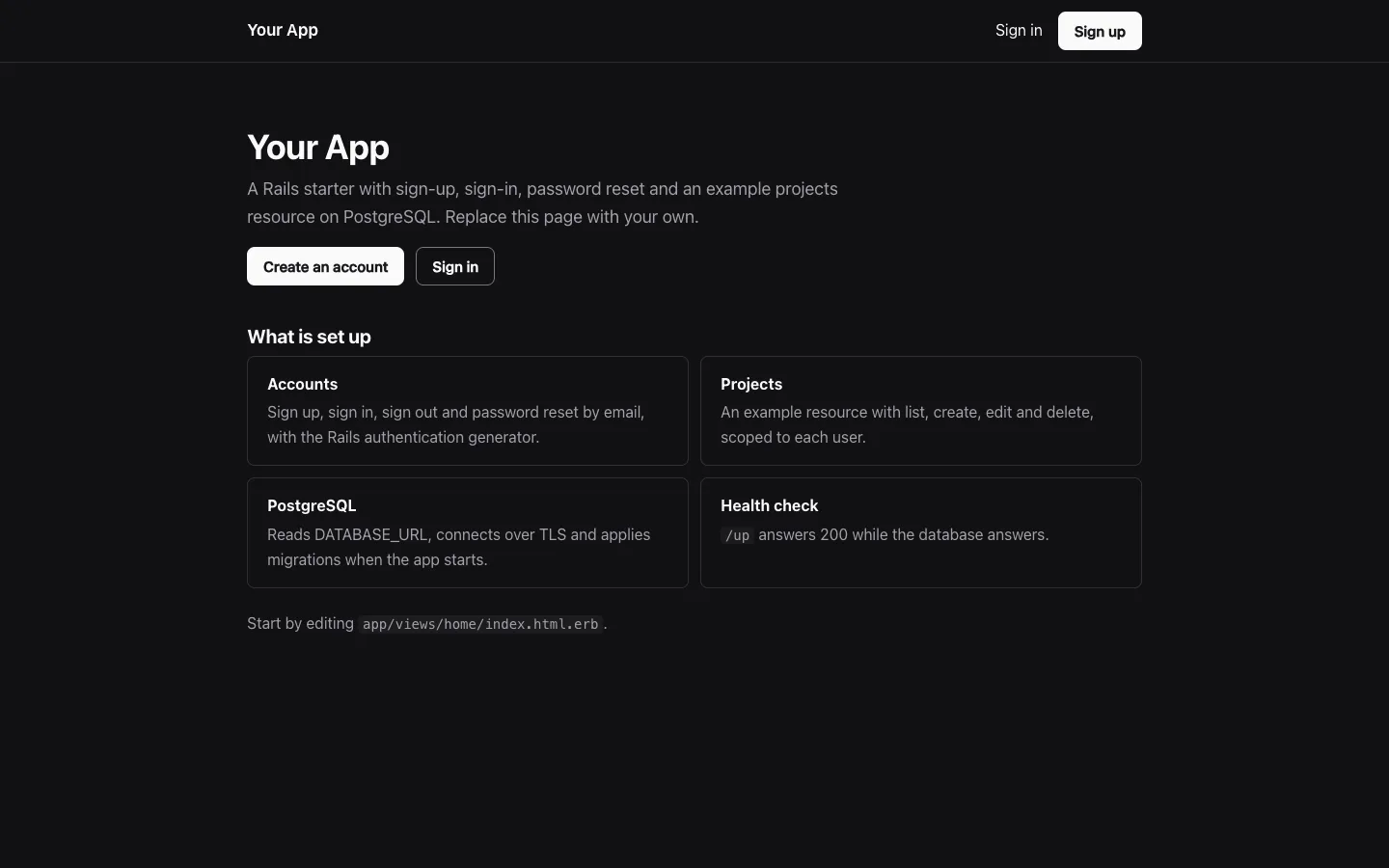
A Laravel 13 starter on PHP 8.4 and PostgreSQL for developers who want authentication in plain Blade without Breeze, Jetstream, Node.js or Vite. It covers sign-up, sign-in, sign-out and password reset by email, a projects example scoped to each user, a database health check and a Dockerfile that runs the migrations and serves the app with Apache.
by Light CloudFull-stack
Build a Laravel app with authentication and PostgreSQL
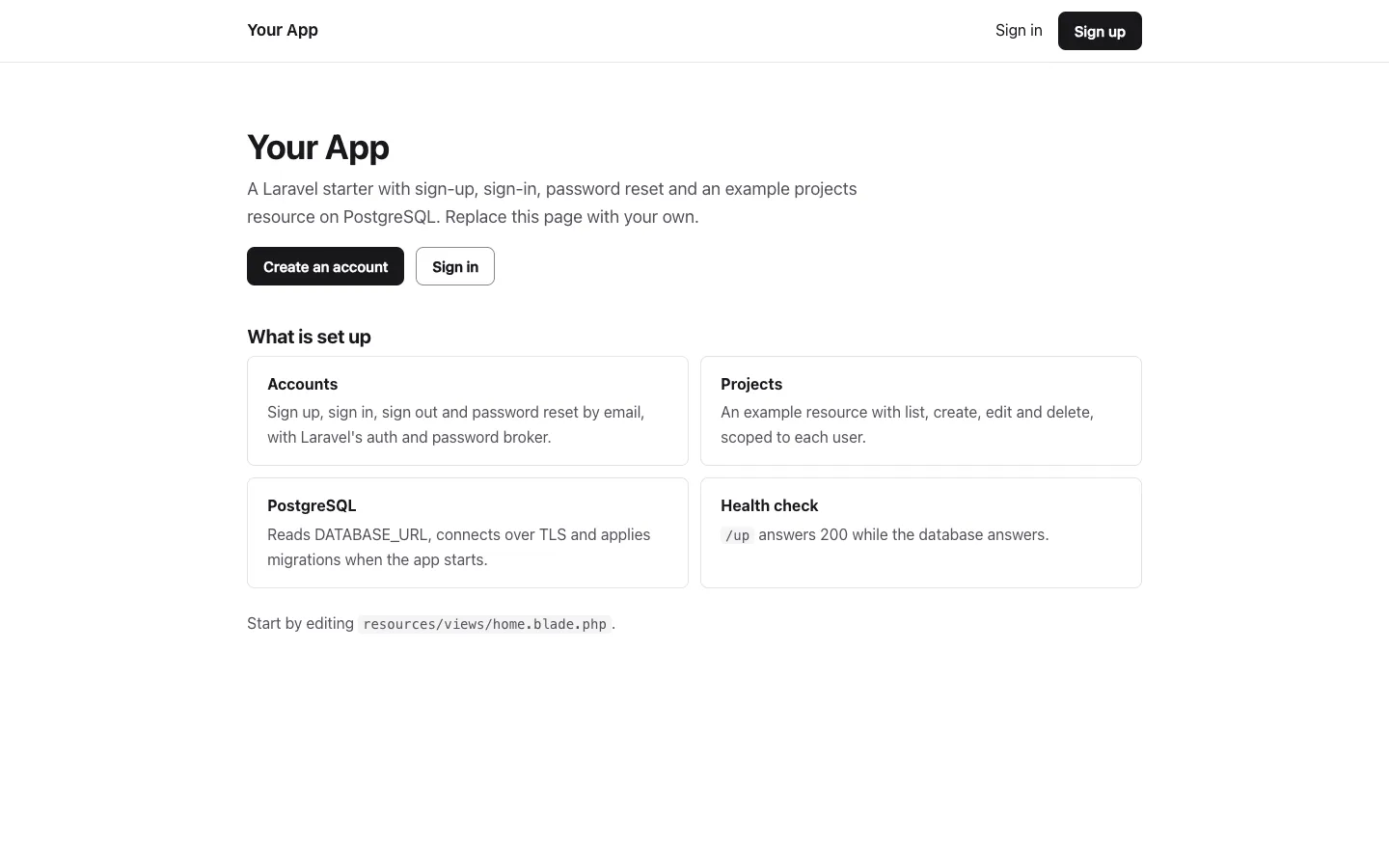
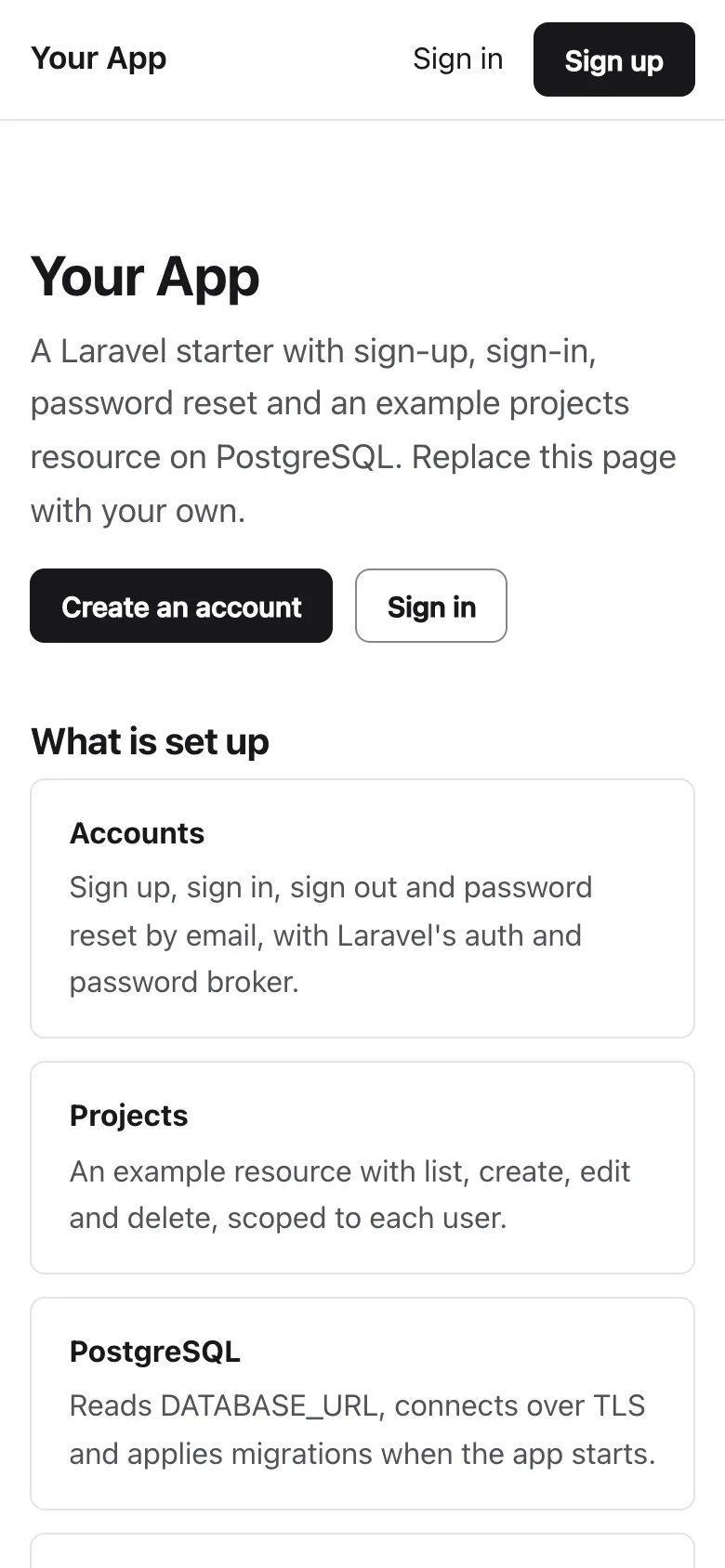
Features
- Auth controllers named as in Laravel Breeze, with routes/auth.php, written on Laravel's own Auth and password broker with no starter kit to update
- Sign up with email and password, emails stored in lower case, and password reset links that expire after 60 minutes with the same answer for unknown emails
- Rate limits on every sign-in, sign-up and reset form, counted in the database cache so every instance shares them
- A projects example with list, show, create, edit and a delete confirmation page; the route binding only finds the signed-in user's rows
- DATABASE_URL through Laravel's URL parser, keeping sslmode=require for TLS; sessions, cache and the queue live in the same PostgreSQL
- APP_KEY from the platform: a 64-character hex secret is turned into Laravel's base64: key, and key:generate keys work too
- A Dockerfile on php:8.4-apache that runs migrate --force and optimize on each start, and GET /up that checks the database
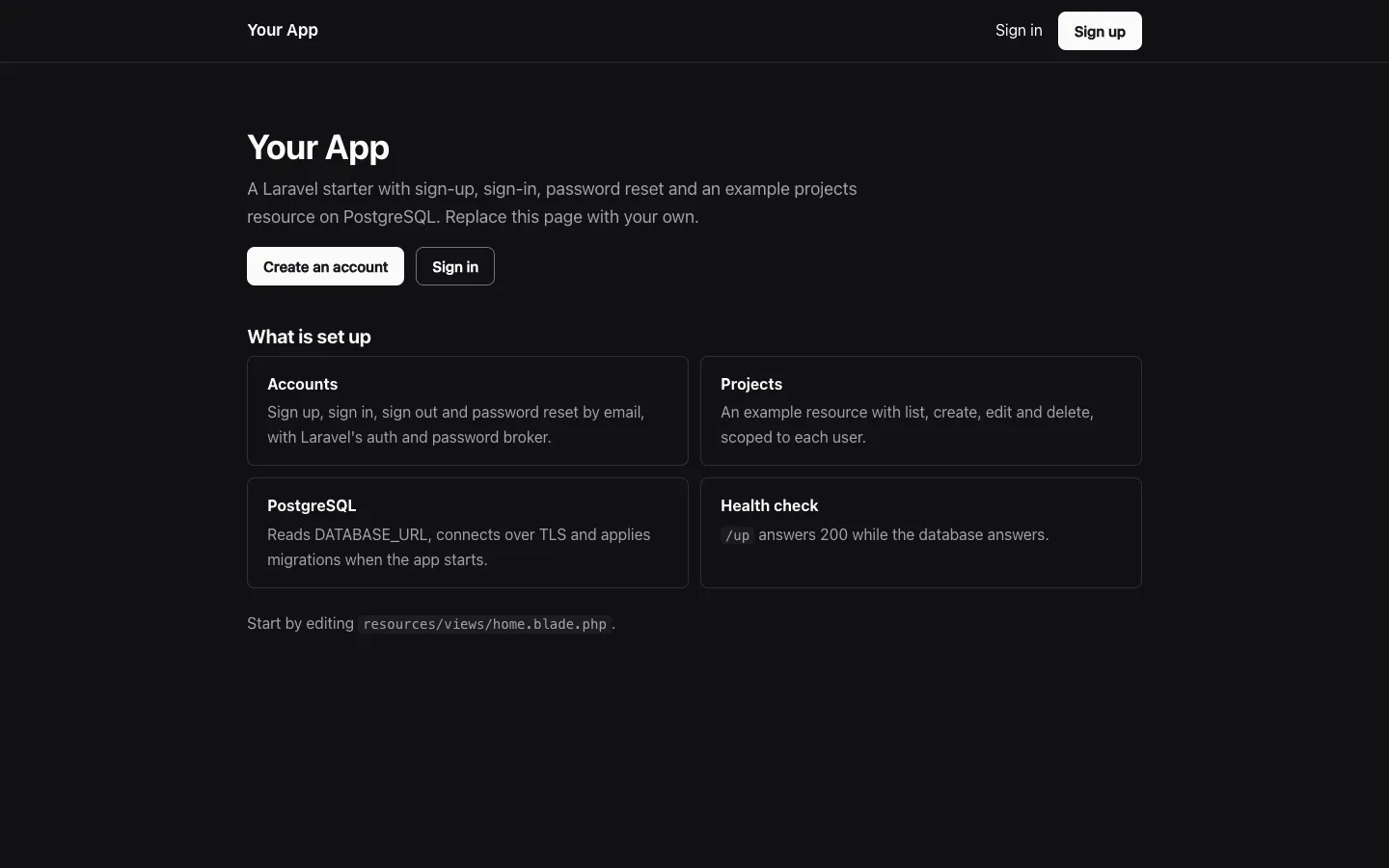
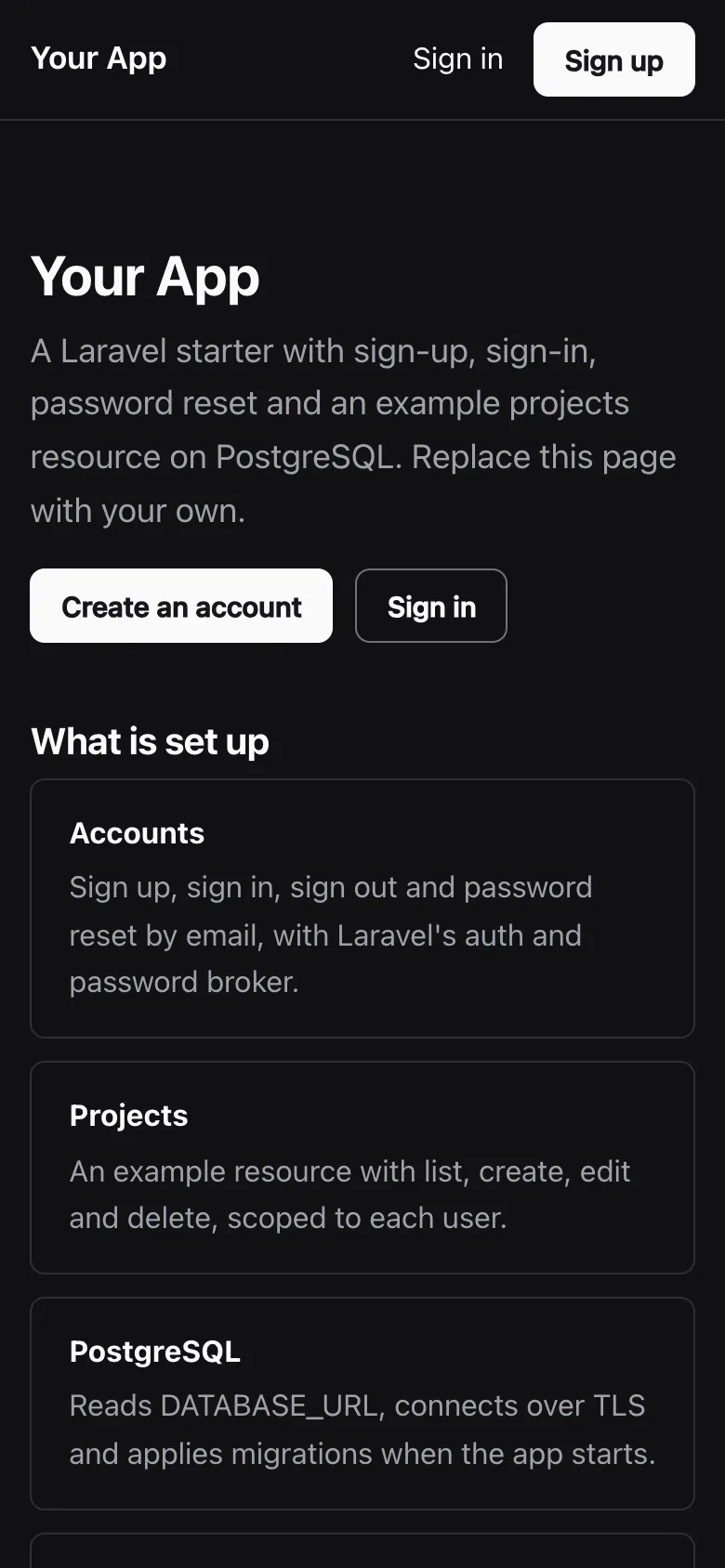
- 22 PHPUnit tests against PostgreSQL, Laravel Pint, and one stylesheet in light and dark that meets WCAG 2.2 AA
Tech stack
 Laravel
 PHP
 PostgreSQL
 Apache HTTP Server
 Composer
 Docker
What you need
- A paid plan: deploying creates a PostgreSQL database, which the Free plan does not include
- To run it locally: PHP 8.3 or newer with pdo_pgsql, Composer, and Docker for a local PostgreSQL
- No API keys: DATABASE_URL and APP_KEY are set for you on deploy, and APP_URL at each deploy
- Optional: MAIL_MAILER=smtp with MAIL_HOST, MAIL_PORT, MAIL_USERNAME, MAIL_PASSWORD and MAIL_FROM_ADDRESS to send reset emails; without them they go to the log
- Optional: APP_NAME for the name in the header, page titles and emails
About
Every setting comes from the environment, and the usual first edits are resources/views/home.blade.php, the colour tokens in public/css/app.css and the projects files, which show the pattern for your own models: a migration, a model with a user relation, a resource controller and a route binding in app/Providers/AppServiceProvider.php that makes anyone else's row a 404. app/Support/AppKey.php converts the platform's hex secret, and without any APP_KEY a key is derived from DATABASE_URL so every instance starts the same. Each container start runs php artisan migrate --force and php artisan optimize before Apache; if two instances start together on a new migration, both can try it and one fails, then restarts and finds nothing left to migrate. Reset links use APP_URL, which Light Cloud sets at each deploy; on other hosts set it yourself, or links take the request's host. Mail goes to the log until MAIL_MAILER=smtp is set, SMTP delivery has not been tested against a real provider, and the projects list has no pagination yet.
FAQ
Does this Laravel starter need Laravel Breeze or Jetstream?
No. The four auth controllers and routes/auth.php follow Breeze's names and layout, written in plain Blade on Laravel's own Auth and password broker, so there is no starter kit, no Node.js build and nothing to update apart from Laravel itself.
How do I connect Laravel to PostgreSQL with a DATABASE_URL?
Set DATABASE_URL, for example postgresql://user:password@host:5432/db?sslmode=require, and keep DB_CONNECTION on pgsql. Laravel parses the URL; sslmode reaches PostgreSQL and parameters it does not know, like uselibpqcompat, are ignored.
Where do Laravel password reset emails go without an email provider?
With MAIL_MAILER=log, the default, Laravel writes each email to the log: storage/logs/laravel.log on your machine and the container log in Docker and on Light Cloud. Set MAIL_MAILER=smtp and the MAIL_* variables to send them.
How do I add my own model next to projects?
Copy the pattern: a migration, a model with a user() relation, a resource controller, views and a route binding in AppServiceProvider that only finds the user's own rows. Then rename or delete the projects files.
Can I host this Laravel app without Light Cloud?
Yes. It has no Light Cloud code: build the Dockerfile on any Docker host, or point any PHP 8.3+ web server at public/ and run composer install --no-dev, migrate --force and optimize, with DATABASE_URL and APP_KEY set.
Related templates
All full-stack web app starters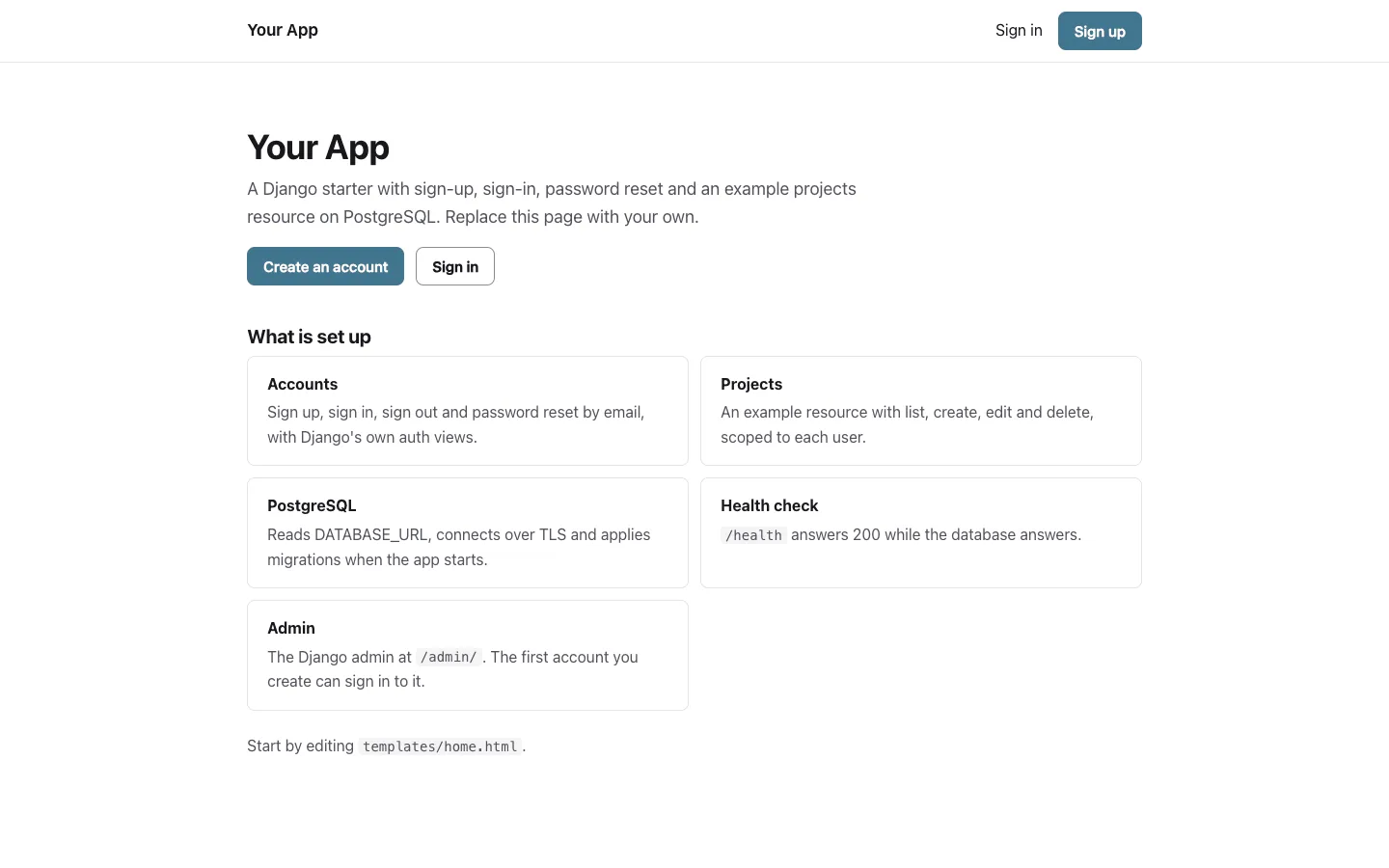
Django starter
Start a Django 5 app with email sign-in, password reset and the admin on PostgreSQL
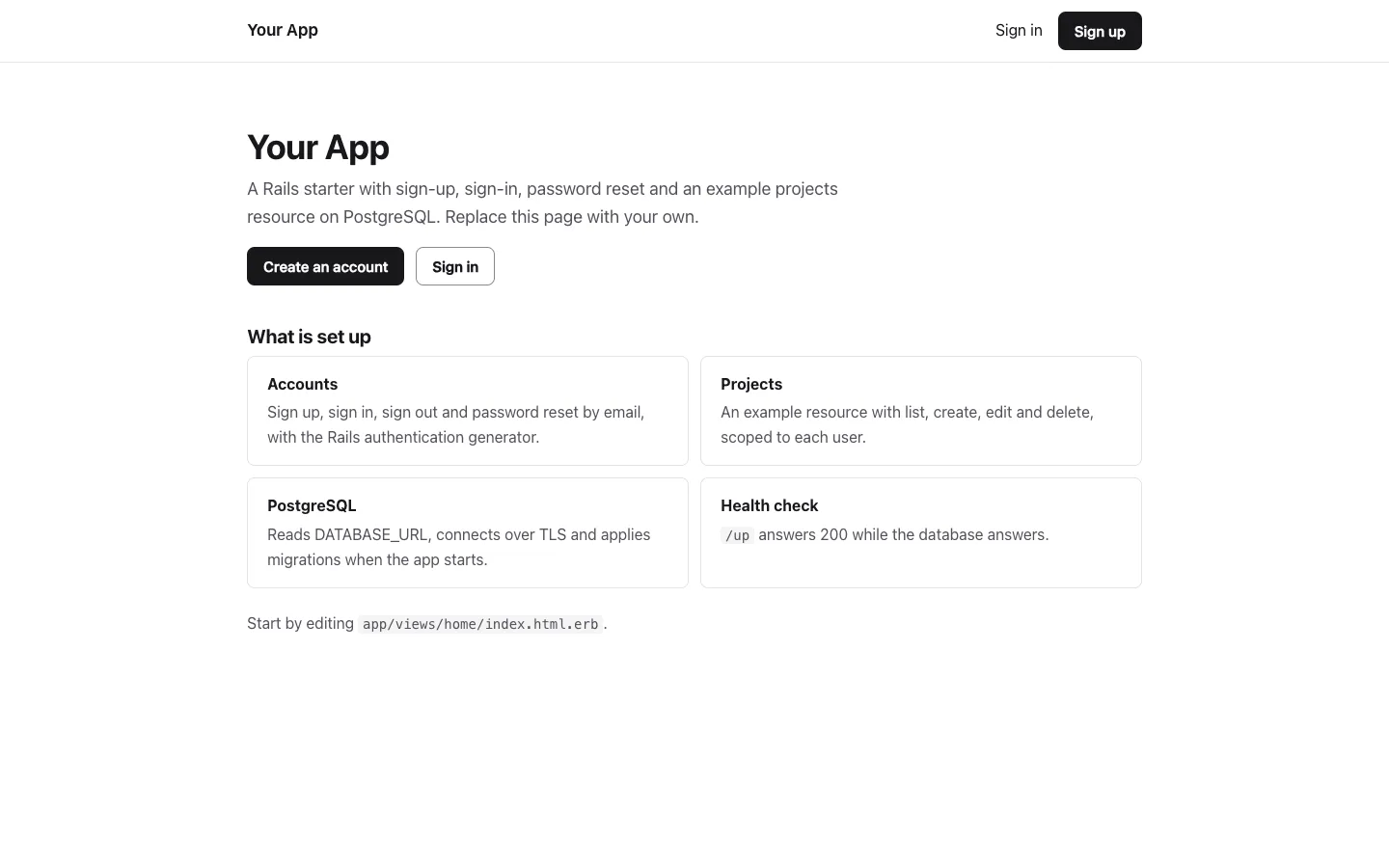
Rails starter
Start a Rails 8 app with sign-up and password reset on PostgreSQL, with no Node.js build
 Laravel CRUD APIStarter · CRUD APIs
- Laravel
 PHP
 PostgreSQL
Laravel CRUD API
Start a Laravel CRUD API on PostgreSQL with validation, JSON errors and PHPUnit set up