Eleventy Blog Starter
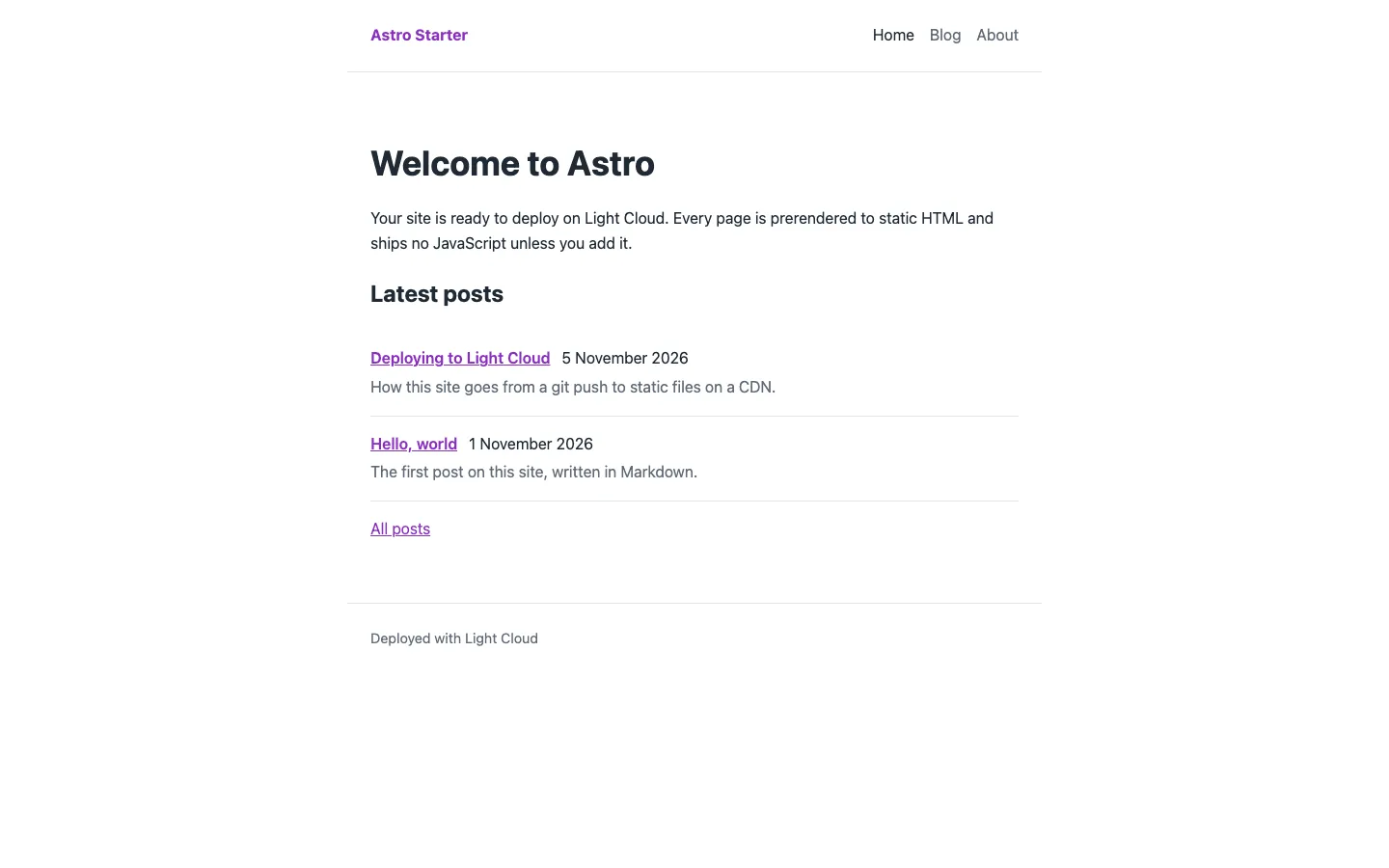
An Eleventy 3 blog starter in JavaScript that builds Markdown posts and Nunjucks layouts into plain static HTML. It is for developers and writers who want a content-first site with a post list, post pages, an about page and site-wide data, ready to rename.
by Light CloudBlogs
Build a Markdown blog with Eleventy and Nunjucks
Features
- Eleventy 3 with an ESM config file, eleventy.config.js
- Base and post layouts in Nunjucks, with header and footer partials
- Directory data in src/posts/posts.json gives every post the post layout, the posts tag and a /posts/<file name>/ URL
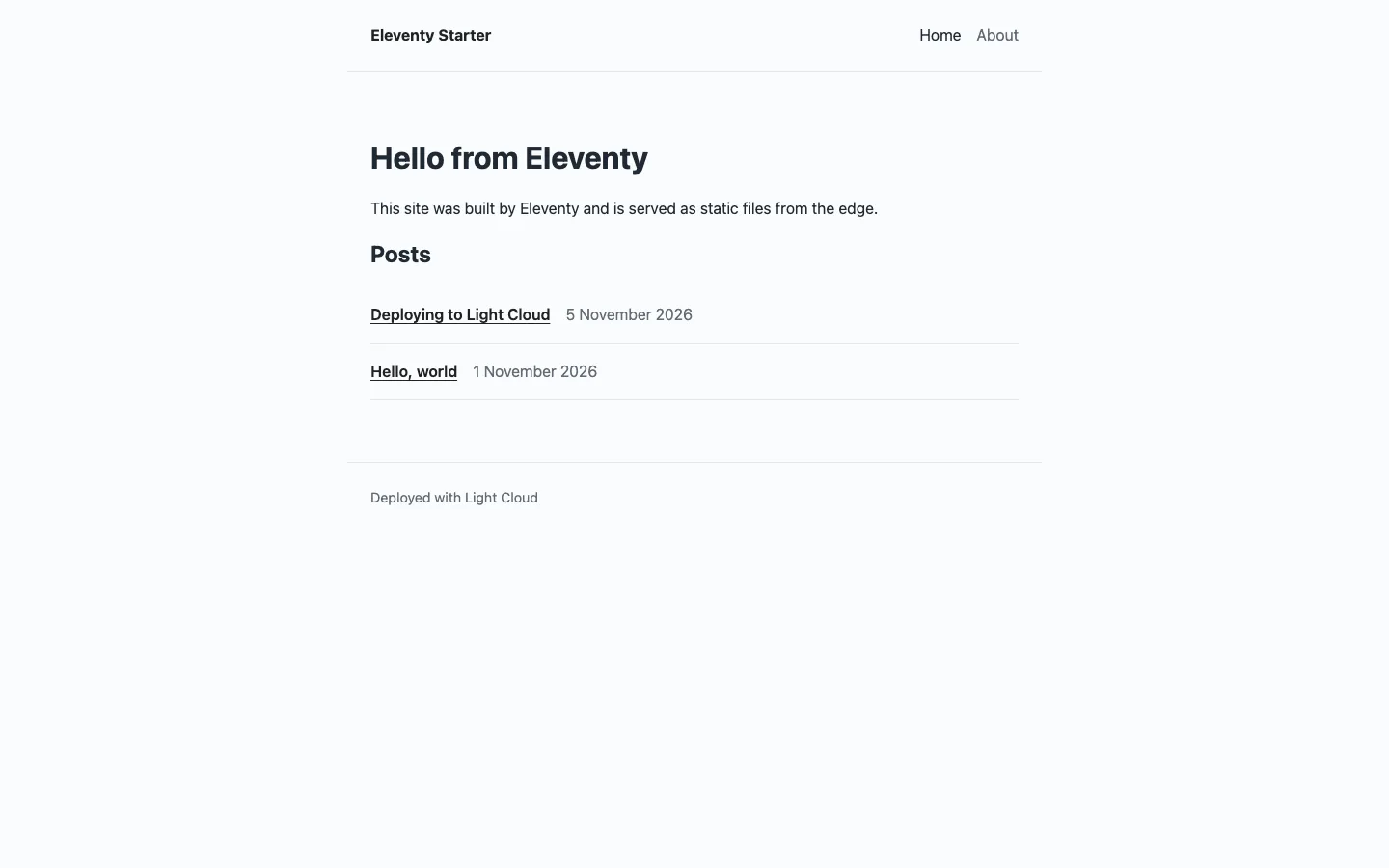
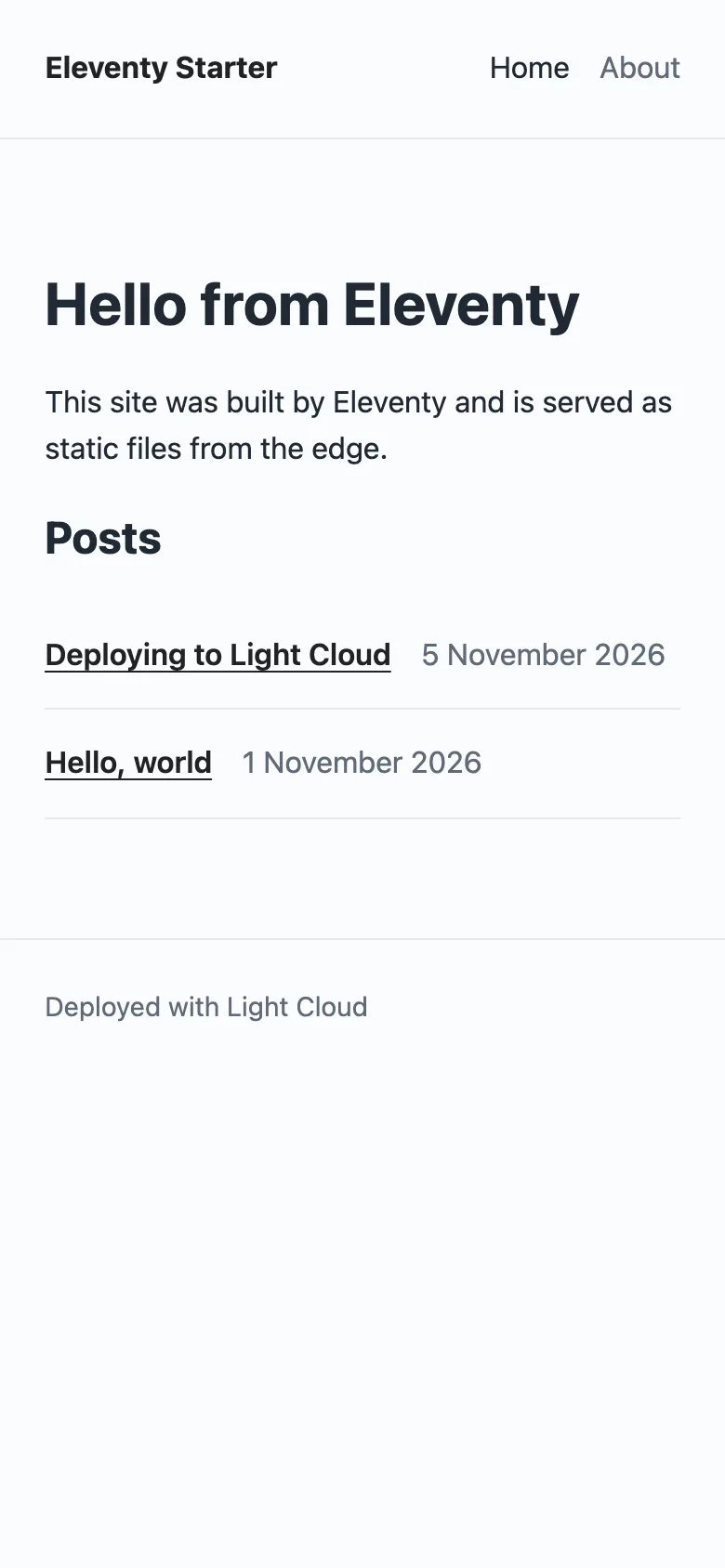
- Home page lists posts newest first, with readableDate and isoDate filters for dates
- Site title and description in src/_data/site.json, used in the header, title and description tags
- Builds src/ to _site/ as HTML and one CSS file, with no client-side JavaScript
- Two sample posts and an about page to copy from
Tech stack

 Eleventy
 JavaScript
 Node.js

 Nunjucks

 Markdown
What you need
- Free plan: it builds to a static site, which the Free plan hosts with no limit on sites
- To run it locally: Node.js 18 or later and npm
- No API keys: it starts with nothing to configure
About
The whole configuration is a dozen lines in eleventy.config.js: input and output folders, a passthrough copy for src/assets and two date filters. Posts pick up their layout, tag and URL from posts.json, so a new post is just a Markdown file with a title and date. Change src/_data/site.json first, then replace the sample posts and restyle src/assets/css/main.css. It builds with npm run build into _site/, and each push to your copy redeploys.
FAQ
Is there a simple Eleventy blog starter template?
Yes. This one is MIT licensed, with one devDependency (@11ty/eleventy), two layouts, two partials, a posts collection and an about page.
How do I add a blog post in Eleventy?
Create a Markdown file in src/posts/ with a title, a date and optionally a description in the front matter. posts.json gives it the post layout and a URL, and it appears on the home page.
How do I add a page to an Eleventy site?
Create a Markdown or Nunjucks file in src/ with layout: layouts/base.njk and a permalink, as in src/about.md, then add the link to src/_includes/partials/header.njk.
Does this Eleventy blog ship any JavaScript?
No. The output is HTML and one CSS file. Add a script to src/assets and a script tag in base.njk if you need one.
Can I deploy this Eleventy blog without Light Cloud?
Yes. npm run build writes plain files to _site/, which any static host serves; set the host's build command to npm run build and its output folder to _site.