Discord Bot Template for Node.js and TypeScript
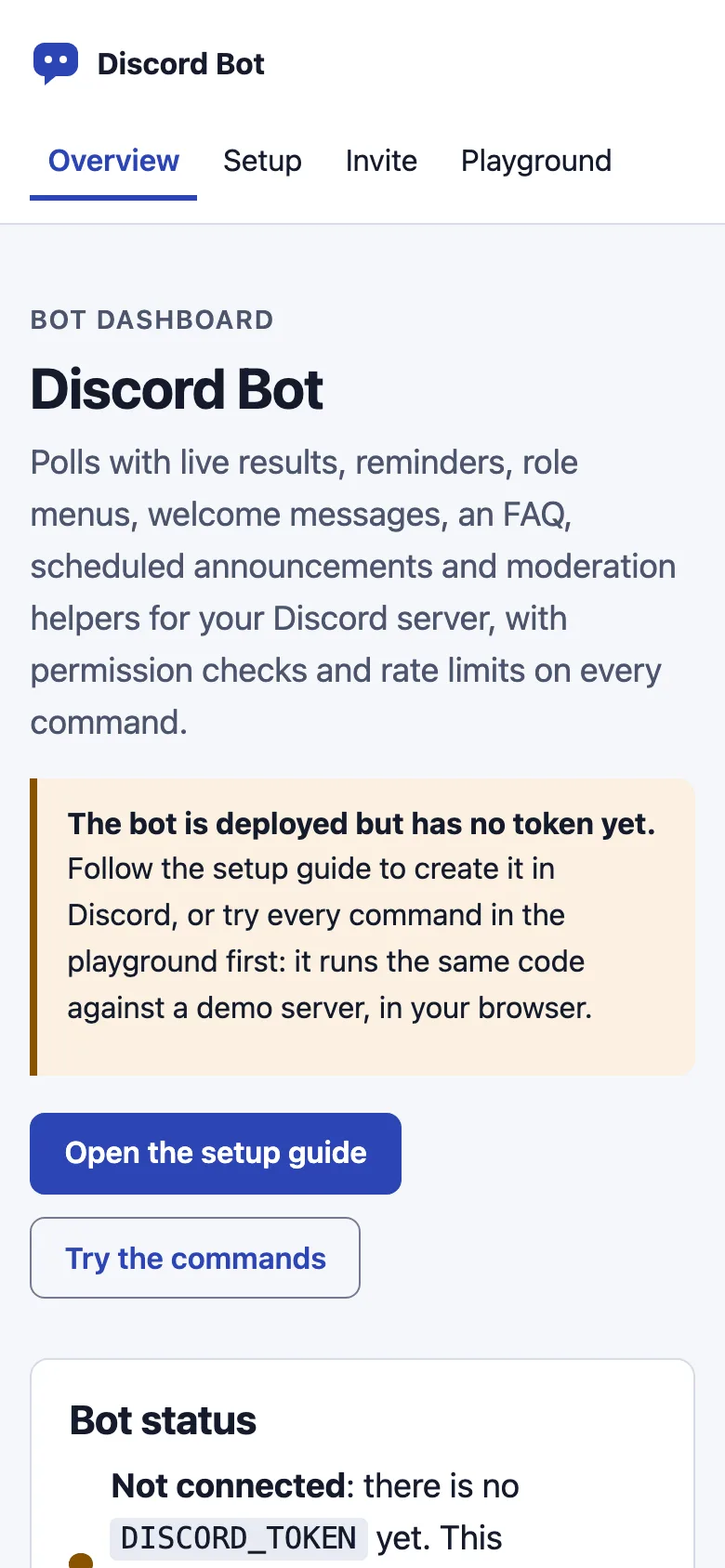
A free Discord bot template for Node.js and TypeScript built on discord.js v14, for community servers such as clubs, classes and game groups. It has slash commands for polls with live results, reminders, self-service role menus, welcome messages, an FAQ, scheduled announcements and moderation, plus a web dashboard with a setup guide, an invite link builder and a playground that works before you have a token.
by Light CloudBots, Communities and forums
Build a Discord bot with discord.js v14 and TypeScript
Features
- /poll with two to five answer buttons, live vote bars, one vote per person and a close time or a Close button
- /remind for reminders from 1 minute to 30 days in the channel or by direct message, with a list and Cancel buttons
- Role menus from config/bot.json: members pick their own roles, and the bot only touches that menu's roles
- Welcome messages, an FAQ from YAML with autocomplete, and scheduled announcements such as weekly thu 18:00
- /timeout and /purge with role-order checks, a mod-log channel, cooldowns and mentions off by default
- Commands over the gateway, or a signed /interactions endpoint when DISCORD_PUBLIC_KEY is set
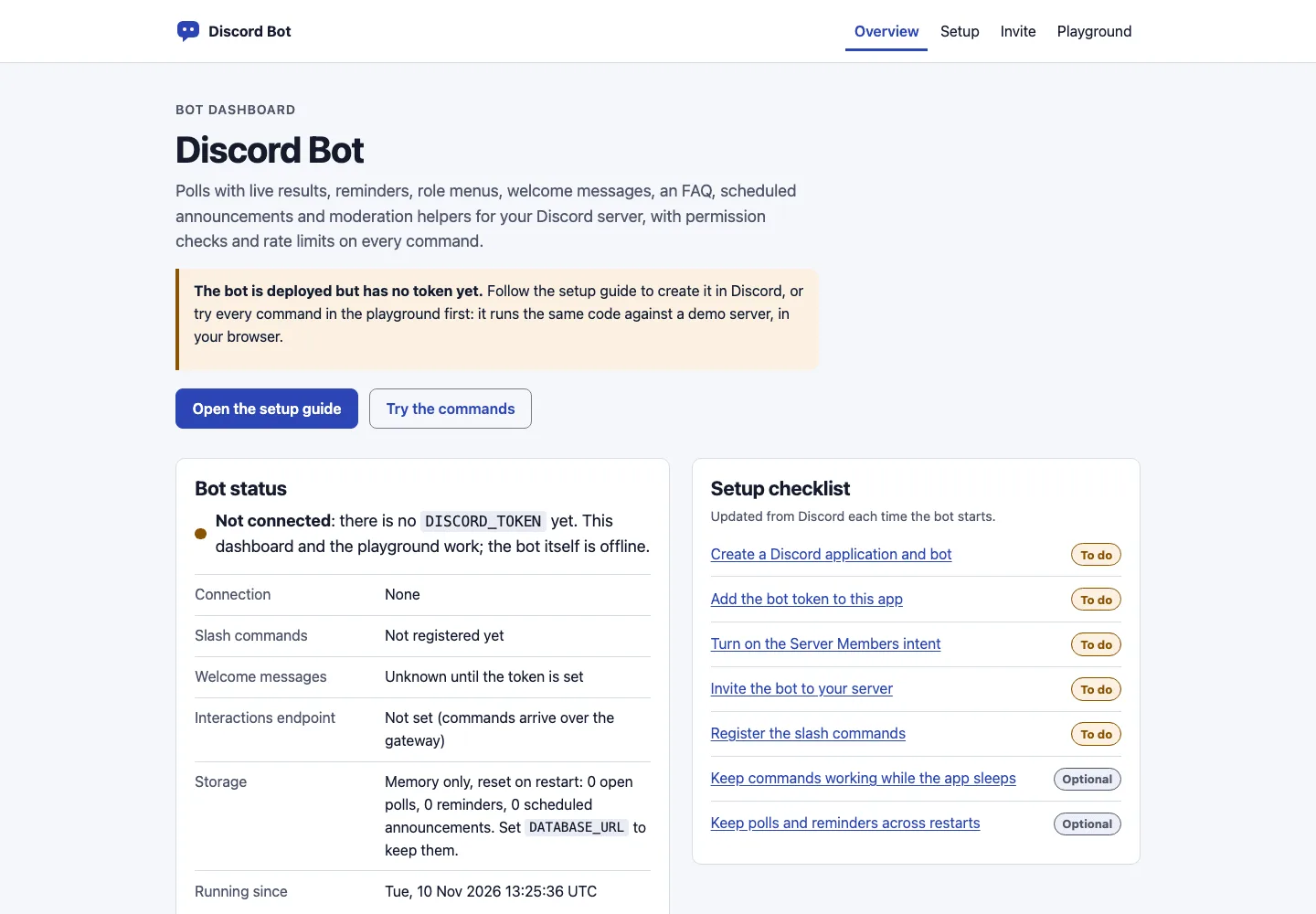
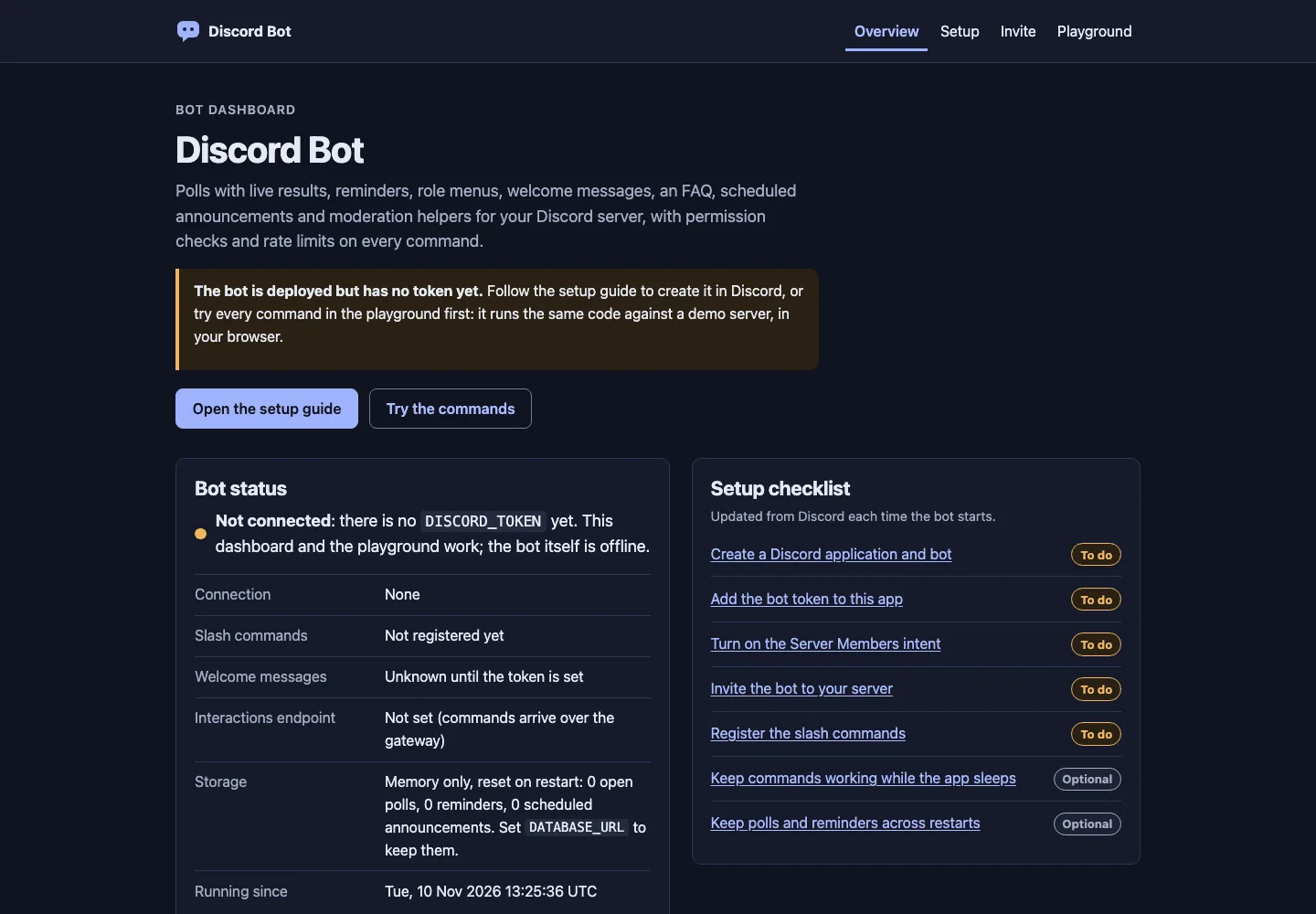
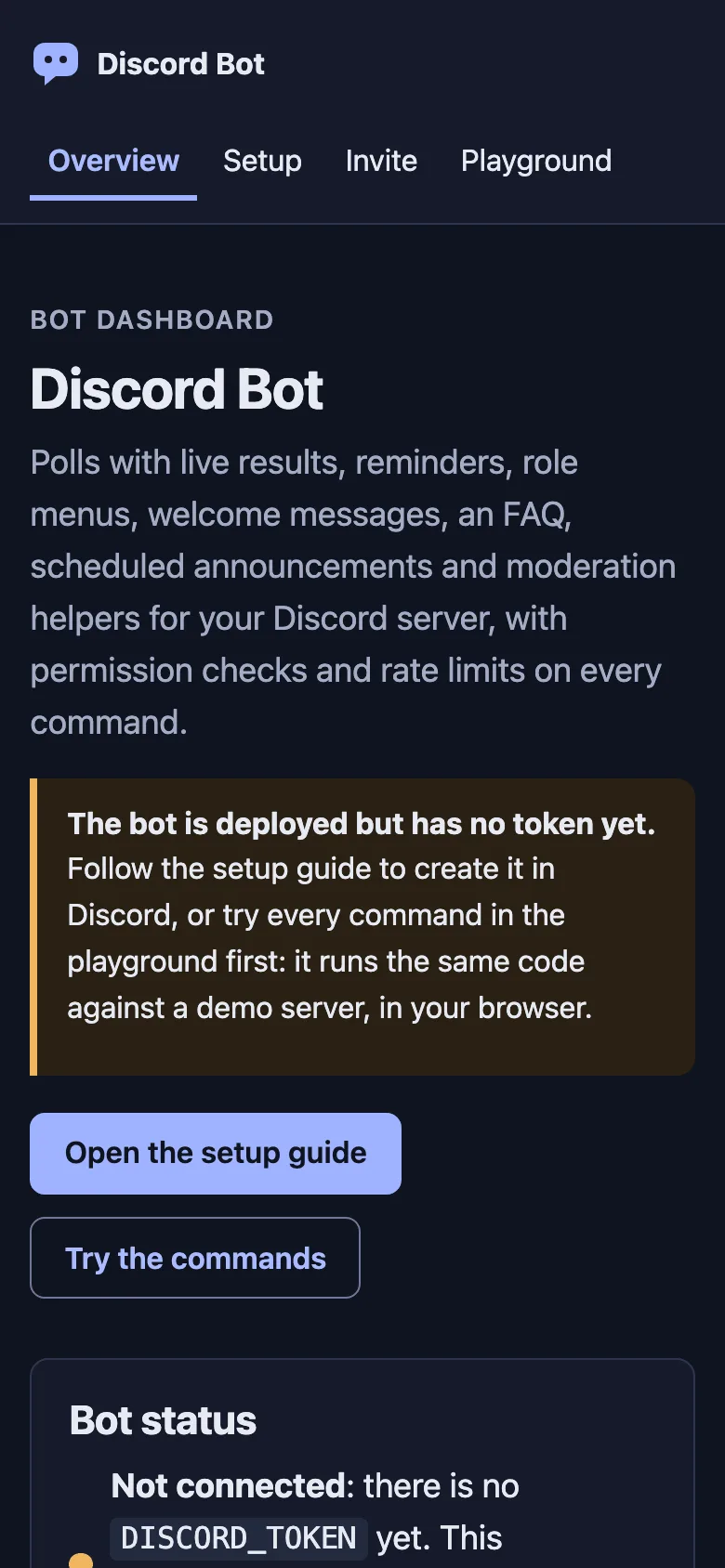
- A web dashboard with bot status, a setup checklist, an invite link builder and a playground that runs the real commands with no token
- Optional PostgreSQL to keep polls, reminders and settings across restarts, and no build step: Node.js runs the TypeScript
Tech stack
 discord.js
 TypeScript
 Node.js
 PostgreSQL
What you need
- Free plan: it runs as a server app, and the Free plan includes 3 server apps
- To run it locally: Node.js 22.18 or later and npm
- Recommended: DISCORD_TOKEN, your bot token from the Discord Developer Portal; without it the app runs in setup mode
- Optional: DISCORD_PUBLIC_KEY to turn on /interactions, so commands work while a Free plan app sleeps
- Optional: DATABASE_URL, a PostgreSQL database you bring, to keep state across restarts
About
Every command is a small module in src/core/features with its permission and cooldown, and the same code runs for the gateway, the /interactions endpoint and the browser playground; server owners change config/bot.json and config/faq.yaml. On the Free plan the app sleeps when idle: commands, buttons and menus still work through /interactions, but welcome messages and timed posts only run while it is awake (an always-on instance on a paid plan, or an uptime monitor on /health), in-memory state resets each time it sleeps, and the first command after it wakes may miss Discord's 3-second reply window. Keep it at one instance, because two would post every reminder twice. Reminders take relative times such as 2h, not a date. It has not been tested against live Discord yet: the gateway, REST calls and interactions were tested against a stand-in API and signed requests. npm audit reports 10 moderate warnings, all in development-only ESLint dependencies.
FAQ
How do I make a Discord bot with discord.js v14 and TypeScript?
Start from this template: it has a typed command structure, slash command registration, buttons, select menus, autocomplete, permission checks and tests. Create an application in the Discord Developer Portal, put the bot token in DISCORD_TOKEN and run npm run dev; the dashboard's setup guide walks through each step.
How can I host a Discord bot for free?
On a free plan that sleeps idle apps, such as Light Cloud's, set DISCORD_PUBLIC_KEY and the interactions endpoint so slash commands, buttons and menus wake the app. Welcome messages and timed posts need it awake, which an always-on instance or an uptime monitor hitting /health gives you.
How do I register slash commands for my Discord bot?
This bot registers them every time it starts, globally or on one server when DISCORD_GUILD_ID is set, and only when they changed. From your computer, npm run register does it globally and npm run register -- --guild <server ID> on one server, where changes show up straight away.
Why does my Discord bot need the Server Members intent?
Discord only tells a bot that someone joined when the privileged Server Members intent is on. Turn it on in the Developer Portal under Bot, Privileged Gateway Intents, then restart; without it everything except welcome messages still works.
How do I keep Discord bot data after a restart?
Set DATABASE_URL to a PostgreSQL database. The bot creates one table, saves polls, reminders, announcements and welcome settings after each change and loads them on start; without it they live in memory and reset when the app restarts.
Related templates
All bot templates- ExpressStarter · REST APIs
- Express
 Node.js
Express
Start a Node.js REST API with Express, CORS, JSON errors and tests already wired up
 NestJSStarter · REST APIs
- NestJS
- Node.js
NestJS
Start a TypeScript API with NestJS modules, Jest unit and e2e tests and linting set up
Help desk
Keep every support request in one inbox and see which ones are about to miss SLA