linkding: Self-Hosted Bookmark Manager
linkding is an open-source bookmark manager built with Django, packaged here with PostgreSQL so anyone who saves a lot of links can host their own Pocket or Pinboard alternative in one click. It saves links from a browser extension or bookmarklet with their title and description, and covers tags, notes, read-later, search, sharing between users, RSS feeds and a REST API.
by Light CloudNewsletters and links
Build a self-hosted bookmark manager with linkding and PostgreSQL
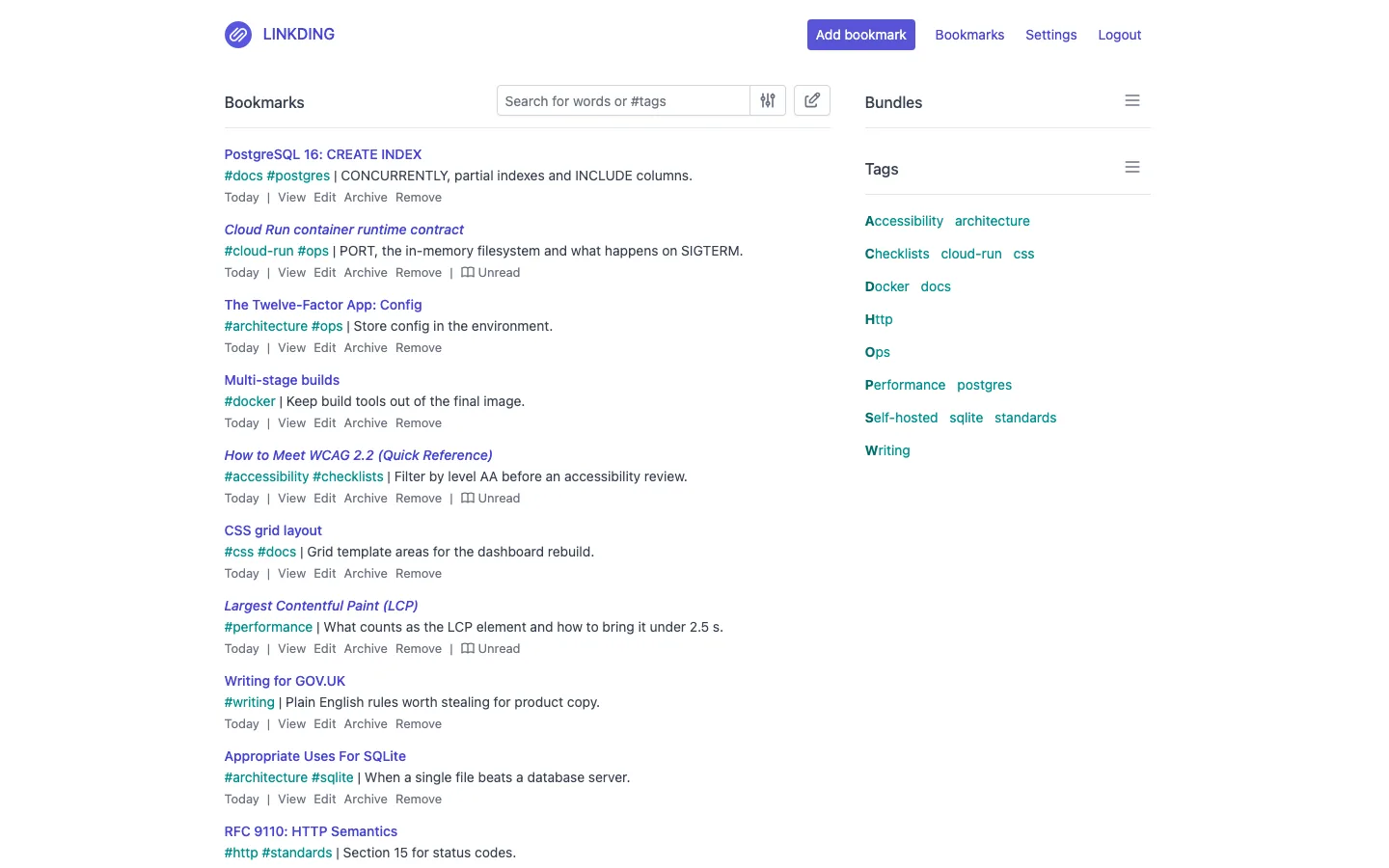
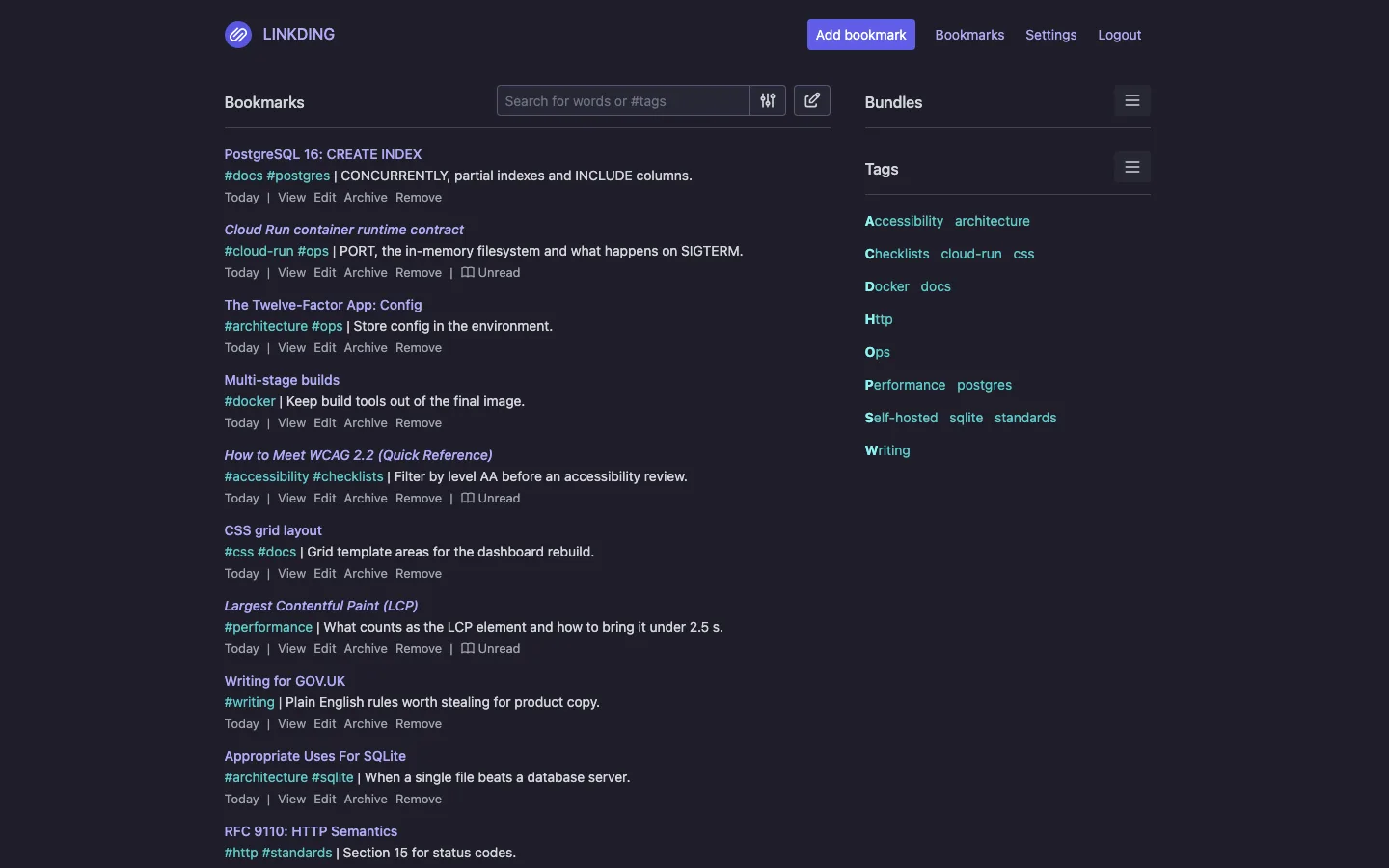
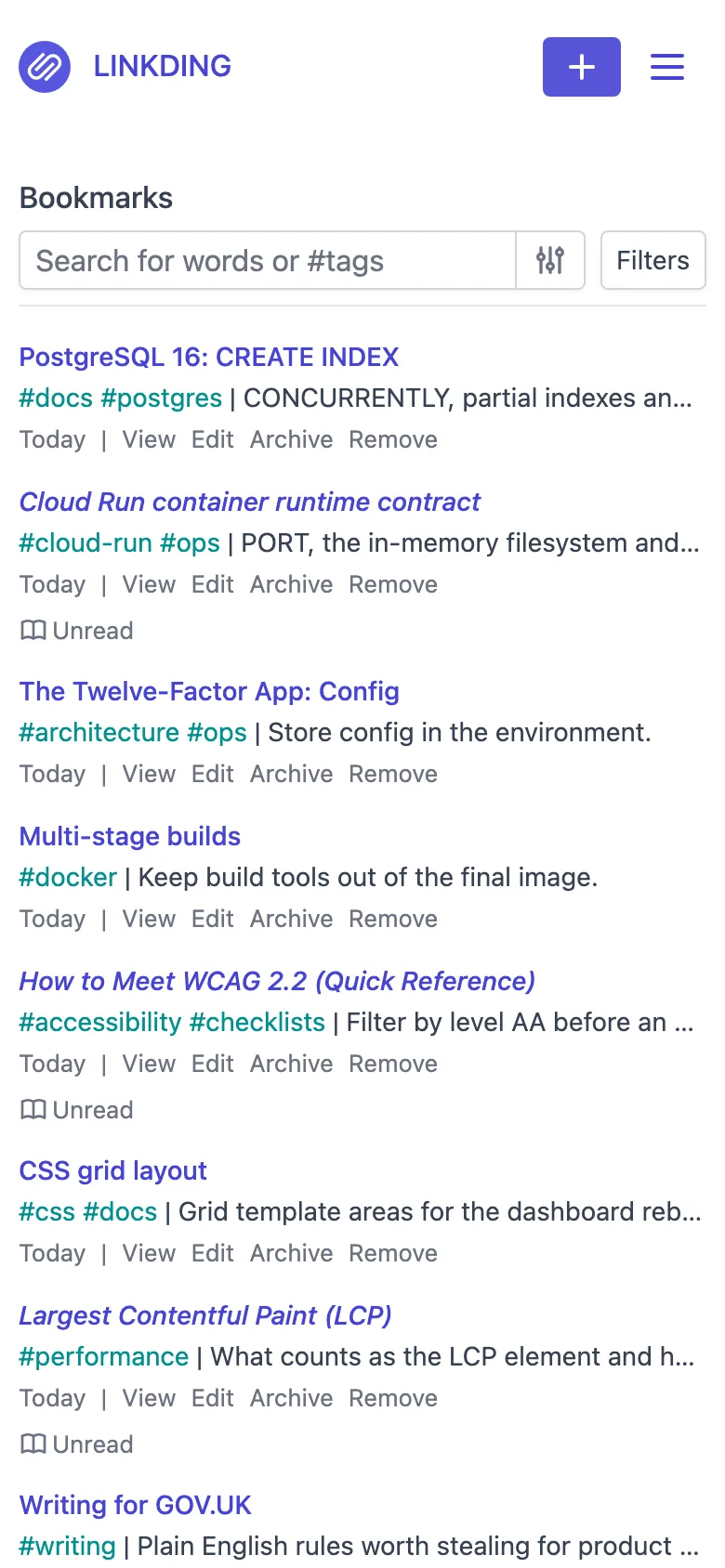
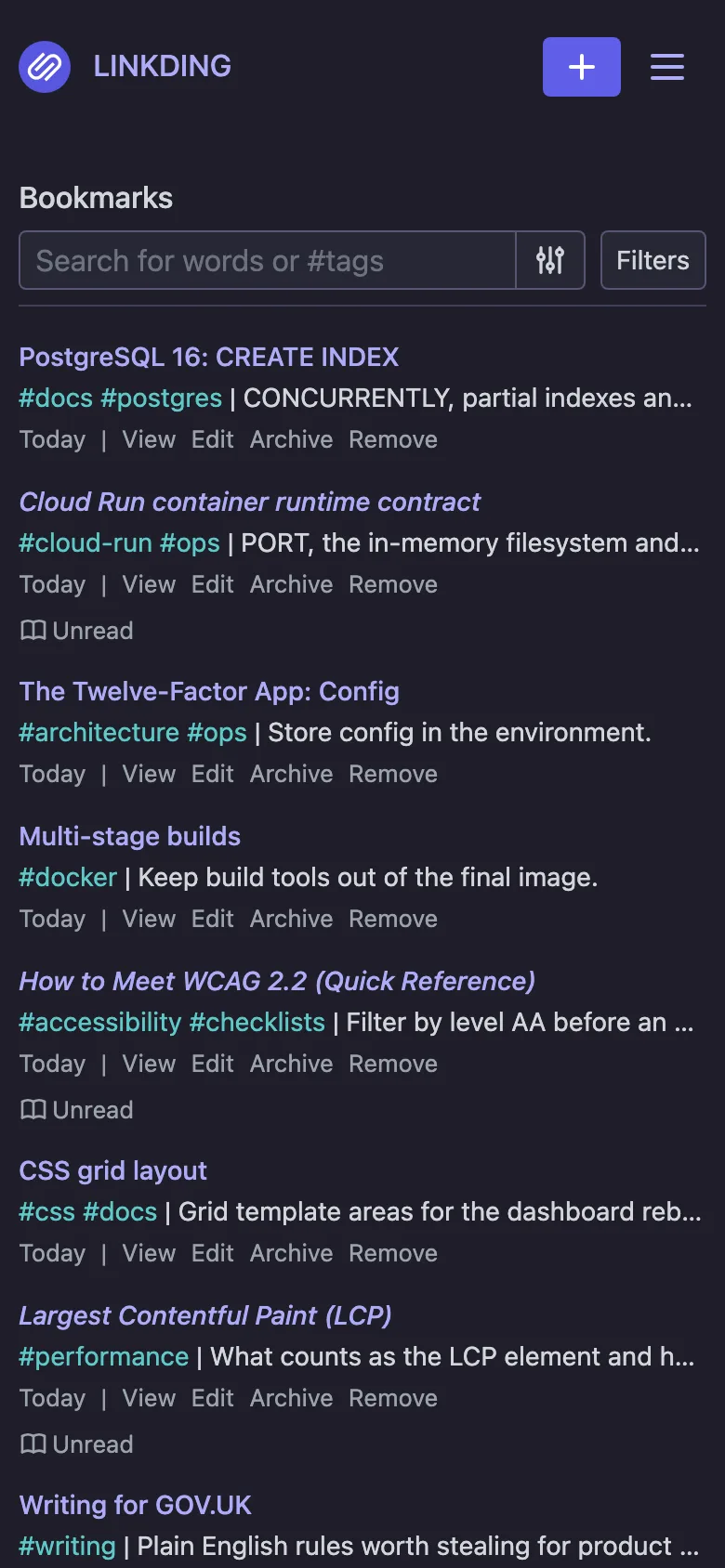
Features
- The official linkding 1.47.0 image, pinned to an exact release, with migrations run on every start
- Bookmarks with tags, notes, read-later and archive, and saved searches as bundles
- Search across titles, descriptions, notes and tags, with #tag filters
- Title, description and favicon fetched from each page as you save it
- Browser extensions for Firefox and Chrome, a bookmarklet, and import and export of browser, Pinboard and Pocket bookmark files
- Several users, bookmarks shared between them or publicly, RSS feeds, a REST API, and light and dark themes
- Sign-in works behind Light Cloud's HTTPS proxy and on a custom domain without setting trusted origins
Tech stack
 Django
 Python
 PostgreSQL
 Docker
What you need
- A paid plan: deploying creates a PostgreSQL database, which the Free plan does not include
- To run it locally: Docker, for the image and a PostgreSQL container
- Nothing to fill in: the admin password and LD_SECRET_KEY are generated at deploy; without the key every restart signs everyone out
- Optional: LD_ENABLE_OIDC and the OIDC_* variables, to sign in through an OpenID Connect provider
About
This is upstream linkding 1.47.0 by Sascha Ißbrücker and contributors, under its own MIT licence and unchanged: Light Cloud packages the official image for a one-click deploy, nothing more. lightcloud/start.sh splits DATABASE_URL into linkding's LD_DB_* settings and writes LD_SECRET_KEY where linkding reads its key, and the Dockerfile adds one line to linkding's production settings so Django trusts the proxy's X-Forwarded-Proto and X-Forwarded-Host, which is what stops a 403 CSRF error on sign-in. Users, sharing, imports and the browser extension token are managed in the app under Settings, and bookmarks, tags, notes and users all live in PostgreSQL. Favicons, preview images and file uploads are saved on the container's disk, which does not survive restarts, so icons and previews are fetched again after each restart or deploy and uploaded files are lost; do not attach files on Light Cloud. Web page snapshots need upstream's larger -plus image with Chromium and stay off, and with scale-to-zero the background jobs that fetch icons and previews only run while the app is serving requests.
FAQ
What is a good self-hosted alternative to Pocket or Pinboard?
linkding covers the everyday part of both: save links from the browser, tag them, keep a read-later list and search everything later. It imports the bookmark files Pocket and Pinboard export, and it runs as one small container with a database.
How do I import my browser bookmarks into linkding?
Export your bookmarks as an HTML file from Chrome, Firefox, Safari or Edge, then upload it under Settings, General, Import. Tags in the file are kept, and links you already have are updated instead of added twice.
Is there a linkding browser extension?
Yes, for Firefox and Chrome. Install it from Settings, Integrations, then enter your linkding URL and the API token shown on that page.
Why does linkding say CSRF verification failed behind a reverse proxy?
Django compares the browser's https:// origin with the address it thinks it is served on. Set LD_CSRF_TRUSTED_ORIGINS to your URL, or trust the proxy's X-Forwarded-Proto and X-Forwarded-Host as this template does.
Can several people share one linkding?
Yes. Each person has their own account and bookmarks; bookmarks can be shared with the other users or made public, and an admin adds accounts in the Django admin.
- Price
- Free
- Framework
- Dockerfile · Docker
- Plan
- Lite or above
- Updated
Variables
LD_SUPERUSER_NAMEFilled inLD_SUPERUSER_PASSWORDGeneratedSign in as admin with this password.
LD_SECRET_KEYGenerated