Umami: Self-Hosted Google Analytics Alternative
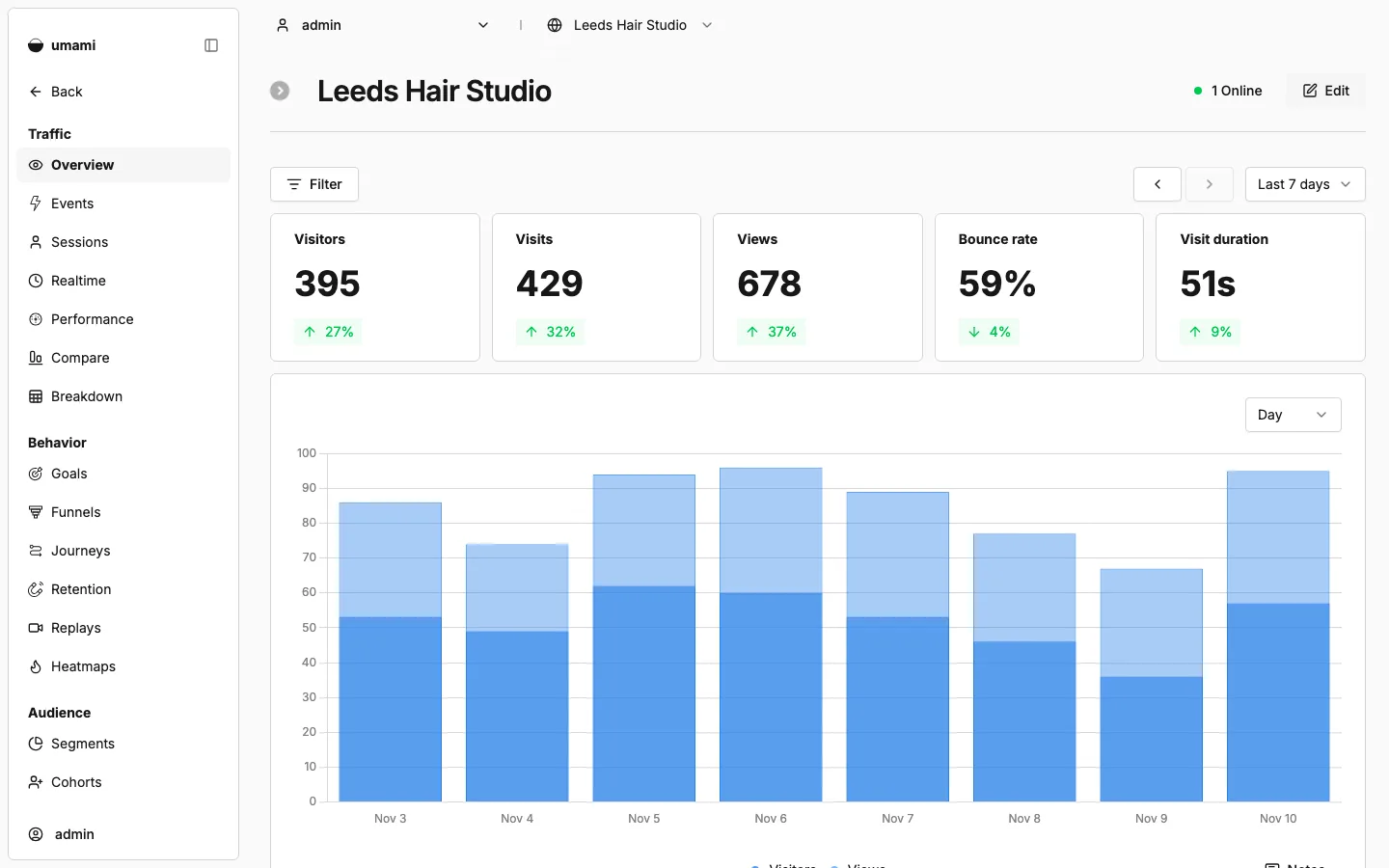
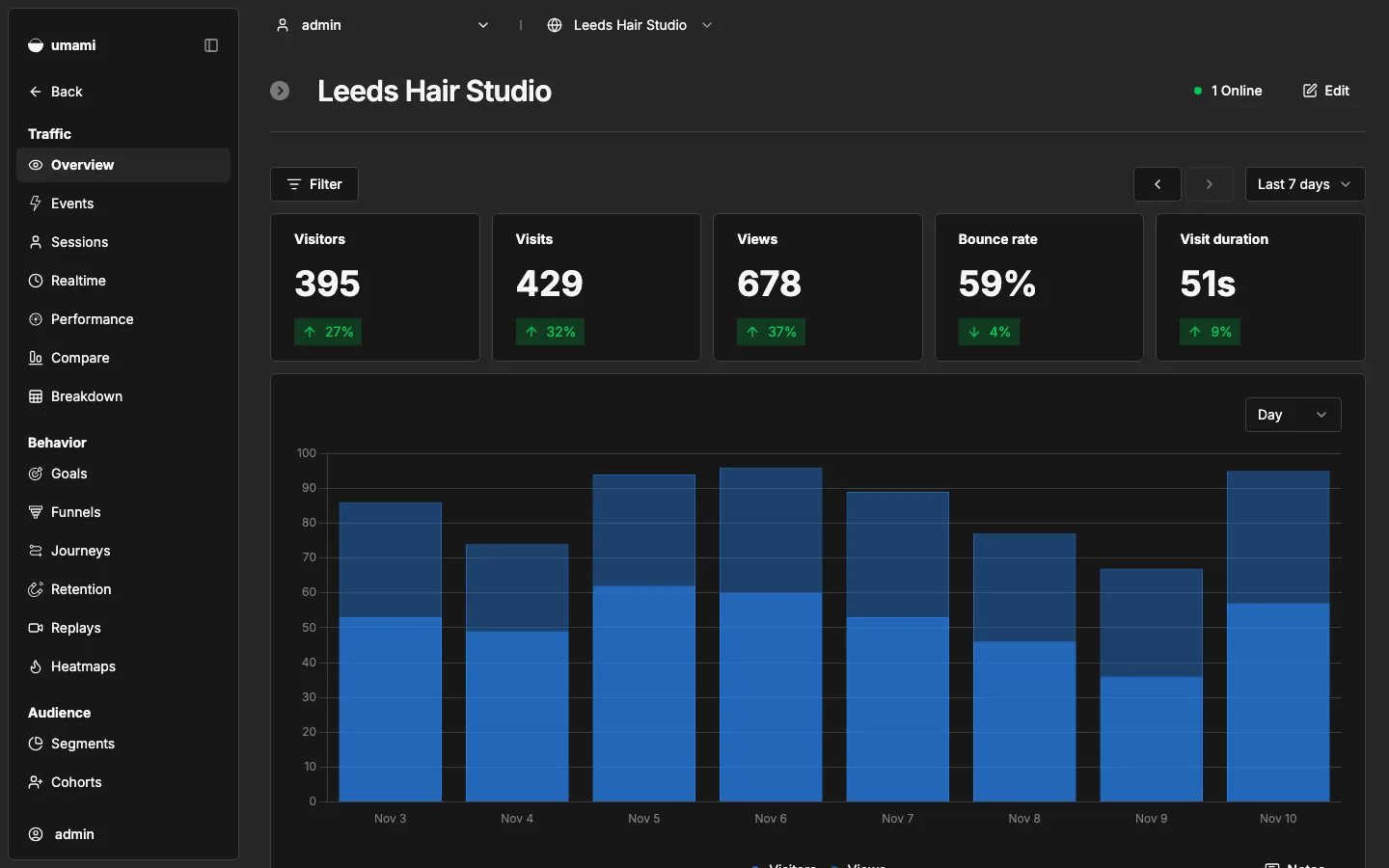
Umami is open-source, privacy-friendly website analytics (a Next.js app on PostgreSQL), packaged here so site owners, agencies and developers can host their own Google Analytics alternative in one click. One script tag on any site shows visitors, page views, referrers, campaigns, countries, devices and custom events, without cookies.
by Light CloudDashboards and analytics
Build self-hosted website analytics with Umami and PostgreSQL
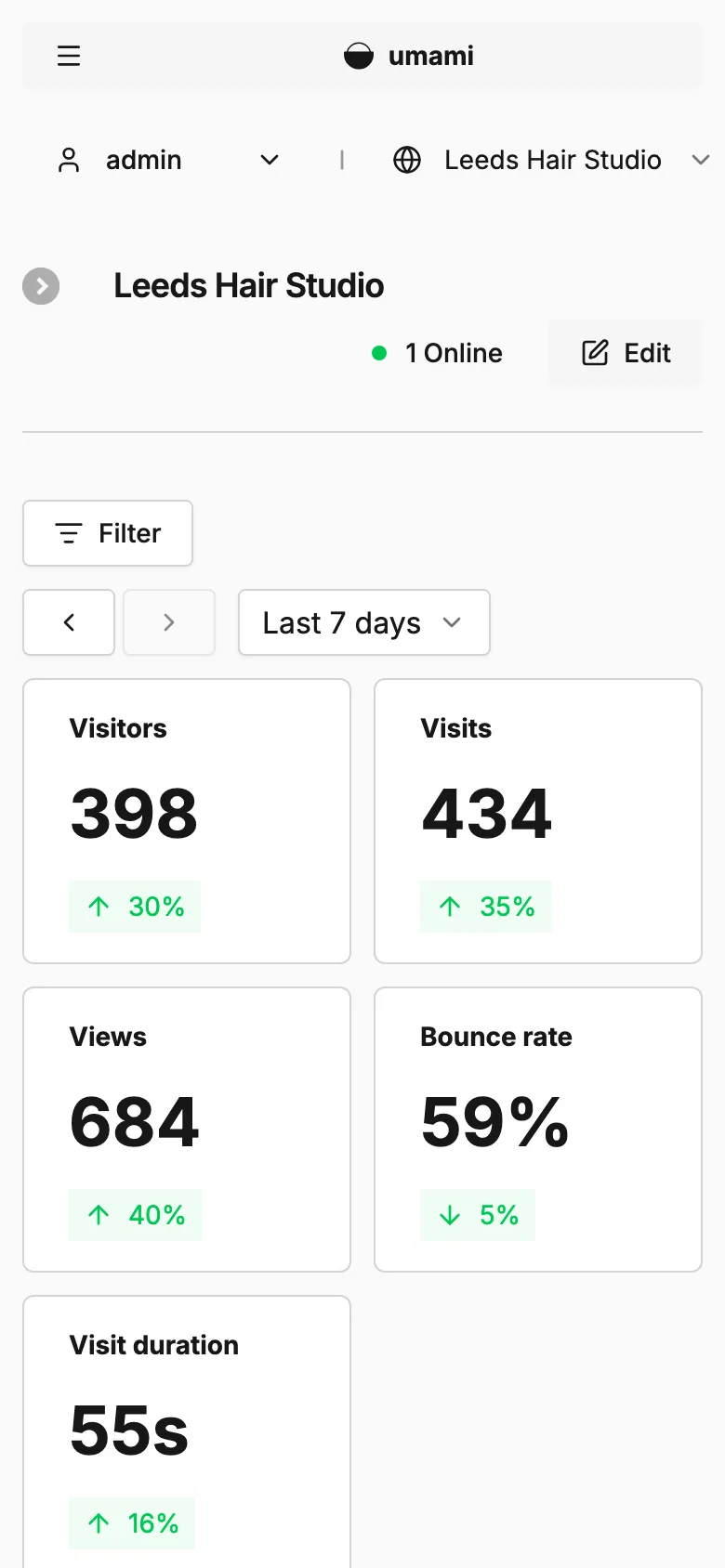
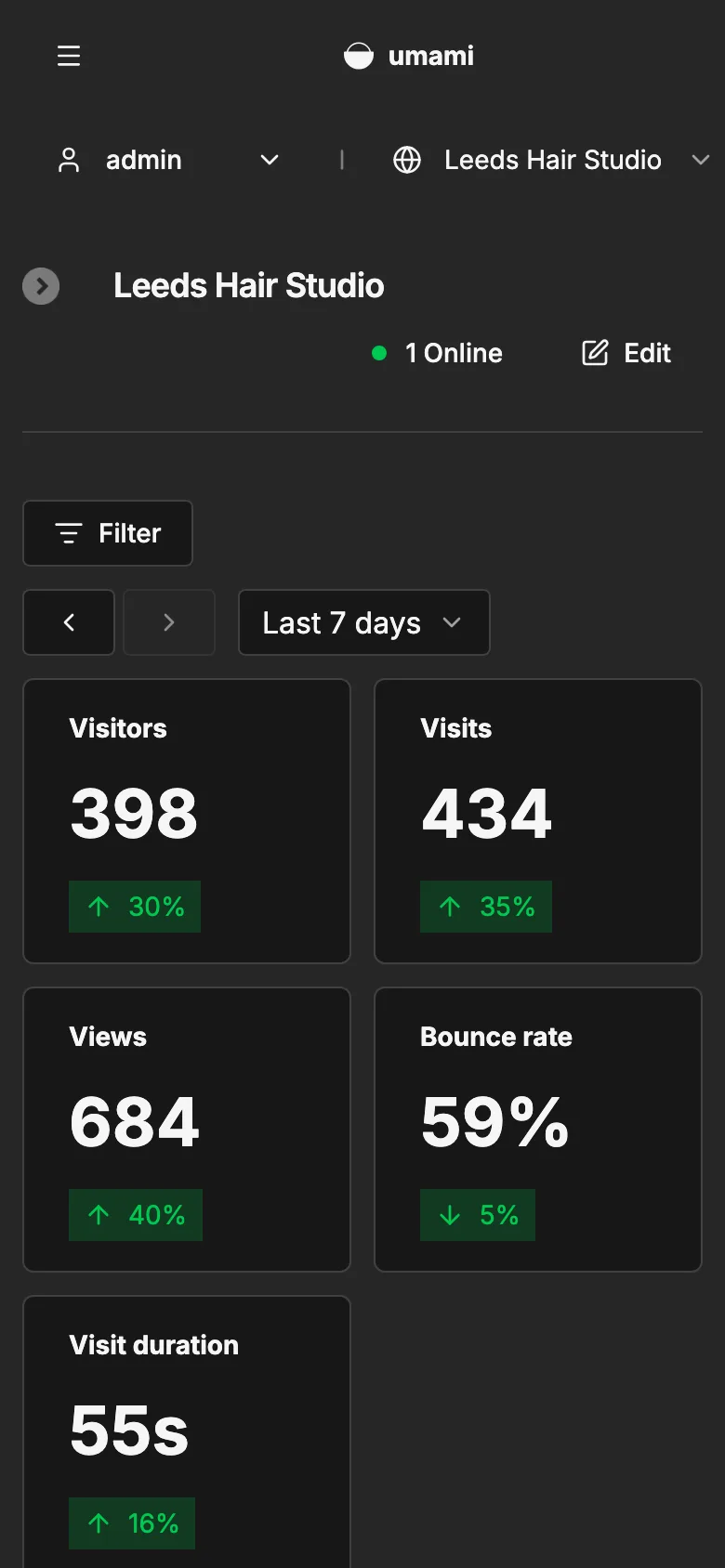
Features
- The official Umami 3.4.1 image, pinned to an exact release, with upstream's database migrations run on every start
- Page views, unique visitors, bounce rate, visit duration, referrers, UTM campaigns, countries, browsers and devices, without cookies
- Custom events, goals, funnels, user journeys, retention, segments and a real-time view
- Several websites, users and teams in one install, public share links for a dashboard, and a REST API
- One script tag for any site that serves HTML: static sites, WordPress, Next.js or Shopify
- The public default admin password is replaced with a generated UMAMI_ADMIN_PASSWORD within seconds of the first start
- Websites, users and every event live in PostgreSQL, so restarts and redeploys lose nothing
Tech stack

 Umami

 Next.js
 Node.js

 Prisma
 PostgreSQL
 Docker
What you need
- A paid plan: deploying creates a PostgreSQL database, which the Free plan does not include
- To run it locally: Docker, for the image and a PostgreSQL container
- Nothing to fill in: DATABASE_URL is set, and APP_SECRET and UMAMI_ADMIN_PASSWORD are generated at deploy
- Optional: CLIENT_IP_HEADER, if visitor countries show as unknown behind Light Cloud's edge
- Optional: TRACKER_SCRIPT_NAME, to serve the tracker under a name ad blockers do not know
About
This is upstream Umami 3.4.1 by Umami Software, under its own MIT licence and unchanged: Light Cloud packages the official image for a one-click deploy with a Dockerfile and two small files in lightcloud/, nothing more. Websites, users and teams are set up in Umami's own Settings and stored in PostgreSQL, and an upgrade is a new exact tag on the FROM line of the Dockerfile, with the migrations run on the next start. On the first start lightcloud/set-admin-password.mjs swaps the public default password for the generated UMAMI_ADMIN_PASSWORD through Umami's own API, once, so a password changed later in Profile stays changed. Visitor countries depend on the visitor's IP address reaching Umami through Light Cloud's edge, which has not been checked yet; if they show as unknown, set CLIENT_IP_HEADER. Redis and ClickHouse are not available, so it runs on PostgreSQL alone, and with scale-to-zero the first visit after a quiet spell waits a few seconds while Umami starts, though the deferred tracker still records the hit.
FAQ
Is Umami a good free alternative to Google Analytics?
For most websites, yes: it shows visitors, page views, referrers, campaigns, countries, devices and custom events on one page, without cookies. It does not do ads attribution or user-level profiles across sites, which is also why it needs no consent banner for tracking.
Does Umami need a cookie banner?
Umami sets no cookies and does not store IP addresses: it counts unique visitors with a salted hash that rotates. Many sites therefore run it without a consent banner, but check the rules that apply to you.
How do I add Umami to my website?
In Umami, add the website under Settings, Websites, open its tracking code and paste the one-line script tag into the head of every page. Most site builders and frameworks have a field for head scripts.
What is the default Umami username and password?
Upstream Umami creates admin with the password umami. This template replaces that password with UMAMI_ADMIN_PASSWORD on the first start, so on Light Cloud you sign in as admin with the generated value from the app's environment variables.
How much does it cost to self-host Umami?
Umami itself is free and MIT licensed. You pay for one small container (512 MiB is plenty) and a PostgreSQL database; on Light Cloud that needs a paid plan, because the Free plan does not include databases.
- Price
- Free
- Framework
- Dockerfile · Docker
- Plan
- Lite or above
- Updated
Variables
APP_SECRETGeneratedUMAMI_ADMIN_PASSWORDGeneratedSign in as admin with this password.