Yoga Studio Website Template
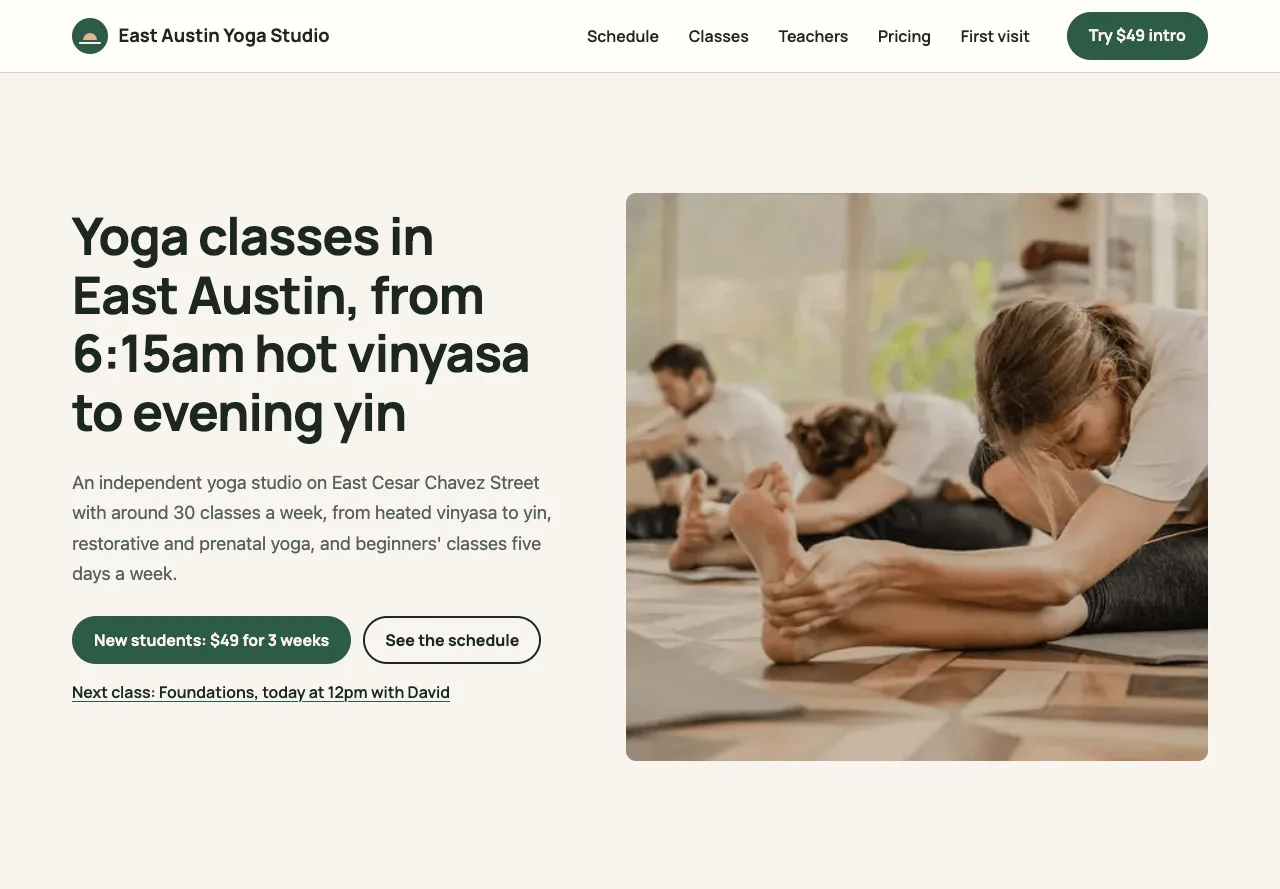
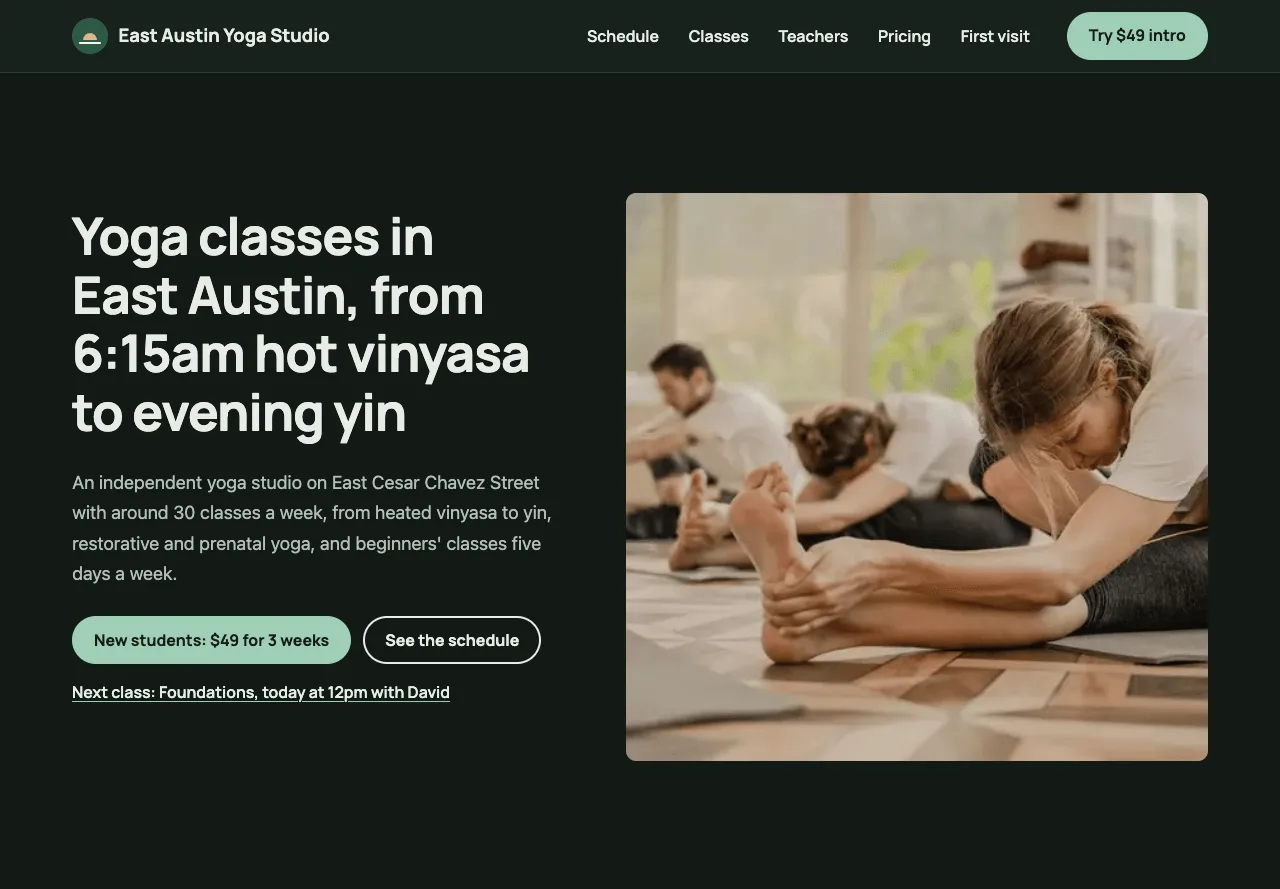
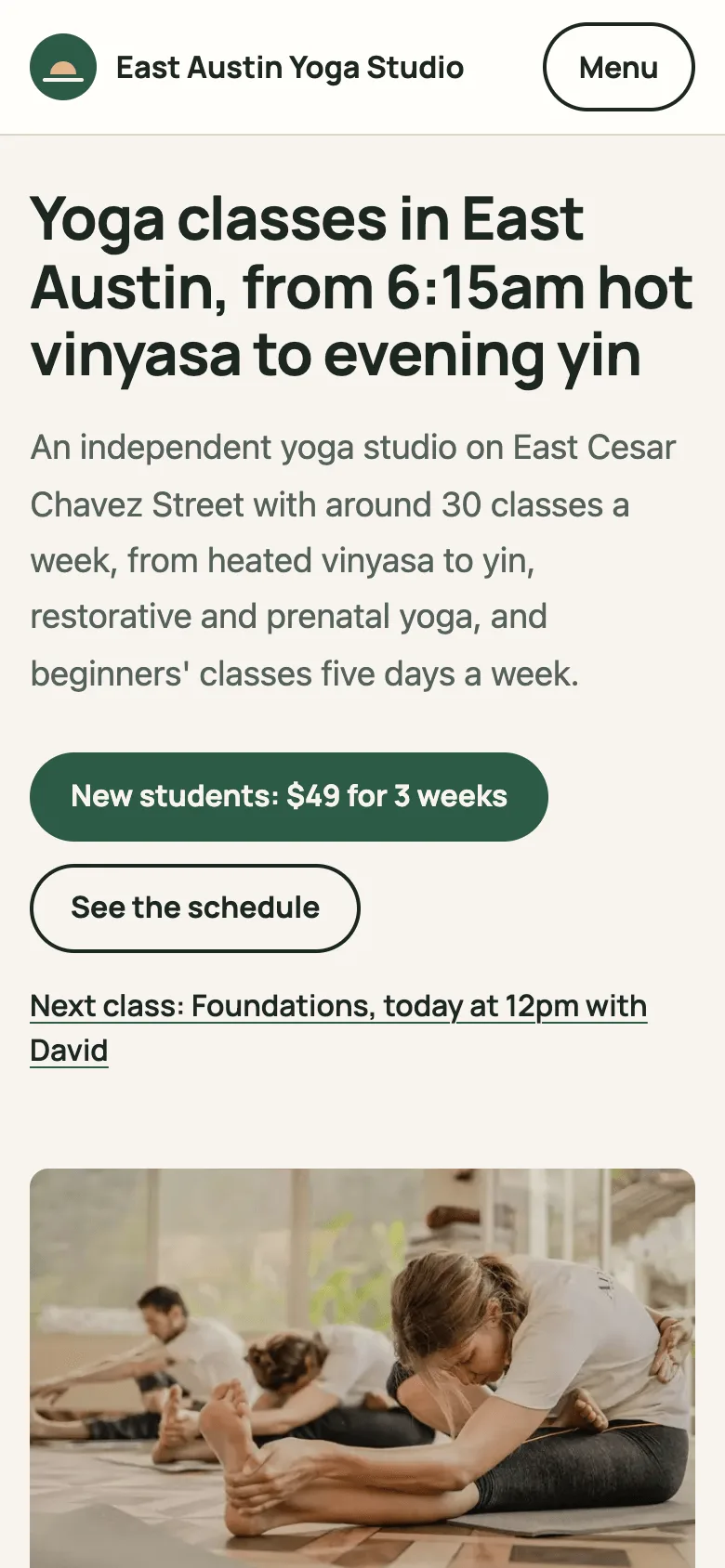
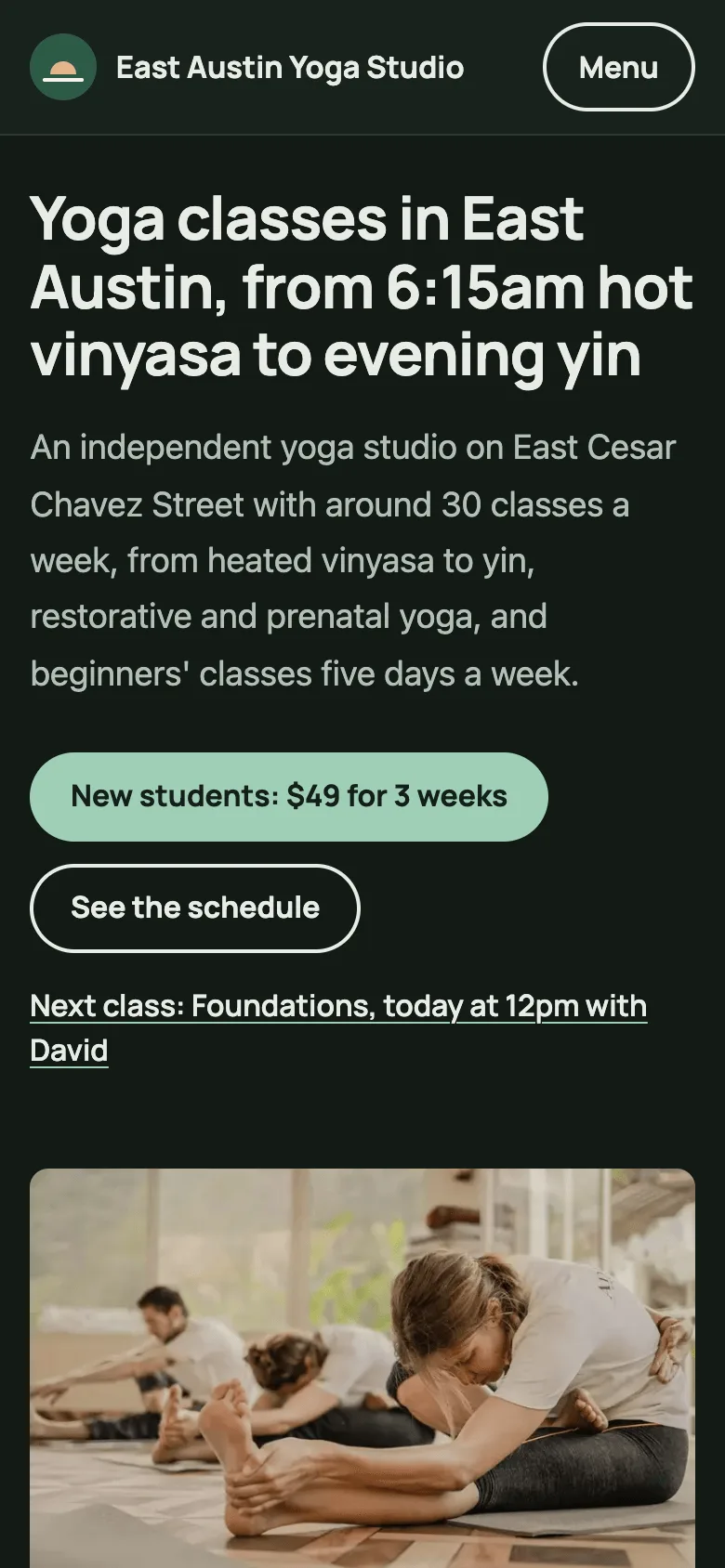
A free yoga studio website template built with Astro and TypeScript that publishes as a static site, for independent yoga, pilates and barre studios. It covers a weekly class schedule with today and the next class marked, a page per class type, teachers and what they lead, the intro offer, drop-ins, class packs and memberships, a first-visit page and an optional booking link, all edited in YAML and Markdown.
by Light CloudBeauty and wellness, Fitness and sport
Build a yoga studio website with Astro and YAML
Features
- A weekly schedule in seven day columns, one day after another on a phone, with today marked and the next class worked out in the studio's time zone
- The build stops if a class falls outside the studio hours, two classes overlap, or the schedule names a class or teacher that does not exist
- A page per class type with its level, whether it is heated, who it is for, what happens in class and every time it runs this week
- Teachers with years teaching, training and bio, and the classes each one leads taken from the schedule
- Intro offer, drop-in, class packs with the price per class, and memberships that say from which class in a month they beat drop-ins
- A first-visit page with three steps and answers on which class to take, what to bring, the hot room, parking, showers, pregnancy and cancelling
- Set a Mindbody, Momence or Walla link and every class gets a Book link; without one the site says to book at the desk, call or walk in
- ExerciseGym JSON-LD with every price as an Offer, a sharing card per page, sitemap.xml and /llms.txt, WCAG 2.2 AA and Lighthouse 100
Tech stack

 Astro
 TypeScript
 Node.js

 Markdown
 YAML
What you need
- Free plan: it builds to a static site, which the Free plan hosts with no limit on sites
- To run it locally: Node.js 22.23.4 or later and npm
- Optional: PUBLIC_BOOKING_URL, your booking page; without it there is no online booking and classes say to book at the desk, call or walk in
- Optional: SITE_URL, your public address for canonical links, sharing cards and the sitemap
About
Everything a visitor reads lives in content/: studio.yaml for the name, address, hours, time zone, heat and amenities, schedule.yaml with one line per class, a Markdown file per class type in content/classes/ and per teacher in content/teachers/, and YAML for pricing, levels, reviews, photos and the FAQ. Astro content collections check each file against a schema, and src/lib/site.ts checks the timetable against the studio hours and the class and teacher files, so a typo stops the build instead of reaching the live site. East Austin Yoga Studio, its teachers, phone number and prices are made up, the reviews are labelled samples to replace with real ones, and the parking and transport details are plausible but were not checked on the ground. Some photos show identifiable people in class; the Unsplash licence allows this and none is presented as staff, but you may prefer photos of your own studio. The schedule repeats every week with no one-off dates, so a holiday or cancelled class means editing schedule.yaml and redeploying, and booking, payments and waivers stay in your booking system. Teacher years are worked out at build time, so rebuild once a year, and Astro 7 needs Node.js 22.23.4 or later to build locally.
FAQ
How do I make a website for my yoga studio?
Deploy this template, then edit the files in content/: your studio details and hours, the weekly schedule, a Markdown file for each class type and teacher, and your prices. The build checks the schedule against your hours and your class and teacher files, so a typo never reaches the live site.
How do I show my yoga class schedule on my website?
List each class in content/schedule.yaml with its start time, length, class and teacher. The schedule page, each class page and each teacher's listing are built from that one file, and visitors see today marked and the next class in your studio's time zone.
Can I connect Mindbody or another booking system?
Yes. Set PUBLIC_BOOKING_URL to your Mindbody, Momence, Walla or other booking page and every class on the schedule gets a Book link, and the intro offer gets a Start online button. Payments, waivers and class limits stay in your booking system.
Can I use this template for a pilates or barre studio?
Yes. Change the class files, levels, wording and photos; the schedule, teachers and pricing pages work the same way. The Heated label only appears on classes marked heated.
How do I cancel a class for a holiday?
The schedule is the same every week and has no one-off dates, so remove or change the class in content/schedule.yaml and redeploy, then put it back afterwards. If you take bookings online, cancel it in your booking system too.