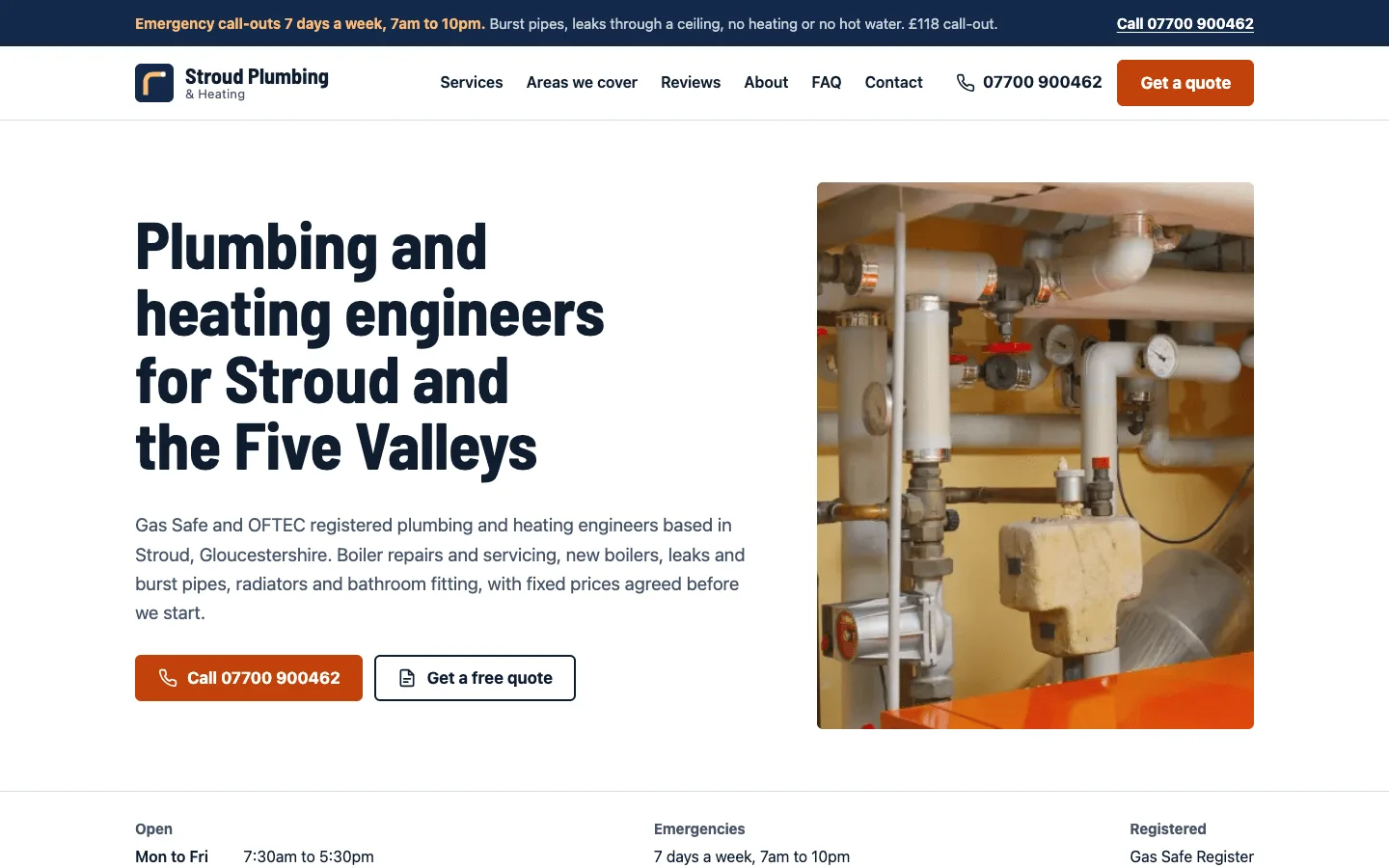
Cafe and Coffee Shop Website Template
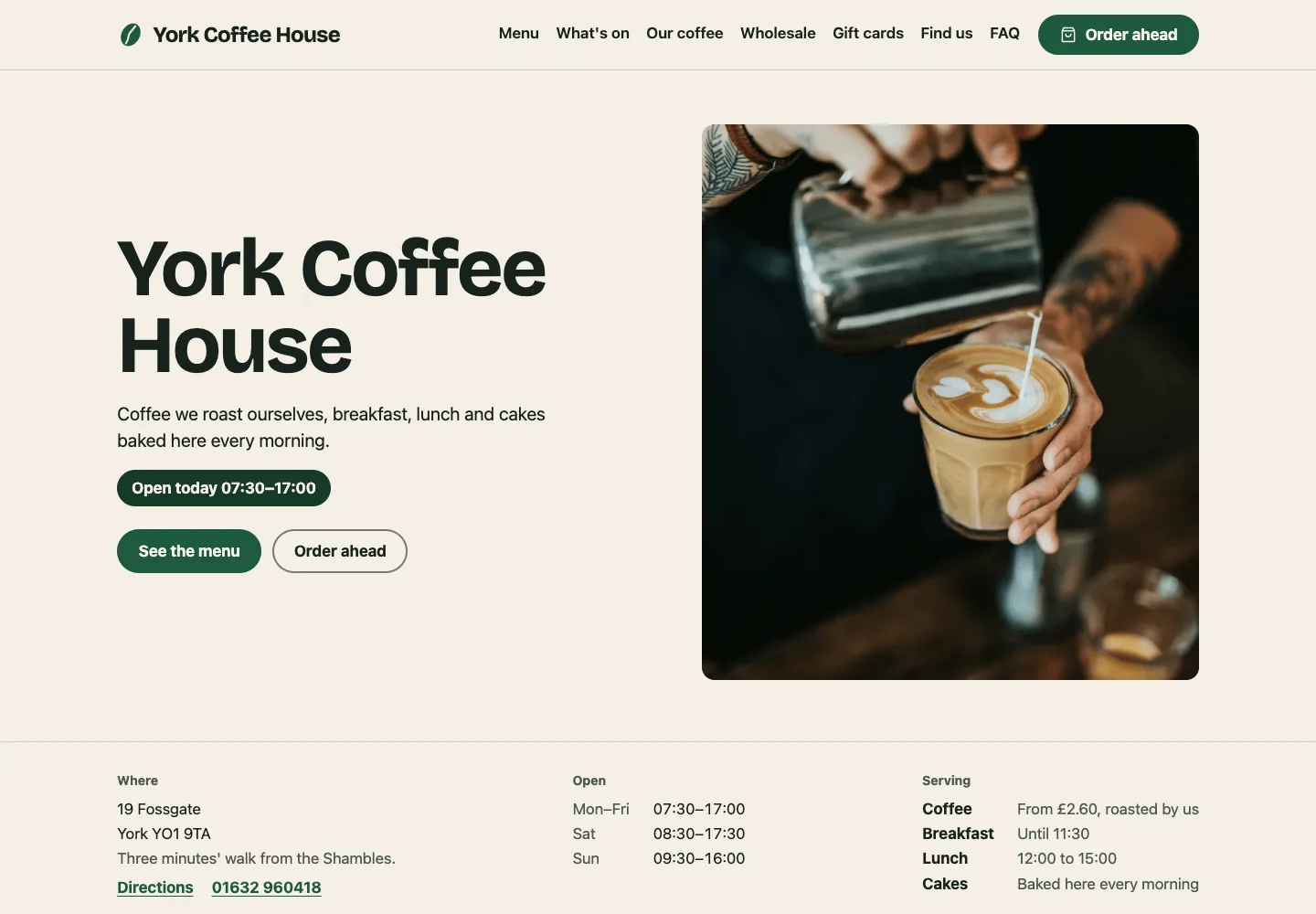
A free café and coffee shop website template built with Astro and TypeScript that publishes as a static site, for independent cafés, coffee shops and small roasters. It covers opening hours with a live Open now pill, a menu with sizes, milk options and dietary labels, events with their own pages, the beans and roasting story, wholesale and catering enquiries, order ahead, gift cards, directions and an FAQ, all edited in YAML and Markdown.
by Light CloudFood and drink
Build a café website with Astro and YAML
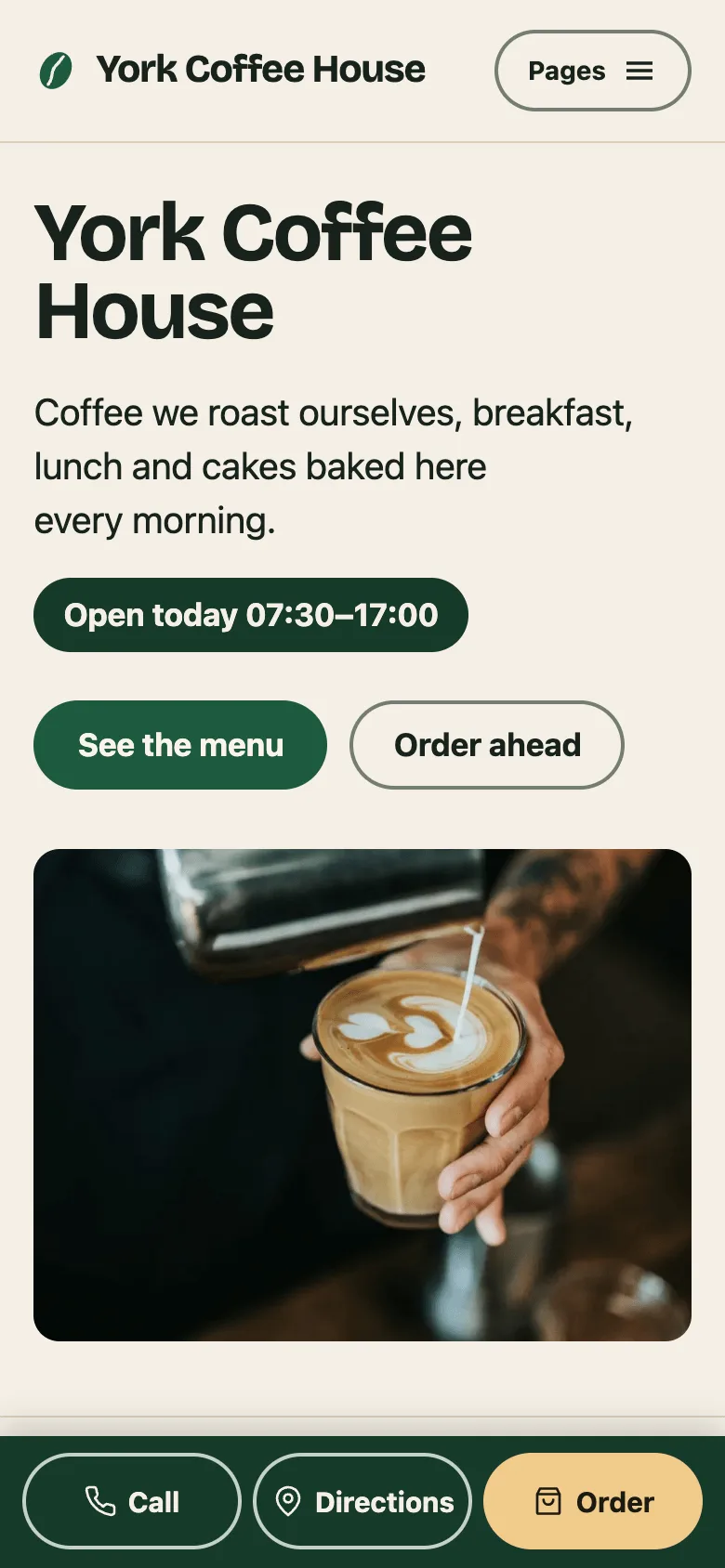
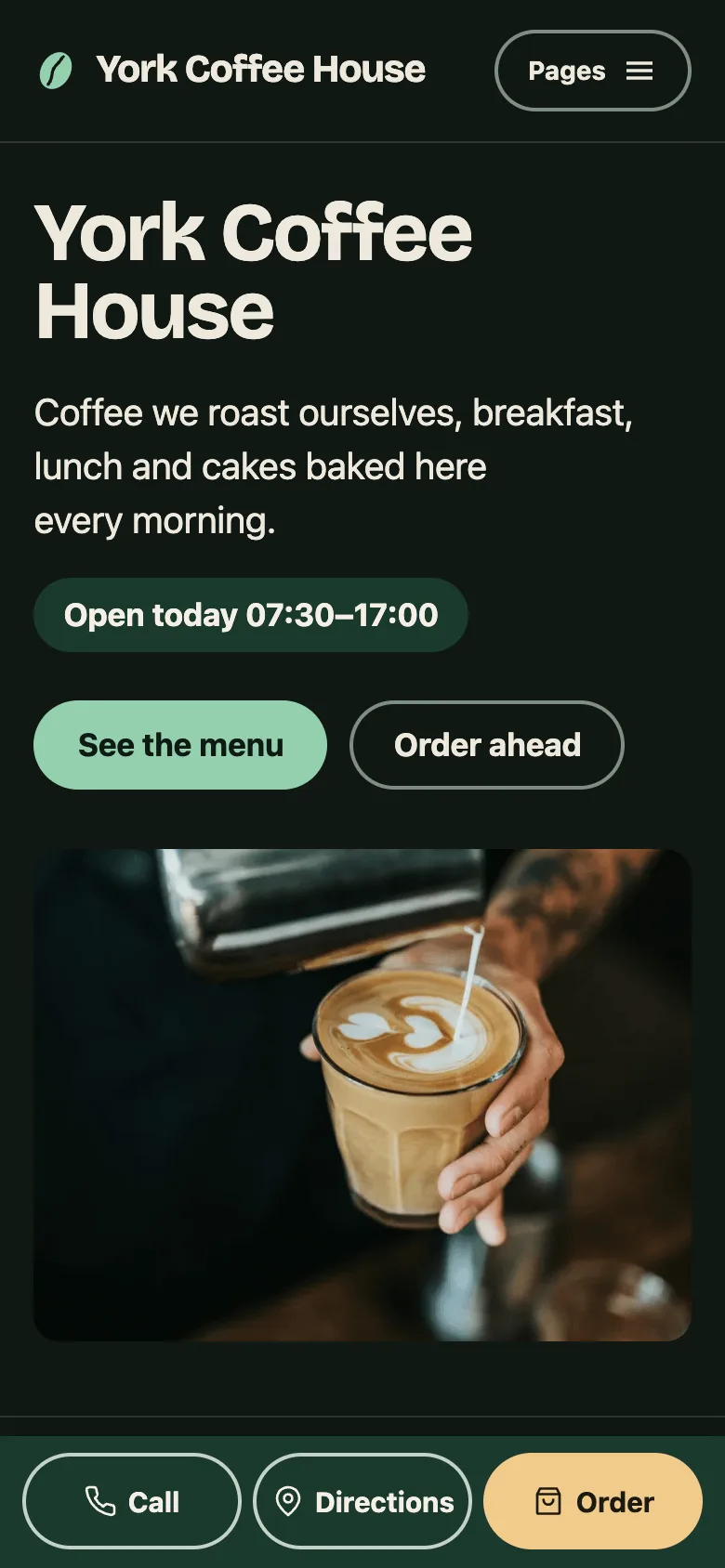
Features
- Open now worked out in the visitor's browser in your time zone, with holiday closures and short days such as Christmas Eve
- Drinks, food and cakes menus from YAML, with regular and large prices, milk options and extras, and V, VG, GF and DF labels
- What's on: one Markdown file per event with a list of dates, a page for each event, and past dates dropped automatically
- Wholesale and catering form that posts to Formspree or any endpoint, or opens the visitor's email app filled in
- Order ahead links to Square Online, Slerp or Toast and gift cards to Square or Giftup, or explain ordering by phone
- Find us page with map links, transport, step-free access and house rules for dogs, laptops, wifi and children
- CafeOrCoffeeShop, Menu, Event, FAQPage and BreadcrumbList structured data, sitemap.xml, robots.txt and /llms.txt
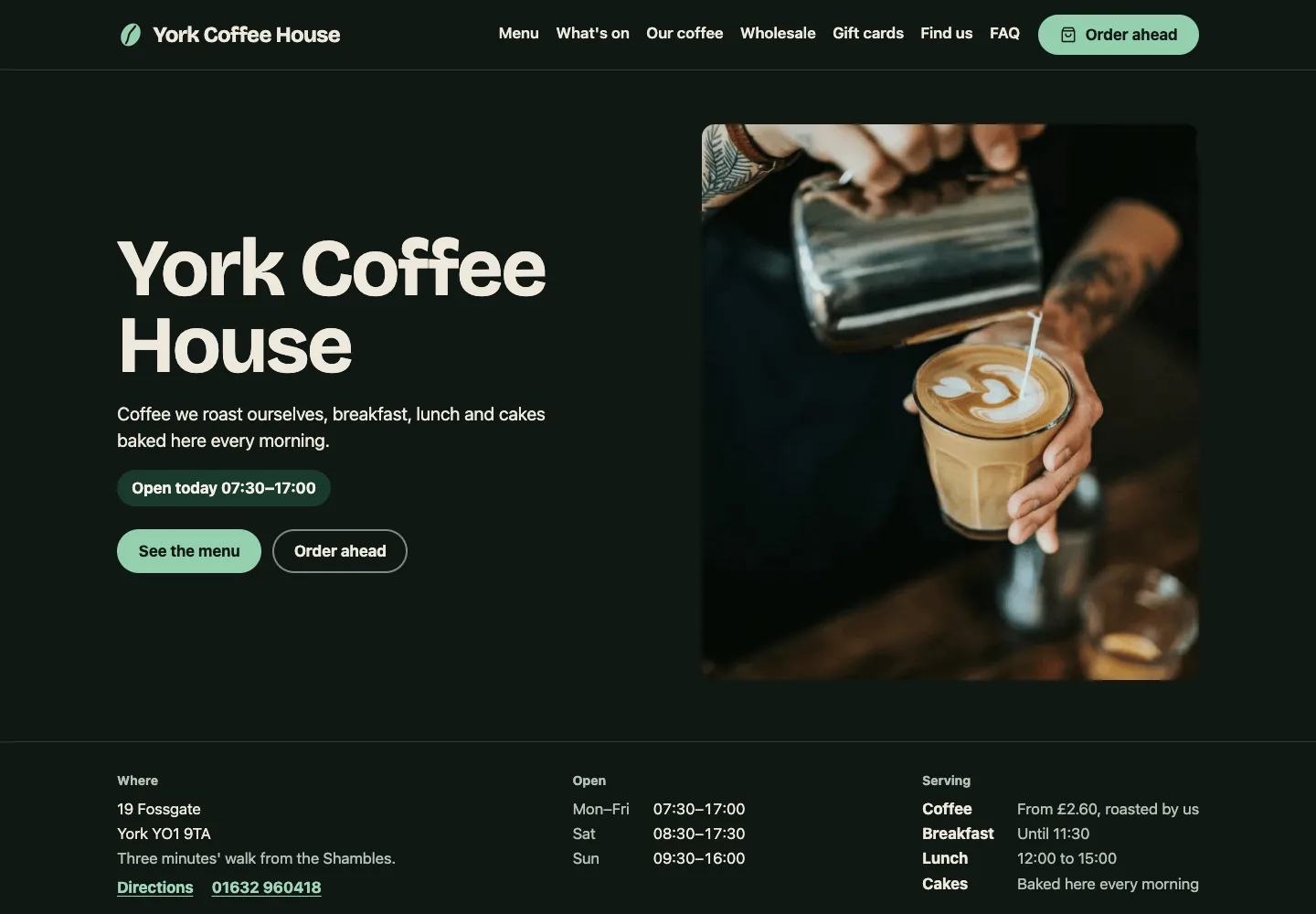
- WCAG 2.2 AA in light and dark mode, checked with axe-core, plus unit tests for hours, events, JSON-LD and prices
Tech stack

 Astro
 TypeScript
 Node.js

 Markdown
 YAML
What you need
- Free plan: it builds to a static site, which the Free plan hosts with no limit on sites
- To run it locally: Node.js 22.23.4 or later and npm
- Optional: PUBLIC_ENQUIRY_ENDPOINT, a Formspree or similar form URL; without it the wholesale and catering form opens the visitor's email app
- Optional: SITE_URL, your public address for canonical links, sharing images and the sitemap
About
Every café fact lives in content/: cafe.yaml for the name, address, hours, closures, house rules and ordering links, one YAML file each for drinks, food and cakes, coffees.yaml for the beans on the shelf, and Markdown for events and page text. Astro content collections check every file against a schema at build time, so a time written as 5.30pm or a missing price stops the build with the file and field named. The same code in src/lib/hours.ts writes the hours table, the opening hours in the structured data and the Open now pill, so they never disagree. Start by replacing York Coffee House in content/cafe.yaml and the photos in content/images/. It builds with npm run build into dist/, and each push to your copy redeploys, so adding an event or changing a price is a commit.
FAQ
How do I make a website for my café or coffee shop?
Use this template: change the name, address, hours and menu in the YAML files in content/, replace the photos in content/images/, and deploy. You get a static site on your own domain, with no monthly website builder fee and no plugins to update.
How do I show my café's opening hours and menu on Google?
The template outputs schema.org CafeOrCoffeeShop and Menu structured data with your address, coordinates, opening hours, holiday closures, menu items, sizes and prices. Set SITE_URL to your domain, deploy, and submit your sitemap.xml in Google Search Console, and keep your Google Business Profile hours the same as content/cafe.yaml.
How do I list events like an open mic night on my coffee shop website?
Add a Markdown file to content/events/ with a title, a list of dates, start and end times and a price. Each event gets its own page with Event structured data, so it can appear in Google's event listings, and dates in the past drop off on their own.
Can customers order ahead from a static café website?
Yes, by linking to an ordering service. Set order.url in content/cafe.yaml to your Square Online, Slerp or Toast ordering page and every Order ahead button goes there; without one, the button opens a page that explains how to order by phone.
How does the wholesale enquiry form send email without a server?
Set PUBLIC_ENQUIRY_ENDPOINT to a Formspree or similar form endpoint and the form posts to it, and the service forwards each enquiry to your inbox. Without it, the button opens the visitor's own email app with the enquiry filled in and addressed to wholesaleEmail.