Next.js Inventory Management Template with PostgreSQL
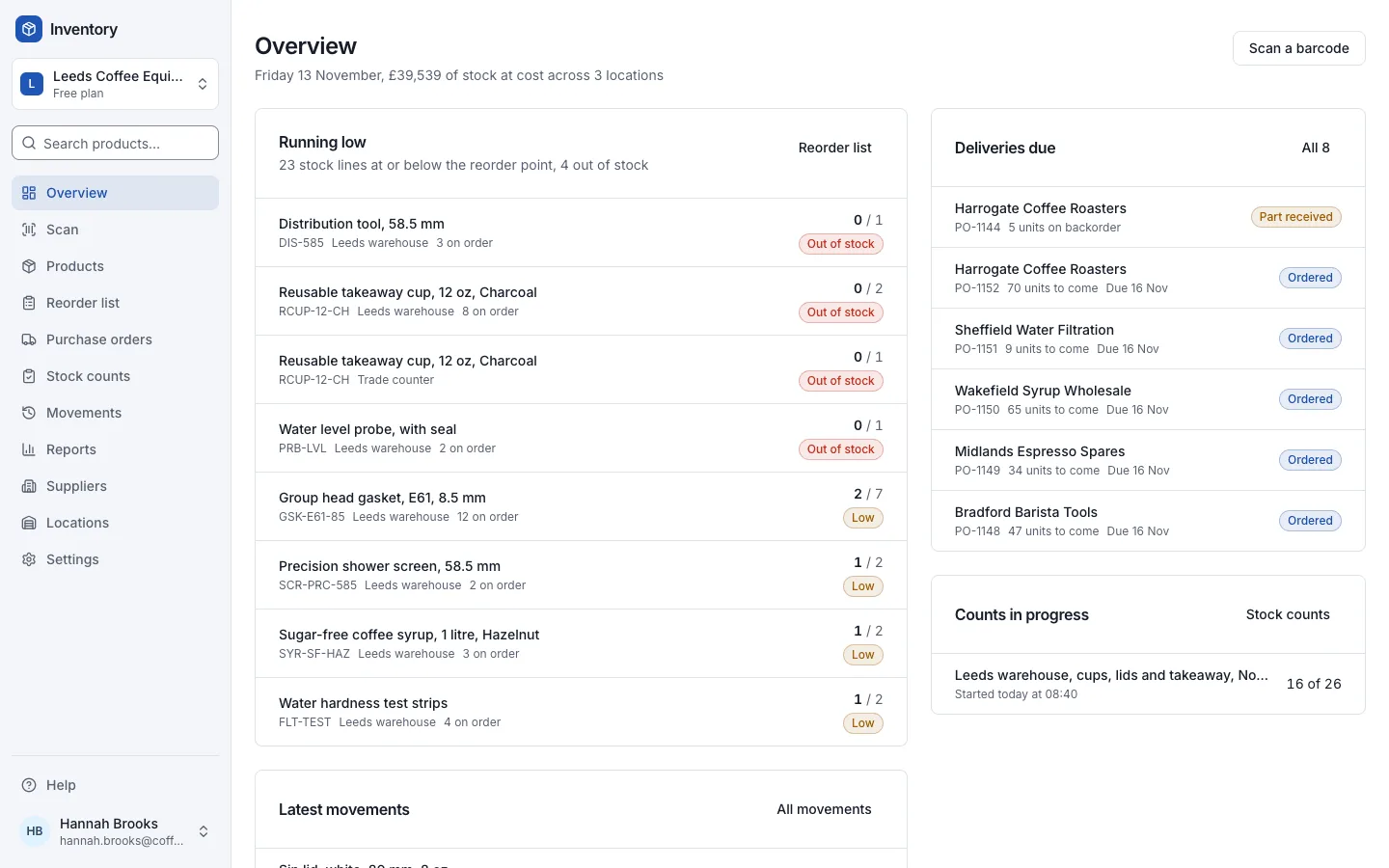
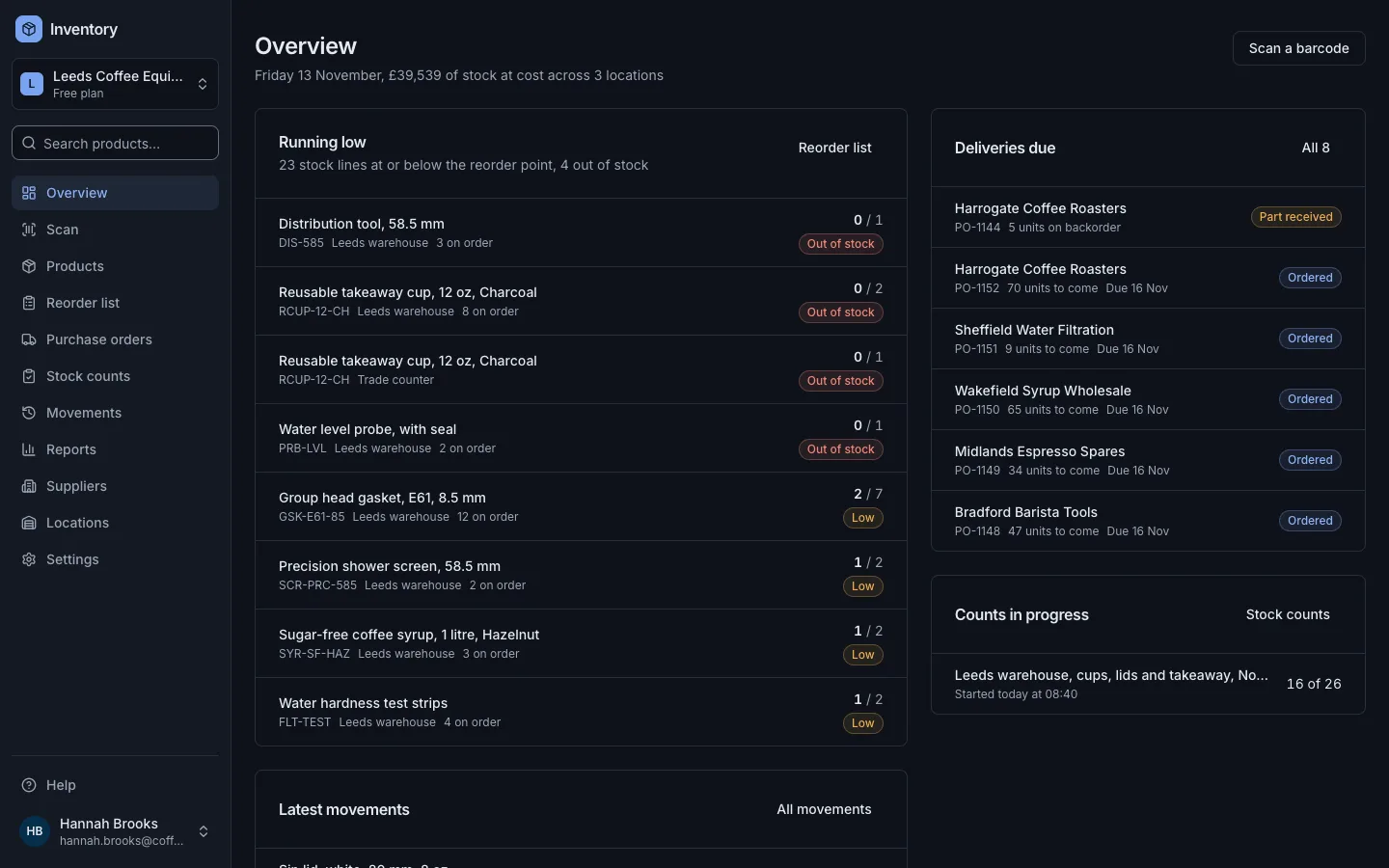
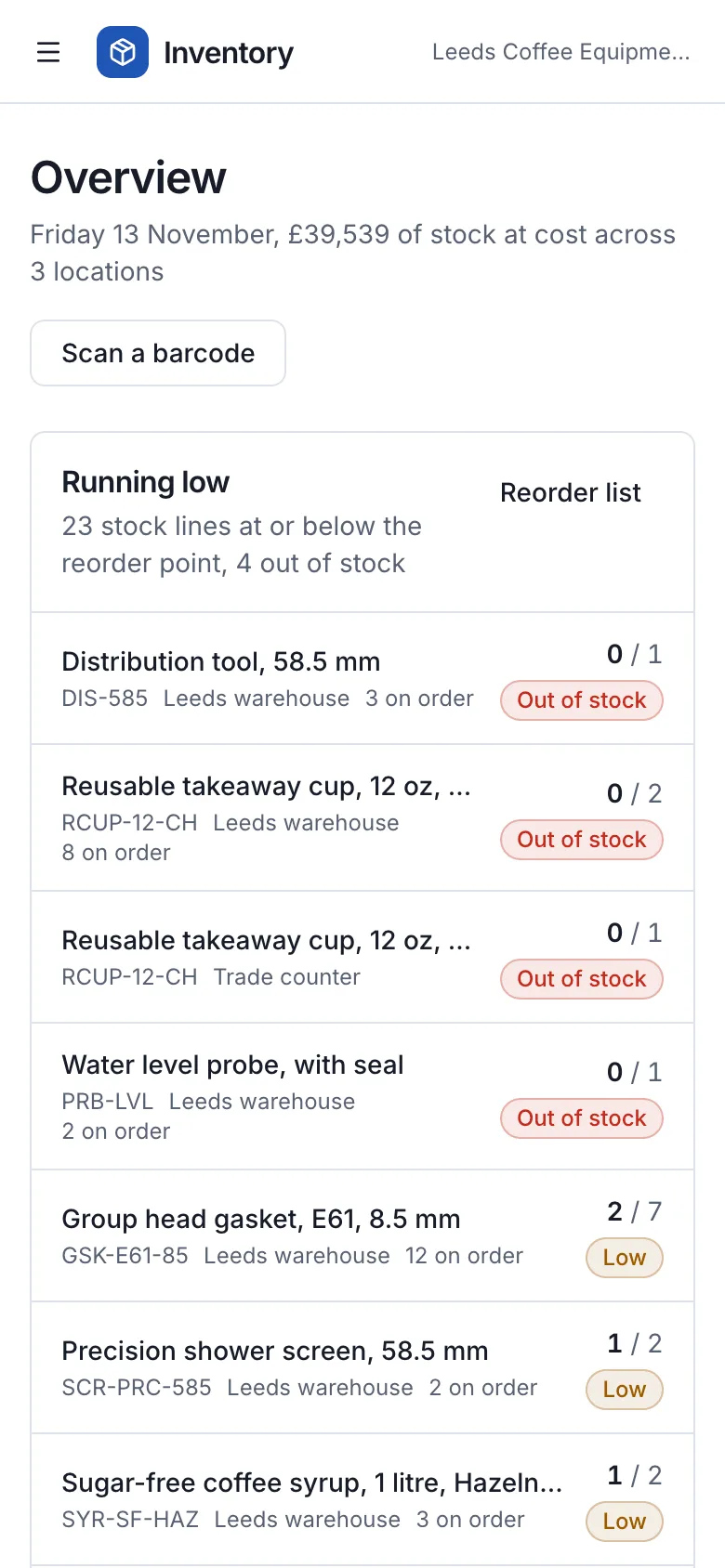
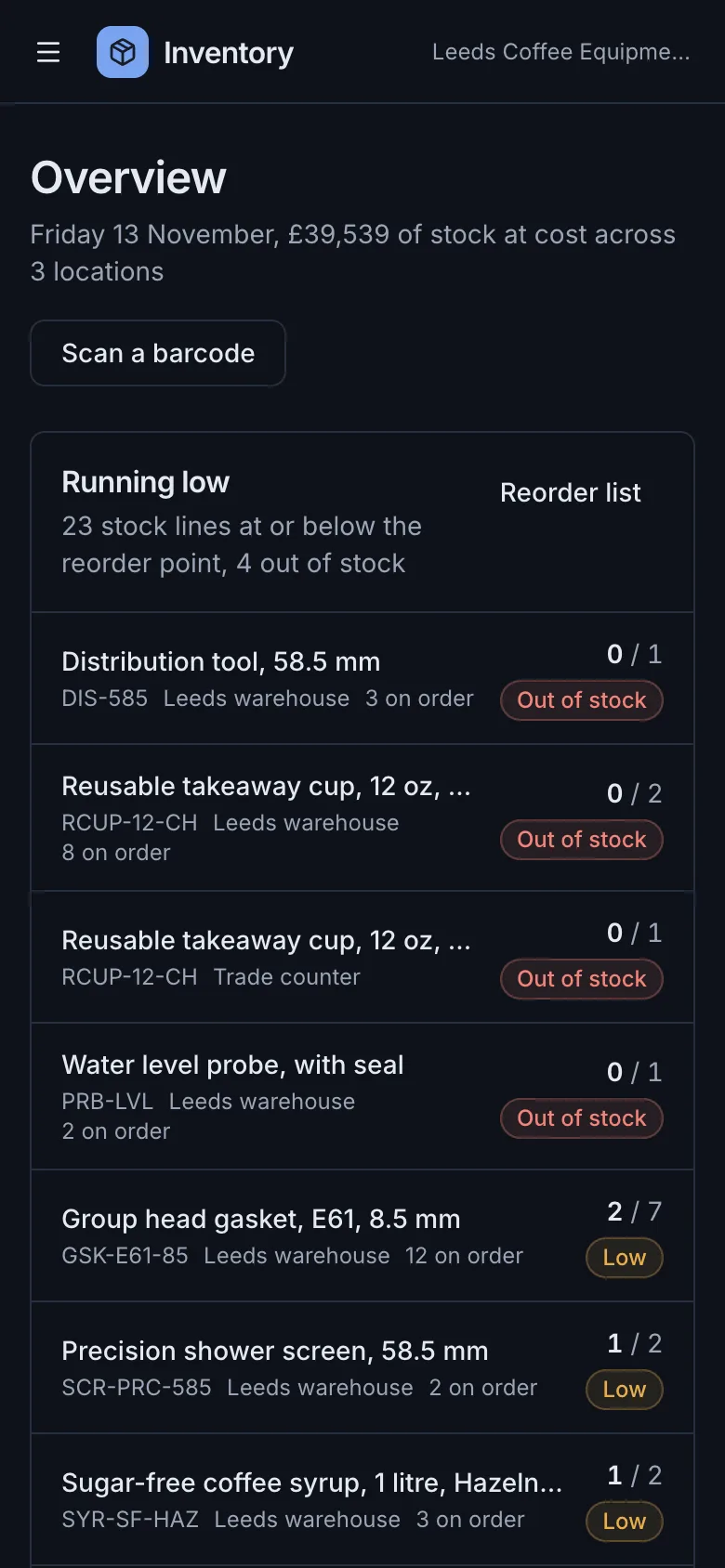
A free, open-source inventory management system for a small warehouse or shop, built with Next.js, TypeScript and PostgreSQL. It covers products with SKUs, barcodes and variants across several locations with bins and reorder points, a stock movement audit trail, purchase orders with part deliveries and backorders, stock counts with variances, barcode scanning, reports and CSV import and export.
by Light CloudInventory and operations, Invoicing and finance
Build an inventory management system with Next.js and PostgreSQL
Features
- Products with SKU, barcode (EAN-13, UPC and EAN-8 check digits verified), variants, units, cost and sell price and margin
- Several locations such as a warehouse, a shop and a van, each with its own on hand, reorder point, reorder quantity and bin
- Every receipt, sale, transfer, adjustment and count kept as a movement with who, when and the balance after, never edited
- Purchase orders: place, receive what arrived with the rest on backorder, close short, with late deliveries flagged
- A reorder list that counts what is already on order and creates one draft purchase order per supplier in a click
- Stock counts by location or category, sorted by bin, with variances posted as movements when an admin completes them
- Barcode scanning with the phone or laptop camera over HTTPS, or a USB or Bluetooth scanner that types into the same box
- Reports on stock value, weekly sales with margin and slow movers, CSV import from Excel or Shopify exports, and CSV export
Tech stack

 Next.js
 React
 TypeScript
 PostgreSQL
 Tailwind CSS

 shadcn/ui
 Drizzle ORM

 Better Auth
 Stripe
 Vitest
What you need
- A paid plan: deploying creates a PostgreSQL database, which the Free plan does not include
- To run it locally: Node.js 22.12 or newer, npm, and Docker for a local PostgreSQL
- No API keys: it starts with nothing to configure and no seat limit
- Optional: RESEND_API_KEY and EMAIL_FROM to send invitations and password resets; without them emails go to the server log
- Optional: STRIPE_SECRET_KEY, STRIPE_WEBHOOK_SECRET, STRIPE_PRICE_PRO and STRIPE_PRICE_BUSINESS for paid plans with seat limits
About
The app is built on the Next.js SaaS starter: workspaces, owner, admin and member roles, Better Auth sign-in and an admin panel, with the stock rules in src/lib/inventory. On hand always equals the sum of the movement trail, because movements are only ever added. Stock value is on hand times the current cost price; there is no FIFO or average costing. Camera scanning needs HTTPS or localhost, which a Light Cloud deploy has, and a USB or Bluetooth scanner or typing the code always works. npm start applies the migrations and seeds the Leeds Coffee Equipment Supplies demo once, the first person to sign up owns it, and Settings, Workspace removes it while keeping what you added.
FAQ
Is there a free, open-source inventory management system I can host myself?
Yes. This Next.js and PostgreSQL template is MIT licensed and runs on any Node.js host with PostgreSQL, or on Light Cloud in one click. Without Stripe keys every feature is on and there is no seat limit.
Can I scan barcodes with a phone camera, or do I need a scanner?
Either. The Scan page and the count sheet read barcodes with the camera through ZXing in the browser, which needs HTTPS or localhost. A USB or Bluetooth scanner types the code and presses Enter, so it works in the same box with no setup.
How do I import my stock from Excel or Shopify?
Save the sheet as CSV and use Products, Import CSV. It needs a SKU column, reads Name, Variant, Barcode, Category, Supplier, Unit, Cost and Price with the usual Shopify, Square and spreadsheet spellings, and columns named On hand: <location> set stock there as a count movement.
How does it handle a delivery that arrives short?
Receive what came on the purchase order. The order shows as part received and the rest stays on backorder until it arrives, or you close the order short; each receipt is a movement with the delivery note number.
How is stock value calculated?
Stock value is the quantity on hand times each product's current cost price, by location and by category. There is no FIFO or average costing, so changing a cost price revalues the stock you already hold.