Remix Vite Starter
A Remix v2 starter in TypeScript on Vite, with React 18 server-side rendering, for developers who want loaders and resource routes on a Node.js server. It includes Home and About pages, a GET /api/health resource route, Tailwind CSS, ESLint and Vitest.
by Light CloudFull-stack
Build a server-rendered React app with Remix and Tailwind CSS
Features
- HTML streamed from the server with renderToPipeableStream in app/entry.server.tsx
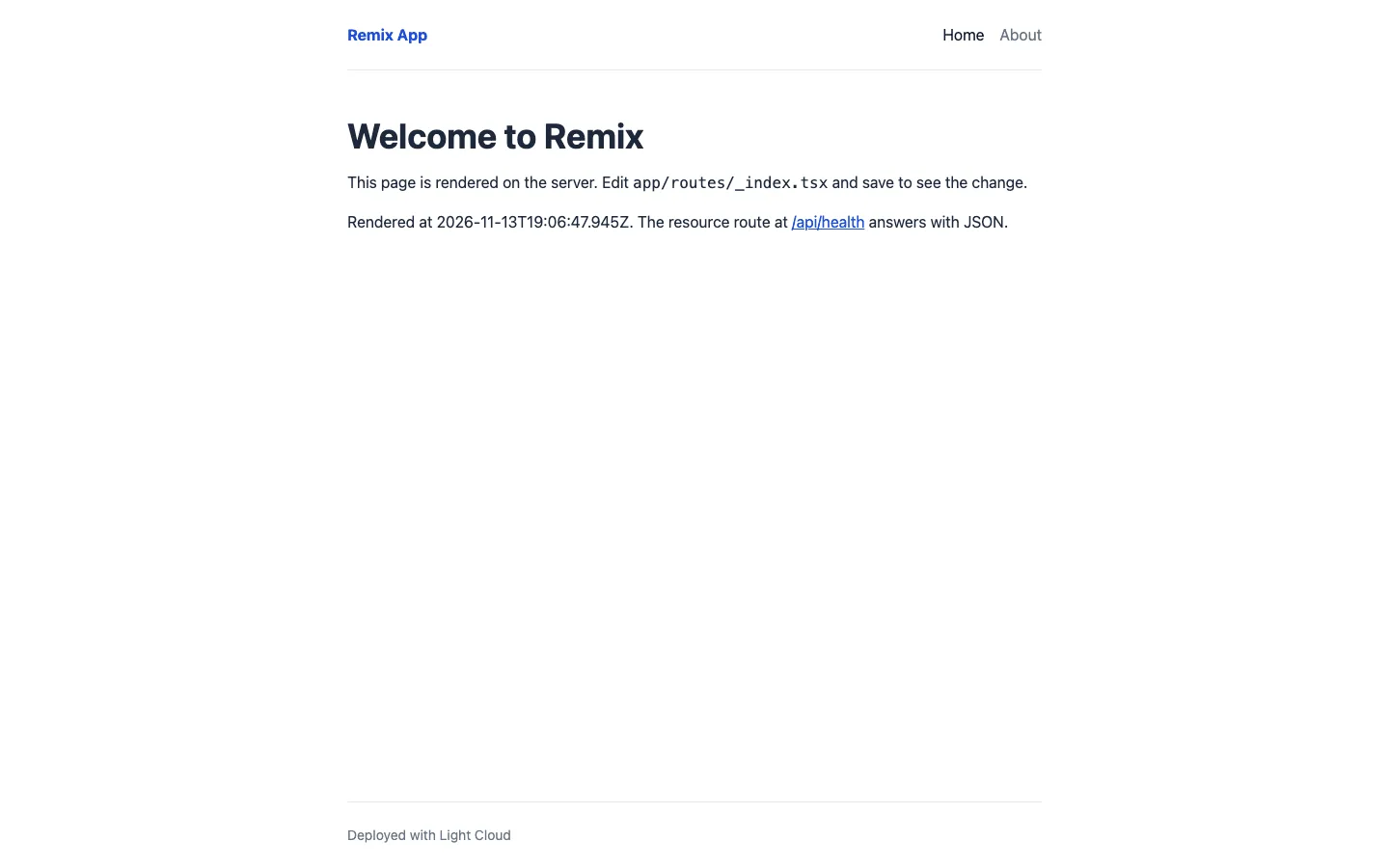
- A root loader in app/root.tsx passes SITE_NAME to the shared header on each request
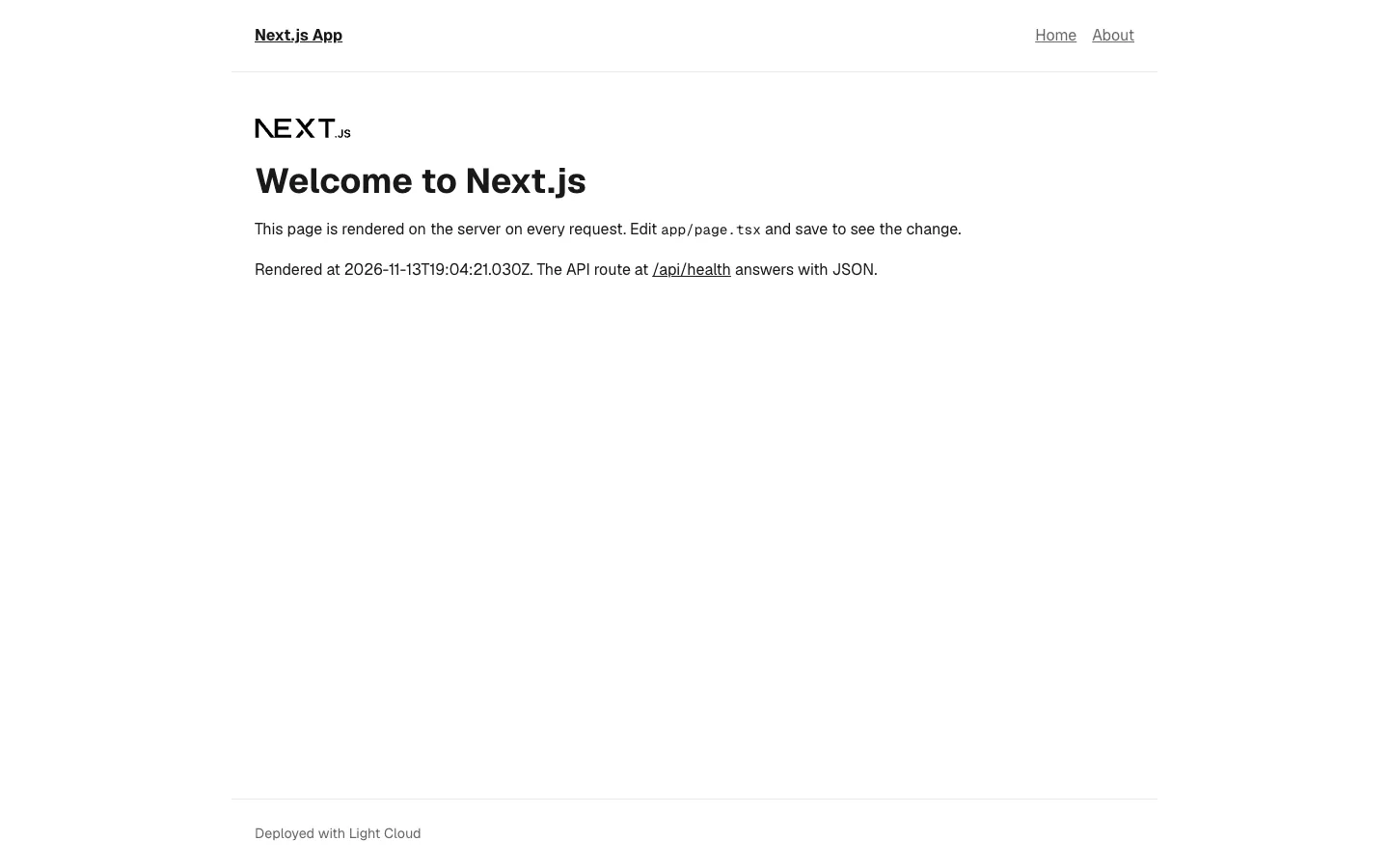
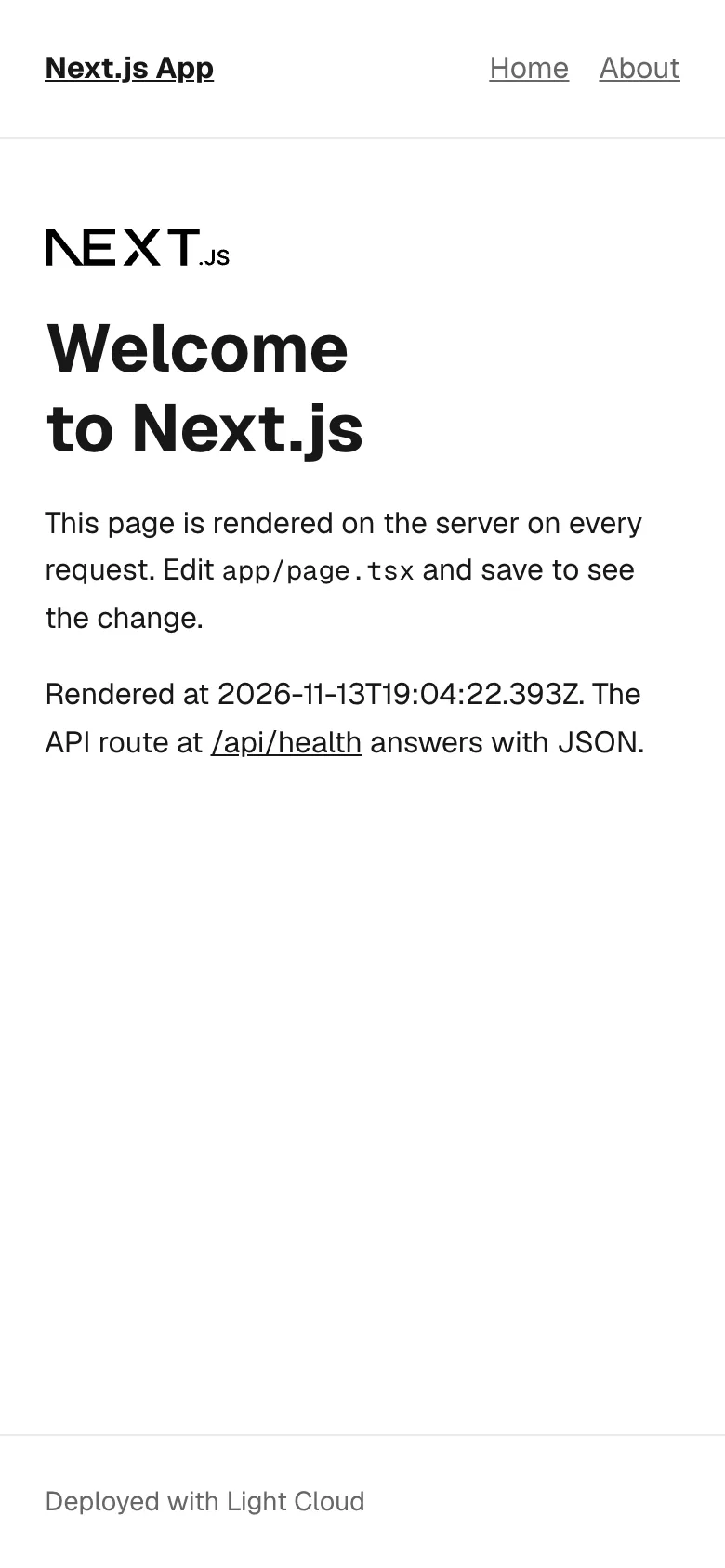
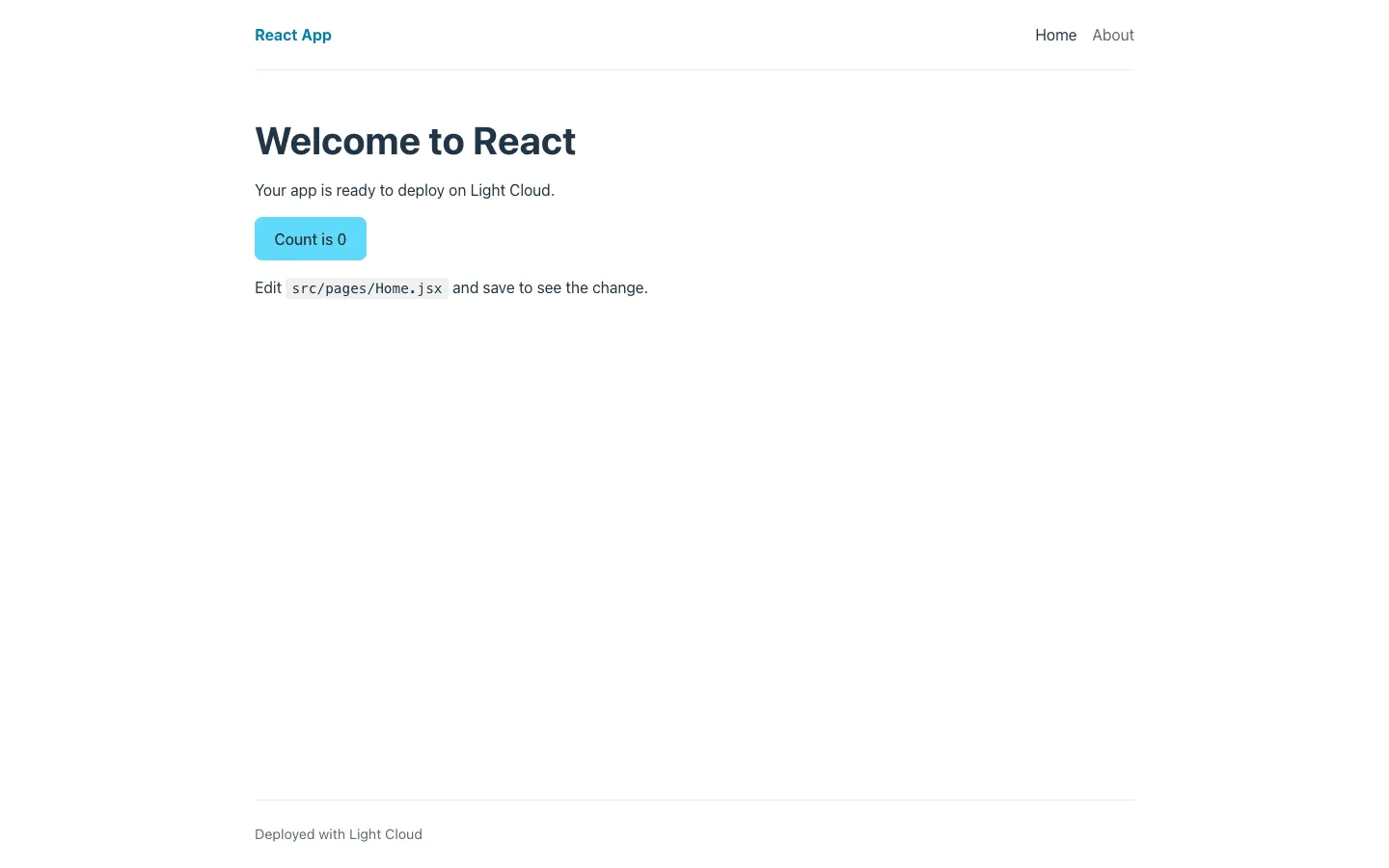
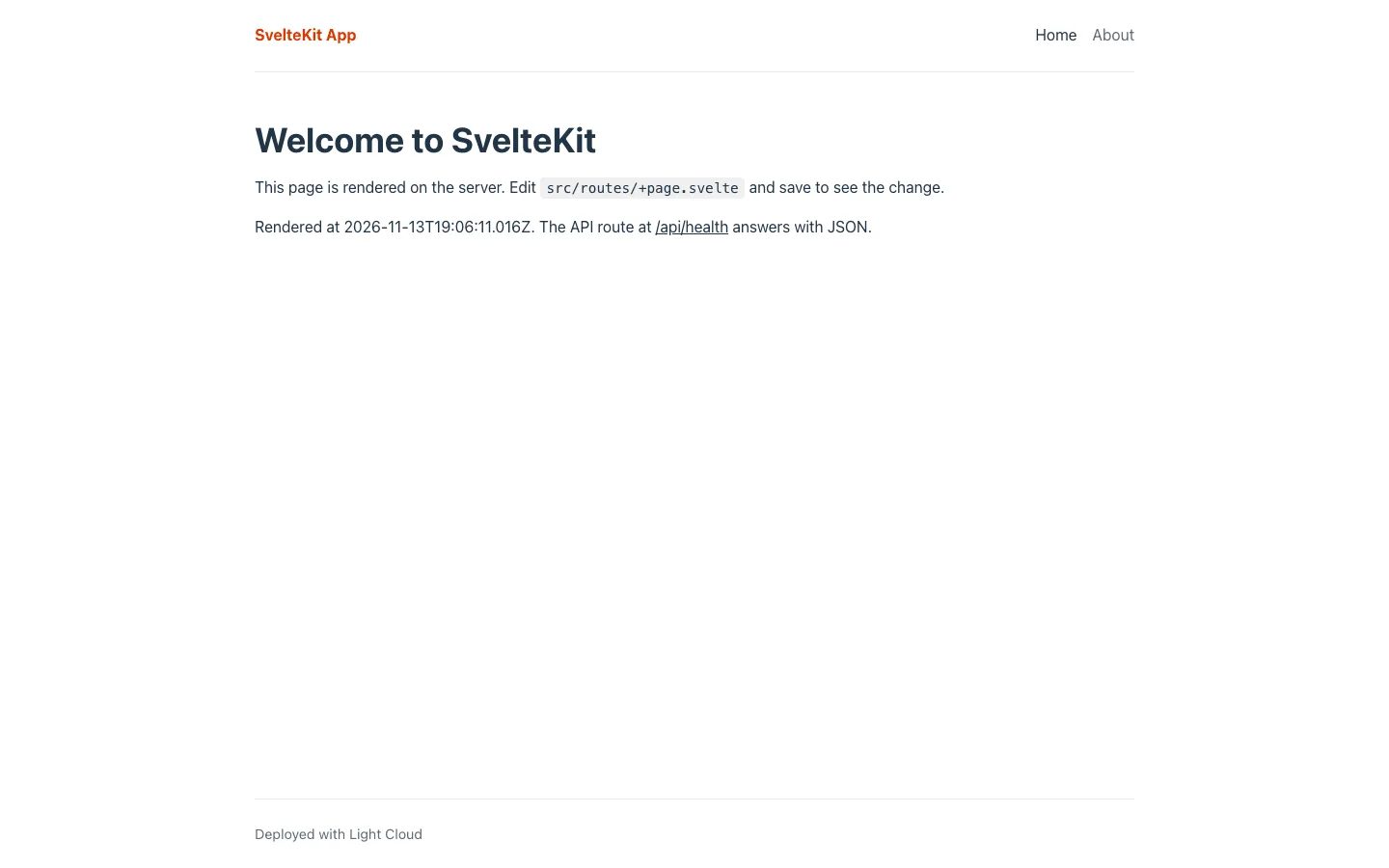
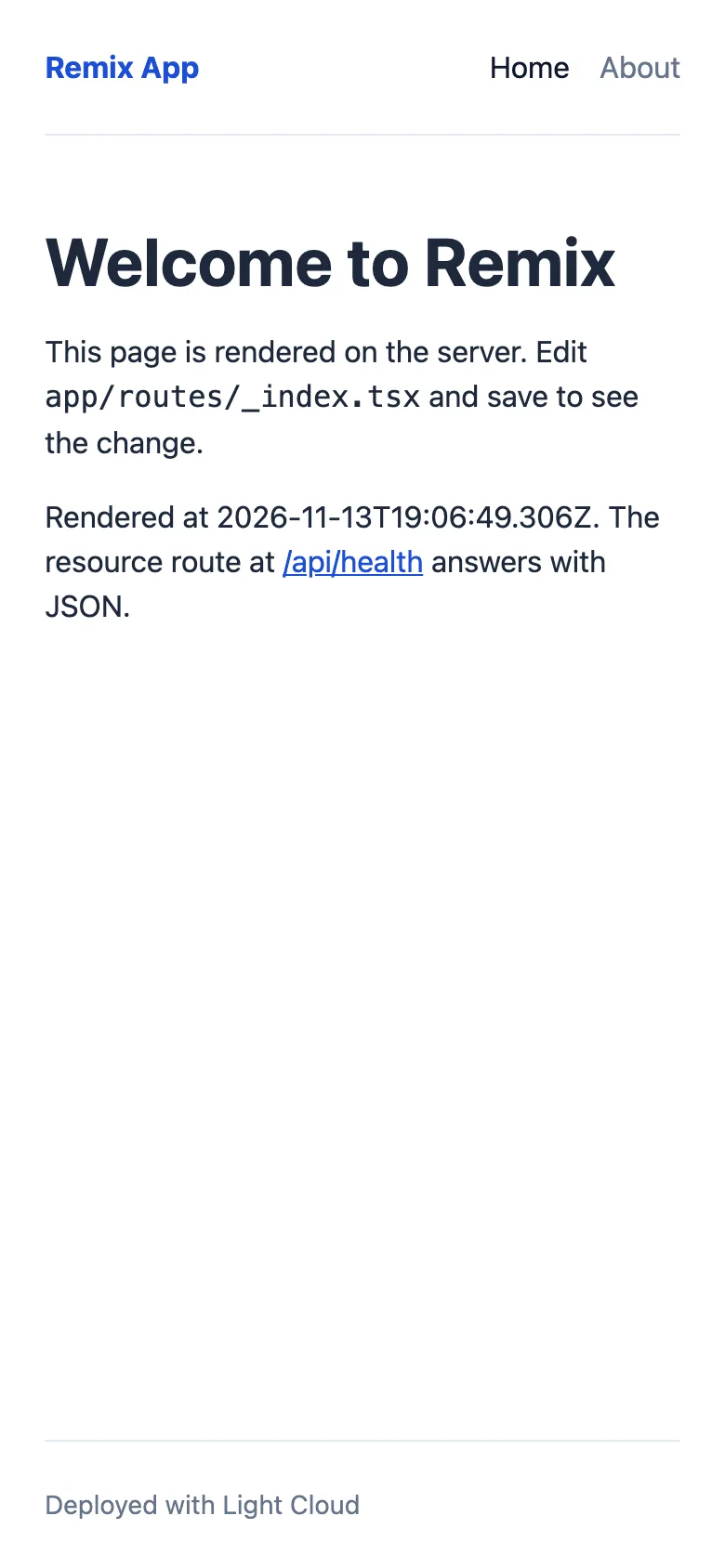
- Home page with a loader that returns its render time, plus an About page
- A resource route at GET /api/health in app/routes/api.health.ts, with a Vitest test kept in test/
- Tailwind CSS 3 through PostCSS, and a ~/ import alias for app/
- Three Remix v3 future flags on: v3_fetcherPersist, v3_relativeSplatPath and v3_throwAbortReason
- ESLint 8 with React, hooks, accessibility, import and TypeScript rules, plus npm run typecheck
- Served by remix-serve, which listens on PORT (default 3000)
Tech stack

 Remix
 React
 TypeScript
 Node.js
 Vite
 Tailwind CSS
 Vitest
 ESLint
What you need
- Free plan: it runs as a server app, and the Free plan includes 3 server apps
- To run it locally: Node.js 22.12 or later and npm
- No API keys: it starts with nothing to configure
About
For each request Remix runs the loaders of every matching route on the server, renders the page with their data and streams the HTML, then React hydrates it in the browser. Environment variables are read only on the server, in loaders, and passed to the page as loader data, which keeps secrets out of the bundle. The three v3 future flags already on make a later move to React Router v7 shorter. Most people first add routes in app/routes/ and actions for forms. Deploying runs npm run build, then npm start (remix-serve) in a container that listens on PORT.
FAQ
How do I add a route in Remix v2?
Create a file in app/routes/: contact.tsx becomes /contact, and dots make path segments, so blog.first-post.tsx becomes /blog/first-post. Add a NavLink to it in app/components/SiteHeader.tsx.
How do I add an API endpoint in Remix?
Add a resource route: a file in app/routes/ that exports a loader for GET or an action for POST, PUT and DELETE, and no default component. api.health.ts is the example.
Should I start with Remix v2 or React Router v7?
Remix v2 continues as React Router v7, and the upgrade path is to turn on the remaining v3 future flags and then switch packages. This template already has three of those flags on in vite.config.ts.
How do I use environment variables in Remix?
Read process.env.NAME in a loader or action, which run on the server, and return what the page needs, as the root loader does with SITE_NAME. npm run dev loads .env; npm start reads the real environment.
Can I host this Remix template without Light Cloud?
Yes. It has no Light Cloud code in it: any host with Node.js 20 or later runs it with npm ci, npm run build and npm start.