Survey Template: Self-Hosted Form Builder
A self-hosted survey and form builder for small businesses and teams, built with Next.js, TypeScript and PostgreSQL as an open-source alternative to Typeform and Google Forms. It covers eight question types, public links with no sign-in, one question per screen, results per question with charts and the Net Promoter Score, date filters, every response one by one and CSV export.
by Light CloudForms and surveys
Build a survey and form builder with Next.js and PostgreSQL
Features
- Eight question types: short and long text, single and multiple choice, rating 1 to 5, NPS 0 to 10, date and email, each required or optional with a line of help text
- A question builder with Move up, Move down and Undo instead of dragging, saved in one go and asking before you leave with unsaved changes
- Draft, open and closed surveys with a public link anyone can answer with no sign-in, even without JavaScript, and an optional one question per screen mode
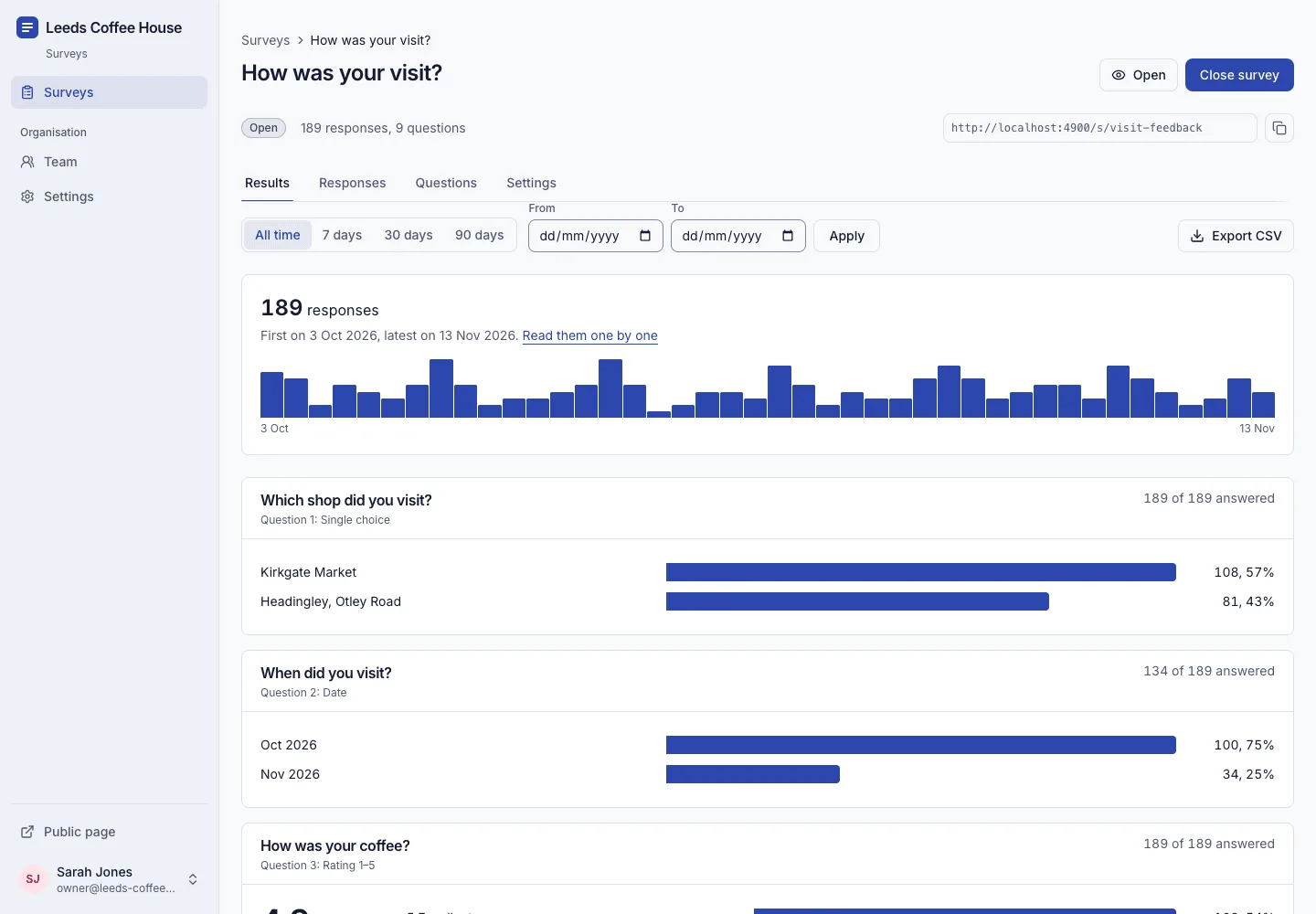
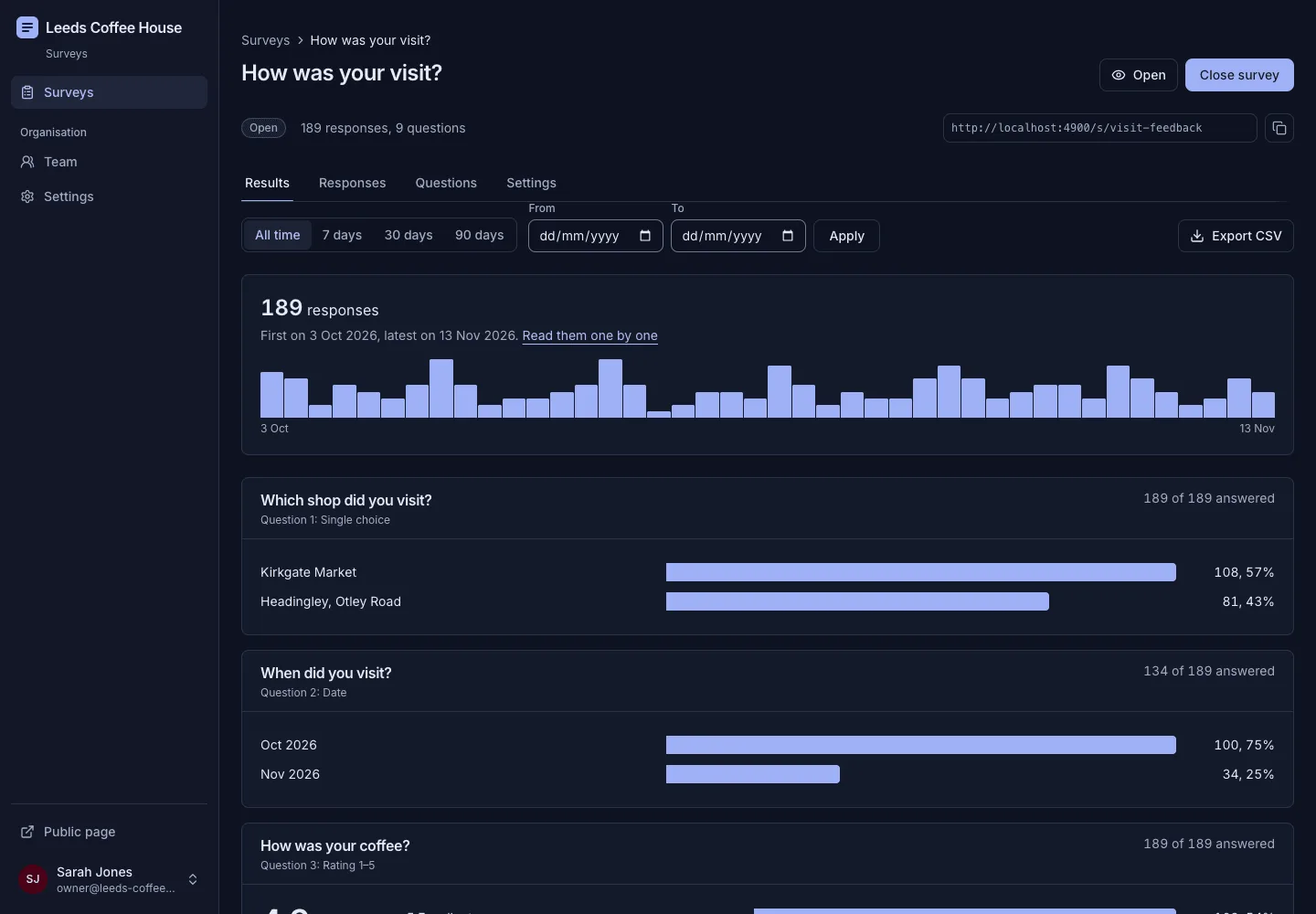
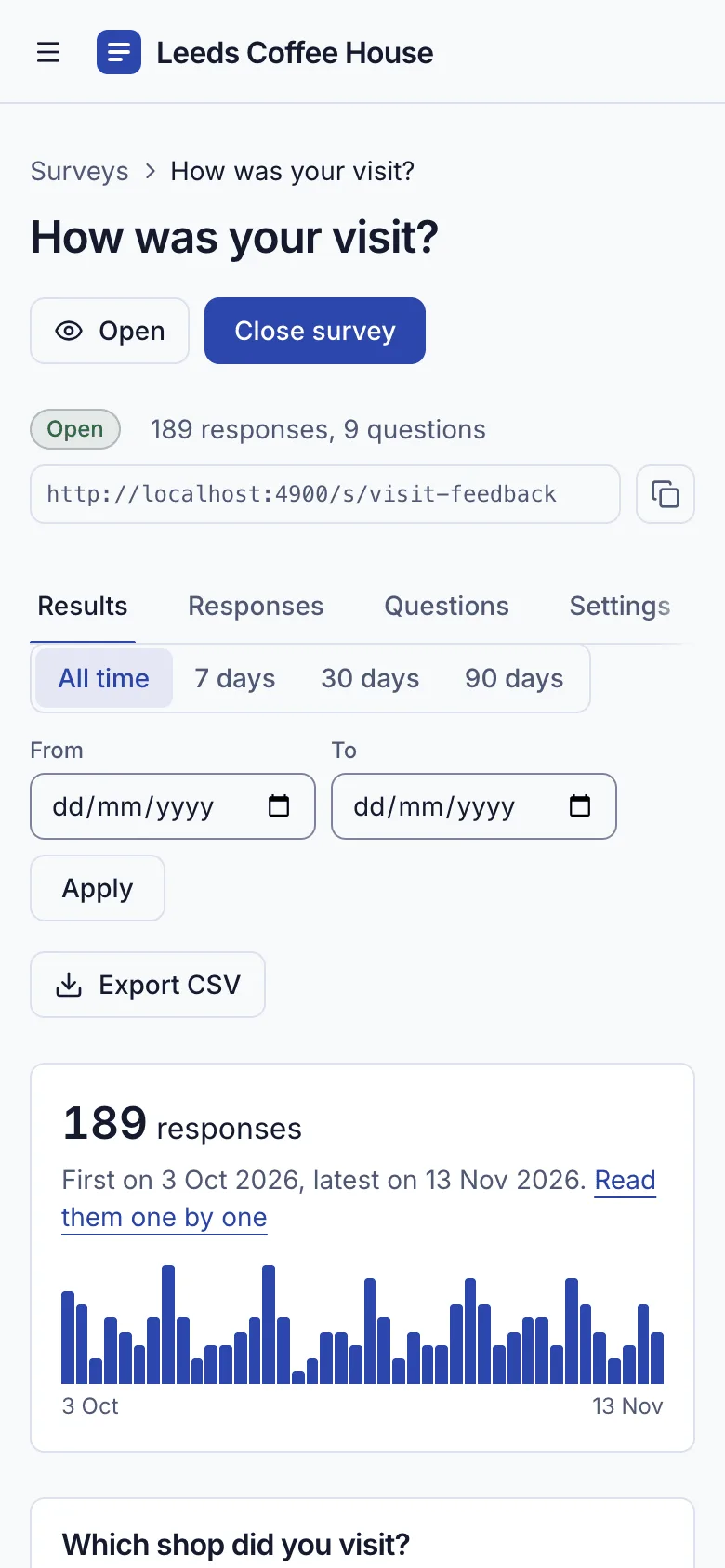
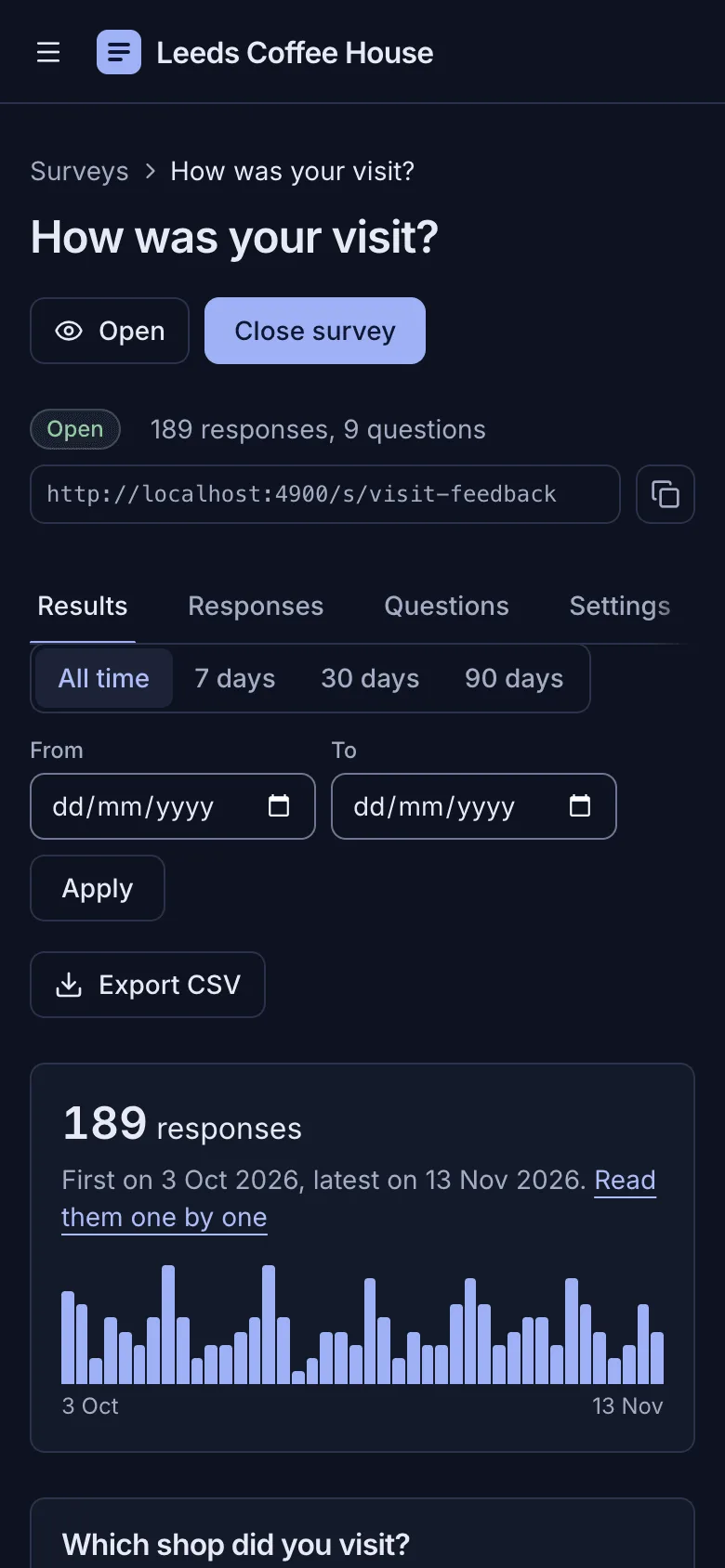
- Results per question: bar charts with counts and percentages, rating averages, the Net Promoter Score with promoters, passives and detractors, and every text answer
- A date filter and responses-per-day chart in your time zone, every response one by one with a delete button for spam, and a CSV export made safe for Excel
- Listed or link-only surveys, copying a survey as a fresh draft, and owner and member roles with single-use invitation links
- No names, IP addresses or devices stored with answers, and your own privacy note under every survey
- A Leeds coffee shop demo with three surveys and 227 responses, removed in one click, and WCAG 2.2 AA in light and dark
Tech stack

 Next.js
 React
 TypeScript
 PostgreSQL
 Tailwind CSS

 shadcn/ui
 Drizzle ORM

 Better Auth

 Resend
 Vitest
What you need
- A paid plan: deploying creates a PostgreSQL database, which the Free plan does not include
- To run it locally: Node.js 22.12 or newer, npm, and Docker for a local PostgreSQL
- No API keys: Light Cloud sets DATABASE_URL and generates AUTH_SECRET at deploy
- Optional: RESEND_API_KEY and EMAIL_FROM to email invitations and password resets; without them an invitation gives you a link to send yourself
- Optional: APP_URL once you add a custom domain, and SEED_DEMO set to false before the first start for an empty install
About
Your organisation's name, contact email, time zone and the privacy note under every survey are edited in the app under Settings, and surveys are built there too; cover photos are in public/images with their alt text in src/lib/images.ts, and the Leeds Coffee House demo is scripts/seed.mjs. Each response is one row with its answers as JSON keyed by question id, written only while the survey is open, which is checked in the same SQL statement. Results are counted in the app's memory from the responses in the chosen date range, which is fine up to roughly 50,000 responses per survey, after which the counting should move into SQL. The submission rate limit of 10 per survey per 10 minutes from one address is kept per instance, so it is looser when several instances run. There is no branching logic and no file upload, signature or matrix question, a response can't be edited once sent, and nothing stops one person answering twice. Invitation and password reset emails through Resend are unit-tested for their content but were not sent through a live Resend account.
FAQ
Is there a free, self-hosted alternative to Typeform or Google Forms?
Yes. This template is MIT licensed, runs on any Node.js host with PostgreSQL, and covers the everyday jobs: eight question types, a public link with no sign-in, results with charts and the Net Promoter Score, a date filter, CSV export and closing a survey. The answers stay in your own database.
How is the Net Promoter Score calculated?
People answer how likely they are to recommend you from 0 to 10: 9 and 10 are promoters, 7 and 8 passives, and 0 to 6 detractors. The score is the percentage of promoters minus the percentage of detractors, from -100 to +100, and the results page shows the score, the three groups and every number from 0 to 10.
Can I export survey responses to Excel or Google Sheets?
Yes. Export CSV on the Results tab downloads one row per response and one column per question for the dates you filtered, in UTF-8 so pound signs and accents open cleanly in Excel. Text that would run as a spreadsheet formula is made safe first.
Can I run an anonymous employee survey with it?
Yes. Untick List on the public page so only people with the link can answer, and leave out questions that identify people. No names, IP addresses or devices are stored with responses, and the demo's team pulse survey is set up this way.
Does the survey builder support skip logic or branching?
Not yet: every respondent sees every question. File upload, signature and matrix (grid) questions aren't built either, and a response can't be edited once it has been sent.