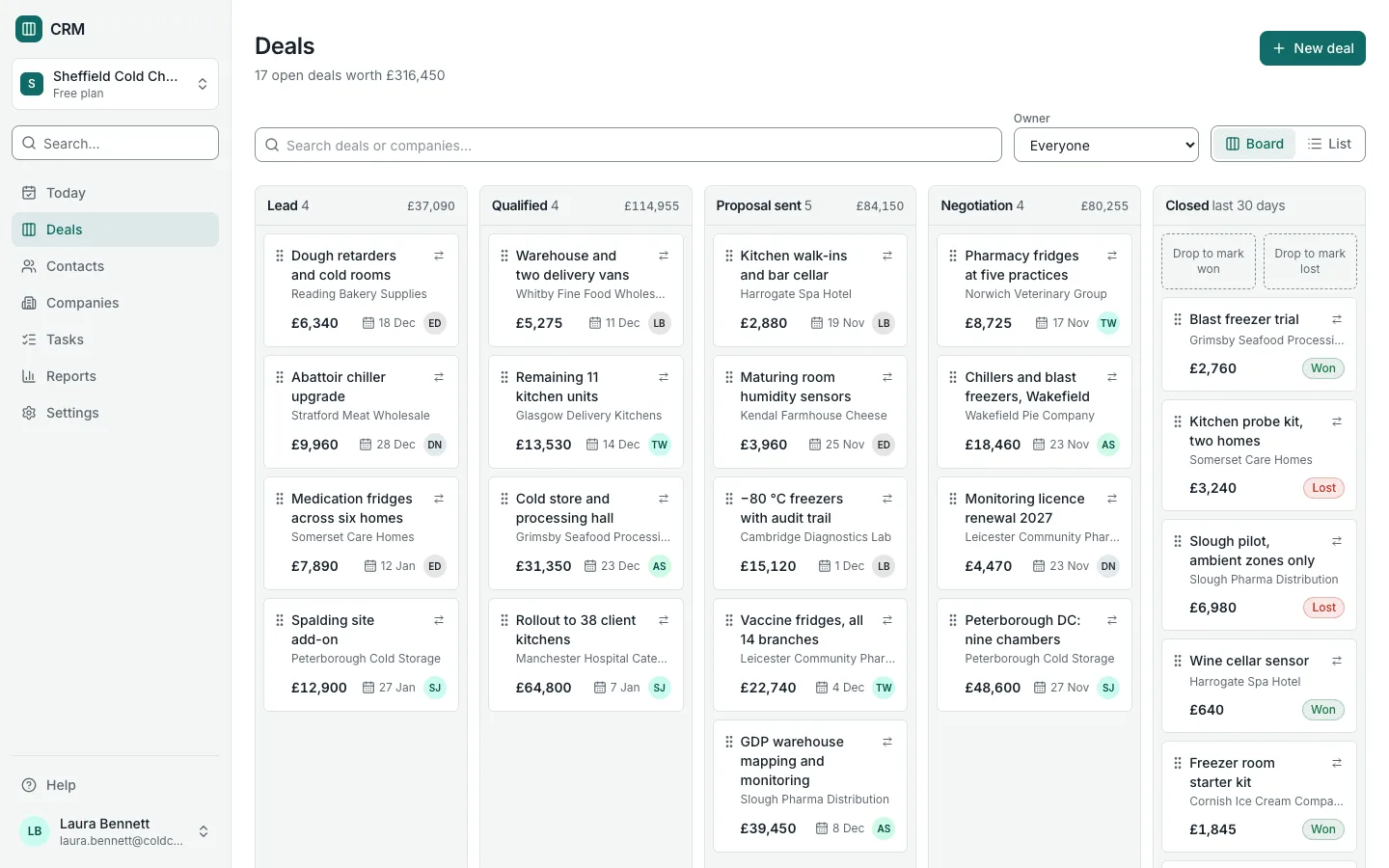
Project Management and Timesheets Template for Next.js
A free, open-source project management app with timesheets for agencies and consultancies, built with Next.js, TypeScript and PostgreSQL. It covers clients and projects on fixed fees or hourly rates with budgets in hours and money, task boards, a running timer, weekly timesheets that managers approve, utilisation and budget burn reports, and CSV export of time.
by Light CloudProjects and tasks
Build a project management and timesheet app with Next.js
Features
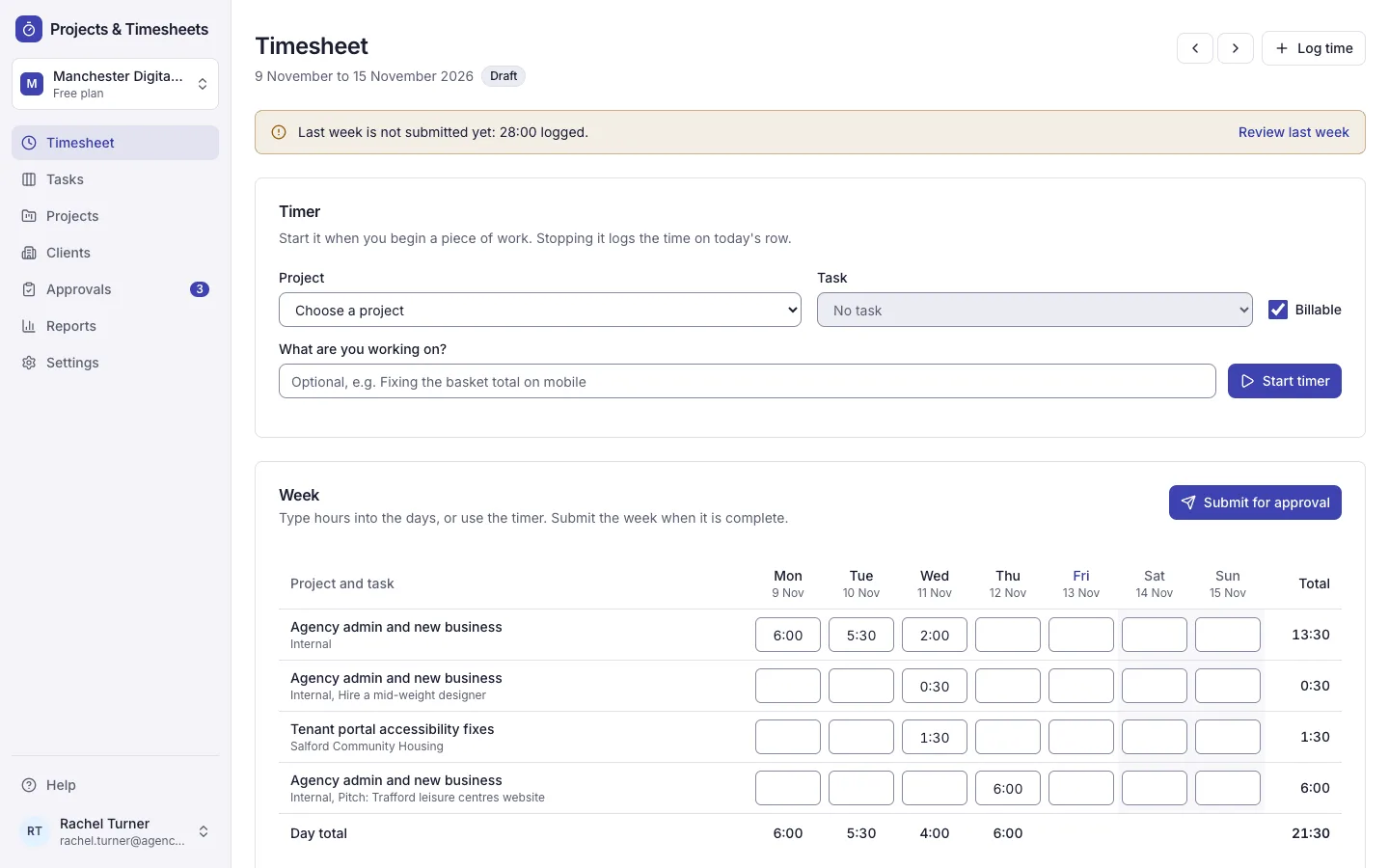
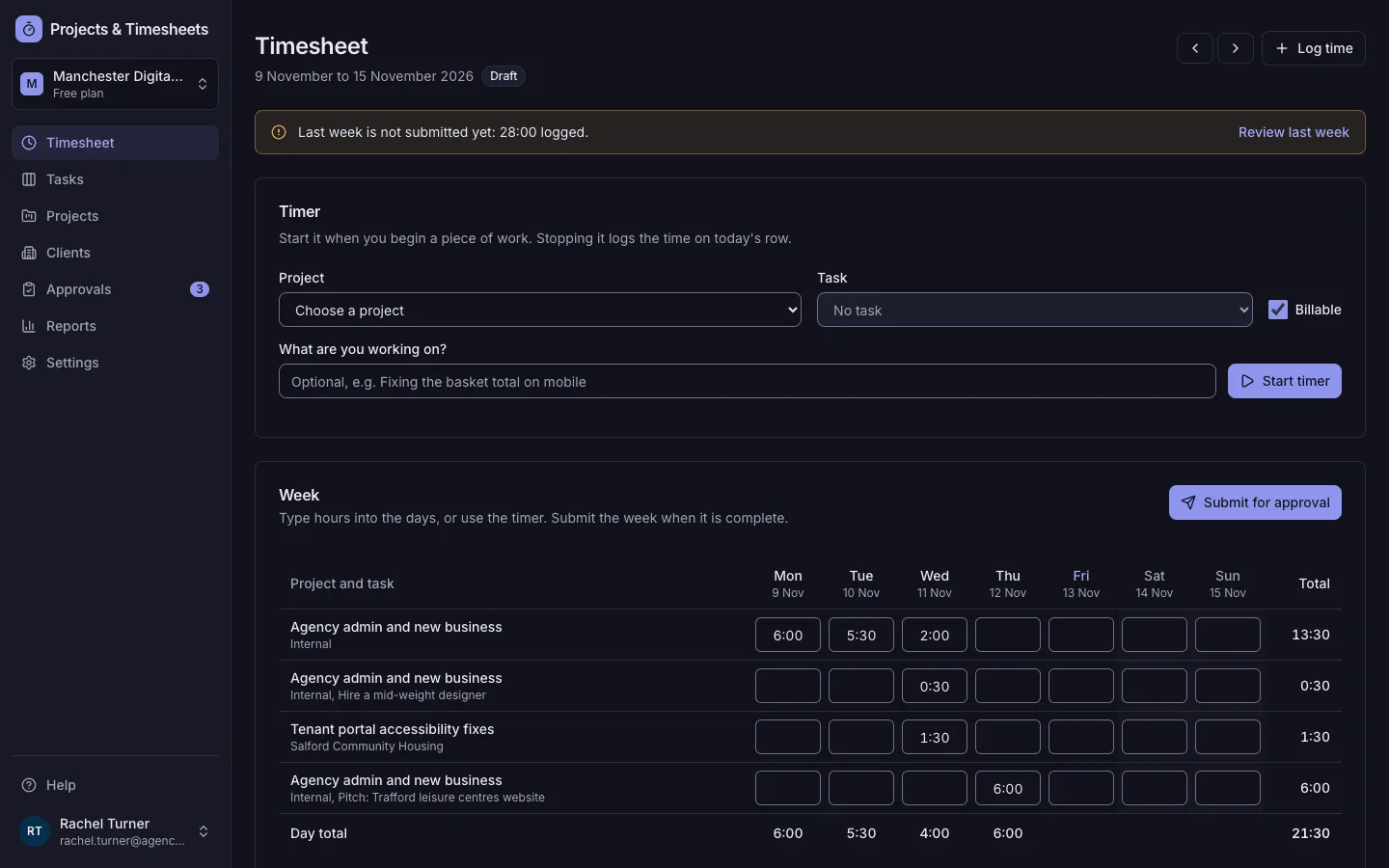
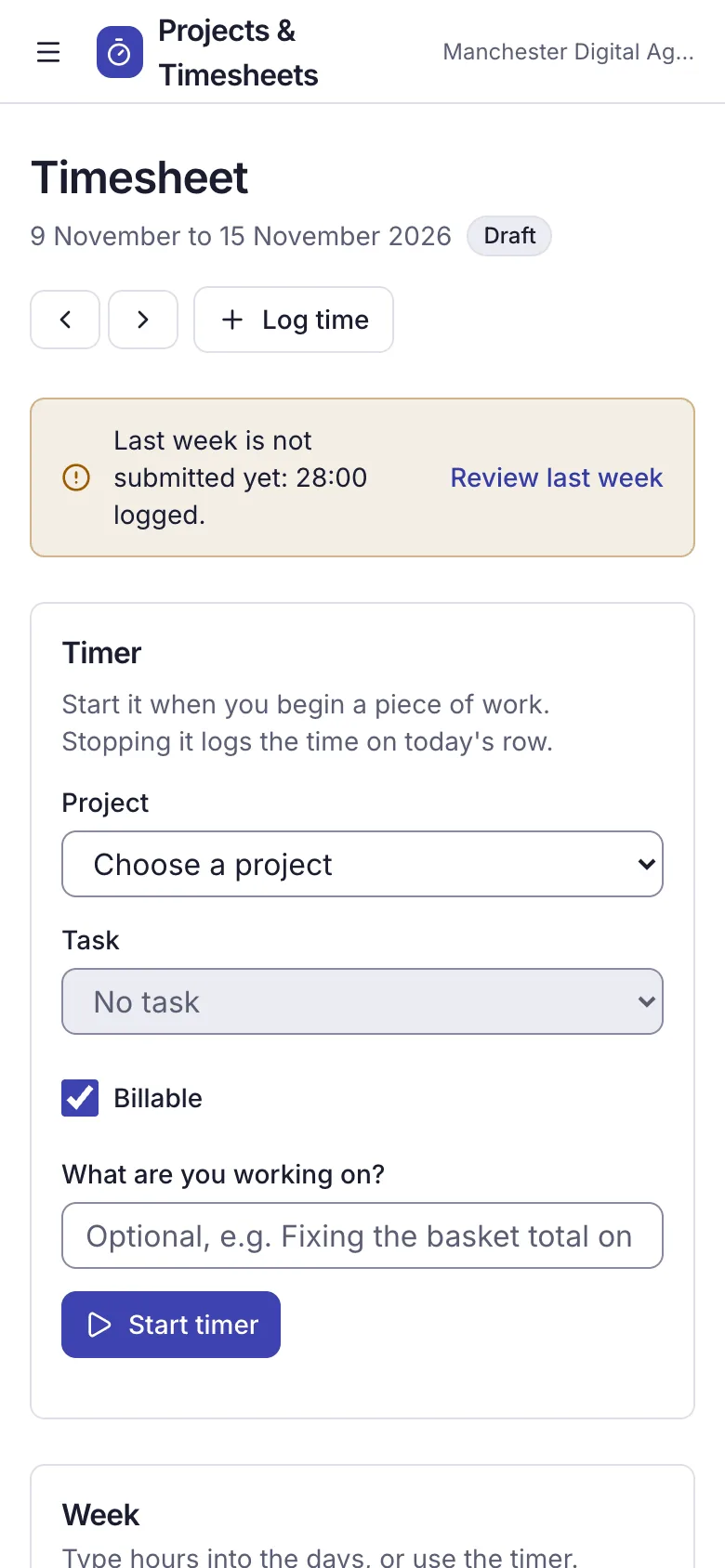
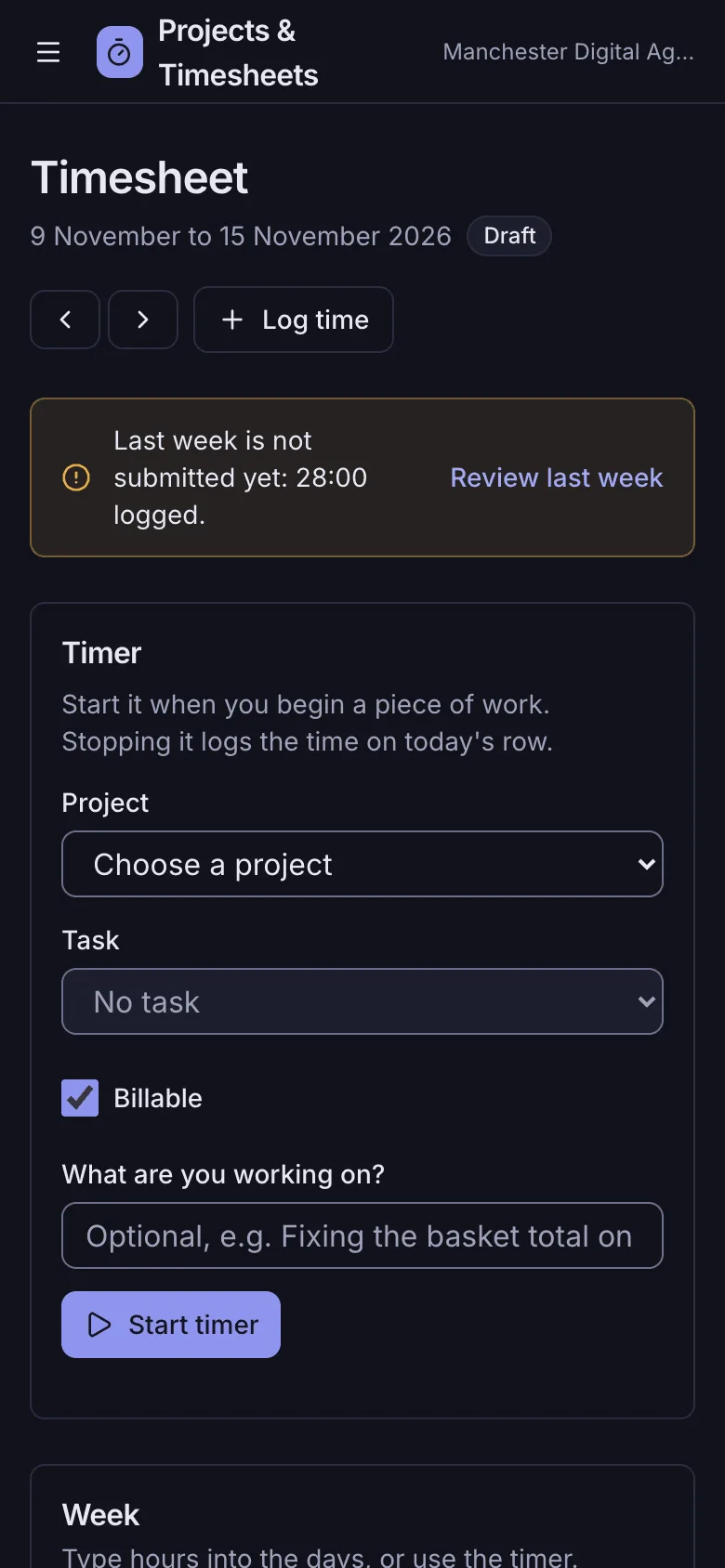
- A running timer on a project and task, and a weekly timesheet where you type 1:30, 1.5 or 90m and each cell saves as you leave it
- Submit the week for approval; managers approve it or return it with a comment, and approved weeks are locked
- Projects on hourly rates, fixed fees or internal time, with budgets in hours, money or both and a week-by-week burn chart
- Task boards with To do, In progress, Review and Done: drag with mouse, touch or keyboard, or use the Move to menu on each card
- Reports with Recharts for utilisation against a 75% target, billable and non-billable hours, budget burn and value per client, each with a table
- CSV export of every time entry for any dates, project or person, in decimal hours with rates and amounts, safe to open in Excel
- Owner, admin, manager and member roles: members track time, managers run projects, approve timesheets and see rates
- A Manchester Digital Agency demo with three months of time, removed in one click, and WCAG 2.2 AA in light and dark
Tech stack

 Next.js
 React
 TypeScript
 PostgreSQL
 Tailwind CSS

 shadcn/ui
 Drizzle ORM

 Better Auth
 Stripe
 Vitest
What you need
- A paid plan: deploying creates a PostgreSQL database, which the Free plan does not include
- To run it locally: Node.js 22.12 or newer, npm, and Docker for a local PostgreSQL
- No API keys: it starts with nothing to configure and no seat limit
- Optional: RESEND_API_KEY and EMAIL_FROM to send invitations and password resets; without them emails go to the server log
- Optional: STRIPE_SECRET_KEY, STRIPE_WEBHOOK_SECRET, STRIPE_PRICE_PRO and STRIPE_PRICE_BUSINESS for paid plans with seat limits
About
The app is built on the Next.js SaaS starter: workspaces, roles, Better Auth sign-in and an admin panel, with projects, tasks and time in src/lib/pm. Weeks run Monday to Sunday in the TZ time zone, each person has weekly hours (37.5 by default) for utilisation, and a fixed-fee project values billable time at a rate against its fee, turning amber from 85% and red over 100%. Task columns, billing types, the utilisation target and default hours are in src/lib/pm/constants.ts, and currency and locale in src/lib/format.ts. It has no invoicing of its own: export the CSV into your invoicing tool. npm start applies the migrations and seeds the demo once, and the first person to sign up owns it.
FAQ
Is there a free open-source project management template with timesheets for Next.js?
Yes. This one is MIT licensed and built with Next.js 16, PostgreSQL and Drizzle ORM: projects and budgets, task boards, a timer, weekly timesheets with approval, utilisation reports and CSV export. Without Stripe keys every feature is on and there is no seat limit.
How do I track a fixed-fee project against its budget?
Make the project fixed fee, enter the fee and the hours you planned, and set the rate you value time at. Every billable hour counts against the fee at that rate; the project shows the larger of hours and fee used, amber from 85% and red over 100%.
How do managers approve weekly timesheets?
People submit their week, and Approvals lists every week waiting, who has not sent last week in, and recent decisions. A manager approves a week or returns it with a comment that reopens it; nobody approves their own week except an owner.
Can I export timesheets to Excel or an invoicing tool?
Yes. Reports has a CSV export for any dates, project or person: one line per entry in decimal hours with client, task, note, rate, amount and timesheet status. It opens in Excel and Google Sheets.
Can I self-host this project management app without Light Cloud?
Yes. It has no Light Cloud code: any host with Node.js 22.12 and PostgreSQL runs it once DATABASE_URL and AUTH_SECRET are set, with npm ci && npm run build and then npm start.