Dental Clinic Website Template
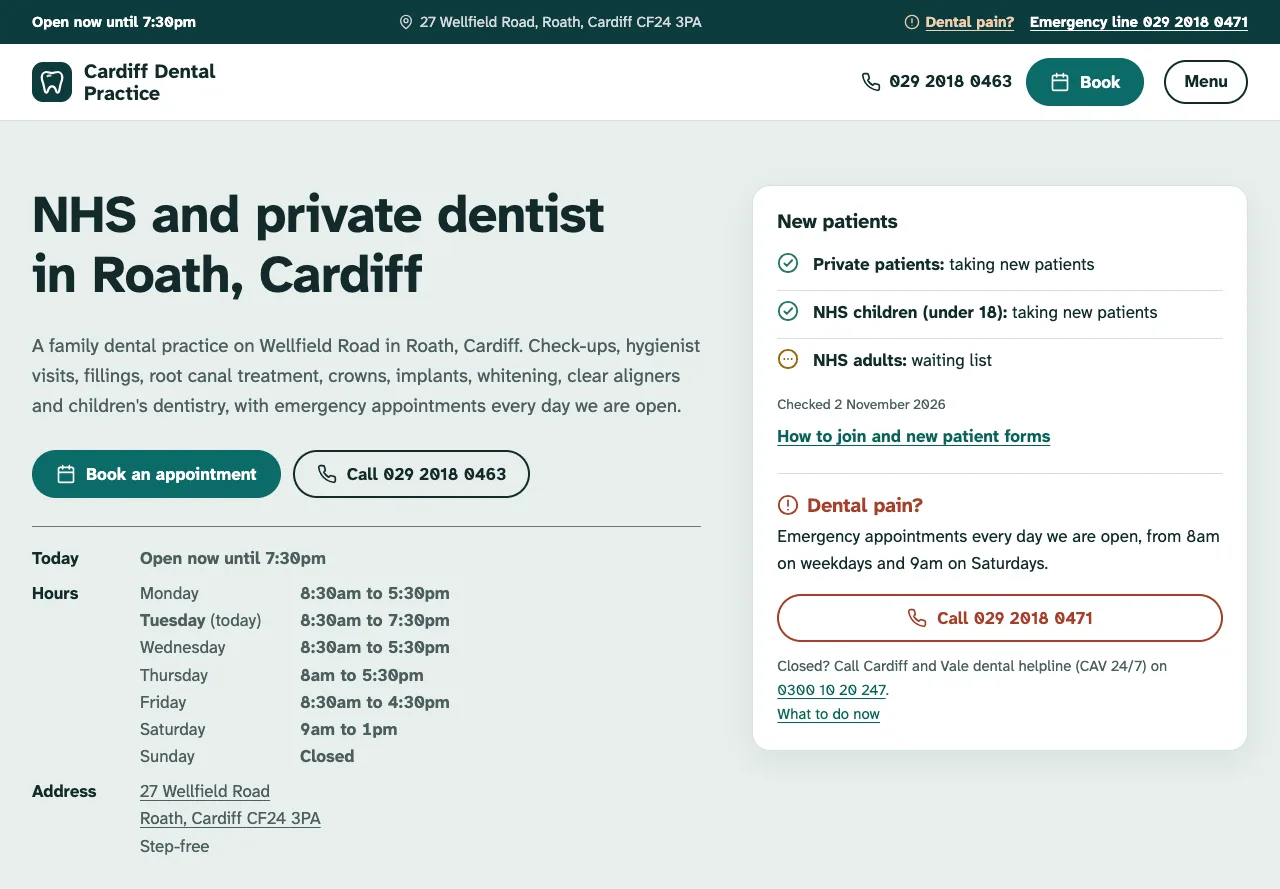
A free dental clinic website template built with Astro and TypeScript that publishes as a static site, for NHS and private dental practices. The home page shows who you are taking on, the emergency line and today's opening hours, and the site adds a page per treatment with prices, NHS and private fees, the team, new patient forms, dental emergencies, payment plans, find-us details and an FAQ, all edited in YAML and Markdown.
by Light CloudHealth
Build a dental practice website with Astro and YAML
Features
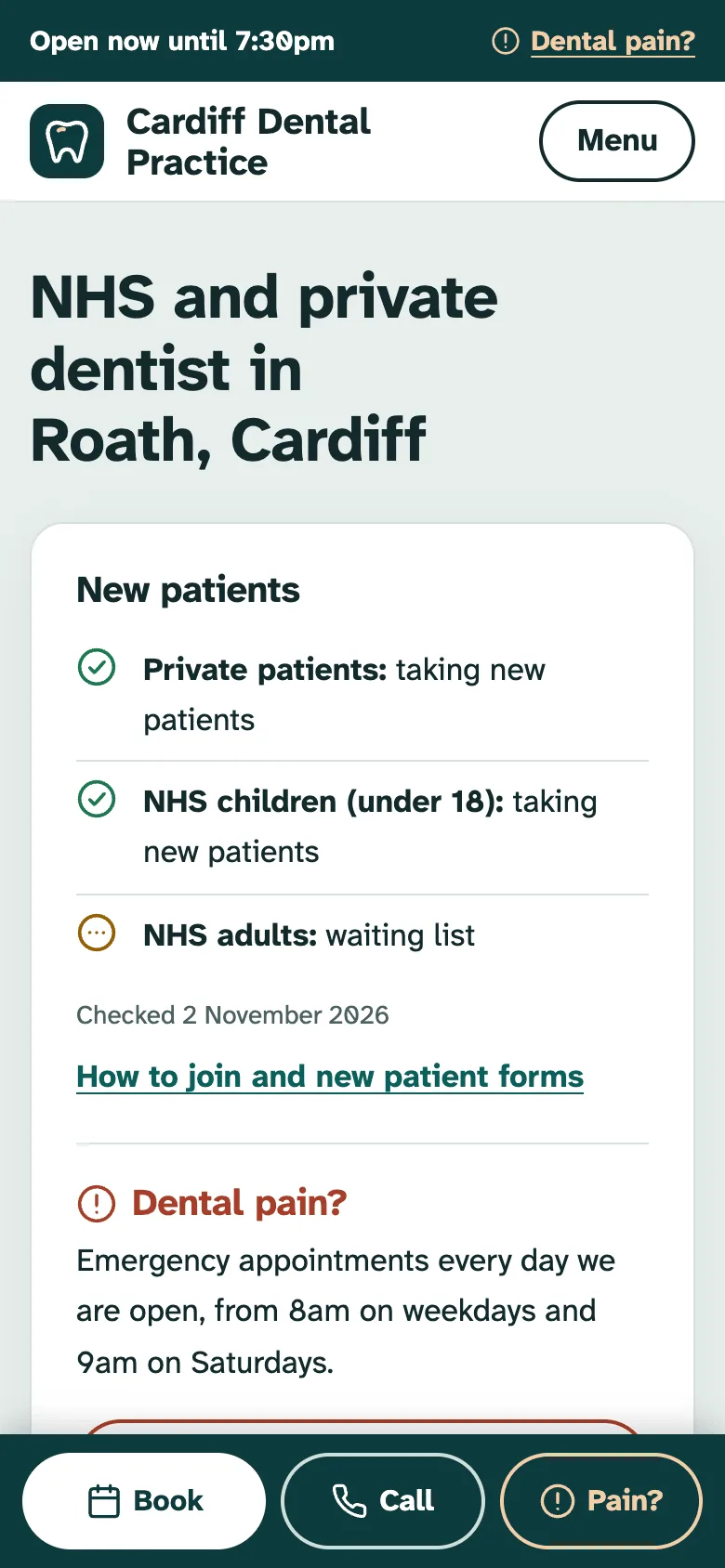
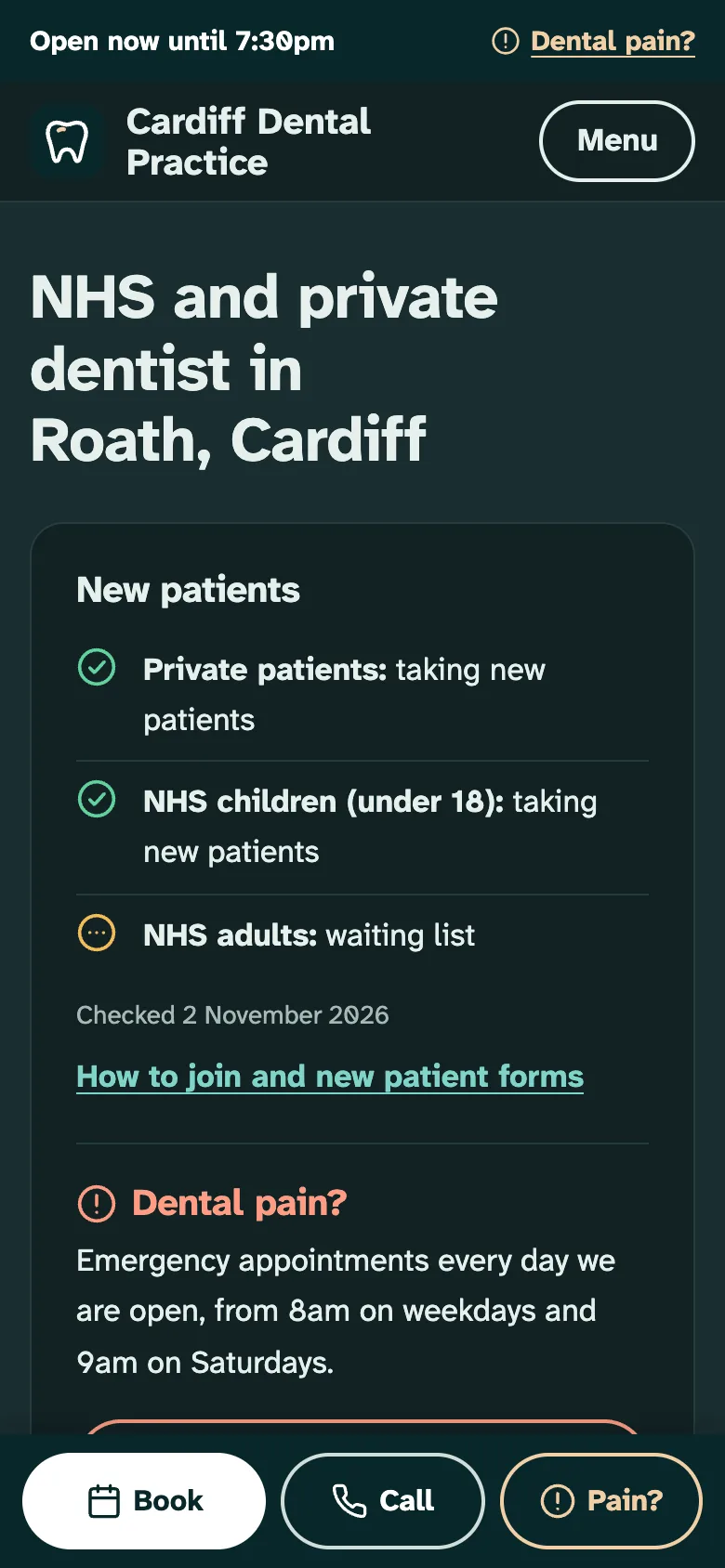
- New patient status for private, NHS children and NHS adults (taking, waiting list or not taking) at the top of the home page
- A page per treatment from Markdown with a plain-language explanation, a price or price band and the NHS charge that usually applies
- NHS charges for your nation with the official source and the date checked, who pays nothing, and every private price on one fees page
- Dental emergencies page with your emergency line, out-of-hours numbers, when to call 999 and first-aid steps
- Team with roles, qualifications, working days, languages and GDC numbers labelled as placeholders until you replace them
- Book links to your practice software, or an appointment request form that posts to any endpoint or opens the patient's email app
- Dentist JSON-LD with isAcceptingNewPatients and a treatment catalogue, Service per treatment, FAQPage, sitemap.xml and /llms.txt
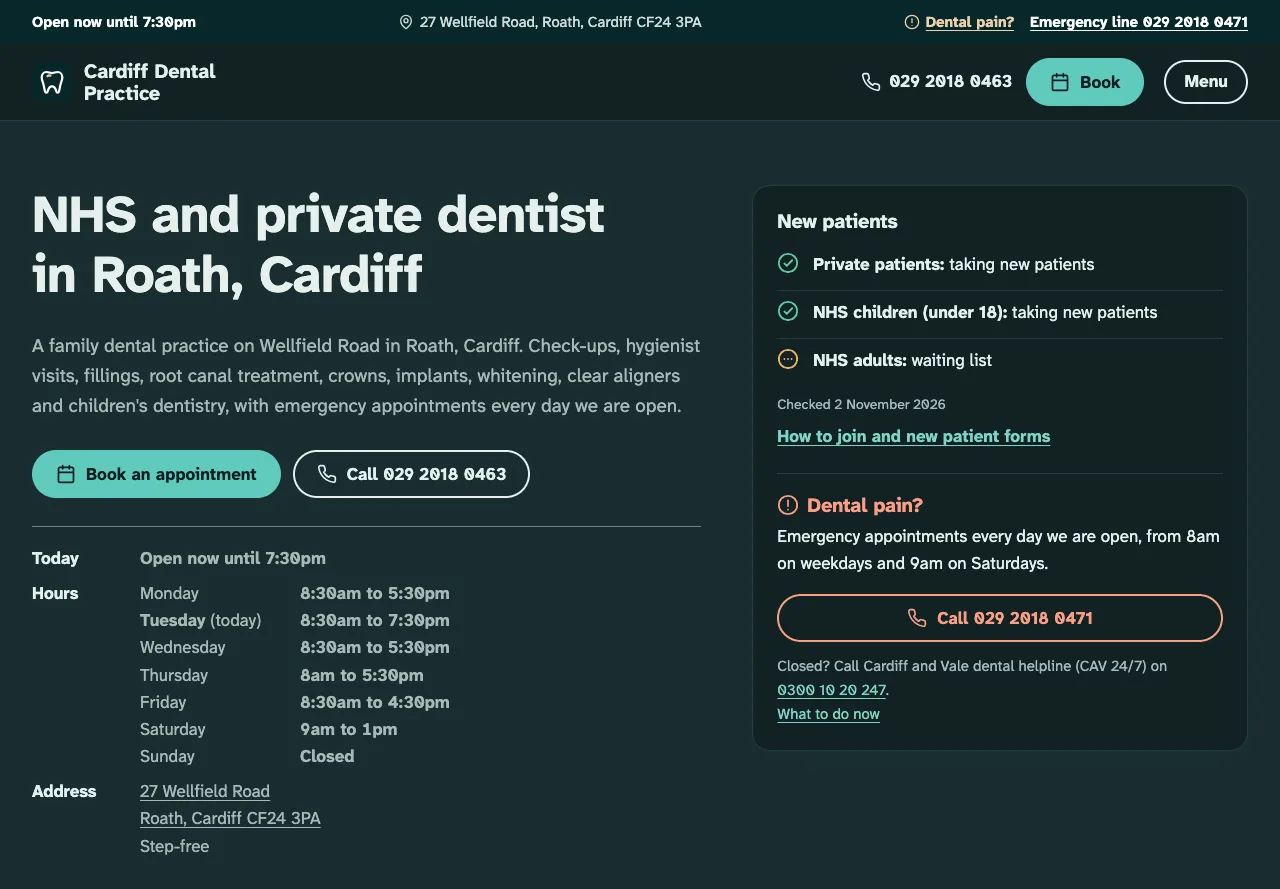
- WCAG 2.2 AA in light and dark mode, checked with axe-core, set in Atkinson Hyperlegible, with unit tests and a smoke test
Tech stack

 Astro
 TypeScript
 Node.js

 Markdown
 YAML
What you need
- Free plan: it builds to a static site, which the Free plan hosts with no limit on sites
- To run it locally: Node.js 22.12 or later and npm
- Optional: PUBLIC_BOOKING_URL, your online booking page; without it Book opens a /book/ page with your phone number and a request form
- Optional: PUBLIC_FORM_ENDPOINT, a Formspree or similar URL for the request form; without it the form opens the patient's email app
- Optional: SITE_URL, your public address for canonical links, the sitemap and sharing images
About
Every practice detail lives in content/: practice.yaml for the name, address, hours, new patient status, emergency and out-of-hours lines and booking link, fees.yaml for the NHS charges, one Markdown file per treatment and per team member, and YAML for finance, reviews and the FAQ. The demo, Cardiff Dental Practice, uses the NHS charges for Wales from 1 April 2026; practices in England can paste the bands from docs/NHS-CHARGES.md, and every practice must update the charges and the checked date each April. Treatment pages are general patient information, not medical advice, and the site says so on each one and in the footer. Before going live, replace the placeholder GDC numbers, delete the sample reviews and check the out-of-hours numbers for your area. The build checks every file, so a mistyped time or an NHS charge that is not in fees.yaml stops it with the file and field named.
FAQ
How do I make a website for my dental practice?
Deploy this template, then edit the files in content/: your practice name, phone number, opening hours, who you are taking on, treatments and prices, team and NHS charges. Each file is plain text with comments on every field, and the site rebuilds from them.
How should a dental practice show NHS charges on its website?
Show the current charges for your nation, link to the official NHS or government page and say when you last checked. This template keeps them in content/fees.yaml with the source and date, and ships with the Welsh charges from April 2026; England's bands are in docs/NHS-CHARGES.md.
How do I show whether my dental practice is taking new NHS patients?
Edit newPatients in content/practice.yaml: each group (private, NHS children, NHS adults) is taking patients, on a waiting list or closed, with a note and the date you checked. It shows on the home page and in the Dentist structured data.
Can patients book dental appointments online from a static website?
Yes. Put your practice software's booking link in content/practice.yaml or PUBLIC_BOOKING_URL and every Book button goes there. Without one, Book opens a page with your phone number and an appointment request form.
Can I host this dentist website without Light Cloud?
Yes. Run npm run build and upload dist/ to any static host; every page is a real HTML file, such as dist/treatments/implants/index.html, so no SPA fallback is needed. Set the environment variables in the host's build settings.