Open SaaS Starter for Wasp with PostgreSQL
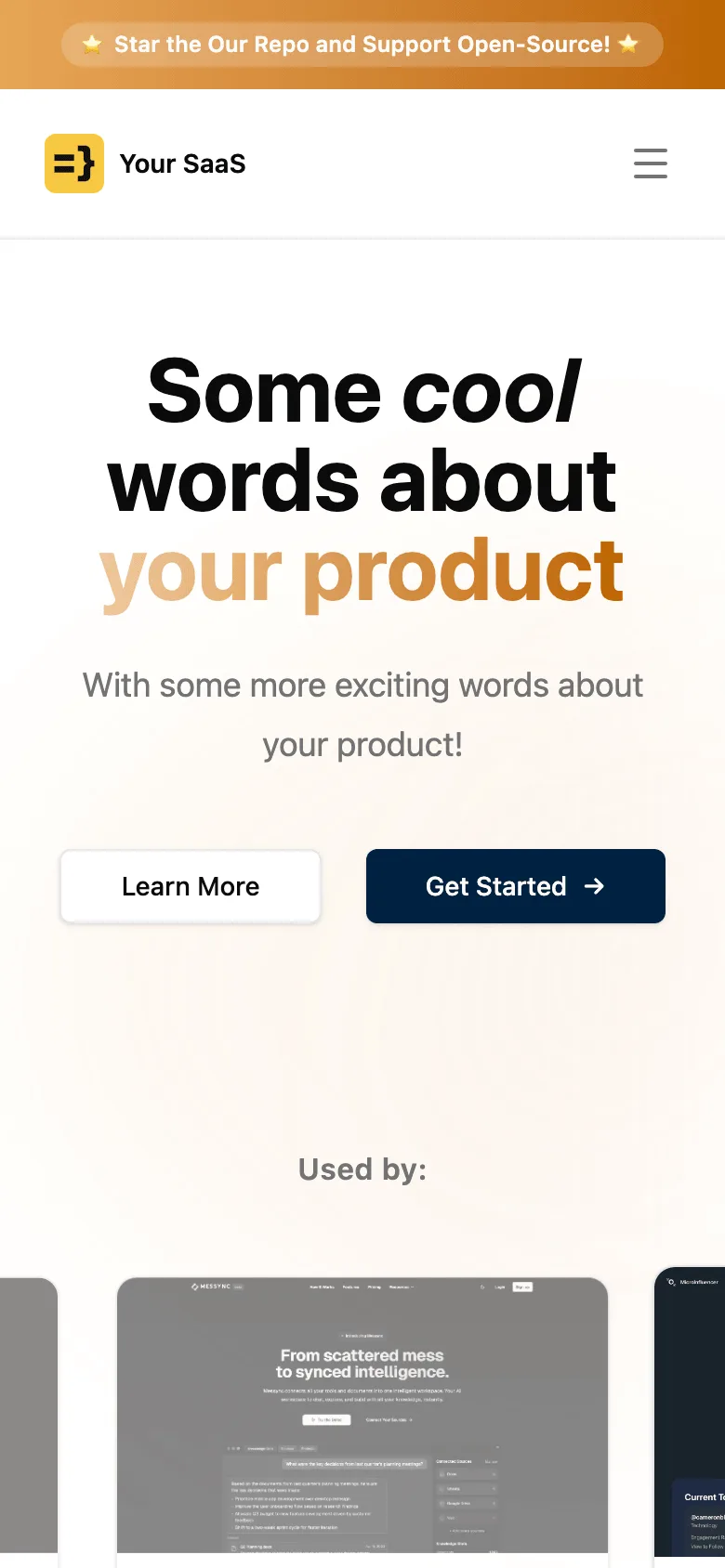
A copy of Open SaaS by Wasp: a full-stack React 19 and Node.js app in TypeScript with Prisma and PostgreSQL, packaged to run as one container. It is for developers who want email auth, Stripe payments (with Lemon Squeezy and Polar as alternatives), an admin dashboard, S3 file uploads, an OpenAI demo app and an hourly analytics job in one codebase.
by Light CloudSaaS
Build a SaaS app with Wasp, React and PostgreSQL
Features
- main.wasp.ts declares routes, auth, jobs and the email sender; Wasp generates the React client and Node.js server
- Email sign-up with verification and password reset; Google, GitHub and Discord sign-in prepared in src/auth/auth.wasp.ts
- Stripe Hobby and Pro subscriptions and a 10-credit pack, with a webhook at POST /payments-webhook and an account page
- Admin dashboard at /admin with revenue and traffic stats and a users table; ADMIN_EMAILS get admin rights on sign-up
- AI day planner at /demo-app on gpt-3.5-turbo: each run costs one of a new user's 3 credits unless they subscribe
- Presigned S3 uploads at /file-upload, up to 5 MB, for images, PDFs, text files and MP4 or QuickTime video
- An hourly pg-boss job pulls daily page views and sources from Plausible or Google Analytics for the admin stats
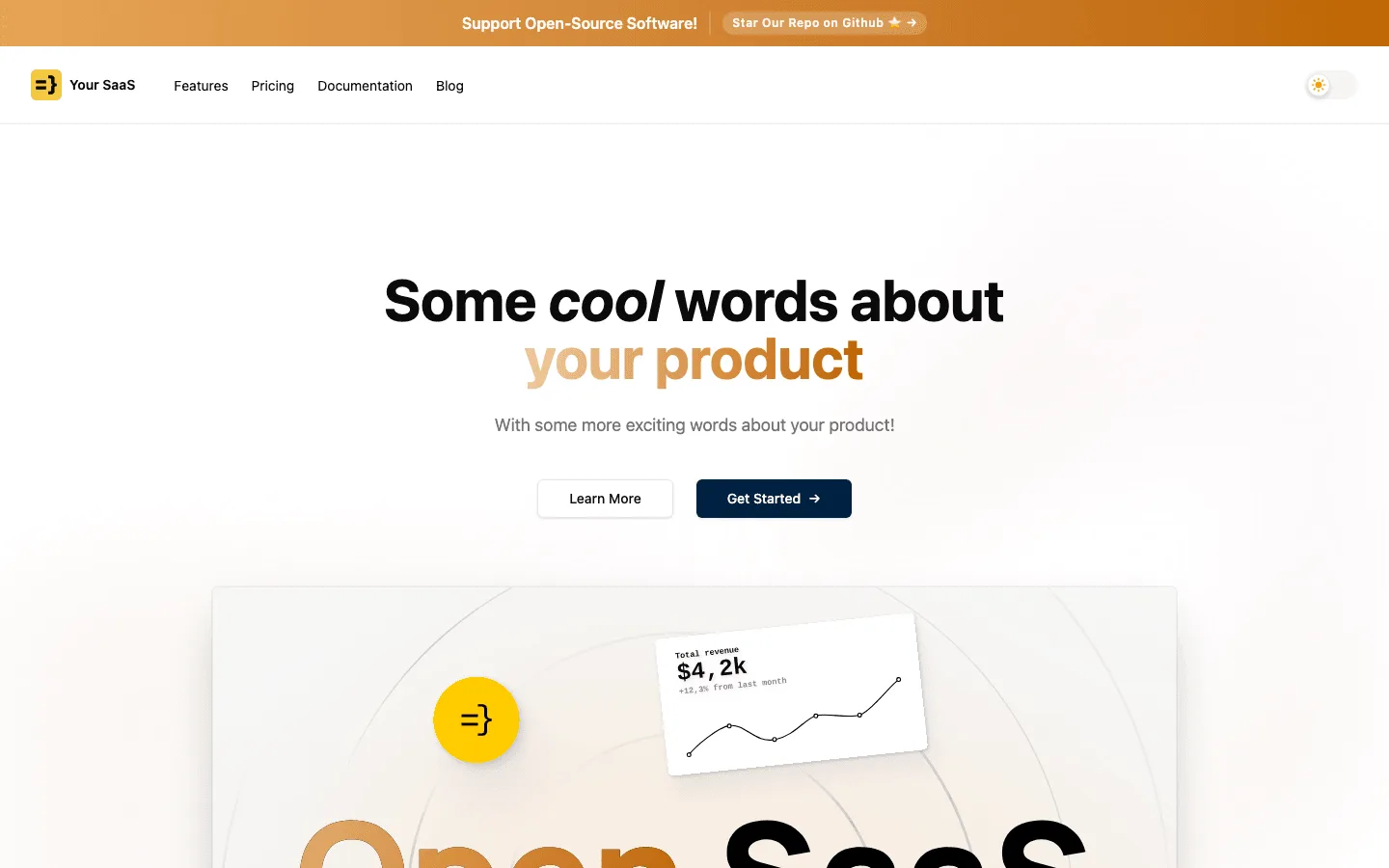
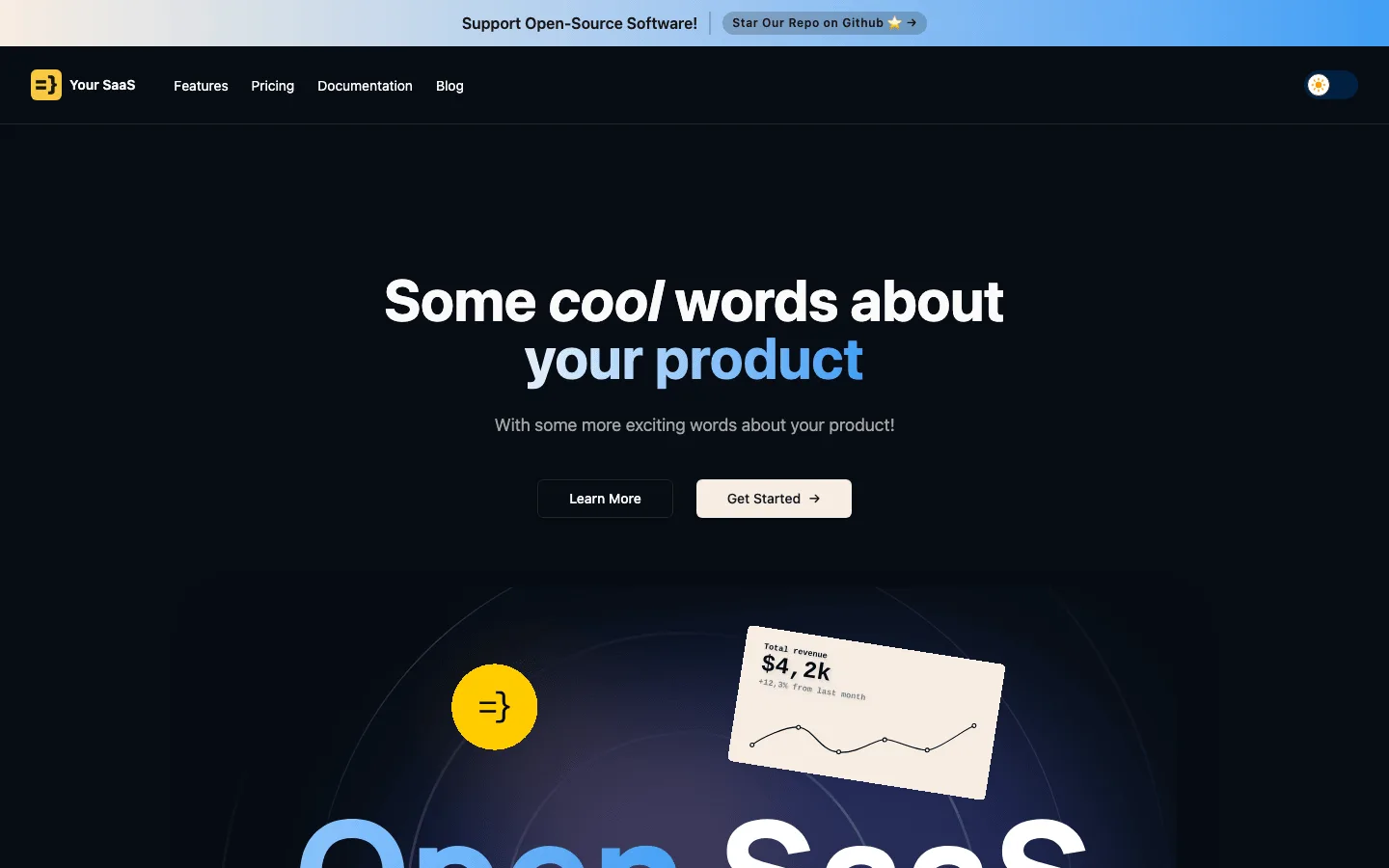
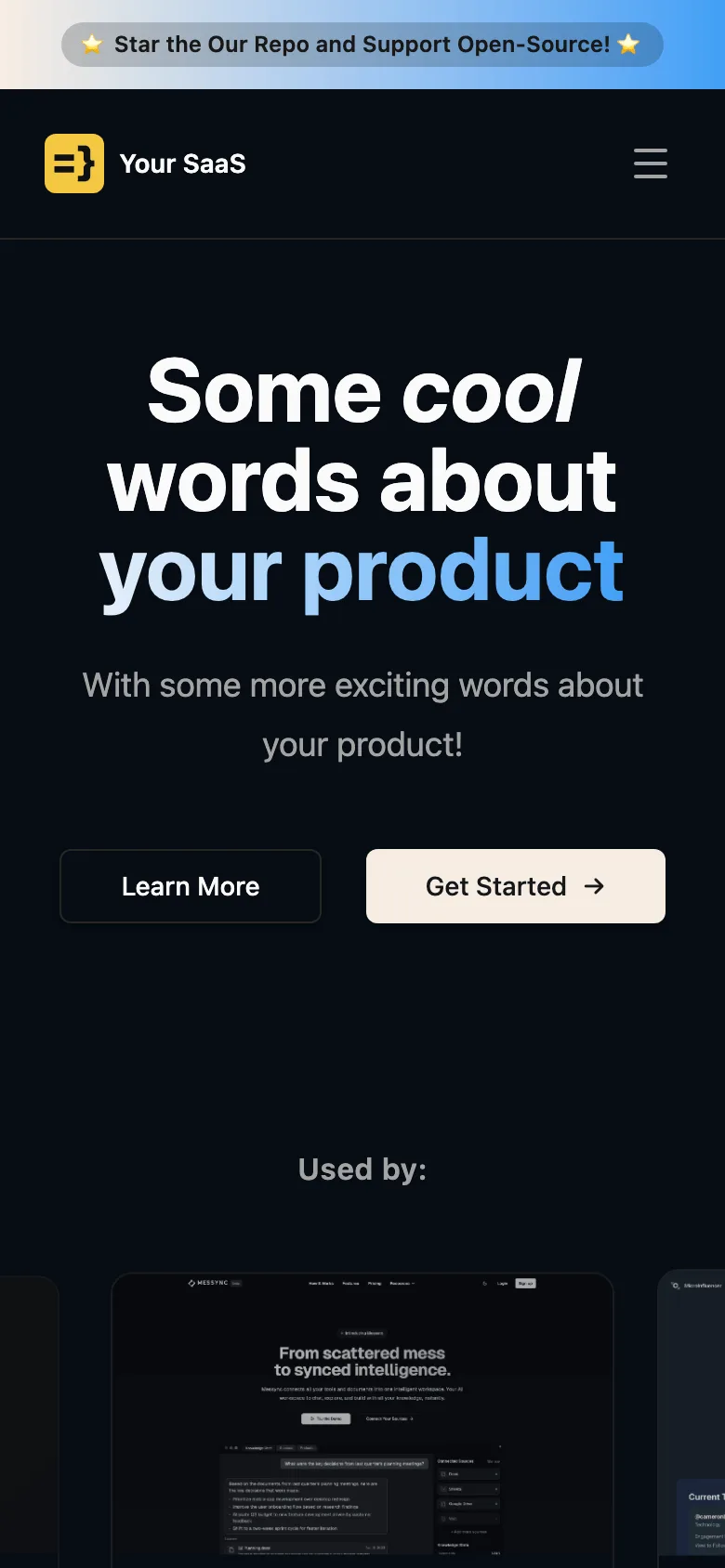
- Landing and pricing pages prerendered at build time, a cookie consent banner, dark mode and mock users via wasp db seed
Tech stack
 Wasp
 React
 TypeScript
 Node.js
 PostgreSQL
 Tailwind CSS

 shadcn/ui

 Prisma
 Stripe

 OpenAI
What you need
- A paid plan: deploying creates a PostgreSQL database, which the Free plan does not include
- To run it locally: Node.js, Docker for wasp start db, and the Wasp CLI 0.25 (npm i -g @wasp.sh/wasp-cli@0.25)
- SMTP_HOST, SMTP_PORT, SMTP_USERNAME and SMTP_PASSWORD from any email provider: sign-up needs a verification email, and the deploy's placeholders send none
- Optional: STRIPE_API_KEY, STRIPE_WEBHOOK_SECRET and the three PAYMENTS_*_PLAN_ID values to take payments; placeholders keep the server booting
- Optional: OPENAI_API_KEY for the AI demo app and the AWS_S3_* values for file uploads
About
Wasp reads main.wasp.ts and the *.wasp.ts files under src/, then generates the client, the Express server and the Prisma layer, so most of your work is React pages plus Wasp queries and actions. The server validates every provider's variables at start through src/env.ts, which is why a deploy begins with placeholder values; when you drop a feature, remove its schema there as well. Set real SMTP values first and change defaultFrom in src/server/emailSender.wasp.ts and fromField in src/auth/auth.wasp.ts, because nobody can log in until the verification email arrives. On Light Cloud the server and client run in one container with exactly one instance, so the pg-boss job never runs twice, and every push to your copy redeploys.
FAQ
Why can I not log in after signing up to Open SaaS?
Open SaaS requires email verification, and no email is sent while the SMTP_* variables are placeholders. Set real SMTP values and redeploy; locally you can set SKIP_EMAIL_VERIFICATION_IN_DEV=true in .env.server instead.
Which Wasp version does this Open SaaS template use?
Wasp 0.25, declared in main.wasp.ts as ^0.25.0. Install the matching CLI with npm i -g @wasp.sh/wasp-cli@0.25.
How do I switch Open SaaS from Stripe to Lemon Squeezy or Polar?
In src/payment/paymentProcessor.ts, import lemonSqueezyPaymentProcessor or polarPaymentProcessor and export it as paymentProcessor in place of the Stripe one. Then set that provider's variables and follow the Open SaaS payments guide.
How do I make myself an admin in Open SaaS?
Put your email in ADMIN_EMAILS before you sign up. Admin rights are granted when the account is created.
Can I deploy Open SaaS without Light Cloud?
Yes. Nothing in the app depends on Light Cloud: wasp build produces a Node.js server with a Dockerfile and a static client, which run on any host with Node.js and PostgreSQL.
- Price
- Free
- Framework
- Wasp · JavaScript
- Plan
- Lite or above
- Updated
Variables
SMTP_HOSTFilled inEmail — signup & password reset
SMTP_PORTFilled inEmail — signup & password reset
SMTP_USERNAMEFilled inEmail — signup & password reset
SMTP_PASSWORDFilled inEmail — signup & password reset
ADMIN_EMAILSFilled inAdmin dashboard access
STRIPE_API_KEYFilled inPayments (Stripe)
STRIPE_WEBHOOK_SECRETFilled inPayments (Stripe)
PAYMENTS_HOBBY_SUBSCRIPTION_PLAN_IDFilled inPayments — plan ids
PAYMENTS_PRO_SUBSCRIPTION_PLAN_IDFilled inPayments — plan ids
PAYMENTS_CREDITS_10_PLAN_IDFilled inPayments — plan ids
OPENAI_API_KEYFilled inAI demo app
AWS_S3_REGIONFilled inFile uploads (S3)
AWS_S3_IAM_ACCESS_KEYFilled inFile uploads (S3)
AWS_S3_IAM_SECRET_KEYFilled inFile uploads (S3)
AWS_S3_FILES_BUCKETFilled inFile uploads (S3)
LEMONSQUEEZY_API_KEYFilled inPayments (Lemon Squeezy, alternative)
LEMONSQUEEZY_WEBHOOK_SECRETFilled inPayments (Lemon Squeezy, alternative)
LEMONSQUEEZY_STORE_IDFilled inPayments (Lemon Squeezy, alternative)
POLAR_ORGANIZATION_ACCESS_TOKENFilled inPayments (Polar, alternative)
POLAR_SANDBOX_MODEFilled inPayments (Polar, alternative)
POLAR_WEBHOOK_SECRETFilled inPayments (Polar, alternative)
PLAUSIBLE_API_KEYFilled inAnalytics (Plausible)
PLAUSIBLE_SITE_IDFilled inAnalytics (Plausible)
PLAUSIBLE_BASE_URLFilled inAnalytics (Plausible)
GOOGLE_ANALYTICS_CLIENT_EMAILFilled inAnalytics (Google)
GOOGLE_ANALYTICS_PRIVATE_KEYFilled inAnalytics (Google)
GOOGLE_ANALYTICS_PROPERTY_IDFilled inAnalytics (Google)