Conference Ticketing Template
An open-source conference ticketing system built with Next.js, TypeScript and PostgreSQL, for organisers of a one- or two-day conference. It covers the public site with agenda, speakers and ticket types with capacity and sale windows, promo codes, Stripe Checkout, QR code tickets by email or on screen, an organiser dashboard, the attendee list with CSV export, refunds marked per ticket and phone camera check-in.
by Light CloudEvents and tickets, Shops and orders
Build a conference ticketing app with Next.js and PostgreSQL
Features
- A public conference site with dates, venue and prices near the top, an agenda by day with rooms, speakers with bios and an FAQ from your settings
- Ticket types with prices including VAT, places, sale windows and day tickets, sold under a database lock so the last place can't go twice
- Promo codes for a percentage or an amount off chosen ticket types, with a use limit and a last day, and a reason shown when a code doesn't work
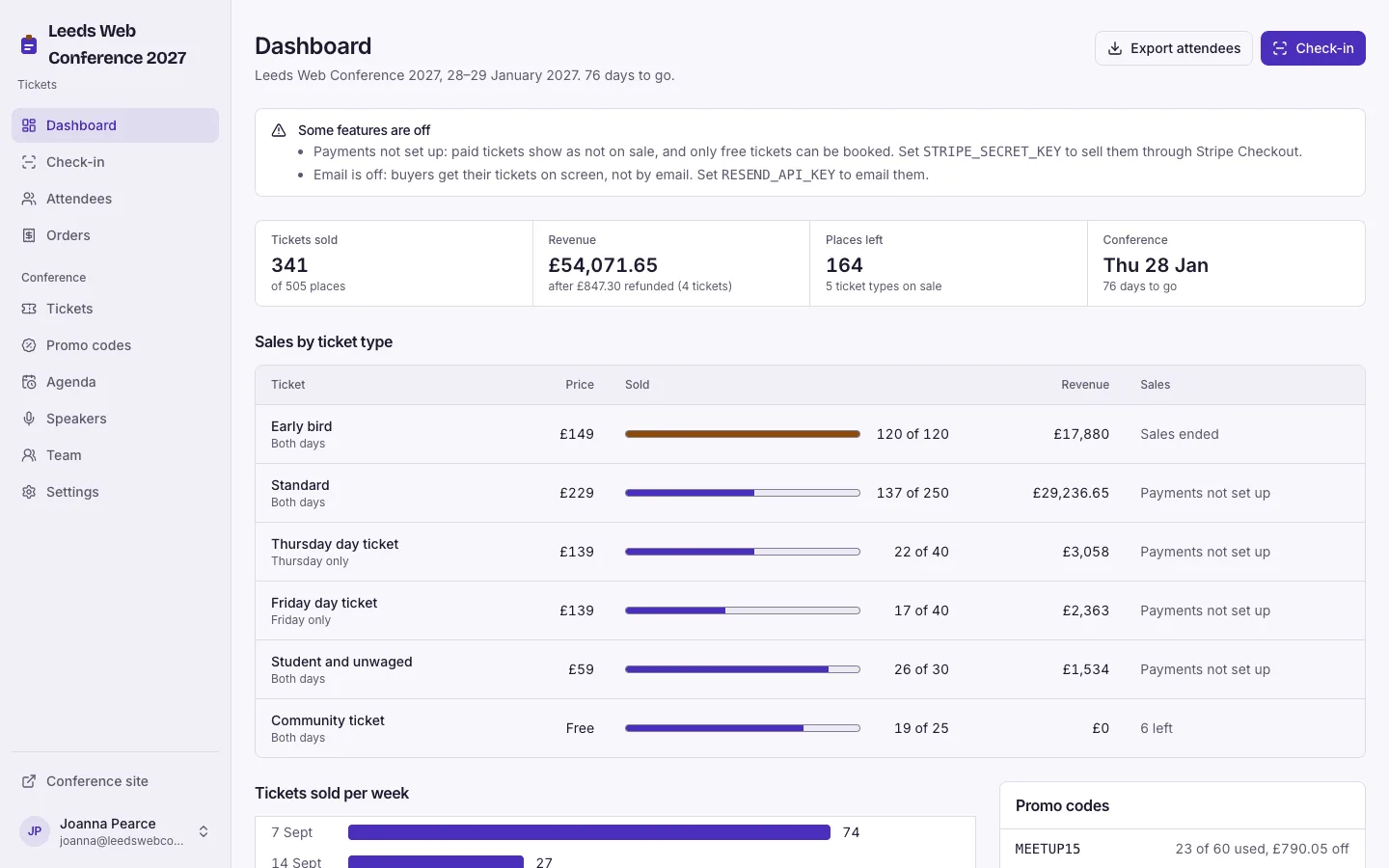
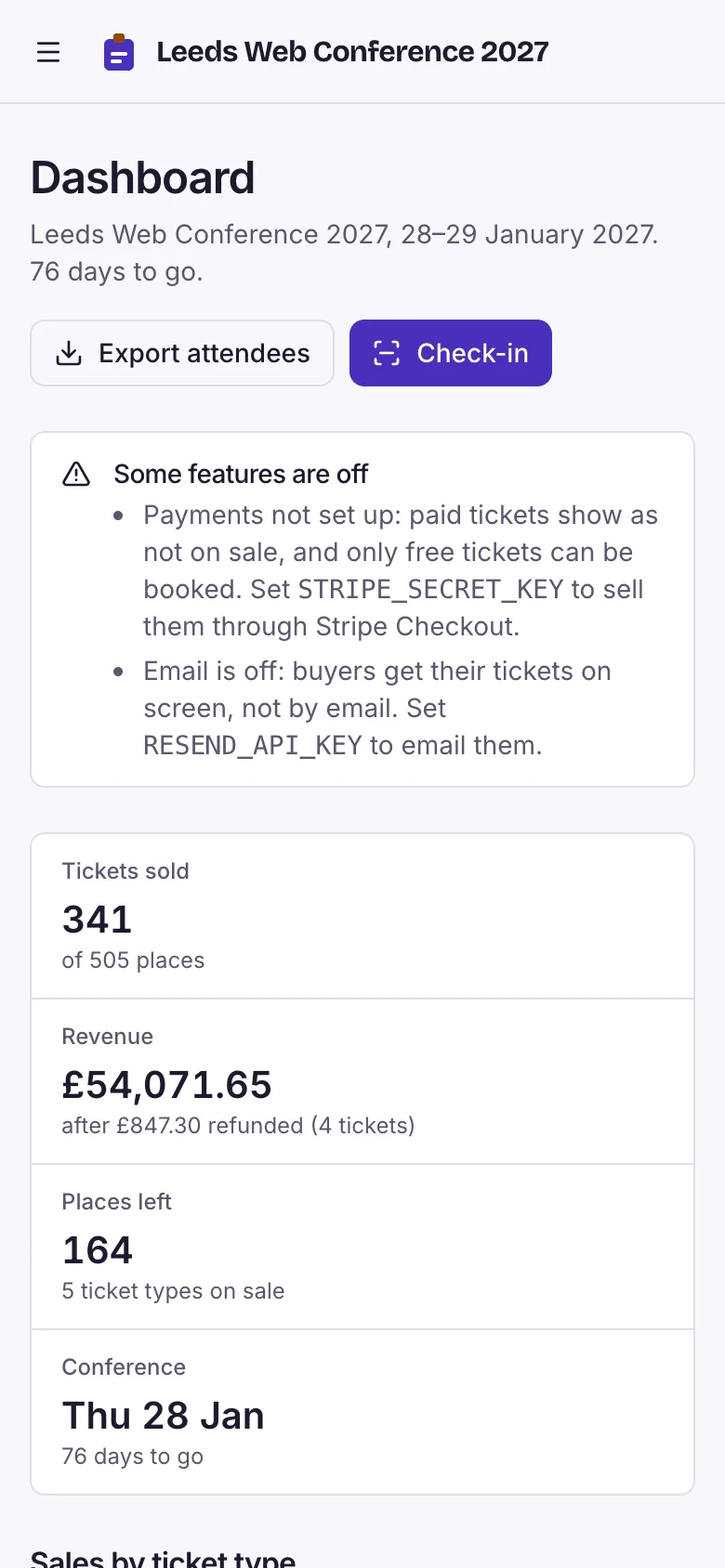
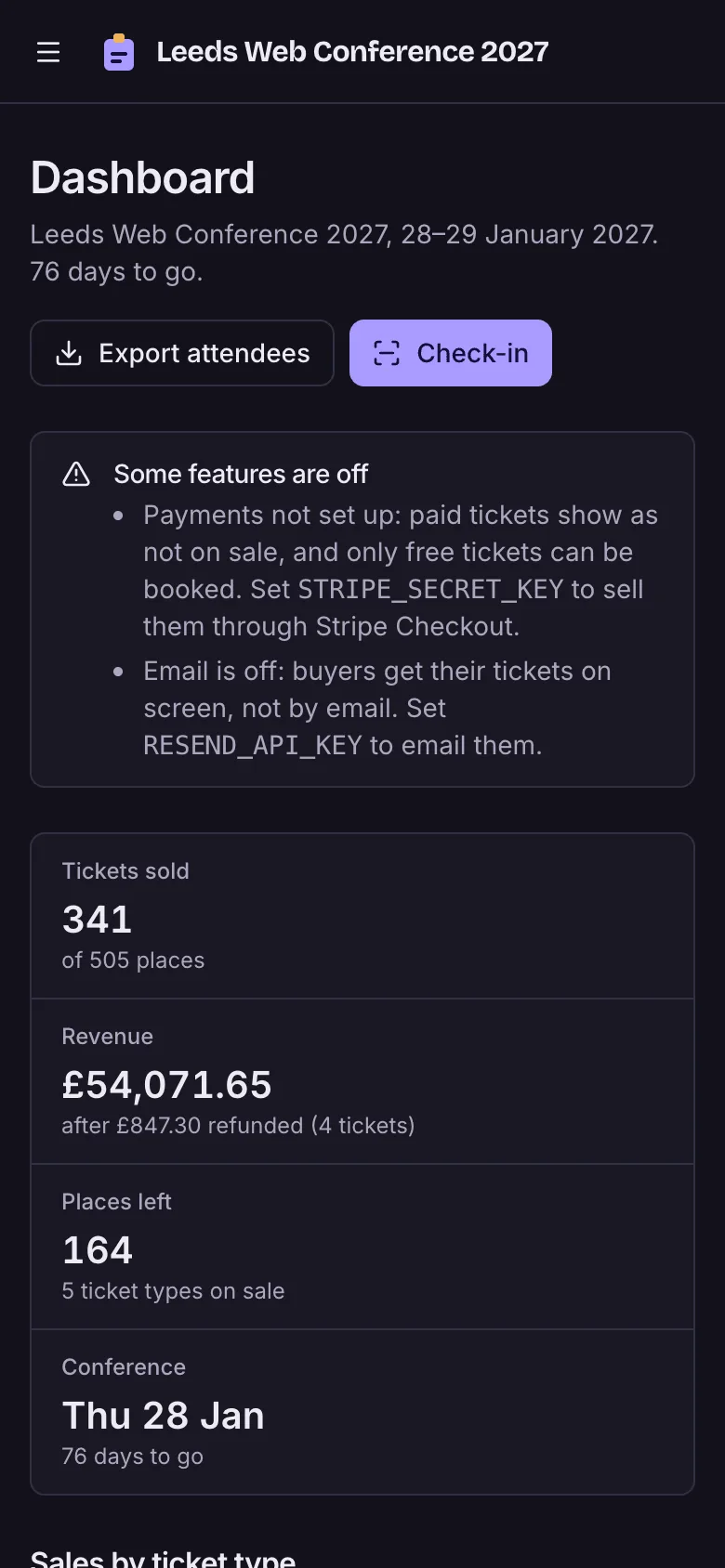
- Stripe Checkout for paid tickets once STRIPE_SECRET_KEY is set, holding places for 35 minutes, while free tickets work with no keys
- A QR code per ticket on the order page or by email, and a my ticket page where attendees fix their name or pass the ticket on
- Phone check-in by camera, typed code or name search that refuses refunded, unpaid and wrong-day tickets and allows one check-in a day, with Undo
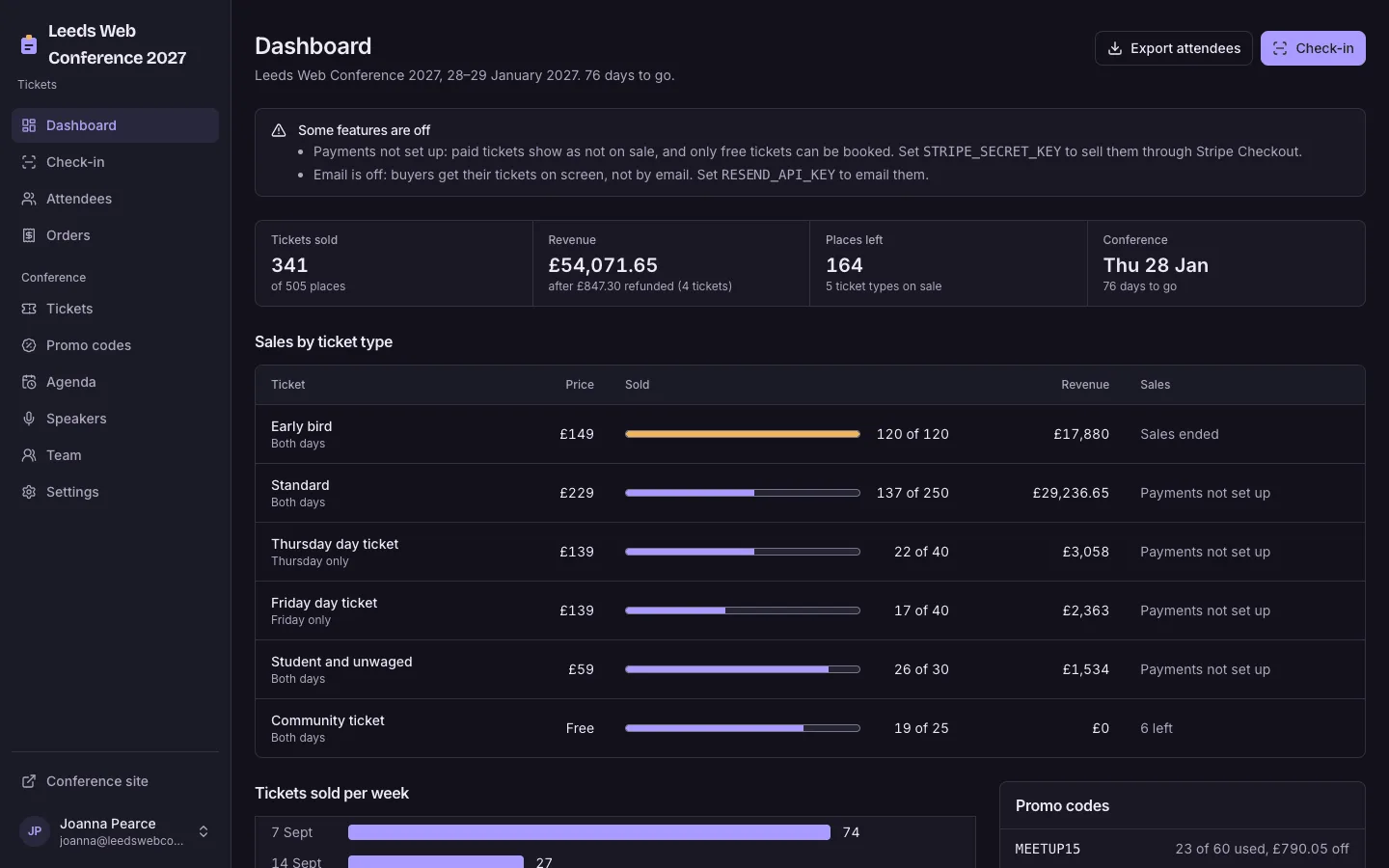
- An organiser dashboard with sold against places, revenue after refunds and sales per week, and attendees with lunch numbers by dietary need and CSV export
- Organiser and door team roles, refunds marked per ticket that free the place, Event JSON-LD with an Offer per ticket type, and a demo Leeds web conference
Tech stack

 Next.js
 React
 TypeScript
 PostgreSQL
 Tailwind CSS

 shadcn/ui
 Drizzle ORM

 Better Auth
 Stripe

 Resend
What you need
- A paid plan: deploying creates a PostgreSQL database, which the Free plan does not include
- To run it locally: Node.js 22.12 or newer, npm, and Docker for a local PostgreSQL
- No API keys needed to start: free tickets work and their QR codes show on screen
- Optional: STRIPE_SECRET_KEY to sell paid tickets, and STRIPE_WEBHOOK_SECRET so orders complete even if a buyer closes the tab
- Optional: RESEND_API_KEY and EMAIL_FROM to email tickets with QR codes and team invitations; without them tickets show on screen only
About
Organisers change everything under Staff in the app: the conference name, dates, venue, refund policy and code of conduct in Settings, then tickets, promo codes, agenda, speakers and the team; photos are in public/images with their alt text in src/lib/images.ts, and the demo conference is scripts/seed.mjs. What is on sale is worked out on each request from the ticket types and the places taken, and a pending order holds its places for 35 minutes, so an abandoned checkout frees itself. The paid flow was only checked against stripe-mock, so a real Stripe payment completing through the return page or the webhook is untested, refunds are recorded in the app but made in the Stripe dashboard, and ticket emails through Resend have not been tried with a real key or mail client. Camera scanning has not been tested on a real phone; the QR decoding is unit-tested and typed-code check-in was clicked through. The demo conference is dated ten weeks after the first start, so on a long-lived deployment its tickets later show as finished. It runs one conference of one or two days per deployment, with no seat map, waiting list, PDF ticket or wallet pass, and the checkout rate limit is kept per instance.
FAQ
How do I check people in at a conference with QR codes?
Open Staff, Check-in on any phone, press Start camera and point it at the QR code on each ticket, on a phone screen or printed. The result shows straight away in words and colour (checked in, already in, refunded, wrong day), with Undo; if a code won't scan, type it in or search by name.
Can I sell conference tickets without a Stripe account?
Yes, for free tickets: they work straight after deploy, with QR codes on screen. Paid tickets show as Card payments not set up yet until you set STRIPE_SECRET_KEY, then they go through Stripe Checkout.
How do early bird tickets and promo codes work?
Give a ticket type a sale window, for example on sale until 30 November, and it stops selling after that day. Promo codes take a percentage or an amount off chosen ticket types, with a limit on uses and a last day, and the discount shows before payment.
How are conference ticket refunds handled?
Refund the payment in the Stripe dashboard, then mark the ticket refunded on its order with the amount and a note. The ticket stops working at the door and its place goes back on sale.
Does QR code check-in work on an iPhone?
It uses the browser's barcode detector where there is one and loads jsQR on demand on iPhone and other browsers without it, and the camera needs https. Scanning has not yet been tested on a real phone, so try it at the door before the day; a typed code or a name search always works.
Related templates
All event and ticketing app templates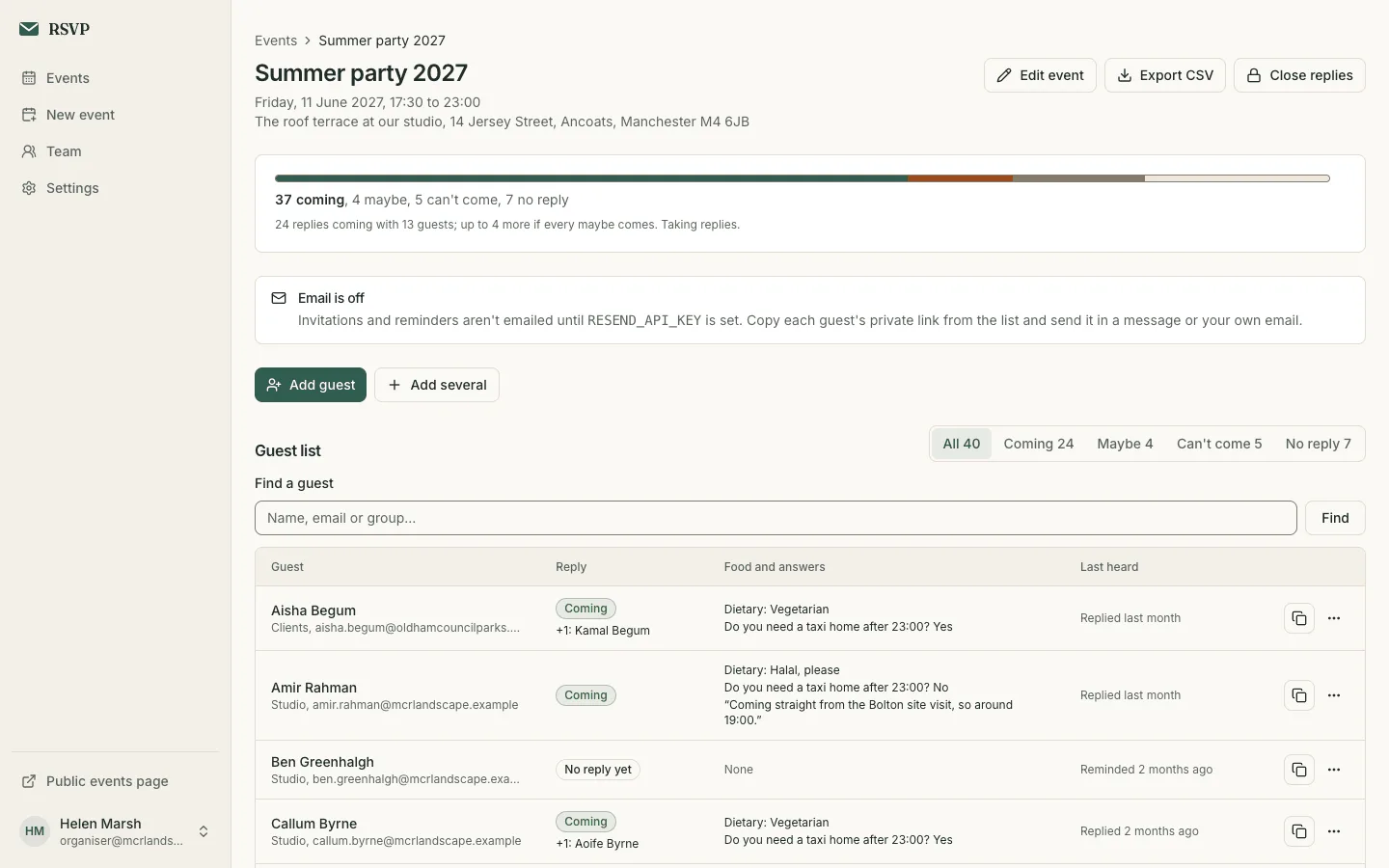
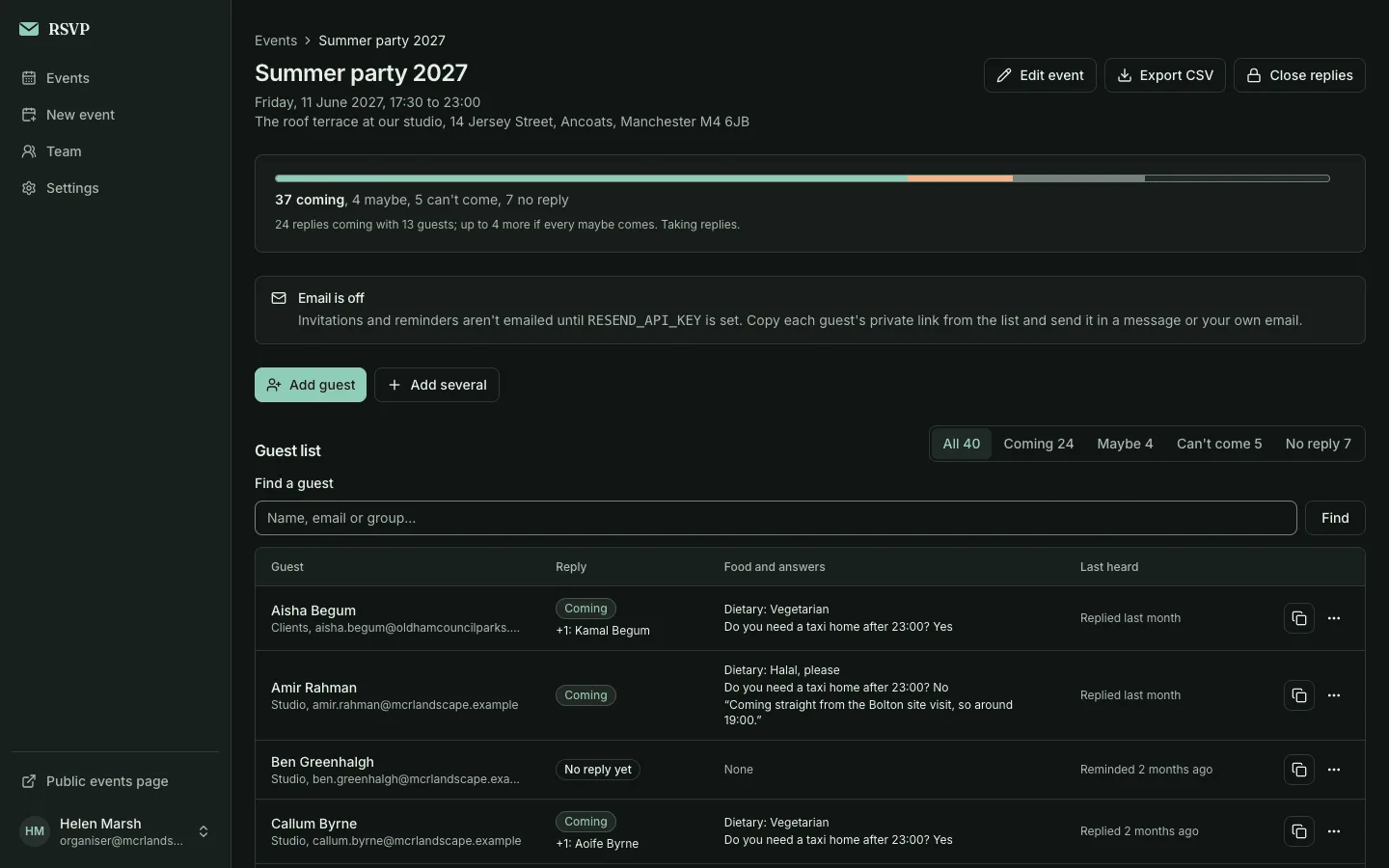
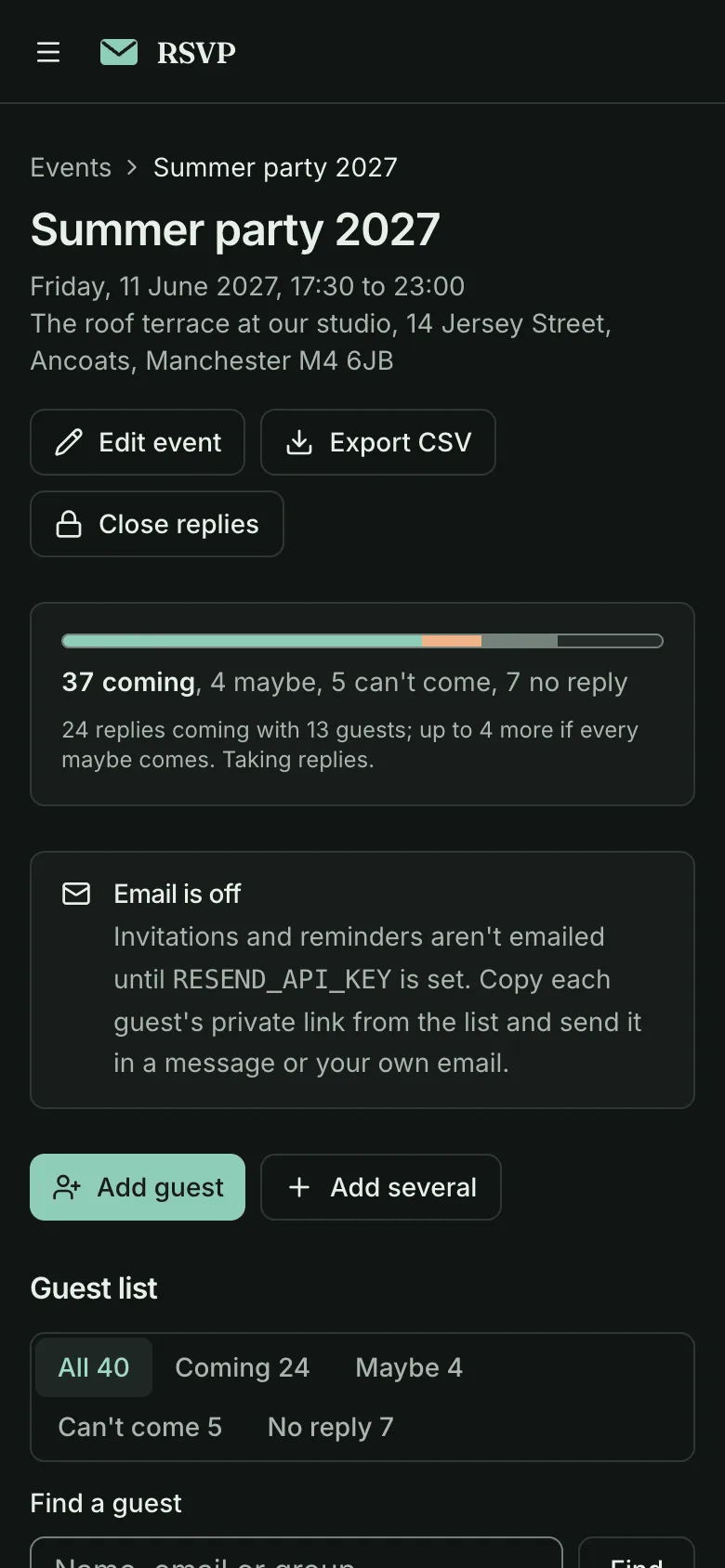
Event RSVP
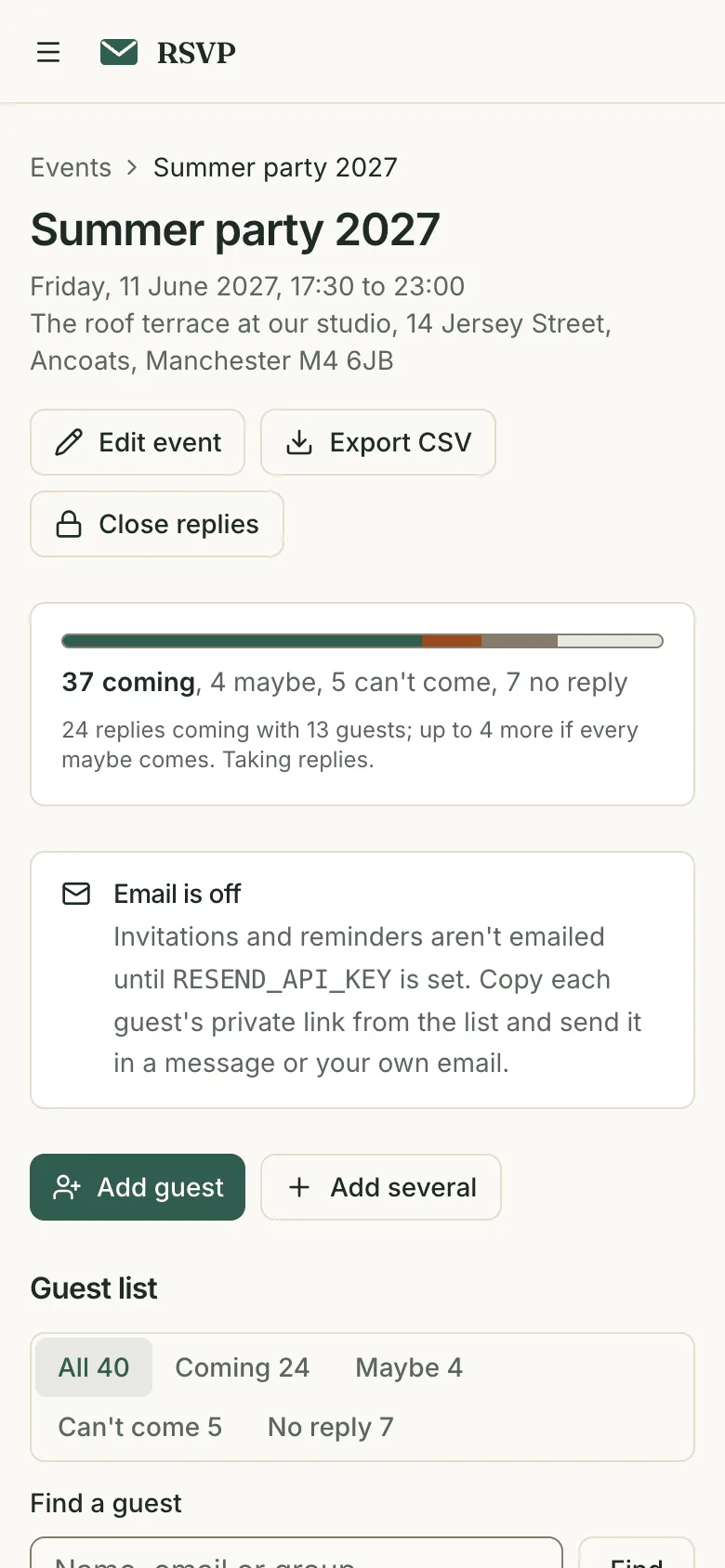
Collect RSVPs with plus-ones and dietary needs without guests making an account
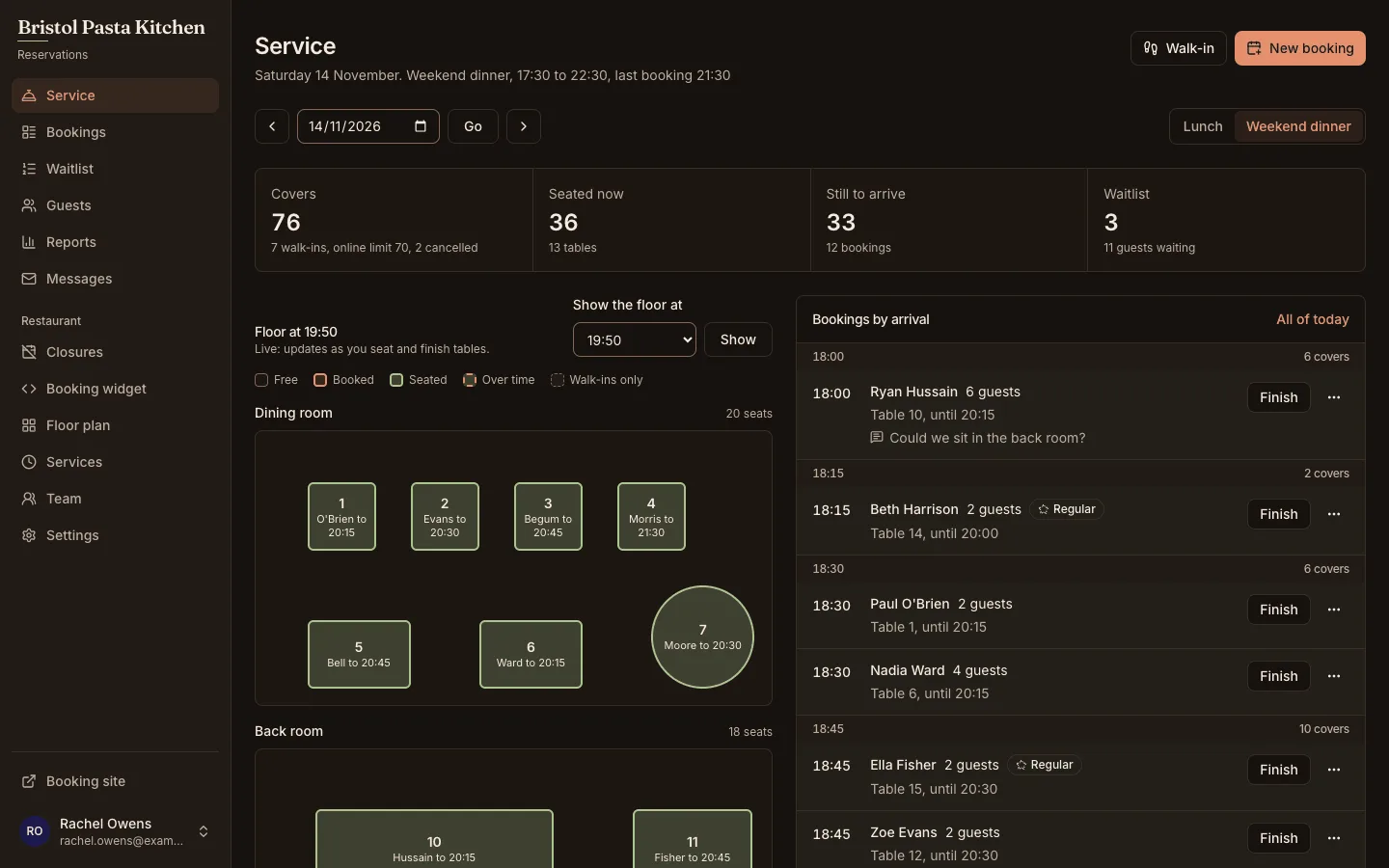
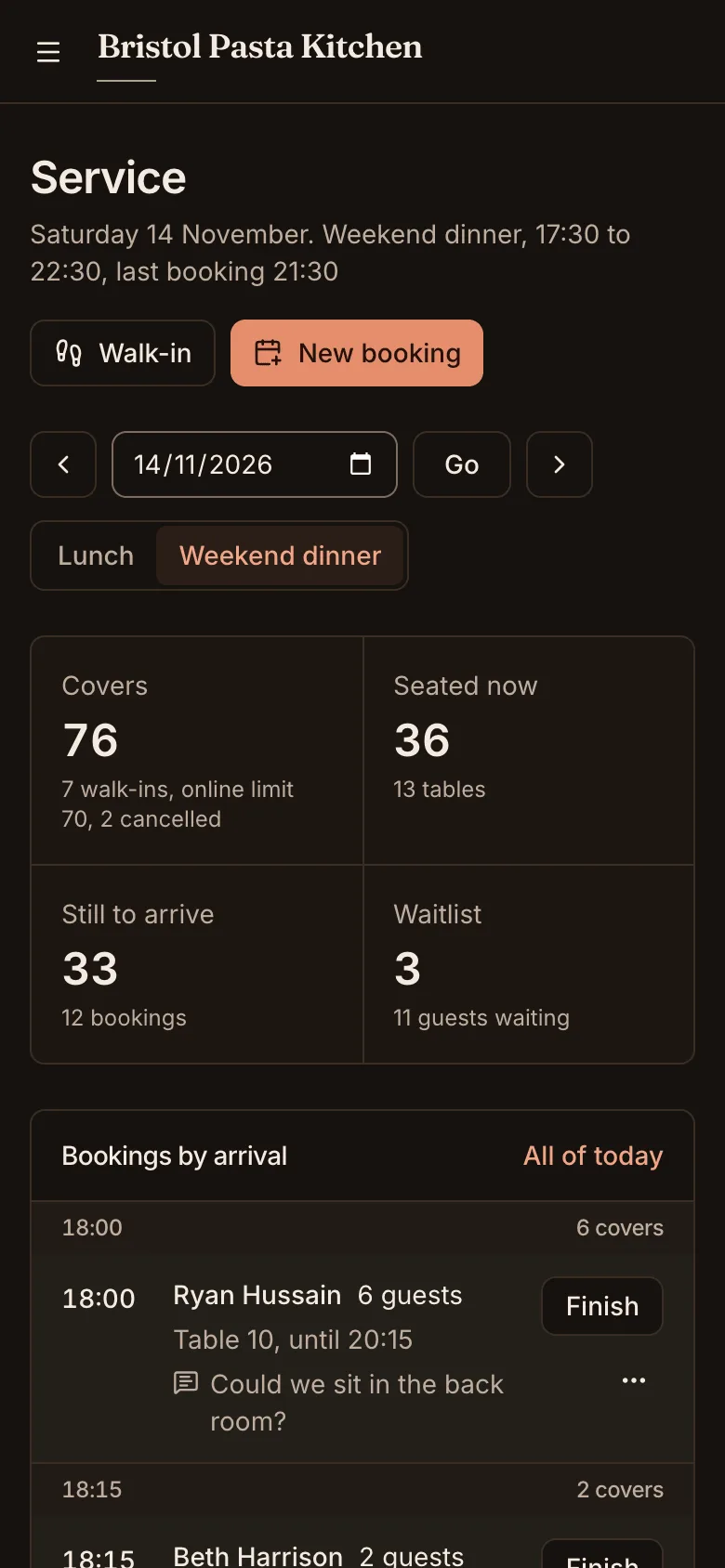
Restaurant reservations
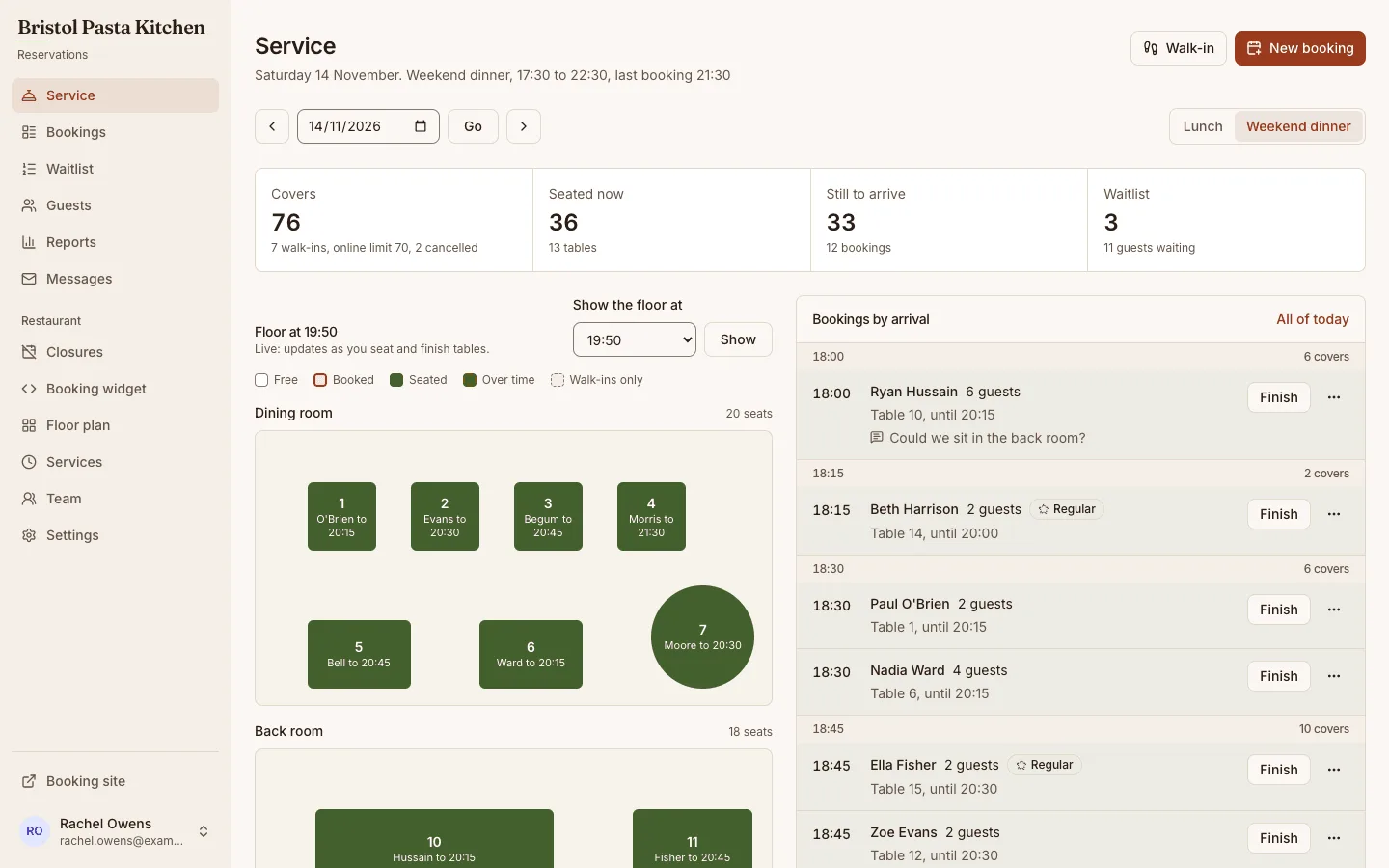
Take table bookings online, run each service from a live floor plan and keep a waitlist
SaaS starter (Next.js)
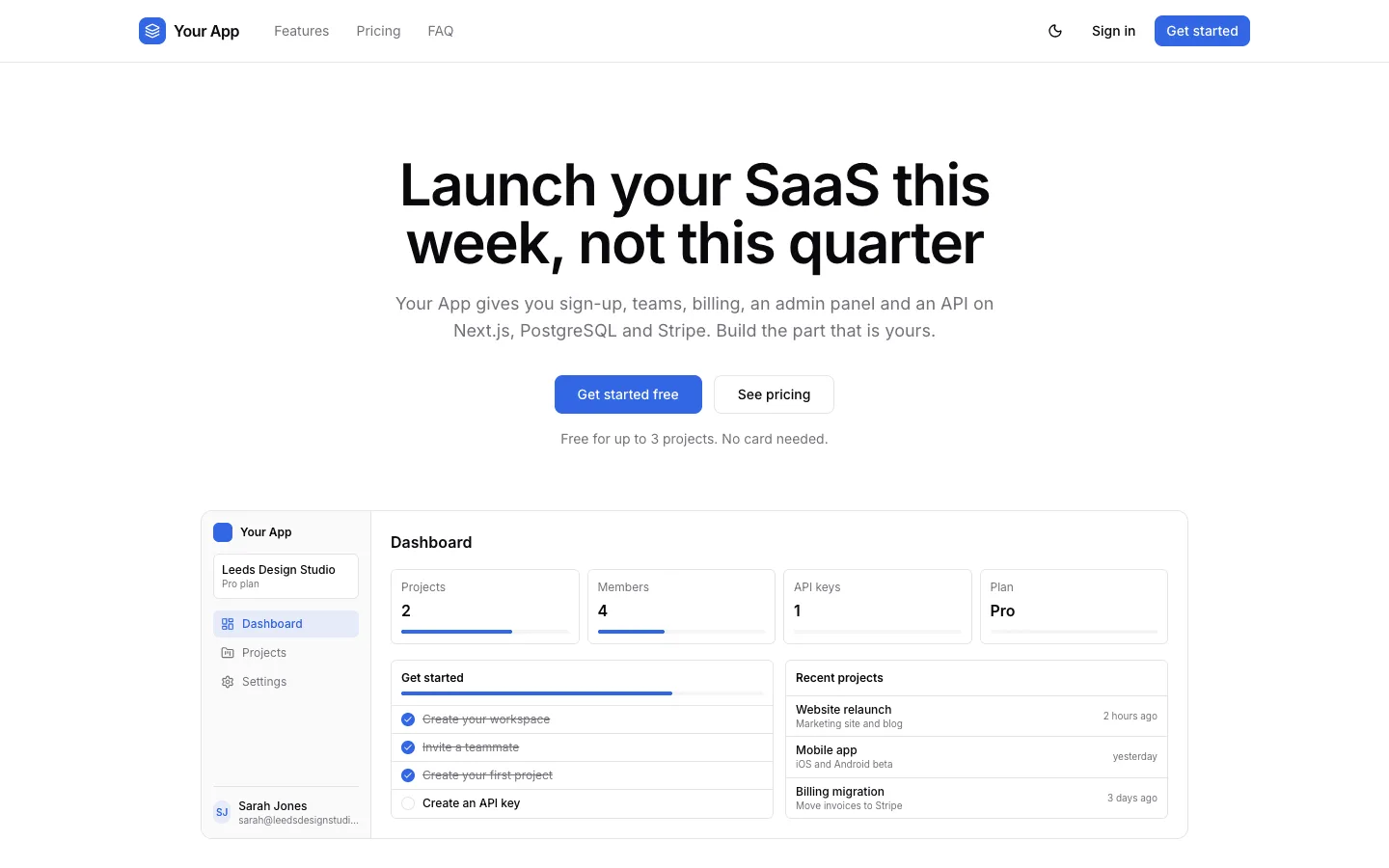
Ship sign-up, teams, Stripe billing and an admin panel on Next.js and PostgreSQL