IT-Tools: Self-Hosted Developer Tools as a Static Site
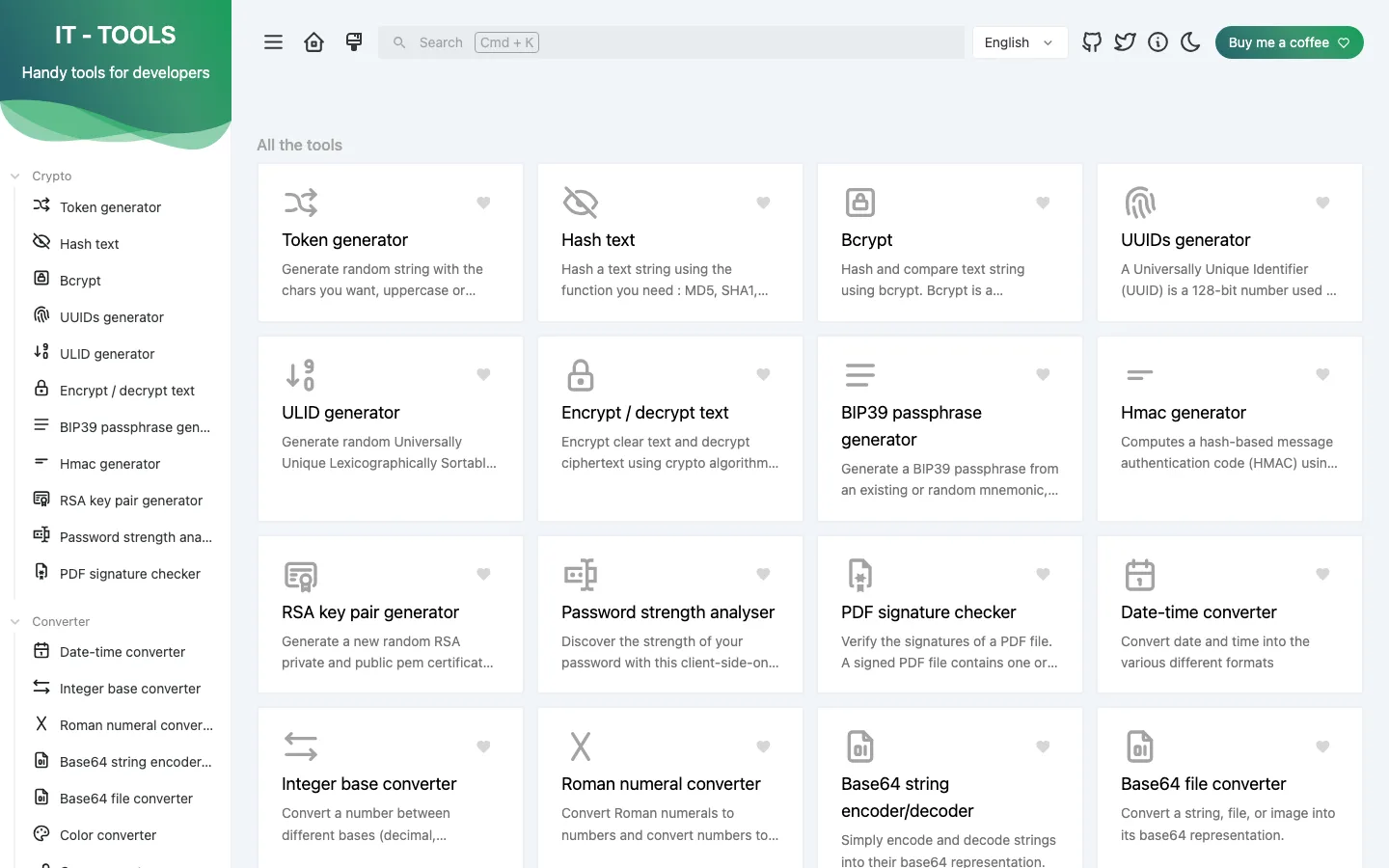
IT-Tools is an open-source collection of 86 developer and IT tools built with Vue and Vite, packaged here as a static site so developers and IT teams can host their own copy in one click. It covers JSON and YAML formatters, Base64 and URL encoders, hash, UUID and token generators, a JWT parser, a crontab helper and IPv4 subnet calculators, all running in the browser.
by Light CloudDeveloper tools
Build a self-hosted developer tools site with IT-Tools and Vue
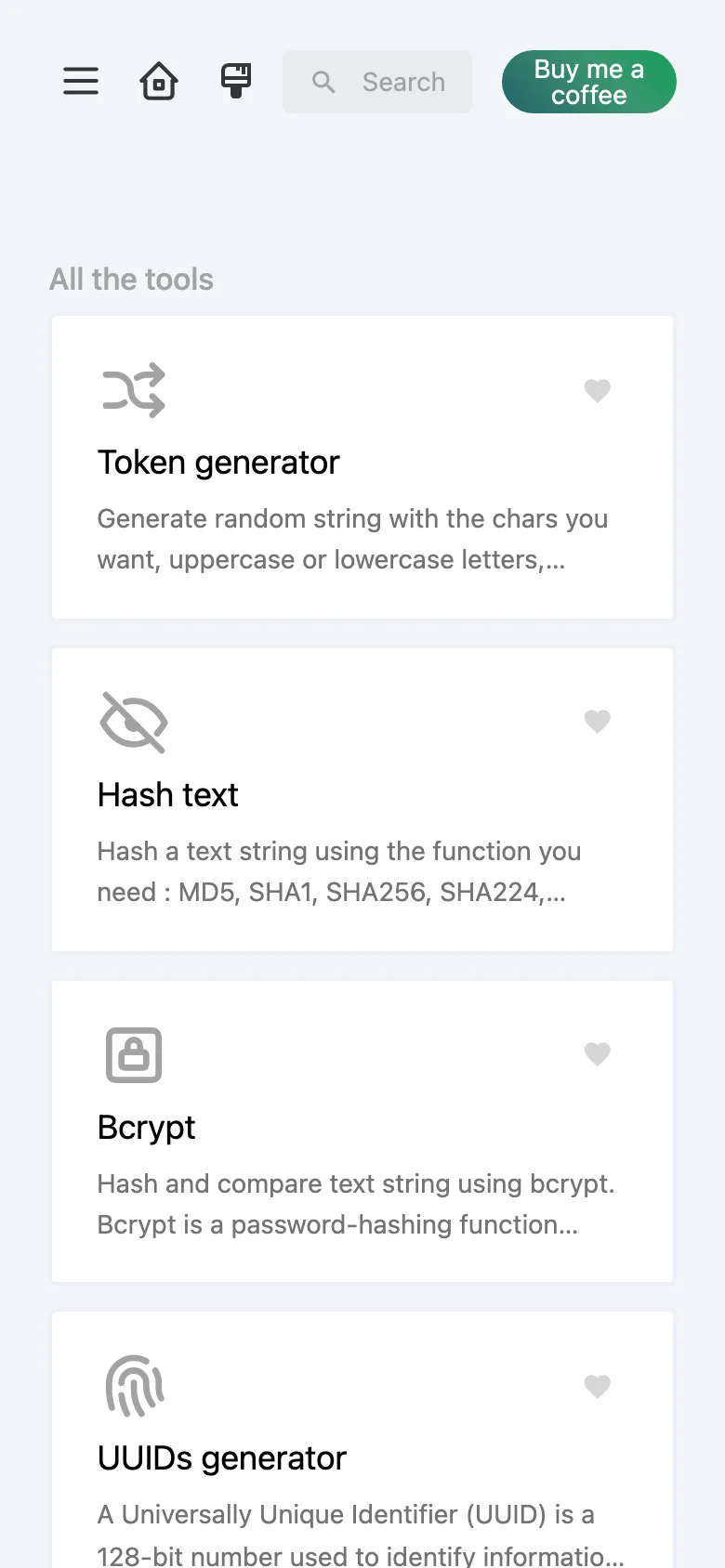
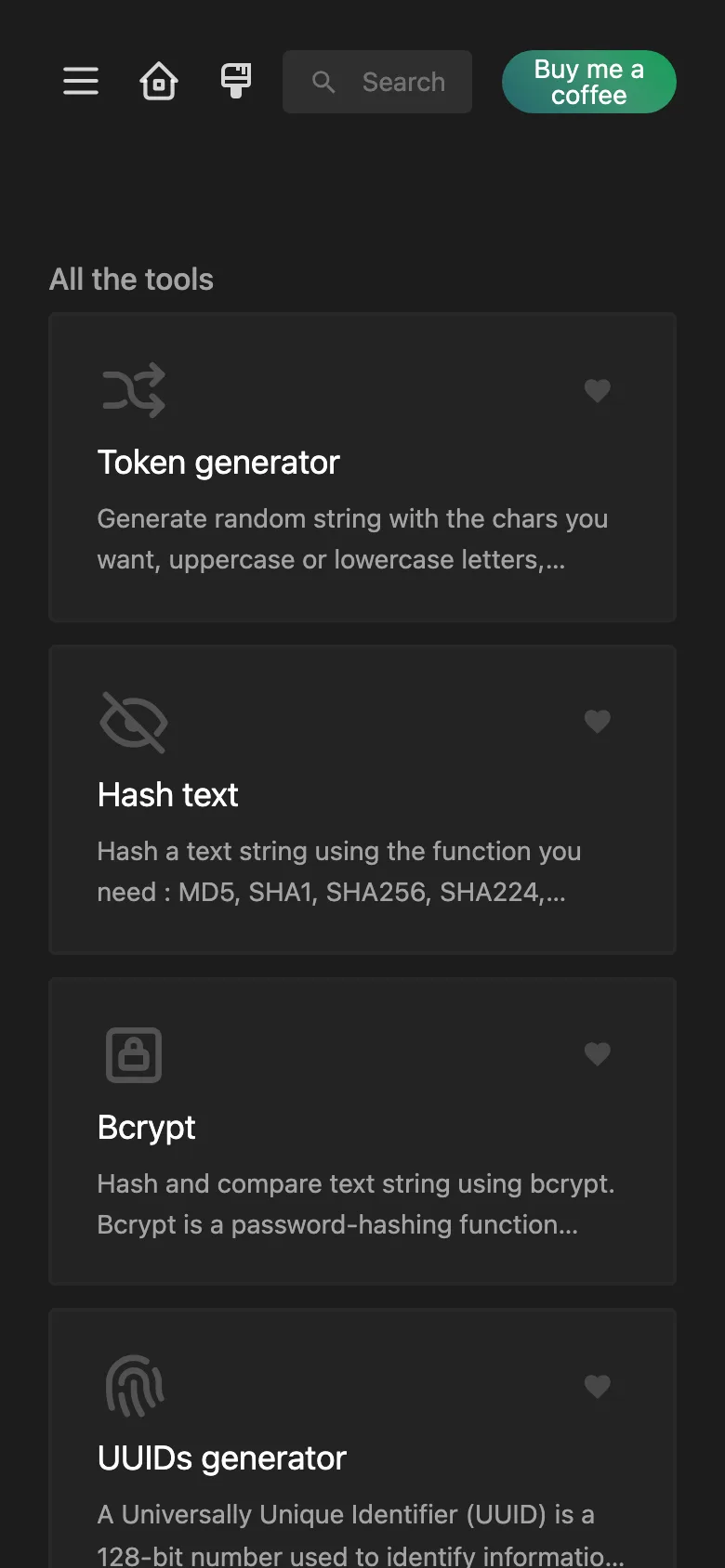
Features
- The official IT-Tools 2024.10.22-7ca5933 release, upstream's own prebuilt site, with its SHA-256 checked at build
- 86 tools in ten categories: crypto, converters, web, images and videos, development, network, maths, measurement, text and data
- Every tool runs in the browser, so what you paste into the JWT parser or the hash tool stays on your machine
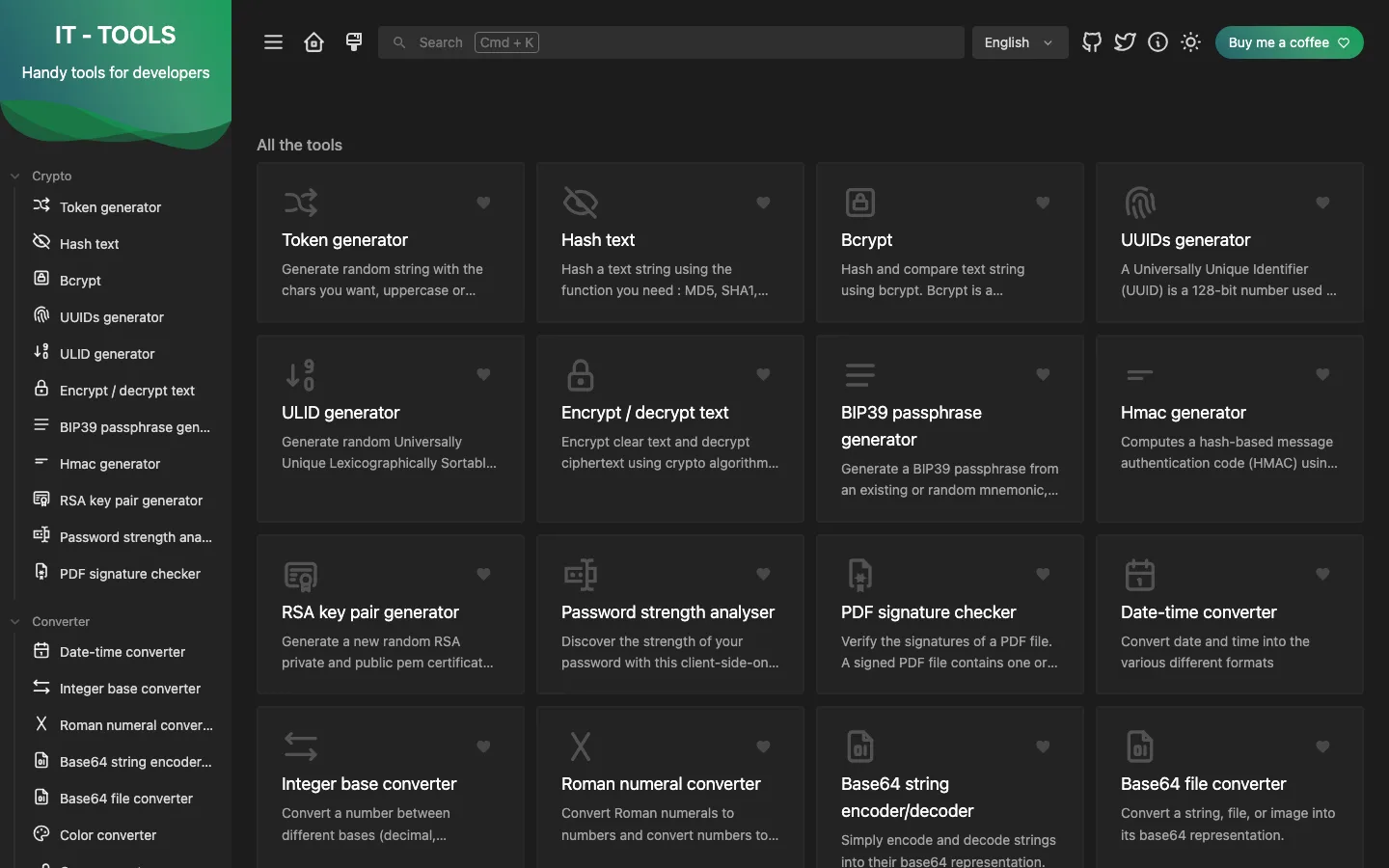
- Search with Cmd or Ctrl + K, favourite tools pinned to the top, light and dark themes and several languages
- A clean URL for each tool, such as /json-prettify, to bookmark and share
- No tracking: the release is built with its analytics turned off
- Builds in seconds, with no server and no database to run
Tech stack
 Vue
 Vite
 TypeScript
What you need
- Free plan: it builds to a static site, which the Free plan hosts with no limit on sites
- To run it locally: Node.js 20 or later, npm and unzip
- Nothing to configure: no environment variables, no server and no database
About
This is upstream IT-Tools v2024.10.22-7ca5933 by Corentin Thomasset and contributors, under its own GPL-3.0 licence and unchanged: npm run build downloads upstream's prebuilt release, checks its SHA-256 and unzips it into dist/, and that packaging for a one-click deploy is all Light Cloud adds. The pin lives in scripts/upstream.mjs, where the version, archive URL and checksum change together to upgrade; it is still the latest release, as upstream has only published nightly builds since October 2024. Vue is listed as a devDependency only so Light Cloud detects the repository as a Vue static site with output dist; nothing uses it, and if detection ever misses it on a manual import, the repository would deploy as a Node.js container instead. Tool pages such as /json-prettify rely on the static host's fallback to index.html, which has not yet been checked on Light Cloud. As the GPL asks, the site keeps the link to IT-Tools' source in its header.
FAQ
What is IT-Tools?
An open-source collection of small tools for developers and IT people, such as formatters, encoders, generators and network calculators, in one web app. Every tool runs in the browser, so nothing you paste is sent to a server.
Can I self-host IT-Tools?
Yes. It is a static site, so any static host can serve it. This template publishes the official release on Light Cloud with a build that downloads it and checks its checksum.
Is it safe to paste a JWT or a password into an online tool?
Only when the tool runs in your browser and you trust the site. IT-Tools processes everything client-side, and self-hosting it on your own domain means you know exactly which build you are using.
How do I generate a UUID in the browser?
Open the UUIDs generator in IT-Tools, pick the UUID version and how many you need, and copy them. Like every IT-Tools tool, it runs in your browser and sends nothing to a server.
What is the difference between IT-Tools and CyberChef?
IT-Tools gives each task its own simple page with a clean interface, while CyberChef chains many small operations into recipes for data analysis. IT-Tools is quicker for everyday conversions; CyberChef is more powerful for decoding unknown data.