Django 5 Starter with PostgreSQL and Authentication
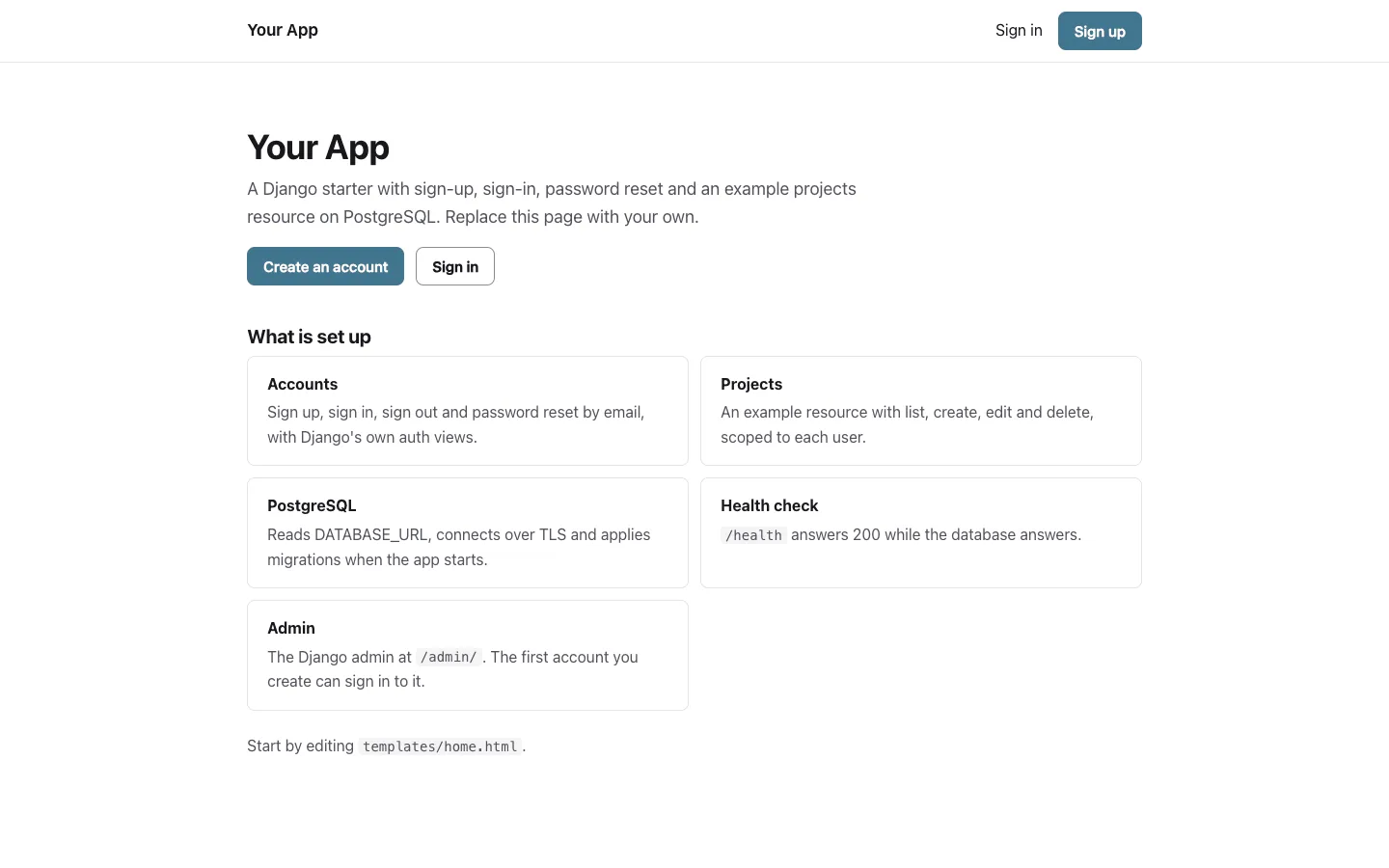
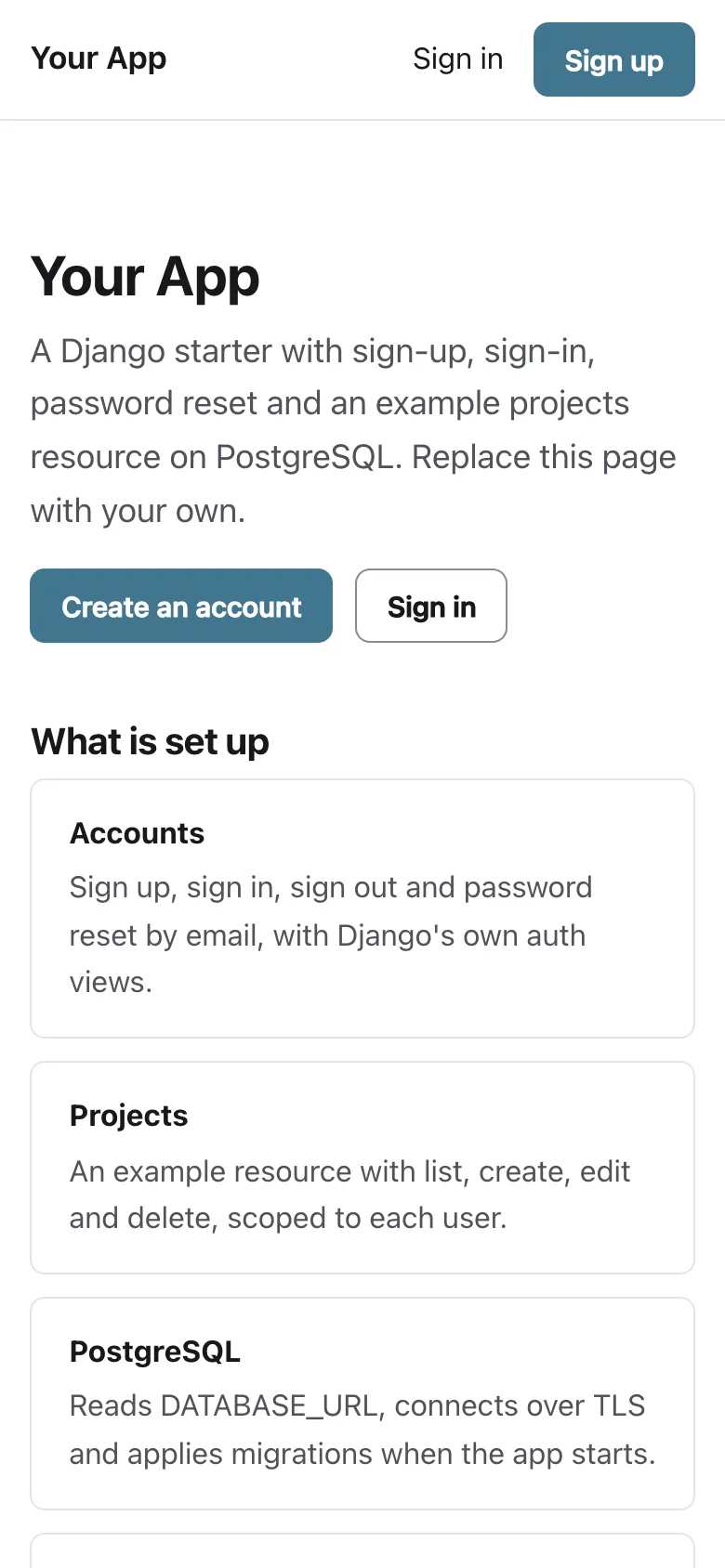
A Django 5.2 LTS starter on Python 3.12 and PostgreSQL for developers who want accounts done before they write their first model, with no Node.js and no front-end build. It covers email sign-up, sign-in, sign-out and password reset on Django's own auth views, a custom user model, the Django admin, a projects example scoped to each user, a database health check and a Dockerfile that runs Gunicorn and applies migrations on start.
by Light CloudFull-stack
Build a Django app with authentication and PostgreSQL
Features
- A custom user model from day one: accounts.User signs in with an email address, stored in lower case, and has no username
- Sign up, sign in, sign out as a POST and password reset on Django's own views, with single-use reset links that expire after two hours
- Ten sign-in or reset attempts per email address in five minutes, then a 429 with a message
- A projects example with list, show, create, edit and a delete confirmation page, every query scoped to the signed-in user
- The Django admin at /admin/ for users and projects; the first account created can sign in to it
- DATABASE_URL parsed without an extra package, passing only libpq parameters to psycopg 3 so sslmode=require turns TLS on
- Migrations applied under a PostgreSQL advisory lock when Gunicorn starts, WhiteNoise for static files and GET /health that answers 503 when the database is down
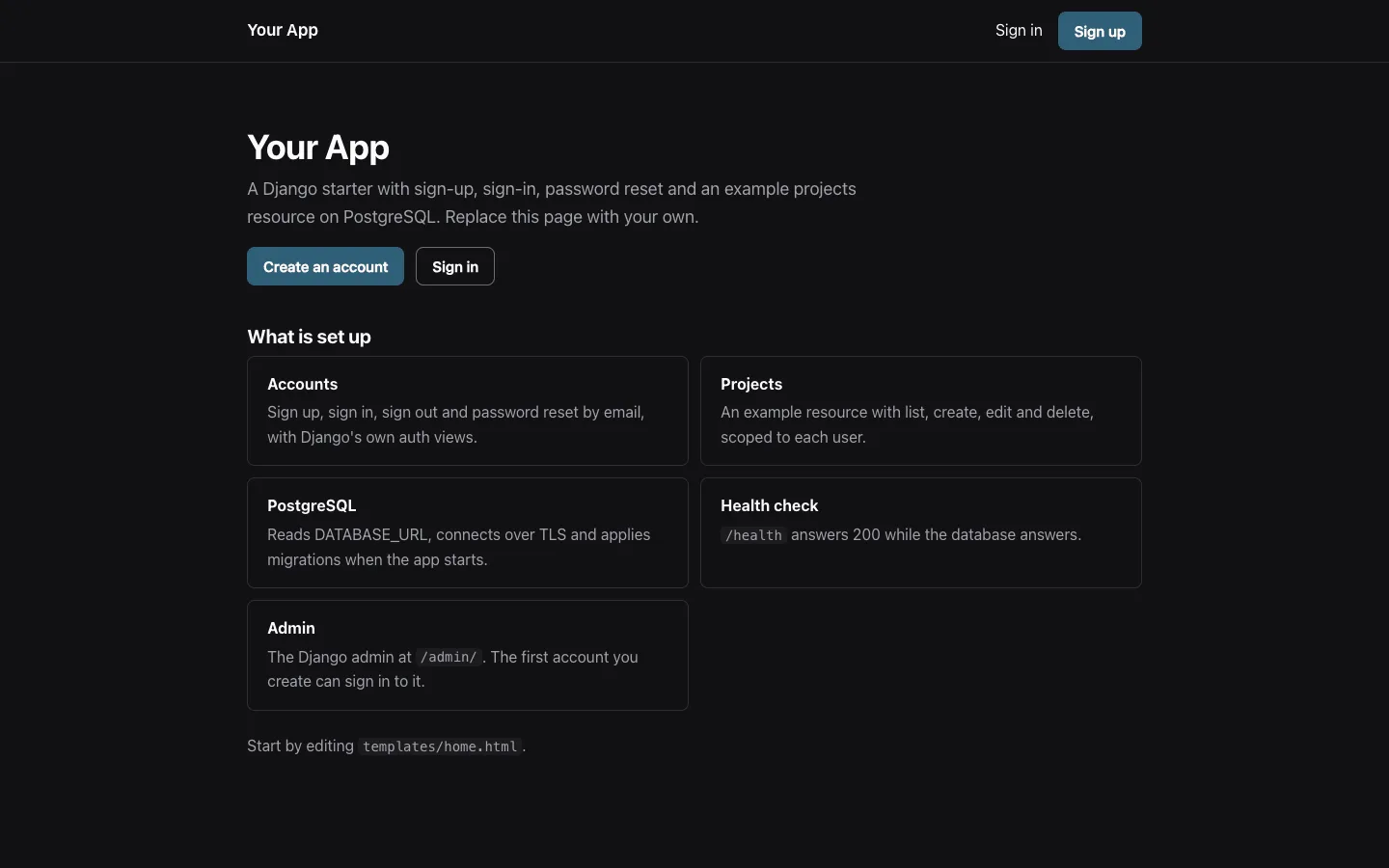
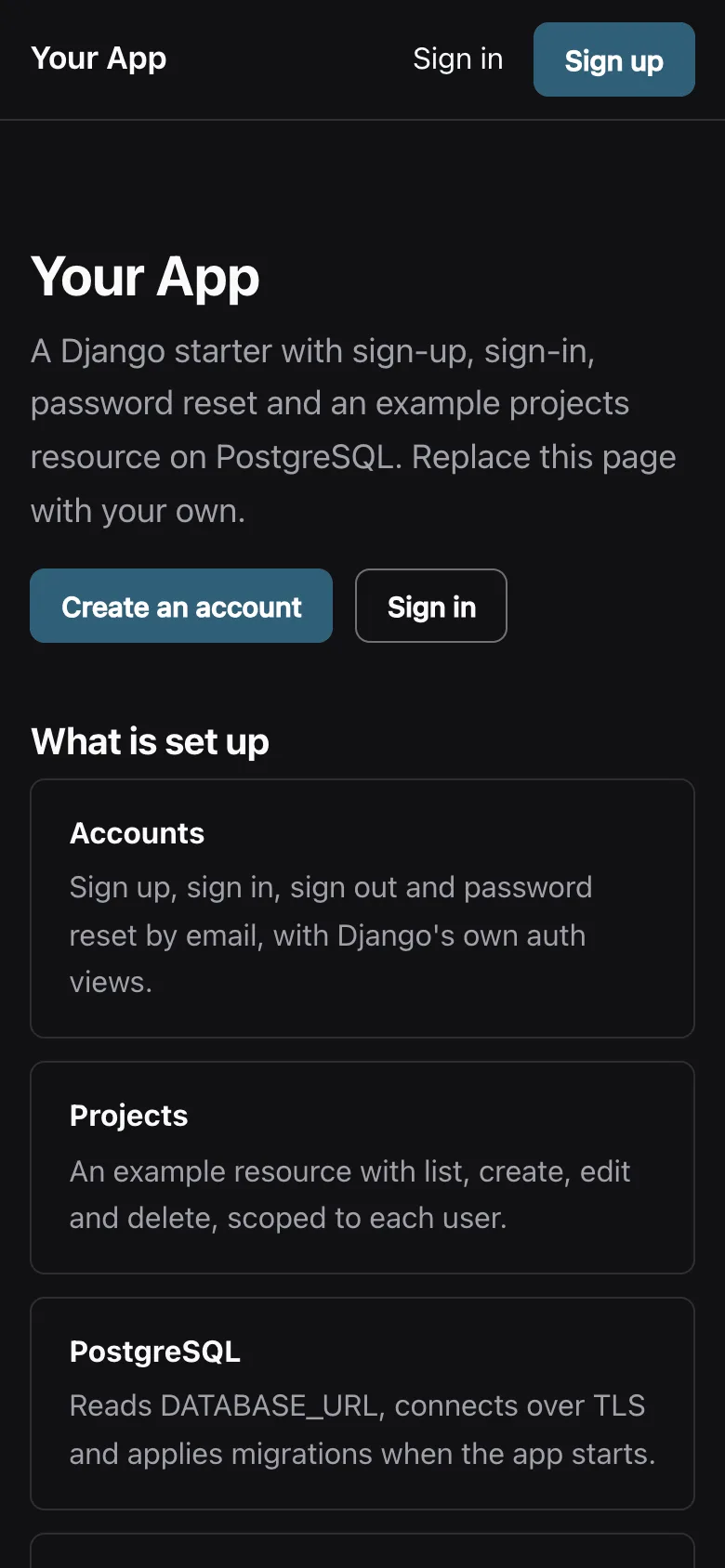
- 27 pytest tests against PostgreSQL, Ruff, and one stylesheet in light and dark that meets WCAG 2.2 AA
Tech stack
 Django
 Python
 PostgreSQL
 Gunicorn
 pytest
 Ruff
 Docker
What you need
- A paid plan: deploying creates a PostgreSQL database, which the Free plan does not include
- To run it locally: Python 3.12 with pip, and Docker for a local PostgreSQL
- No API keys: DATABASE_URL and DJANGO_SECRET_KEY are set for you on deploy, and APP_URL at each deploy
- Optional: EMAIL_HOST, EMAIL_PORT, EMAIL_HOST_USER, EMAIL_HOST_PASSWORD and EMAIL_FROM to send reset emails over SMTP; without them they are printed to the log
- Optional: APP_NAME for the name in the header, titles and emails, and ALLOWED_HOSTS to answer only your own domain
About
Every setting is read from the environment in config/settings.py, and the usual first edits are templates/home.html, the colour tokens in static/app.css and the projects app, whose OwnProjects mixin is the pattern for your own models: another user's row is a 404, not a 403. Gunicorn preloads config/wsgi.py, which applies migrations while holding a PostgreSQL advisory lock and closes its connection before the workers fork, so several instances starting together take turns. The attempt limit is counted in each Gunicorn worker's own memory, so with several workers or instances the real limit is higher until you point CACHES at a shared backend such as the database or Redis. Open the app and create your account straight after deploying, because the first account is the one that can use the admin. Reset links use APP_URL, which Light Cloud sets at each deploy; on other hosts set it yourself, or the links take their host from the request, which a forged X-Forwarded-Host header can change. Without EMAIL_HOST every email goes to the log, SMTP delivery has not been tested against a real provider, and the projects list has no pagination yet.
FAQ
Why does this Django starter use a custom user model?
Django's documentation recommends a custom user model for every new project, because switching later means rewriting migrations. accounts.User signs in with an email address and has no username, and you can add fields such as a display name with a normal migration.
How do I connect Django to PostgreSQL with a DATABASE_URL?
Set DATABASE_URL, for example postgresql://user:password@host:5432/db?sslmode=require. config/settings.py parses it without an extra package and passes only libpq's own parameters to psycopg 3, so URLs written for Node.js drivers work too.
Where do Django password reset emails go without an email provider?
To the log. Django's console email backend prints each email, including the reset link, to the terminal on your machine and to the container log in Docker and on Light Cloud. Set EMAIL_HOST and the other EMAIL_* variables to send them over SMTP.
How do I add my own model next to projects?
Run python manage.py startapp, add a model with a foreign key to settings.AUTH_USER_MODEL and copy projects/views.py: the OwnProjects mixin is what keeps each user to their own rows. Then run makemigrations, add the URLs and templates, and register it in the admin.
Can I host this Django app without Light Cloud?
Yes. It has no Light Cloud code: build the Dockerfile on any Docker host, or run collectstatic and gunicorn config.wsgi:application on any Python 3.12 host, with DATABASE_URL, DJANGO_SECRET_KEY and APP_URL set.
Related templates
All full-stack web app starters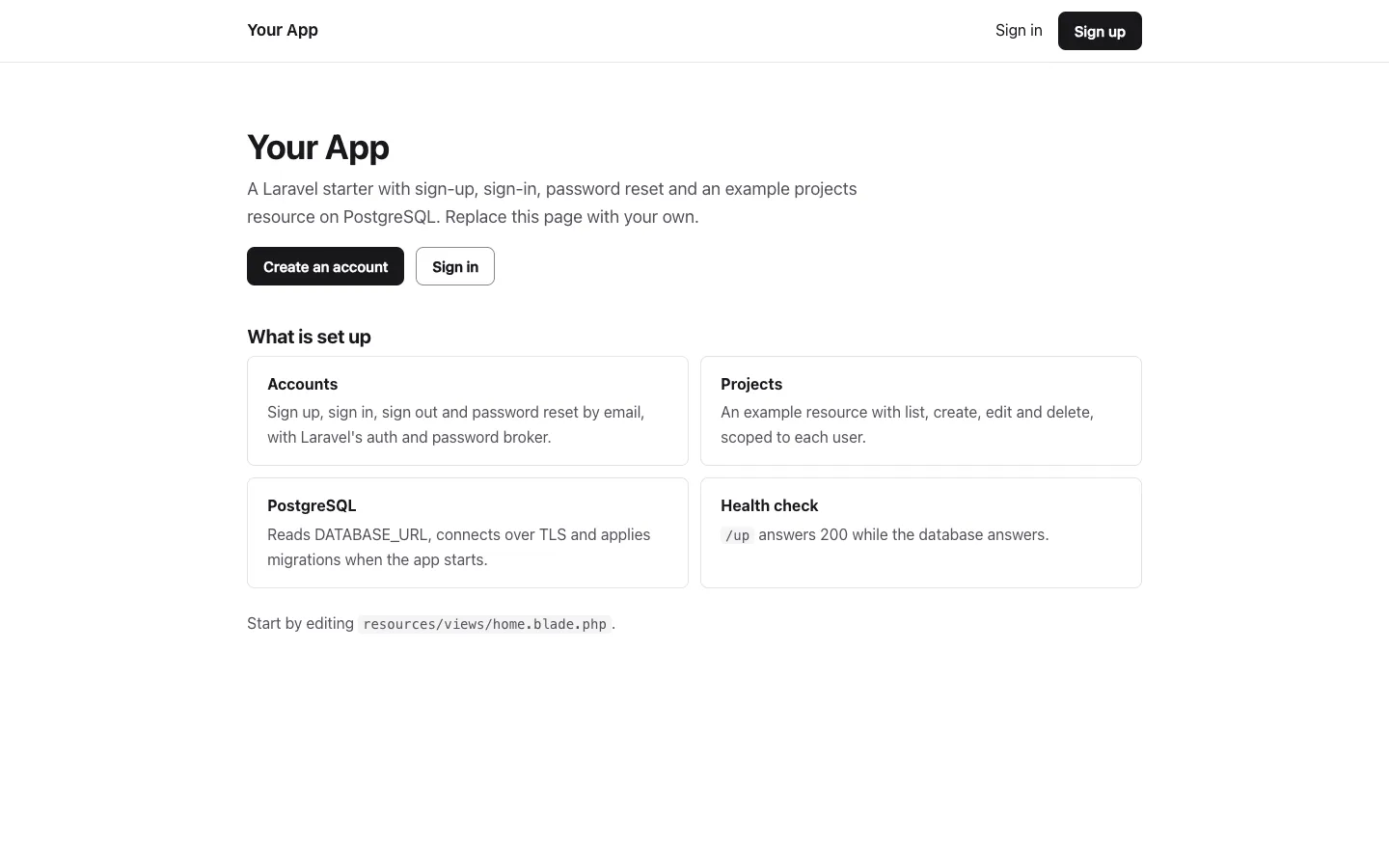
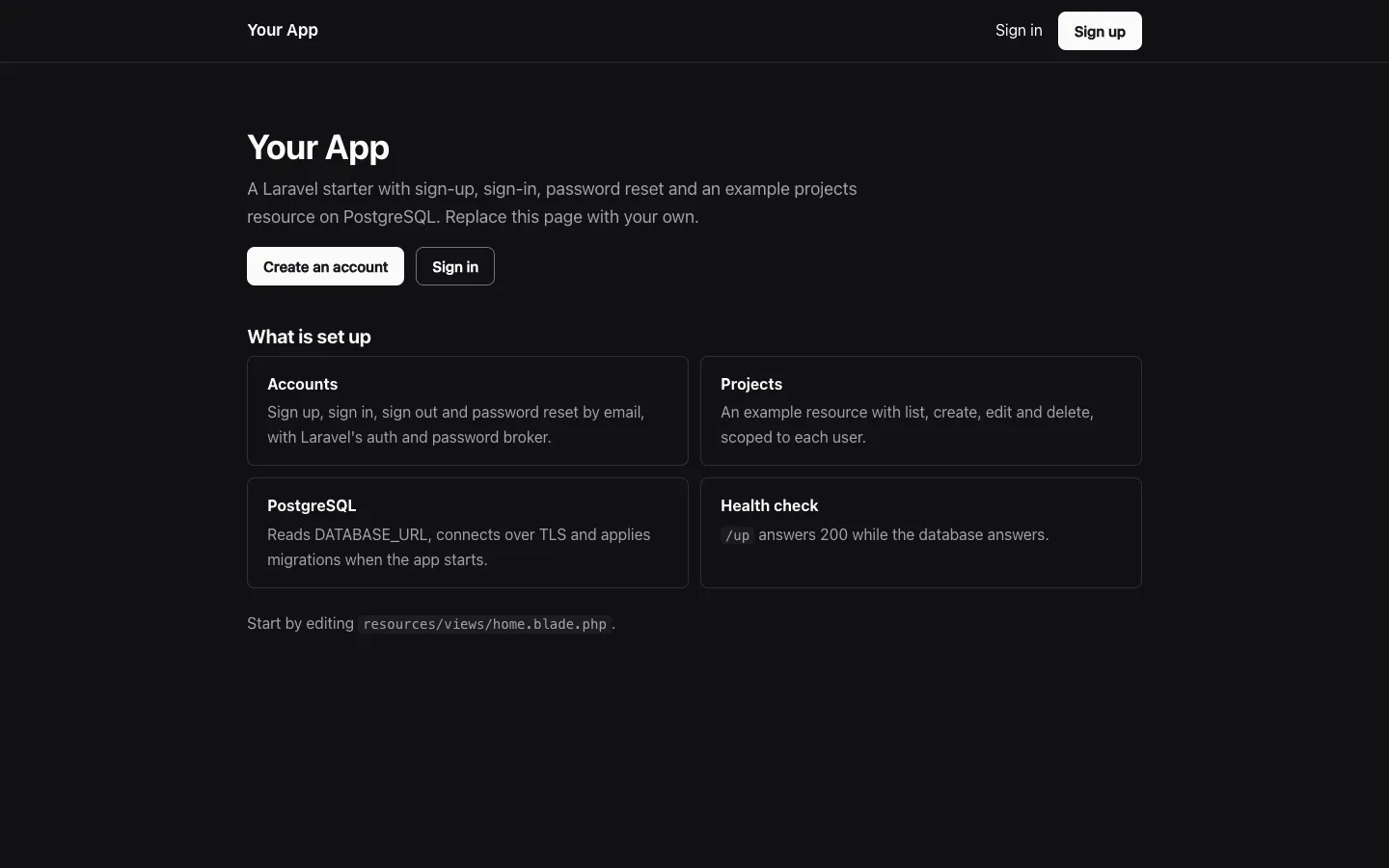
Laravel starter
Start a Laravel app with sign-up and password reset on PostgreSQL, without a starter kit
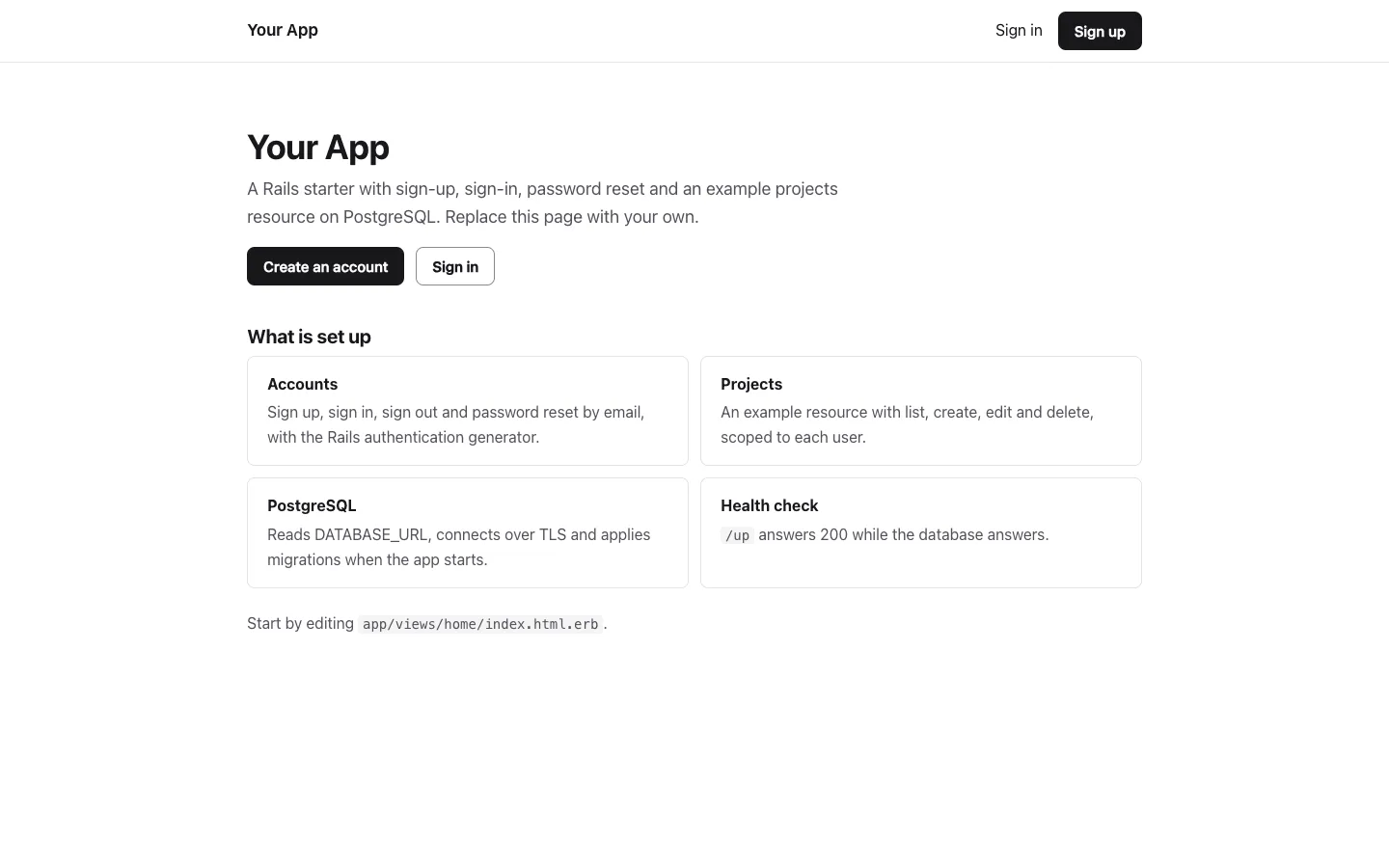
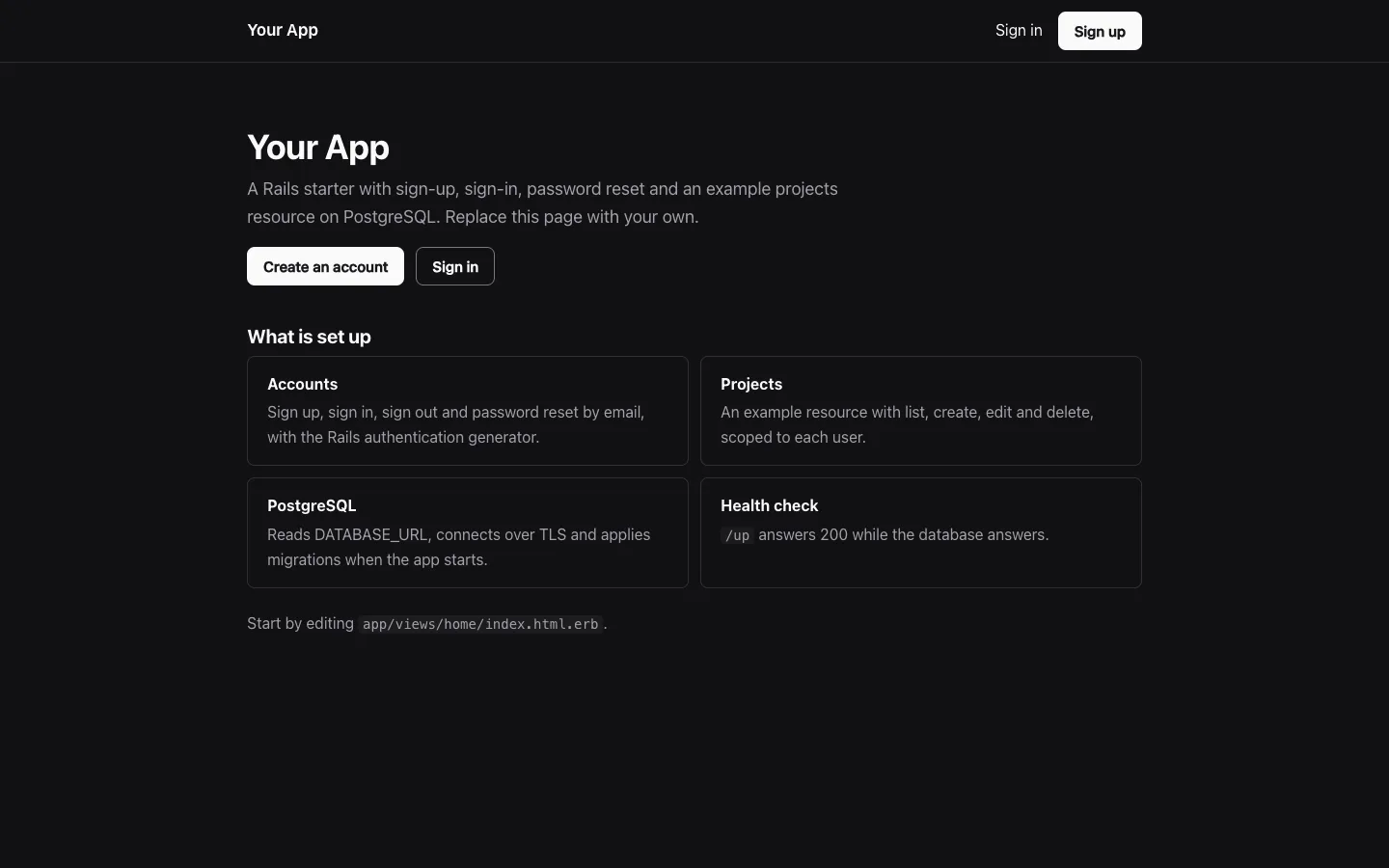
Rails starter
Start a Rails 8 app with sign-up and password reset on PostgreSQL, with no Node.js build
 Django CRUD APIStarter · CRUD APIs
- Django
 Python
 PostgreSQL
Django CRUD API
Start a Python CRUD API on PostgreSQL with Django REST framework, migrations and tests