Flask PostgreSQL CRUD API Starter
A Flask 3 CRUD API starter in Python 3.12, served by Gunicorn, that stores one resource, items, in PostgreSQL through psycopg 3 and a connection pool. It is for developers who want an application factory with blueprints, input validation, JSON errors, limit and offset paging and a database /health check, ready to rename.
by Light CloudCRUD APIs
- Flask
 Python
 PostgreSQL
Features
- GET, POST, PUT and DELETE on /items, with GET /items?limit=20&offset=0 paging oldest first and limit 1 to 100
- create_app() opens the pool and creates the items table, then registers the health and items blueprints
- Validation without a library: the body must be a JSON object, name 1 to 200 characters once trimmed
- Every error is JSON { "error": "..." }, including Flask's own 404 and 405, so there are no HTML error pages
- GET /health runs SELECT 1 and answers 200, or 503 when the database does not answer
- Timestamps in ISO 8601 through a custom JSON provider, not Flask's default HTTP-date format
- Gunicorn with 4 threads per worker sharing one psycopg-pool pool of 1 to 5 connections
- pytest tests against a real PostgreSQL that delete the items they create, plus ruff for linting
Tech stack

 Flask
 Python
 Gunicorn
 PostgreSQL
 pytest
 Ruff
What you need
- A paid plan: deploying creates a PostgreSQL database, which the Free plan does not include
- To run it locally: Python 3.12 and pip in a virtual environment, and Docker for a local PostgreSQL
- No API keys: it starts with nothing to configure
- DB_HOST, DB_NAME, DB_USER and DB_PASSWORD: Light Cloud sets them on deploy; locally, copy .env.example to .env and load it
About
main.py calls create_app() once and exposes main:app for Gunicorn, and the tests call the same factory with Flask's test client. Because the factory opens the database before it builds the app, an unreachable database stops the process at start rather than failing the first request. The SQL sits in a few lines per route in app/routes/items.py, so adding Flask-SQLAlchemy later only changes those functions. PORT is read by Gunicorn itself, which binds 127.0.0.1:8000 when it is unset, and the connection uses TLS unless DB_SSLMODE says otherwise. On Light Cloud the deploy installs requirements.txt and runs gunicorn main:app with PORT and the DB_* variables set, redeploying on every push to your copy.
FAQ
How do I connect Flask to PostgreSQL without Flask-SQLAlchemy?
This starter uses psycopg 3 and psycopg-pool: app/config.py builds the connection from DB_HOST, DB_NAME, DB_USER, DB_PASSWORD and DB_SSLMODE, and each route borrows a connection with pool.connection(). You can add Flask-SQLAlchemy later without changing the blueprints' routes.
How do I add a new resource in Flask?
Add a blueprint in app/routes/ modelled on items.py and its CREATE TABLE in app/db.py, then register the blueprint in create_app() in app/__init__.py.
Why does this Flask API use Gunicorn instead of flask run?
flask run starts Flask's development server, which is not meant for live traffic. gunicorn main:app serves the same app with 4 threads per worker, as set in gunicorn.conf.py.
How do I deploy a Flask app with a PostgreSQL database?
Press Deploy on this template: Light Cloud copies the repo into your GitHub account, creates a PostgreSQL database and sets DB_HOST, DB_NAME, DB_USER and DB_PASSWORD on the app. Databases need a paid plan.
Can I host this Flask API without Light Cloud?
Yes. Any host with Python 3.12 and a reachable PostgreSQL runs it: install requirements.txt, set the DB_* variables and start gunicorn main:app --bind 0.0.0.0:$PORT.
- Price
- Free
- Framework
- Flask · Python
- Plan
- Lite or above
- Updated
Related templates
All crud api starters with postgresql- FlaskStarter · REST APIs
- Flask
- Python
Flask
Start a Flask JSON API with an app factory and a real WSGI server, not flask run
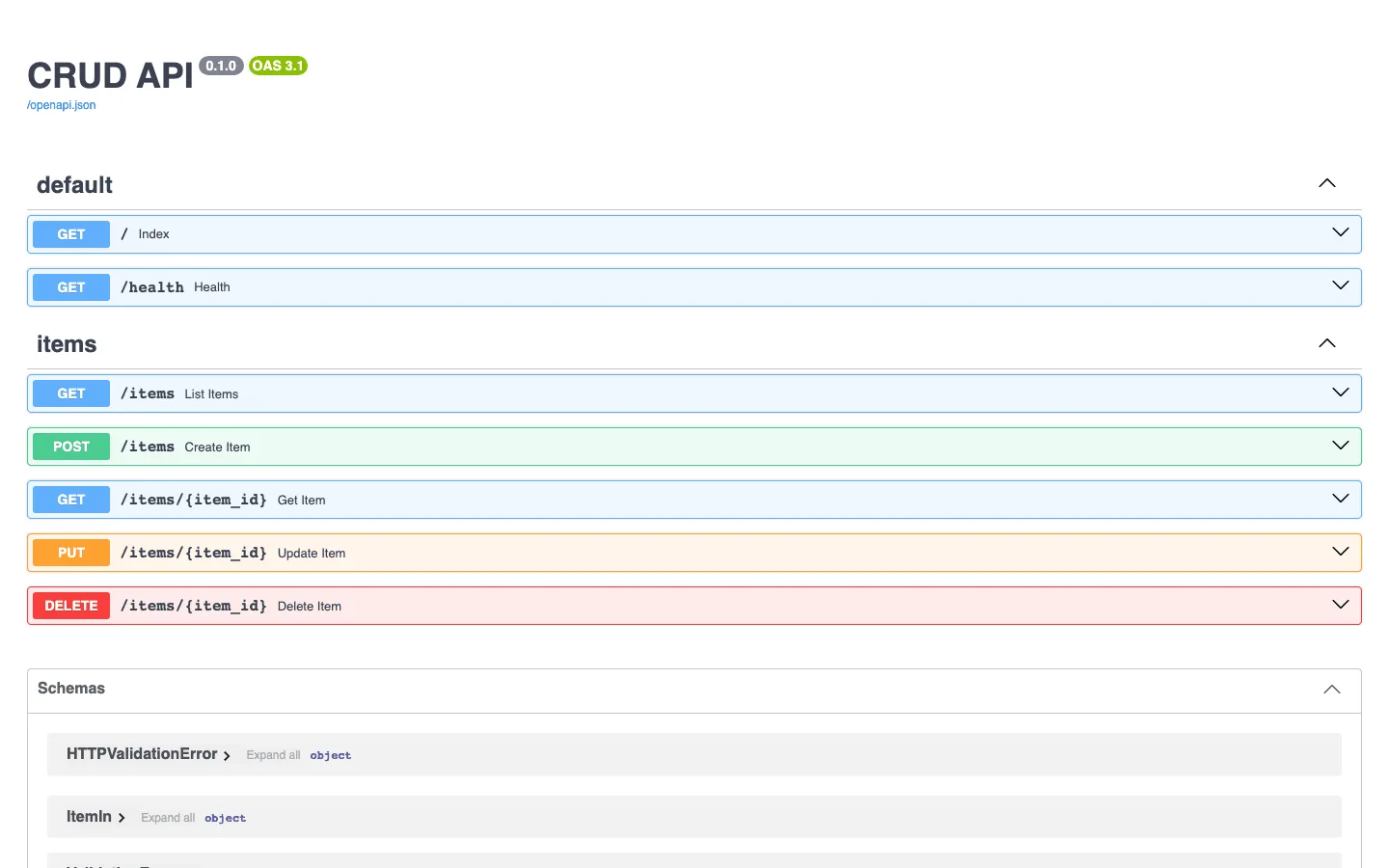
FastAPI CRUD API
Start a Python CRUD API on PostgreSQL with FastAPI, live docs and pytest set up
 Django CRUD APIStarter · CRUD APIs
- Django
- Python
- PostgreSQL
Django CRUD API
Start a Python CRUD API on PostgreSQL with Django REST framework, migrations and tests