Astro Blog Starter
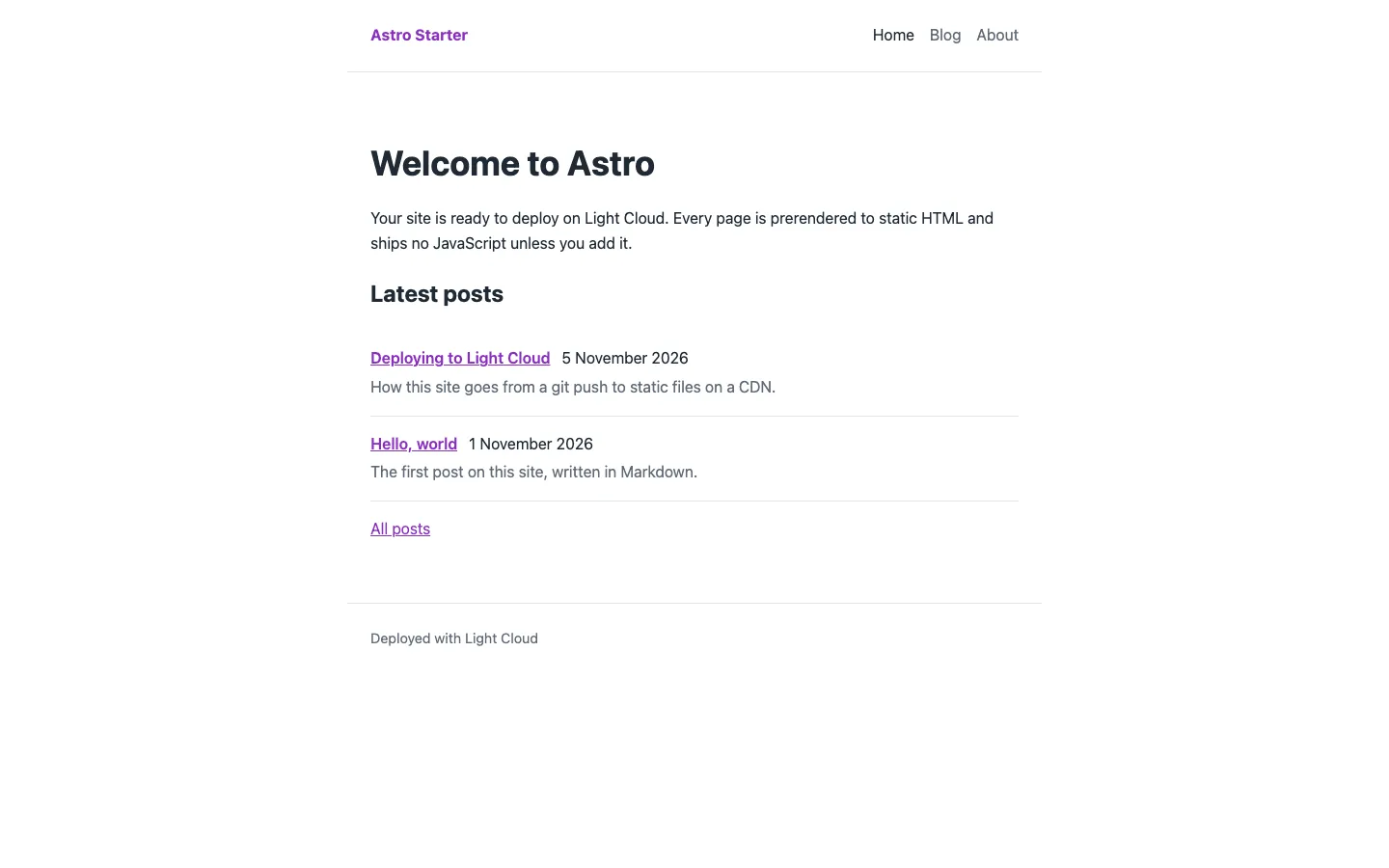
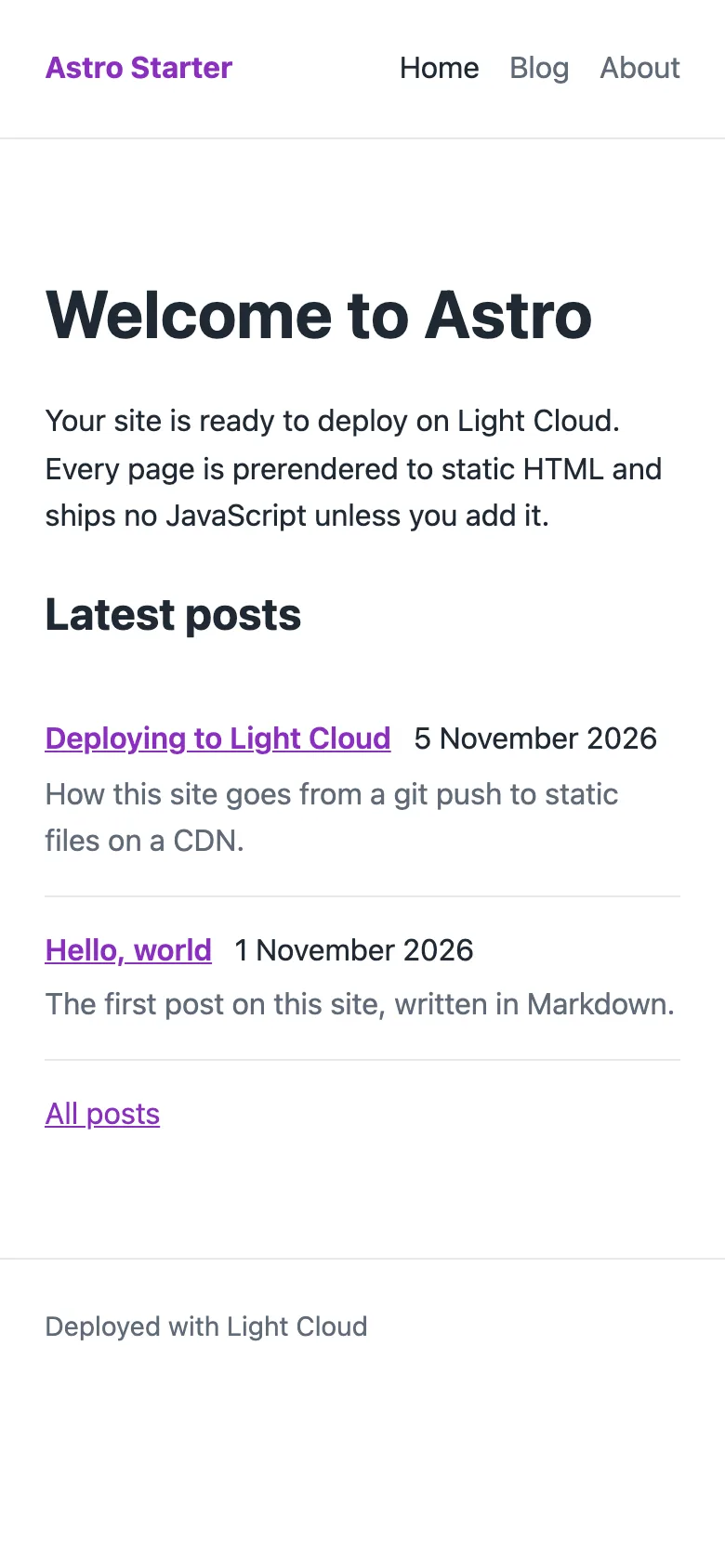
A small Astro 7 blog starter in TypeScript for developers and writers who want a Markdown blog and nothing to remove. It has a typed content collection, drafts, a shared layout, and home, blog, post, about and 404 pages, all prerendered to static HTML.
by Light CloudBlogs
Build a Markdown blog with Astro and TypeScript
Features
- Astro 7 with static output: every page is prerendered at build time
- No client-side JavaScript unless you add it
- A blog content collection loaded from src/content/blog/*.md or .mdx
- Typed frontmatter (title, description, pubDate, draft) checked at build time, so a bad date fails the build
- draft: true leaves a post out of the lists and out of the build
- Home page with the three latest posts, /blog/ index, /blog/<id>/ per post, /about/ and a 404 page
- One BaseLayout with header, footer, page title and meta description; strict TypeScript via astro/tsconfigs/strict
Tech stack

 Astro
 TypeScript
 Node.js

 Markdown
What you need
- Free plan: it builds to a static site, which the Free plan hosts with no limit on sites
- To run it locally: Node.js 22.12 or later and npm
- No API keys: it starts with nothing to configure
About
It started from Astro's minimal template and adds only what a blog needs: a content collection with a schema in src/content.config.ts, a getPosts() helper in src/lib/posts.ts that drops drafts and sorts newest first, and four small components. getStaticPaths in src/pages/blog/[id].astro creates one page per published post. Change the site title and description in src/consts.ts first, then replace the two sample posts. It builds with npm run build into dist/, and each push to your copy redeploys, so publishing a post is a commit.
FAQ
Is there a free Astro blog starter template?
Yes. This one is MIT licensed and a GitHub template repository, with Markdown posts, drafts, a typed content collection and home, blog, post, about and 404 pages.
How do I add a blog post in Astro?
Create a Markdown file in src/content/blog/, such as my-post.md, with title, description and pubDate in the frontmatter. It appears at /blog/my-post/ and in the post lists on the next build.
How do I add a new page to an Astro site?
Create a file in src/pages/, such as contact.astro, wrap its content in BaseLayout with a title, and add the link to the links array in src/components/Header.astro.
Can I add React, Vue, Svelte or MDX to this Astro blog?
Yes. Run npx astro add react (or vue, svelte, mdx) to install the integration. The blog collection already loads .mdx files once the MDX integration is added.
Can I deploy this Astro blog without Light Cloud?
Yes. Run npm run build and upload dist/ to any static host; every page is a real HTML file, so no SPA fallback or server adapter is needed. Point the host's not-found page at dist/404.html.